
 Earth ShadersShaders · 1.20 – 26.x
A bright, realistic Minecraft scene showcasing smooth lighting, soft shadows, and clear water reflections, giving the world a calm and natural atmosphere.
Gratis45,598 descargas

Brighter and cleaner lighting for Minecraft
Descarga directa desde Modrinth · 3,544 descargas
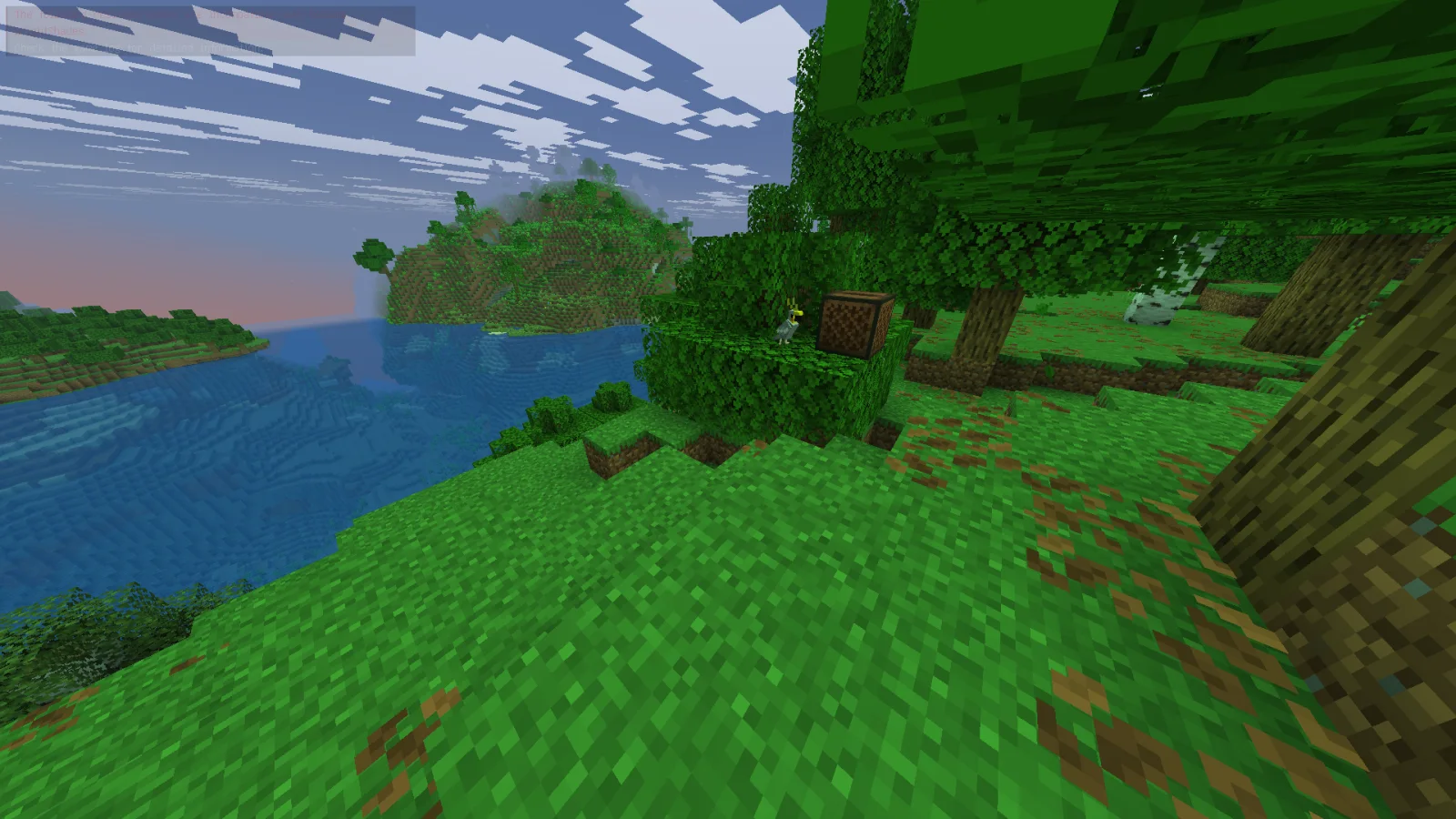
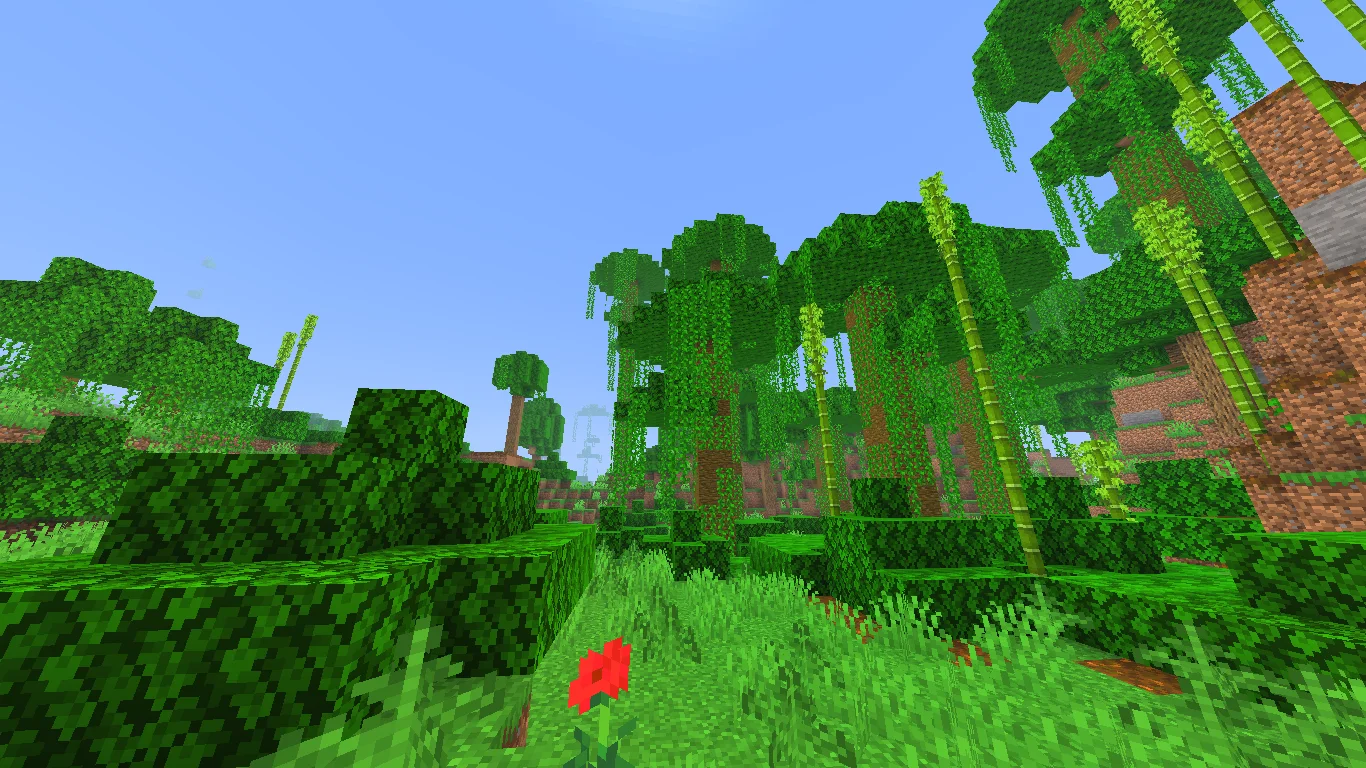
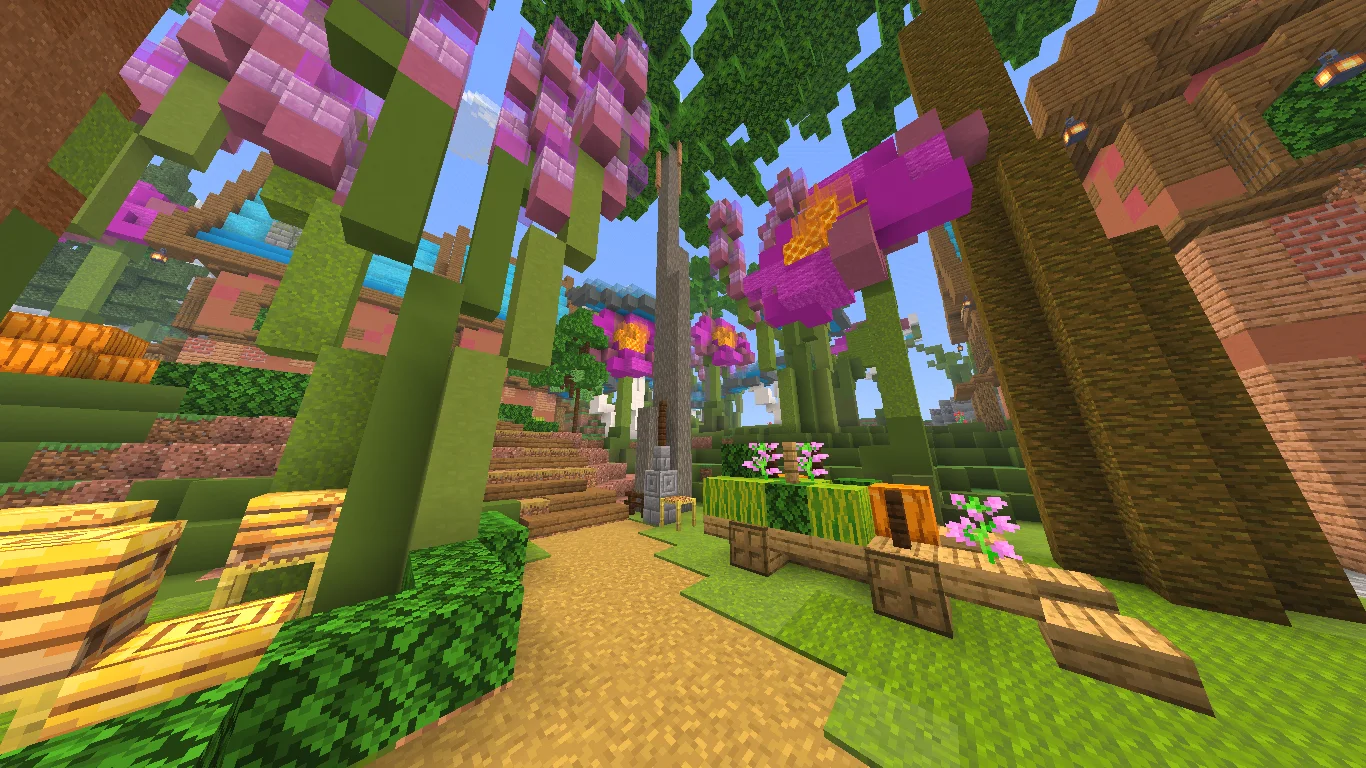
Bright Shades (pack de shaders) es obra de MinexInd. Brighter and cleaner lighting for Minecraft.
Es compatible con Minecraft 1.21. Se ha descargado 3,544 veces en Modrinth. La última actualización salió el 20/03/2026.
Bright Shades ha publicado 5 versiones en Modrinth desde el 25/11/2025. 5 salieron en el último año. La más reciente es 1.2, publicada el 20/03/2026. Está hecha para Minecraft 1.21.11. Funciona en Minecraft. La descarga ocupa 395 KB.
| Versión | Publicado | Minecraft | Tipo |
|---|---|---|---|
1.2 | 20/03/2026 | 1.21.11 | Estable |
1.2 | 20/03/2026 | 1.21.10 | Estable |
1.2 | 20/03/2026 | 1.21.9 | Estable |
1.1 | 20/03/2026 | 1.21.6, 1.21.7, 1.21.8 | Estable |
1.1 | 25/11/2025 | 1.21.2 – 1.21.5 | Estable |
Bright Shades is a small core-shader resourcepack that makes Minecraft look brighter, smoother, and more colorful without changing the original style.
It’s lightweight, doesn’t need any mods, and keeps the game running fast.
Escrita por MinexInd. Léela con imágenes en Modrinth.
Instala Iris (con Sodium) u OptiFine para tu versión de Minecraft: los shaders necesitan uno de ellos.
Descarga el archivo .zip desde Modrinth. No lo descomprimas.
En Minecraft, abre Opciones, luego Gráficos, luego Shader Packs y pulsa Abrir carpeta de shaders.
Suelta el archivo .zip en esa carpeta, elige Bright Shades en la lista y pulsa Listo.
Los shaders exigen mucho a la tarjeta gráfica. Si el juego va lento, elige un perfil más bajo en sus ajustes.
Todavía no. La versión más reciente que admite es Minecraft 1.21.
Sí. Bright Shades se puede descargar gratis desde Modrinth.
Sí. La última actualización salió en el último día.
Earth ShadersShaders · 1.20 – 26.xA bright, realistic Minecraft scene showcasing smooth lighting, soft shadows, and clear water reflections, giving the world a calm and natural atmosphere.
Inicia sesión para dejar una reseña.