
 Earth ShadersShaders · 1.20 – 26.x
A bright, realistic Minecraft scene showcasing smooth lighting, soft shadows, and clear water reflections, giving the world a calm and natural atmosphere.
Gratuit45,598 téléchargements
Brighter and cleaner lighting for Minecraft
Téléchargement direct depuis Modrinth · 3,544 téléchargements
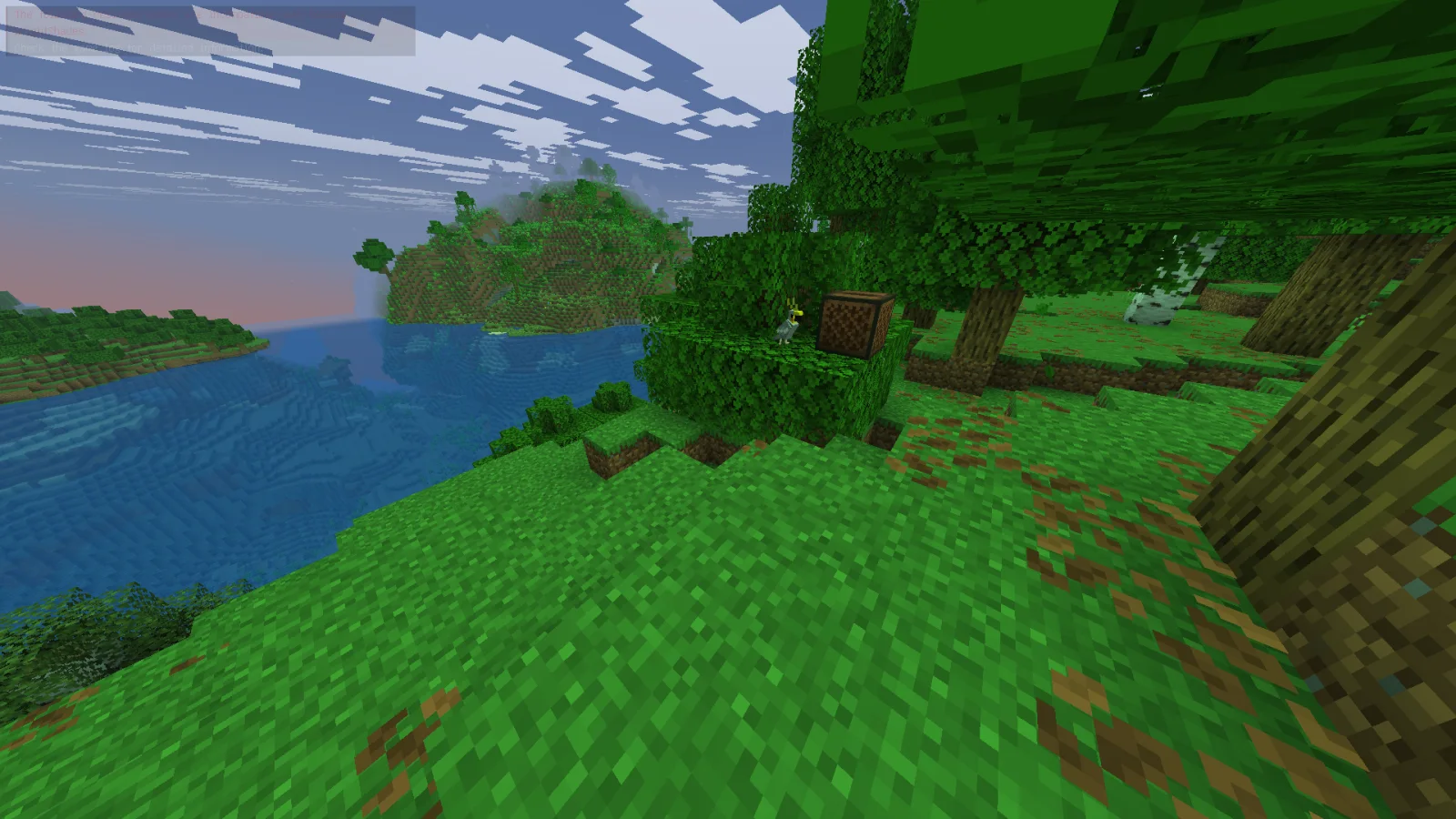
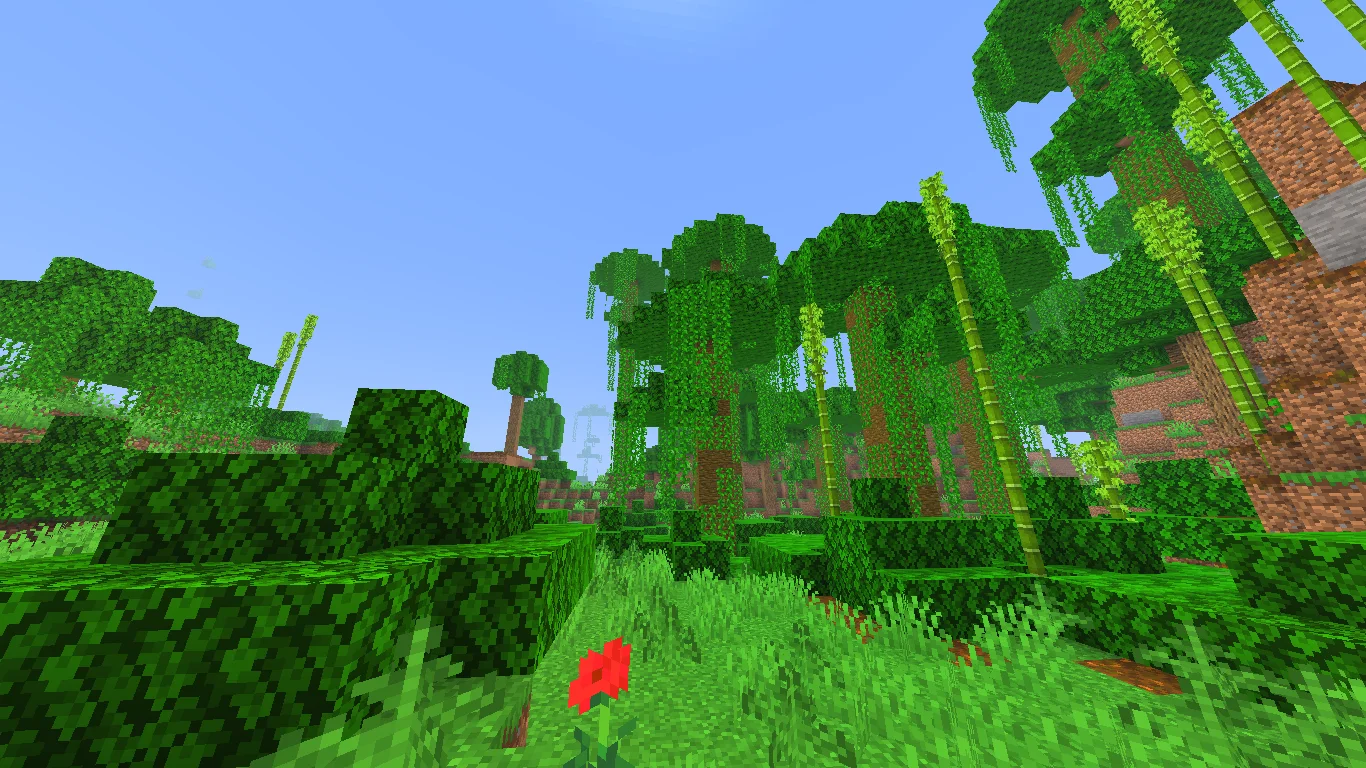
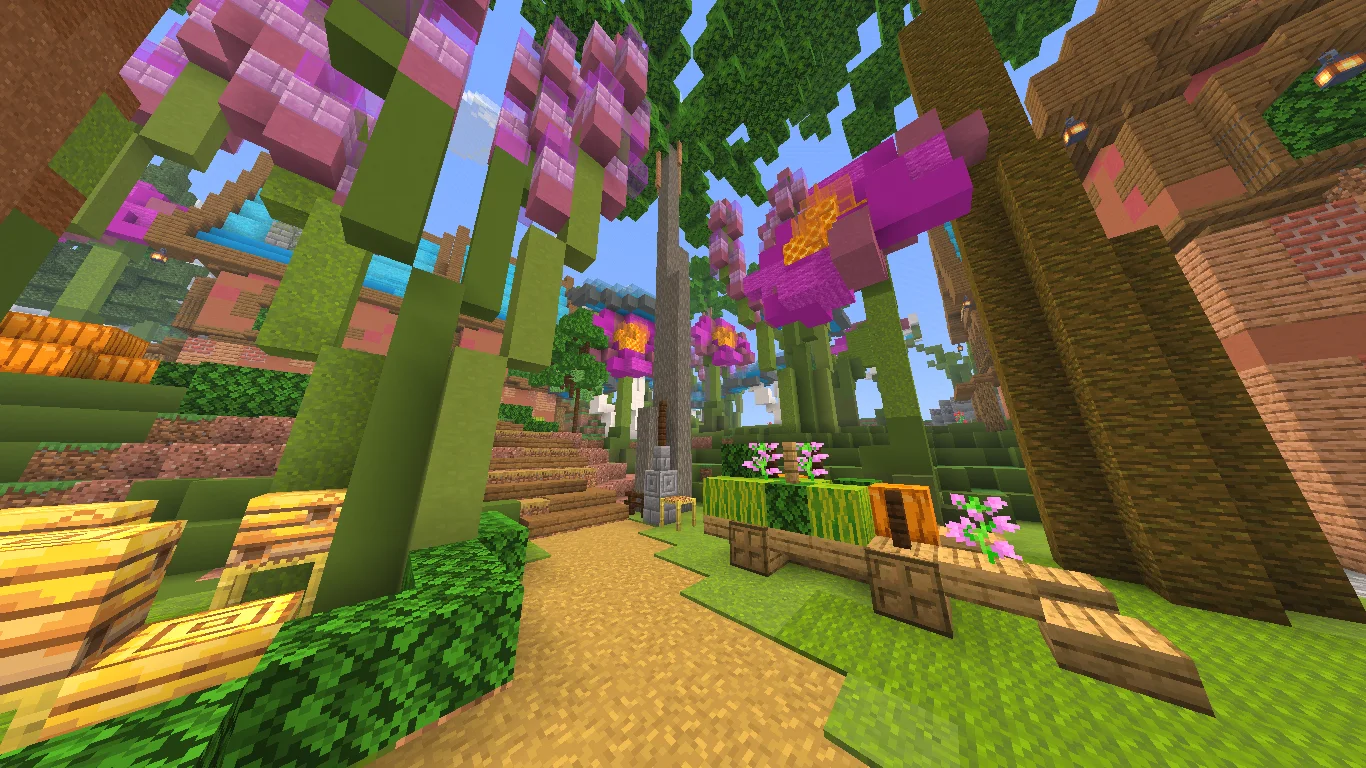
Bright Shades (pack de shaders) est une création de MinexInd. Brighter and cleaner lighting for Minecraft.
Versions prises en charge : Minecraft 1.21. On compte 3,544 téléchargements sur Modrinth. La dernière mise à jour date du 20/03/2026.
Bright Shades a publié 5 versions sur Modrinth depuis le 25/11/2025. 5 sont sorties au cours de l'année passée. La plus récente est 1.2, sortie le 20/03/2026. Elle est faite pour Minecraft 1.21.11. Elle fonctionne sur Minecraft. Le téléchargement fait 395 KB.
| Version | Publié | Minecraft | Type |
|---|---|---|---|
1.2 | 20/03/2026 | 1.21.11 | Stable |
1.2 | 20/03/2026 | 1.21.10 | Stable |
1.2 | 20/03/2026 | 1.21.9 | Stable |
1.1 | 20/03/2026 | 1.21.6, 1.21.7, 1.21.8 | Stable |
1.1 | 25/11/2025 | 1.21.2 – 1.21.5 | Stable |
Bright Shades is a small core-shader resourcepack that makes Minecraft look brighter, smoother, and more colorful without changing the original style.
It’s lightweight, doesn’t need any mods, and keeps the game running fast.
Écrite par MinexInd. À lire avec les images sur Modrinth.
Installe Iris (avec Sodium) ou OptiFine pour ta version de Minecraft : les shaders ont besoin de l'un des deux.
Télécharge le fichier .zip depuis Modrinth. Ne le décompresse pas.
Dans Minecraft, ouvre Options, puis Paramètres vidéo, puis Shaders, et clique sur Ouvrir le dossier des shaders.
Dépose le fichier .zip dans ce dossier, choisis Bright Shades dans la liste et clique sur Terminé.
Les shaders sollicitent beaucoup la carte graphique. Si le jeu ralentit, choisis un profil plus bas dans leurs réglages.
Pas encore. La version la plus récente prise en charge est Minecraft 1.21.
Oui. Bright Shades se télécharge gratuitement sur Modrinth.
Oui. La dernière mise à jour date des dernières 24 heures.
Earth ShadersShaders · 1.20 – 26.xA bright, realistic Minecraft scene showcasing smooth lighting, soft shadows, and clear water reflections, giving the world a calm and natural atmosphere.
Connecte-toi pour laisser un avis.