
 WayLinkMods · 1.21 – 26.x
Makes waypoints shared in chat work across JourneyMap, Xaero's Minimap and NoRisk Client. Add them with one click and share your own. Client-side.
Gratis94 descargas

A Minecraft Fabric client-side mod that touches up a few aspects of Minecraft's mundane chat, with as much configurability as possible!
Descarga directa desde Modrinth · 7,324,493 descargas
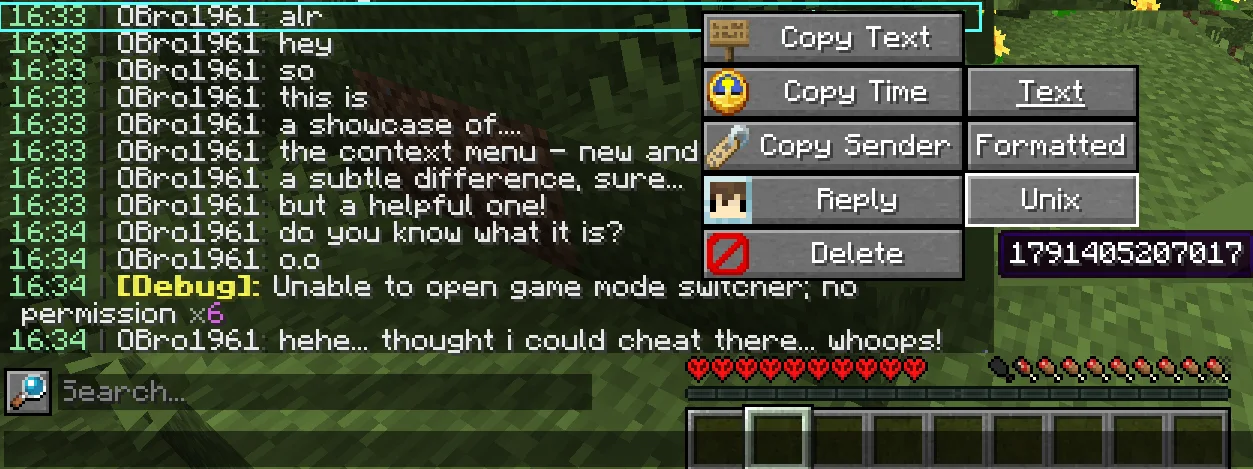
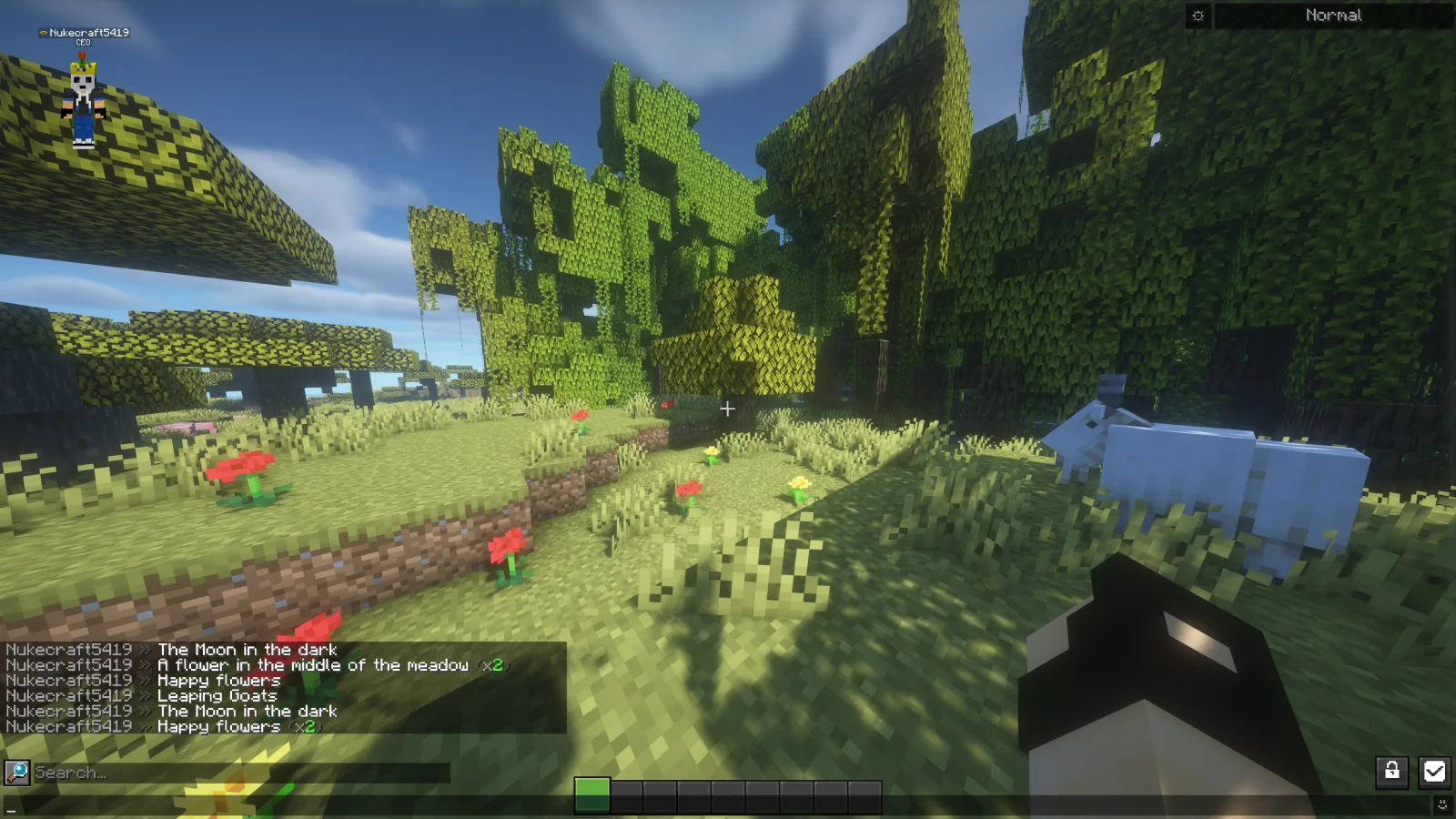
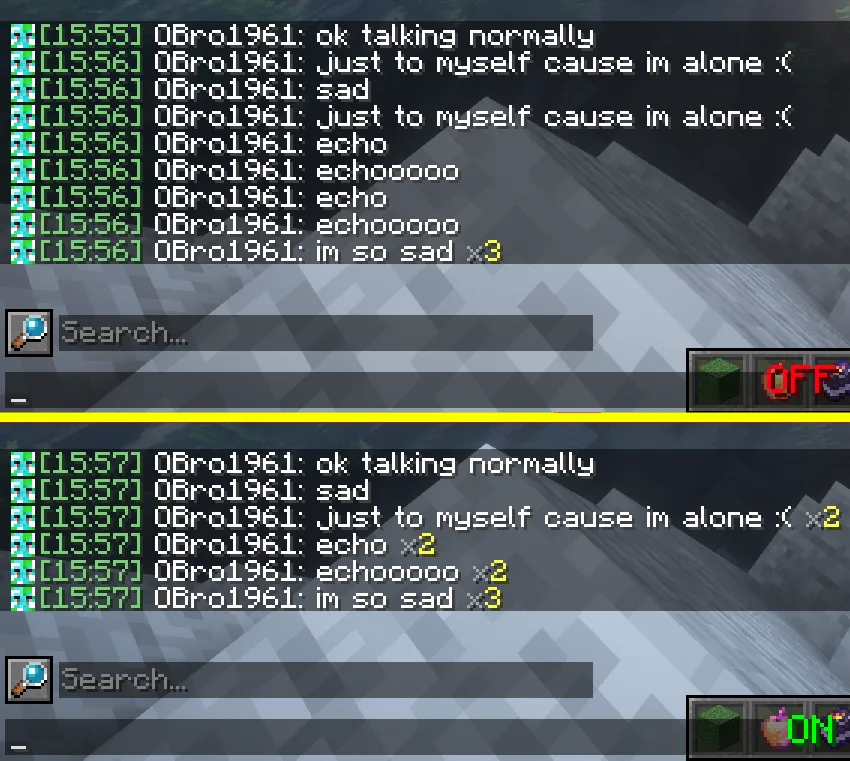
Chat Patches (mod) es obra de OBro1961. A Minecraft Fabric client-side mod that touches up a few aspects of Minecraft's mundane chat, with as much configurability as possible!
Es compatible con Minecraft 1.18 – 26.x. Se ha descargado 7,324,493 veces en Modrinth. La última actualización salió el 04/10/2026.
Chat Patches ha publicado 183 versiones en Modrinth desde el 26/07/2022. 65 salieron en el último año. La más reciente es 8.0.0+26.3-fabric, publicada el 04/10/2026. Está hecha para Minecraft 26.3. Funciona en Fabric. La descarga ocupa 1.5 MB.
| Versión | Publicado | Minecraft | Tipo |
|---|---|---|---|
8.0.0+26.3-fabric | 04/10/2026 | 26.3 | Estable |
8.0.0+26.2-fabric | 04/10/2026 | 26.2 | Estable |
8.0.0+26.1.2-fabric | 04/10/2026 | 26.1, 26.1.1, 26.1.2 | Estable |
8.0.0+1.21.11-fabric | 04/10/2026 | 1.21.11 | Estable |
8.0.0+1.21.1-fabric | 04/10/2026 | 1.21, 1.21.1 | Estable |
Chat Patches es de código abierto. Su última versión en GitHub es 217.6.16, publicada el 03/07/2025.
Antes: 216.6.16 (03/07/2025), 215.6.16 (03/07/2025).
A Minecraft client-side mod that touches up Minecraft's mundane chat, with configurability in mind!
It's most significant features include (but are not limited to):
Many of these features were adopted or inspired from the following existing mods
(of which Chat Patches serves as a replacement):
other things. But keep an eye out, one day it will be ready!
page, and if it hasn't been reported yet, you can create a new report! Make sure to fill out the entire thing as much as possible.
provide any logged errors if they exist.
(modrinth.com/mod/modmenu/versions?l=fabric&…).
copy at (directory)/config/chatpatches_old.json. By then opening both the new and old configs at the same time, you can copy and paste over the values.
Make sure the settings have correct inputs (ex. time should be true/false not 123 or "true").
pages (see above). If you're unsure, message me on Discord (@obro1961) about it.
If you would like to help translate Chat Patches into other languages, you can:
Once you contribute, join the Discord server so you can receive your complementary Contributor and Translator roles!
Escrita por OBro1961. Léela con imágenes en Modrinth.
Este mod funciona solo en tu propio juego. Los servidores no lo necesitan, así que puedes usarlo en cualquier servidor.
Instala Fabric y Quilt para Minecraft 1.18 – 26.x.
Añade los mods que necesita: YetAnotherConfigLib (YACL) y API de Fabric.
Descarga el archivo .jar desde Modrinth y ponlo en la carpeta mods de tu directorio .minecraft.
Inicia Minecraft con el perfil de Fabric.
Más fácil: en Prism Launcher o la Modrinth App, busca Chat Patches en los mods de tu instancia y haz clic en Install. Añade el loader y los mods que necesita por ti.
| Recurso | Descargas | Versiones | Última actualización | Precio |
|---|---|---|---|---|
| Chat Patchesel que estabas viendo | 7.3M | 1.18 – 26.x | 4 oct 2026 | Gratis |
| WayLinkPrimeli | 94 | 1.21 – 26.x | 11 oct 2026 | Gratis |
 No Chat ReportsAizistral | 62.1M | 1.19 – 26.x | 30 sept 2026 | Gratis |
 Essential ModSparkUniverse | 48.5M | 1.8 – 26.x | hace 10 días | Gratis |
Sí. Chat Patches es compatible con Minecraft 26.x. Todas las versiones compatibles: 26.x, 1.21, 1.20, 1.19, 1.18.
Sí. Chat Patches se puede descargar gratis desde Modrinth.
Del lado del cliente. Chat Patches va en tu propia carpeta mods y funciona en cualquier servidor, incluso en servidores sin mods.
Sí: Mod Menu, YetAnotherConfigLib (YACL), Fabric API, No Chat Reports. Instálalo antes de Chat Patches.
Sí. La última actualización salió en el último día.
Los más parecidos son WayLink, No Chat Reports y Essential Mod. Comparar todas las alternativas
WayLinkMods · 1.21 – 26.xMakes waypoints shared in chat work across JourneyMap, Xaero's Minimap and NoRisk Client. Add them with one click and share your own. Client-side.
No Chat ReportsMods · 1.19 – 26.xMakes chat unreportable (where possible)
Essential ModMods · 1.8 – 26.xEnhance your Minecraft with one simple mod. Host worlds for free, chat with friends, and so much more!
 Longer Chat HistoryMods · 1.19 – 26.x
Makes chat history much longer
 Chat HeadsMods · 1.16 – 26.x
See who you're chatting with!
 Chat AnimationMods · 1.20 – 26.x
Makes chat messages appear with a smooth animation.
Inicia sesión para dejar una reseña.