
 Third Person ZoomMody · 1.21
Improves third person camera view. zoom camera. and Improves your elytra camera movements
Za darmoPobrania: 17
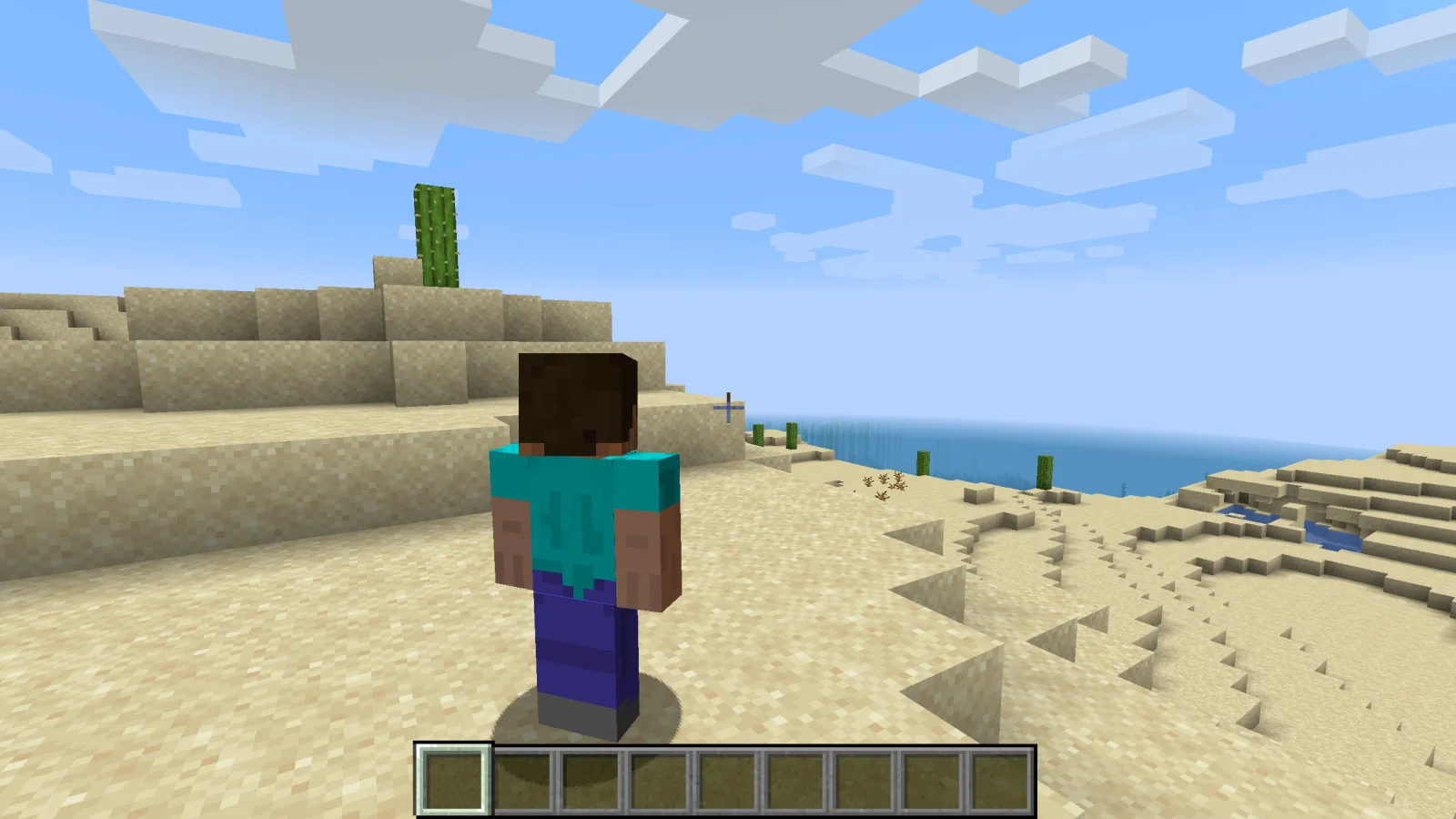
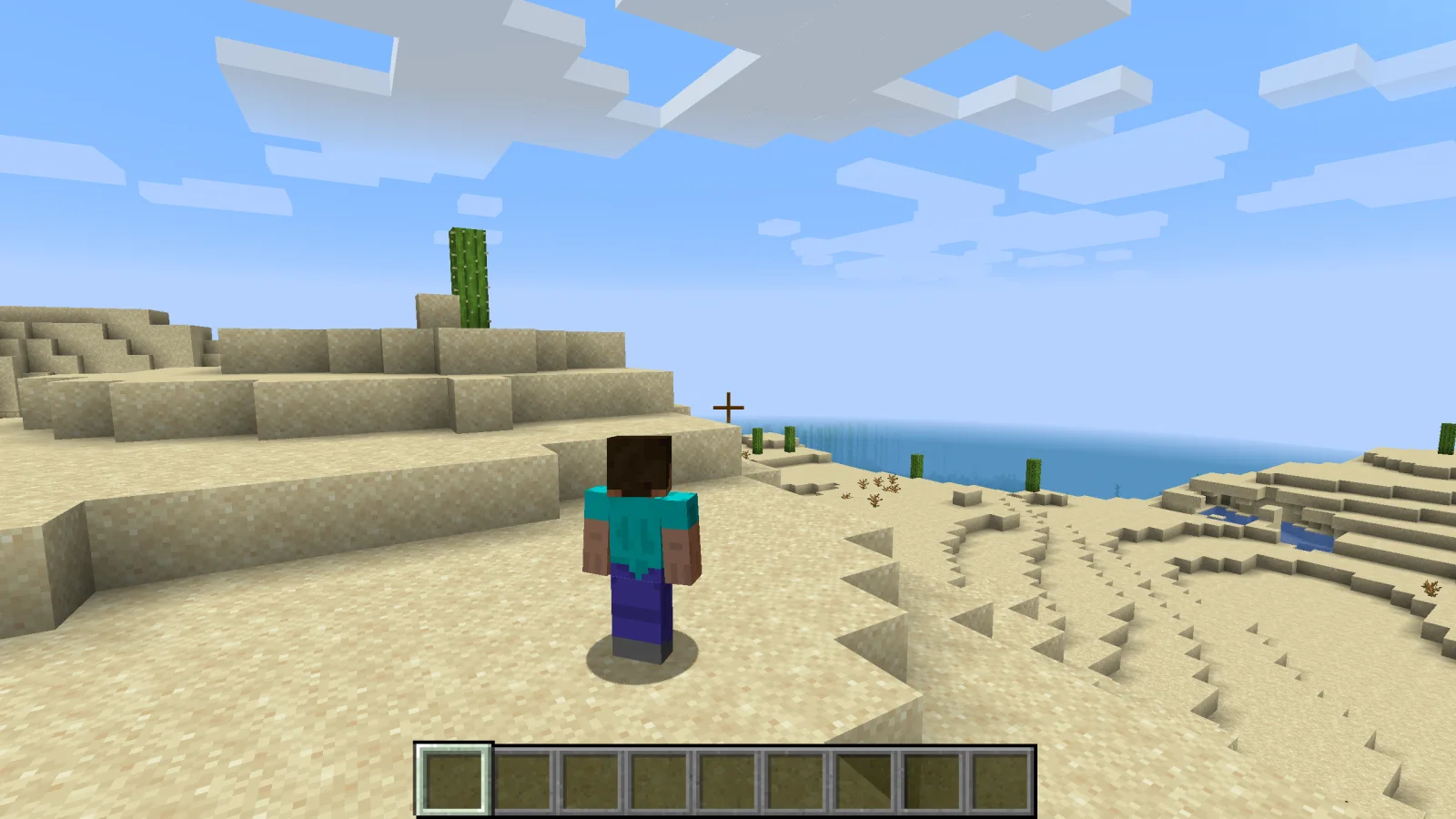
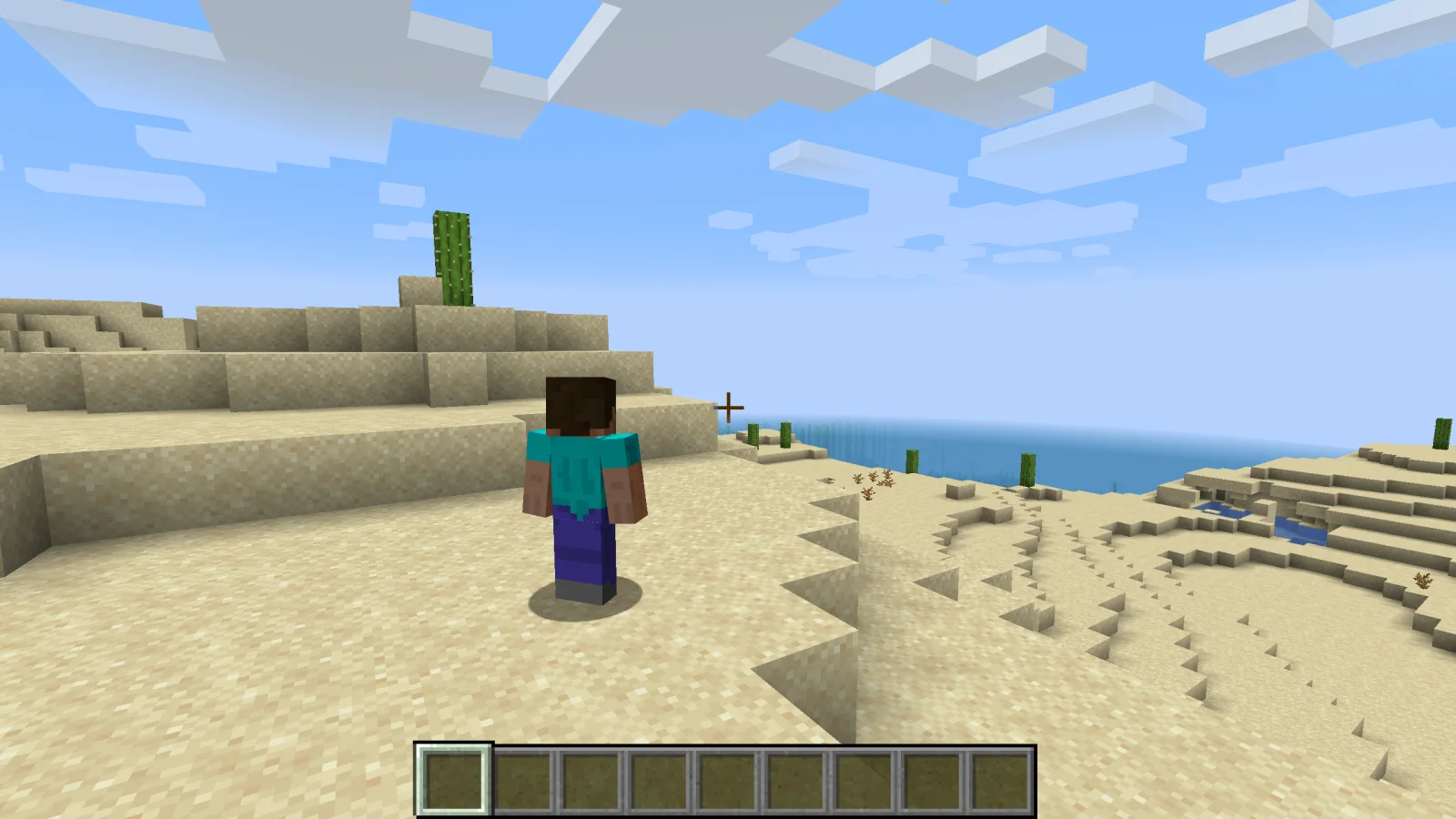
Shoulder Surfing Reloaded to mod, autor: Exopandora. Highly configurable third person camera mod.
Obsługiwane wersje: Minecraft 1.8 – 26.x. Liczba pobrań w serwisie Modrinth: 12,876,586. Ostatnia aktualizacja: 10.11.2026.
Shoulder Surfing Reloaded ma 1,168 wydań na Modrinth od 26.06.2023. 443 z nich wyszło w ostatnim roku. Najnowsza to 1.21.11-5.3.0+neoforge, wydana 31.10.2026. Jest zrobiona dla Minecraft 1.21.11. Działa na NeoForge. Plik ma 440 KB.
| Wersja | Wydano | Minecraft | Typ |
|---|---|---|---|
1.21.11-5.3.0+neoforge | 31.10.2026 | 1.21.11 | Wydanie |
1.21.11-5.3.0+fabric | 31.10.2026 | 1.21.11 | Wydanie |
1.21.11-5.3.0+forge | 31.10.2026 | 1.21.11 | Wydanie |
1.20.1-5.3.0+forge | 31.10.2026 | 1.20, 1.20.1 | Wydanie |
1.20.1-5.3.0+fabric | 31.10.2026 | 1.20, 1.20.1 | Wydanie |
Shoulder Surfing Reloaded ma otwarty kod. Najnowsze wydanie na GitHubie to 26.3-5.3.1, opublikowane 10.11.2026.
Release version 5.3.1
Wcześniej: 26.2-5.3.1 (10.11.2026), 1.21.11-5.3.1 (10.11.2026).
Shoulder Surfing Reloaded is a highly configurable third person camera mod for minecraft.
Please note that this mod modifies the camera position and player movement, which can be an issue for servers with strict anti-cheat.
Use at your own risk!
Forge
Fabric
NeoForge
[!NOTE]
In-game configuration for Minecraft 1.20.x requires Forge Config Screens (CurseForge, Modrinth)
Shoulder Surfing Reloaded 2.9.7 and older
[!NOTE]
In-game configuration is only available on 1.12.x and older
Shoulder Surfing Reloaded features a plugin API for third party mod developers.
This allows for implementing custom camera behaviours and compatibility features without the use of invasive mixins.
The documentation can be found in the wiki on GitHub.
It explains step by step on how to create and register your own plugin, and how you can implement and register custom callbacks.
Q: Why is the player not looking at the position of the crosshair when holding item x?
A: This needs to be configured using the config options adaptive_crosshair_hold_items or adaptive_crosshair_use_items.
Q: Why is the player not rendered correctly when using shader pack x?
A: This is caused by player transparency effects of Shoulder Surfing Reloaded. Either disable them in the config (adjust_player_transparency) and restart your game or report this to the authors of the shader pack.
Q: Can you port feature x to version y?
A: No.
Q: Can you port this to quilt, liteloader, rift, etc.?
A: No.
Q: Can I add this to my modpack?
A: Yes.
MIT License, Original project by Sabar: Minecraft Forum, GitHub
Autor: Exopandora. Z obrazkami na Modrinth.
Ten mod działa tylko w twojej grze. Serwery go nie potrzebują, więc możesz go używać na każdym serwerze.
Zainstaluj Fabric, Forge i NeoForge dla Minecraft 1.8 – 26.x.
Pobierz plik .jar z Modrinth i wrzuć go do folderu mods w katalogu .minecraft.
Uruchom Minecraft z profilem Fabric.
Prościej: w Prism Launcher lub Modrinth App wyszukaj Shoulder Surfing Reloaded w modach swojej instancji i kliknij Install. Loader i potrzebne mody zostaną dodane za ciebie.
| Zasób | Pobrania | Wersje | Aktualizacja | Cena |
|---|---|---|---|---|
 Shoulder Surfing Reloadedten, który oglądałeś | 12.9M | 1.8 – 26.x | 4 d. temu | Za darmo |
| Third Person ZoomModMastarZ | 17 | 1.21 | 20 d. temu | Za darmo |
 Not Enough Animationstr7zw | 94.6M | 1.16 – 26.x | 13 d. temu | Za darmo |
 GoetyPolarice3 | 7.2M | 1.16 – 1.21 | 8 d. temu | Za darmo |
Tak. Shoulder Surfing Reloaded działa w wersji Minecrafta 26.x. Wszystkie obsługiwane wersje: 26.x, 1.21, 1.20, 1.19, 1.18, 1.16, 1.12, 1.8.
Tak. Shoulder Surfing Reloaded można pobrać za darmo z serwisu Modrinth.
Po stronie klienta. Shoulder Surfing Reloaded trafia do twojego folderu mods i działa na każdym serwerze, także bez modów.
Tak. Ostatnia aktualizacja wyszła w ciągu ostatniej doby.
Najbliższe to Third Person Zoom, Not Enough Animations i Goety. Porównaj wszystkie alternatywy
Third Person ZoomMody · 1.21Improves third person camera view. zoom camera. and Improves your elytra camera movements
Not Enough AnimationsMody · 1.16 – 26.xBringing first-person animations to the third-person
GoetyMody · 1.16 – 1.21Perform necromancy and dark rituals using the power of souls. Highly configurable.
 Leawind's Third PersonMody · 1.18 – 26.x
A smooth third person perspective mod
 Better Third PersonMody · 1.16 – 1.21
Improves third person camera view.
 ExposureMody · 1.19 – 1.21
Camera mod with focus on process and aesthetics
Zaloguj się, aby wystawić opinię.