
 Third Person ZoomMods · 1.21
Improves third person camera view. zoom camera. and Improves your elytra camera movements
Grátis20 downloads
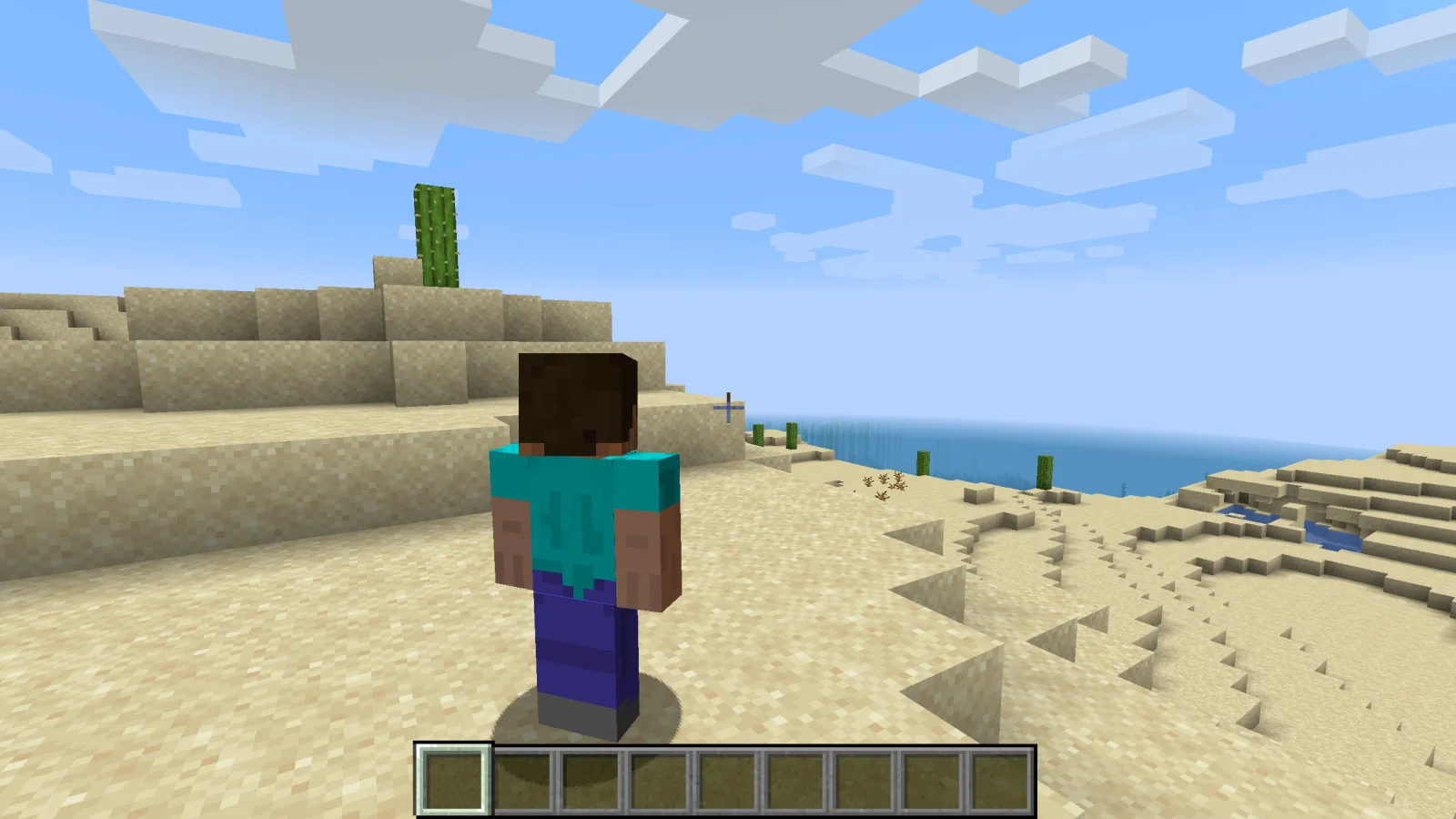
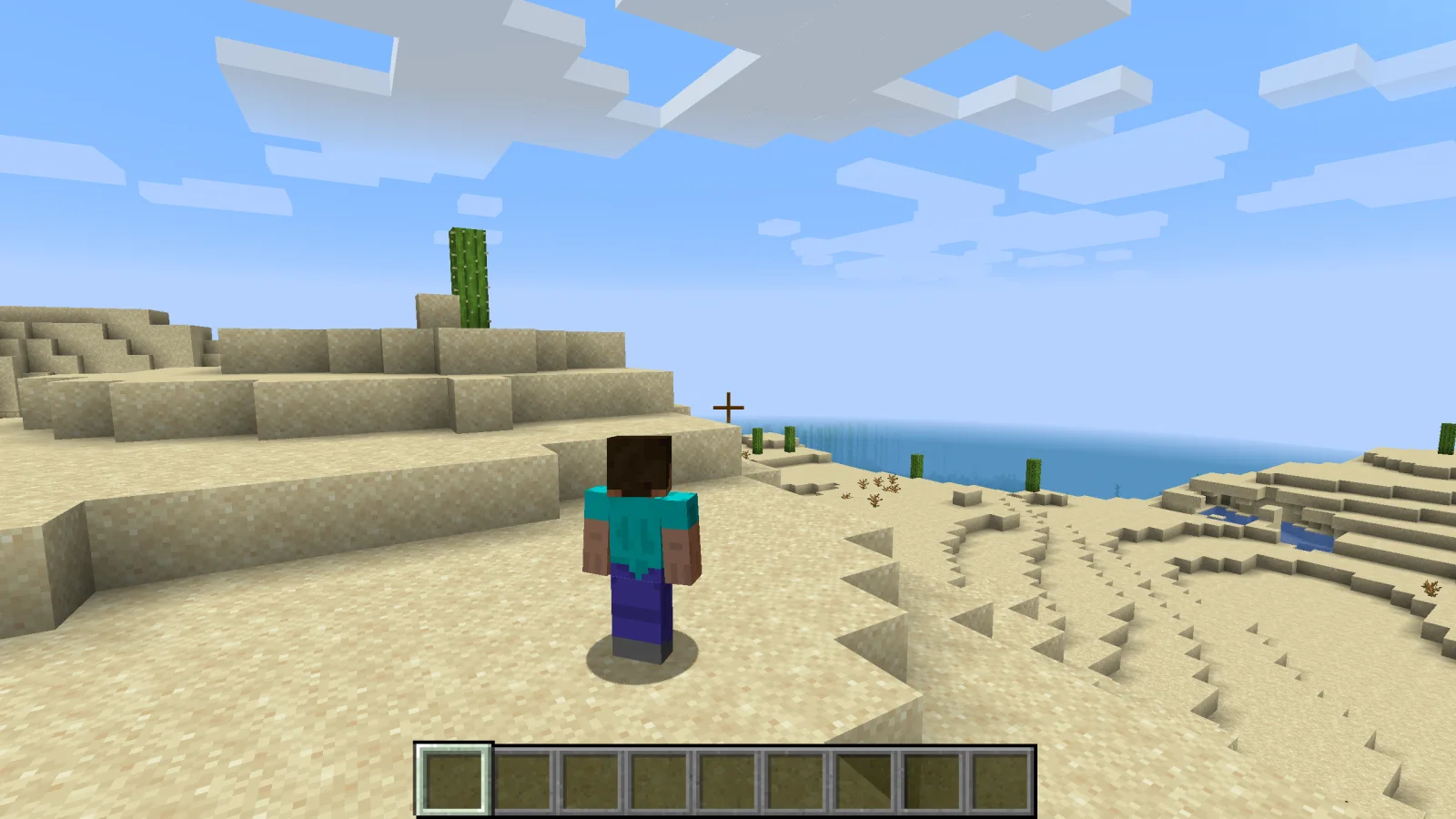
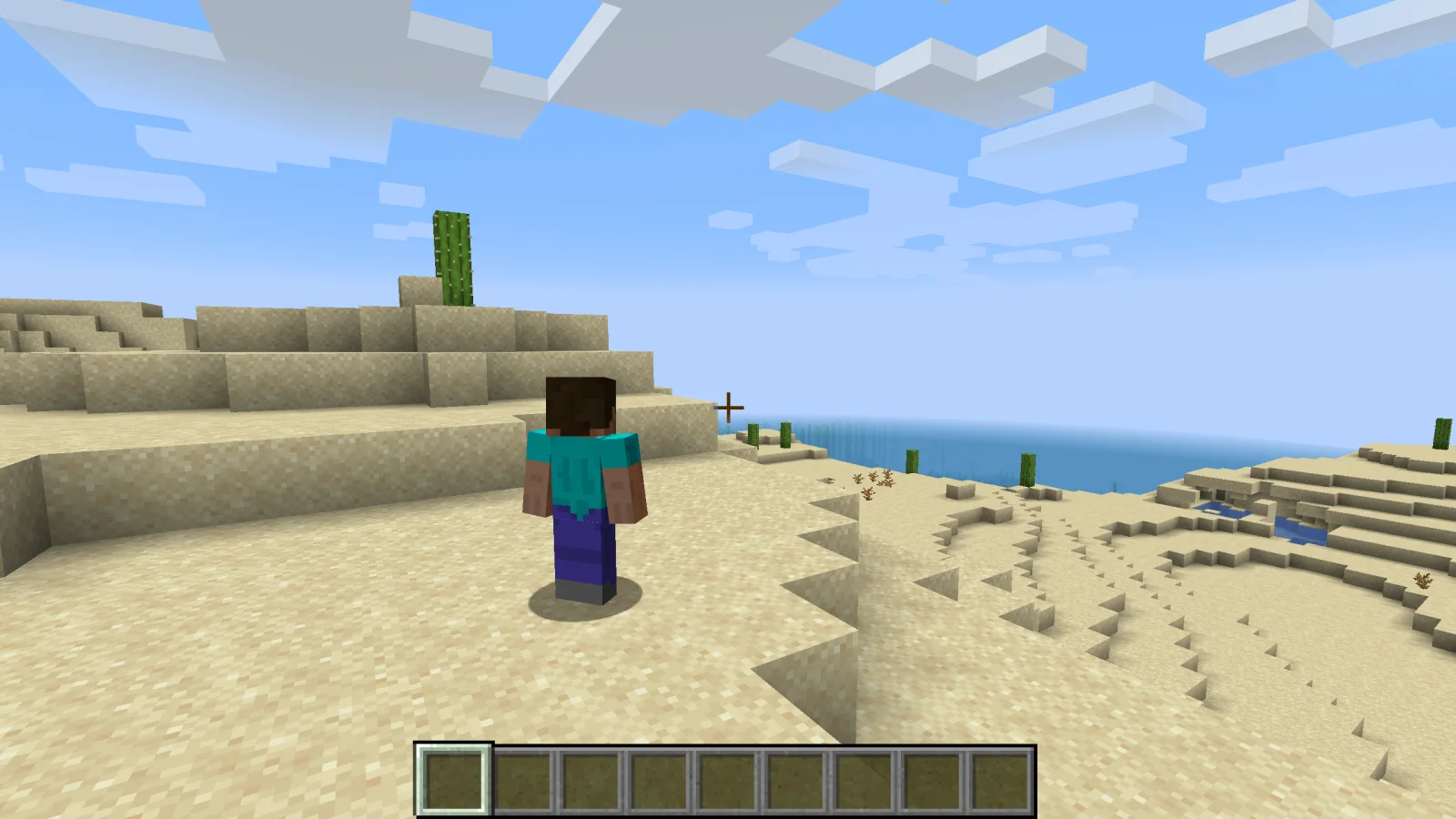
Shoulder Surfing Reloaded (mod) é obra de Exopandora. Highly configurable third person camera mod.
É compatível com o Minecraft 1.8 – 26.x. Tem 12,902,756 downloads em Modrinth. A última atualização saiu em 10/11/2026.
Shoulder Surfing Reloaded teve 1,168 versões no Modrinth desde 26/06/2023. 443 saíram no último ano. A mais recente é 1.21.11-5.3.0+neoforge, lançada em 31/10/2026. Ela é feita para o Minecraft 1.21.11. Ela roda em NeoForge. O download tem 440 KB.
| Versão | Lançado | Minecraft | Tipo |
|---|---|---|---|
1.21.11-5.3.0+neoforge | 31/10/2026 | 1.21.11 | Estável |
1.21.11-5.3.0+fabric | 31/10/2026 | 1.21.11 | Estável |
1.21.11-5.3.0+forge | 31/10/2026 | 1.21.11 | Estável |
1.20.1-5.3.0+forge | 31/10/2026 | 1.20, 1.20.1 | Estável |
1.20.1-5.3.0+fabric | 31/10/2026 | 1.20, 1.20.1 | Estável |
Shoulder Surfing Reloaded é de código aberto. A versão mais recente no GitHub é 26.3-5.3.1, publicada em 10/11/2026.
Release version 5.3.1
Antes: 26.2-5.3.1 (10/11/2026), 1.21.11-5.3.1 (10/11/2026).
Shoulder Surfing Reloaded is a highly configurable third person camera mod for minecraft.
Please note that this mod modifies the camera position and player movement, which can be an issue for servers with strict anti-cheat.
Use at your own risk!
Forge
Fabric
NeoForge
[!NOTE]
In-game configuration for Minecraft 1.20.x requires Forge Config Screens (CurseForge, Modrinth)
Shoulder Surfing Reloaded 2.9.7 and older
[!NOTE]
In-game configuration is only available on 1.12.x and older
Shoulder Surfing Reloaded features a plugin API for third party mod developers.
This allows for implementing custom camera behaviours and compatibility features without the use of invasive mixins.
The documentation can be found in the wiki on GitHub.
It explains step by step on how to create and register your own plugin, and how you can implement and register custom callbacks.
Q: Why is the player not looking at the position of the crosshair when holding item x?
A: This needs to be configured using the config options adaptive_crosshair_hold_items or adaptive_crosshair_use_items.
Q: Why is the player not rendered correctly when using shader pack x?
A: This is caused by player transparency effects of Shoulder Surfing Reloaded. Either disable them in the config (adjust_player_transparency) and restart your game or report this to the authors of the shader pack.
Q: Can you port feature x to version y?
A: No.
Q: Can you port this to quilt, liteloader, rift, etc.?
A: No.
Q: Can I add this to my modpack?
A: Yes.
MIT License, Original project by Sabar: Minecraft Forum, GitHub
Escrita por Exopandora. Leia com imagens no Modrinth.
Este mod roda só no seu jogo. Os servidores não precisam dele, então você pode usar em qualquer servidor.
Instale Fabric, Forge e NeoForge para o Minecraft 1.8 – 26.x.
Baixe o arquivo .jar pelo Modrinth e coloque na pasta mods do seu diretório .minecraft.
Abra o Minecraft com o perfil Fabric.
Mais fácil: no Prism Launcher ou no Modrinth App, procure Shoulder Surfing Reloaded nos mods da sua instância e clique em Install. Ele adiciona o loader e os mods necessários para você.
| Recurso | Downloads | Versões | Última atualização | Preço |
|---|---|---|---|---|
 Shoulder Surfing Reloadedo que você estava vendo | 12.9M | 1.8 – 26.x | há 5 dias | Grátis |
| Third Person ZoomModMastarZ | 20 | 1.21 | há 21 dias | Grátis |
 Not Enough Animationstr7zw | 94.7M | 1.16 – 26.x | há 14 dias | Grátis |
 GoetyPolarice3 | 7.3M | 1.16 – 1.21 | há 9 dias | Grátis |
Sim. Shoulder Surfing Reloaded é compatível com o Minecraft 26.x. Todas as versões compatíveis: 26.x, 1.21, 1.20, 1.19, 1.18, 1.16, 1.12, 1.8.
Sim. Você pode baixar Shoulder Surfing Reloaded de graça em Modrinth.
Do lado do cliente. Shoulder Surfing Reloaded vai na sua própria pasta mods e funciona em qualquer servidor, inclusive sem mods.
Sim. A última atualização saiu no último dia.
Os mais parecidos são Third Person Zoom, Not Enough Animations e Goety. Comparar todas as alternativas
Third Person ZoomMods · 1.21Improves third person camera view. zoom camera. and Improves your elytra camera movements
Not Enough AnimationsMods · 1.16 – 26.xBringing first-person animations to the third-person
GoetyMods · 1.16 – 1.21Perform necromancy and dark rituals using the power of souls. Highly configurable.
 Leawind's Third PersonMods · 1.18 – 26.x
A smooth third person perspective mod
 Better Third PersonMods · 1.16 – 1.21
Improves third person camera view.
 ExposureMods · 1.19 – 1.21
Camera mod with focus on process and aesthetics
Entre para deixar uma avaliação.