
 Third Person ZoomMods · 1.21
Improves third person camera view. zoom camera. and Improves your elytra camera movements
Free17 downloads
Highly configurable third person camera mod
Direct download from Modrinth · 12,876,586 downloads
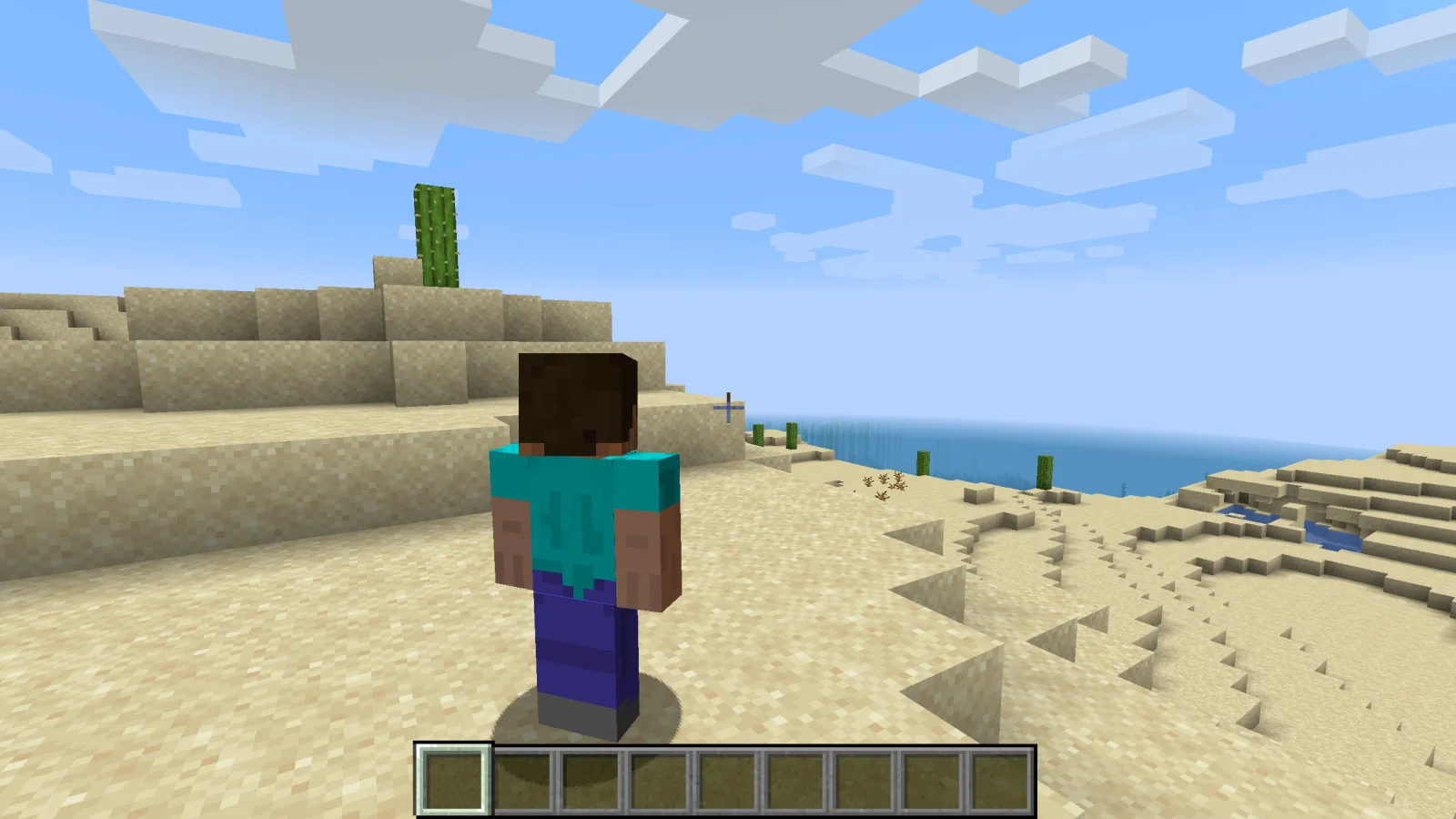
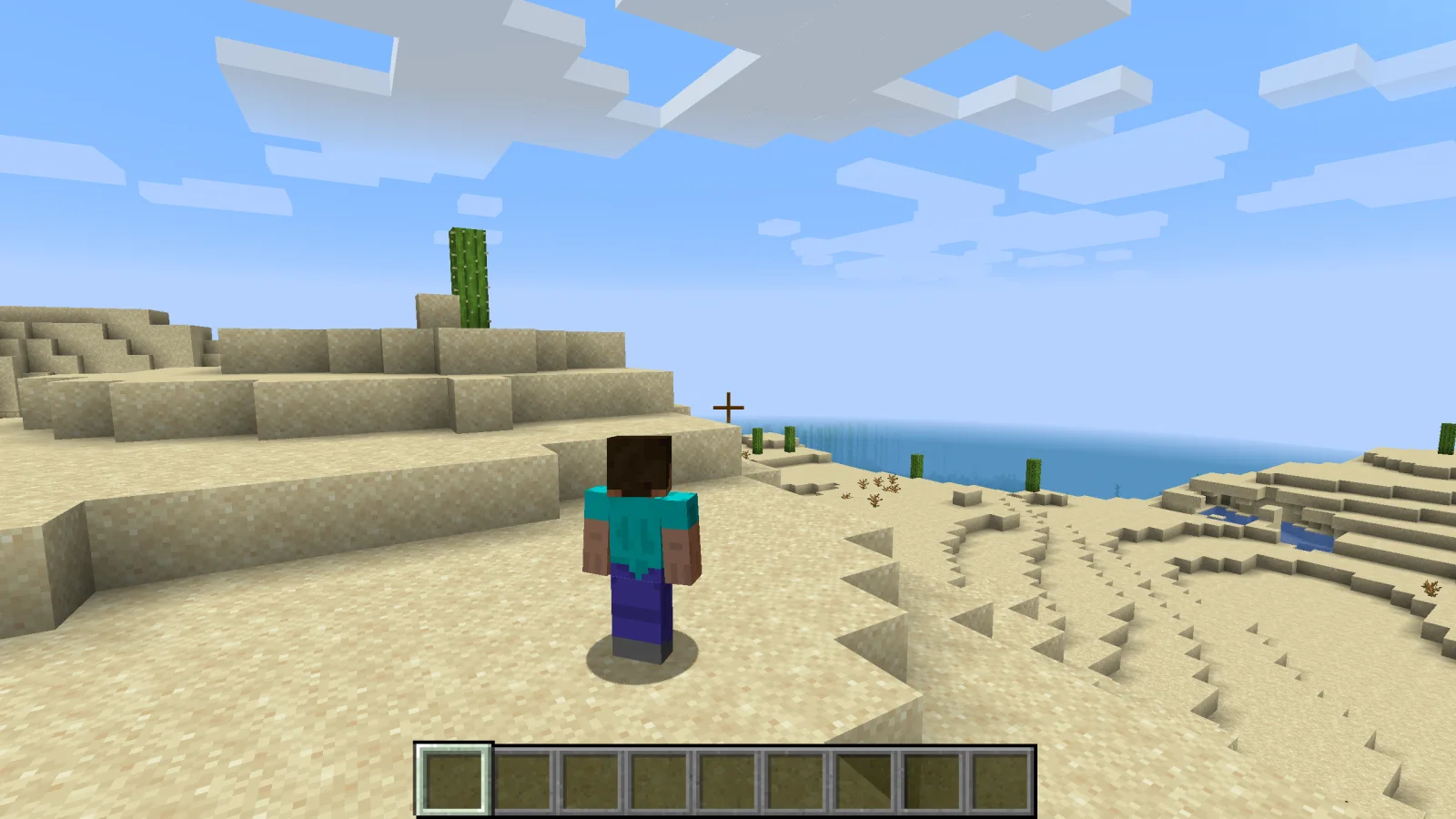
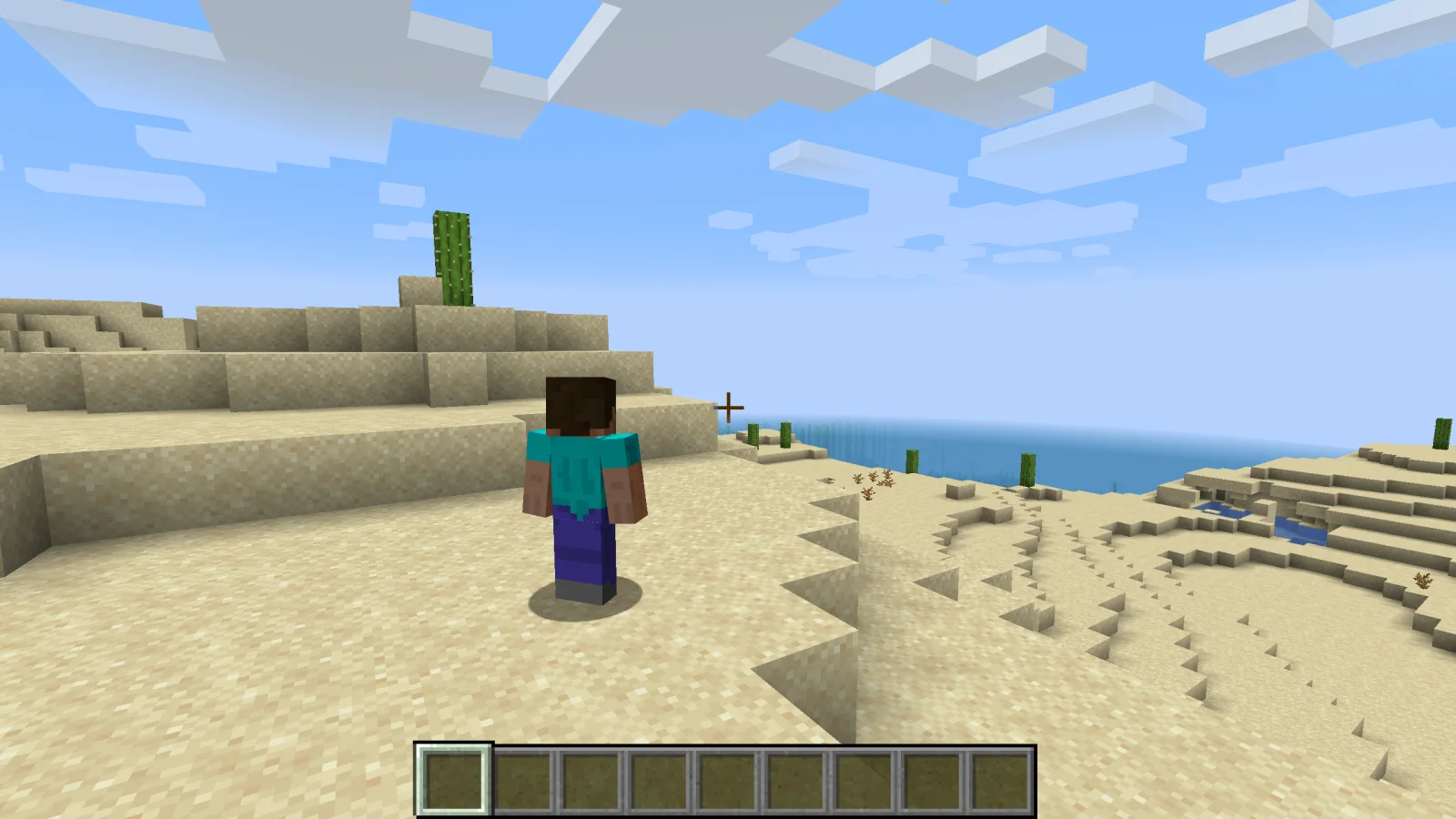
Shoulder Surfing Reloaded is a mod made by Exopandora. Highly configurable third person camera mod.
It supports Minecraft 1.8 – 26.x. It has been downloaded 12,876,586 times on Modrinth. The last update came out on Nov 10, 2026.
Shoulder Surfing Reloaded has had 1,168 releases on Modrinth since Jun 26, 2023. 443 of them came out in the past year. The newest is 1.21.11-5.3.0+neoforge, released on Oct 31, 2026. It is made for Minecraft 1.21.11. It runs on NeoForge. The download is 440 KB.
| Version | Released | Minecraft | Type |
|---|---|---|---|
1.21.11-5.3.0+neoforge | Oct 31, 2026 | 1.21.11 | Release |
1.21.11-5.3.0+fabric | Oct 31, 2026 | 1.21.11 | Release |
1.21.11-5.3.0+forge | Oct 31, 2026 | 1.21.11 | Release |
1.20.1-5.3.0+forge | Oct 31, 2026 | 1.20, 1.20.1 | Release |
1.20.1-5.3.0+fabric | Oct 31, 2026 | 1.20, 1.20.1 | Release |
Shoulder Surfing Reloaded is open source. Its newest release on GitHub is 26.3-5.3.1, published on Nov 10, 2026.
Release version 5.3.1
Before that: 26.2-5.3.1 (Nov 10, 2026), 1.21.11-5.3.1 (Nov 10, 2026).
Shoulder Surfing Reloaded is a highly configurable third person camera mod for minecraft.
Please note that this mod modifies the camera position and player movement, which can be an issue for servers with strict anti-cheat.
Use at your own risk!
Forge
Fabric
NeoForge
[!NOTE]
In-game configuration for Minecraft 1.20.x requires Forge Config Screens (CurseForge, Modrinth)
Shoulder Surfing Reloaded 2.9.7 and older
[!NOTE]
In-game configuration is only available on 1.12.x and older
Shoulder Surfing Reloaded features a plugin API for third party mod developers.
This allows for implementing custom camera behaviours and compatibility features without the use of invasive mixins.
The documentation can be found in the wiki on GitHub.
It explains step by step on how to create and register your own plugin, and how you can implement and register custom callbacks.
Q: Why is the player not looking at the position of the crosshair when holding item x?
A: This needs to be configured using the config options adaptive_crosshair_hold_items or adaptive_crosshair_use_items.
Q: Why is the player not rendered correctly when using shader pack x?
A: This is caused by player transparency effects of Shoulder Surfing Reloaded. Either disable them in the config (adjust_player_transparency) and restart your game or report this to the authors of the shader pack.
Q: Can you port feature x to version y?
A: No.
Q: Can you port this to quilt, liteloader, rift, etc.?
A: No.
Q: Can I add this to my modpack?
A: Yes.
MIT License, Original project by Sabar: Minecraft Forum, GitHub
Written by Exopandora. Read it with pictures on Modrinth.
This mod runs only on your own game. Servers do not need it, so you can use it on any server.
Install Fabric, Forge and NeoForge for Minecraft 1.8 – 26.x.
Download the .jar file from Modrinth and put it in the mods folder of your .minecraft directory.
Start Minecraft with the Fabric profile.
Easier: in Prism Launcher or the Modrinth App, search for Shoulder Surfing Reloaded in your instance's mods and click Install. It adds the loader and the mods it needs for you.
Full guide: How to install Minecraft mods
| Resource | Downloads | Versions | Last update | Price |
|---|---|---|---|---|
| Shoulder Surfing Reloadedthe one you looked at | 12.9M | 1.8 – 26.x | 3 days ago | Free |
| Third Person ZoomModMastarZ | 17 | 1.21 | 20 days ago | Free |
 Not Enough Animationstr7zw | 94.4M | 1.16 – 26.x | 12 days ago | Free |
 GoetyPolarice3 | 7.2M | 1.16 – 1.21 | 7 days ago | Free |
Yes. Shoulder Surfing Reloaded supports Minecraft 26.x. All supported versions: 26.x, 1.21, 1.20, 1.19, 1.18, 1.16, 1.12, 1.8.
Yes. Shoulder Surfing Reloaded is free to download from Modrinth.
Client-side. Shoulder Surfing Reloaded goes in your own mods folder and works on any server, including servers without mods.
Yes. The last update came out in the past day.
The closest ones are Third Person Zoom, Not Enough Animations and Goety. Compare all alternatives
Third Person ZoomMods · 1.21Improves third person camera view. zoom camera. and Improves your elytra camera movements
Not Enough AnimationsMods · 1.16 – 26.xBringing first-person animations to the third-person
GoetyMods · 1.16 – 1.21Perform necromancy and dark rituals using the power of souls. Highly configurable.
 Leawind's Third PersonMods · 1.18 – 26.x
A smooth third person perspective mod
 Better Third PersonMods · 1.16 – 1.21
Improves third person camera view.
 ExposureMods · 1.19 – 1.21
Camera mod with focus on process and aesthetics
Log in to leave a review.