
 Third Person ZoomModlar · 1.21
Improves third person camera view. zoom camera. and Improves your elytra camera movements
Ücretsiz17 indirme
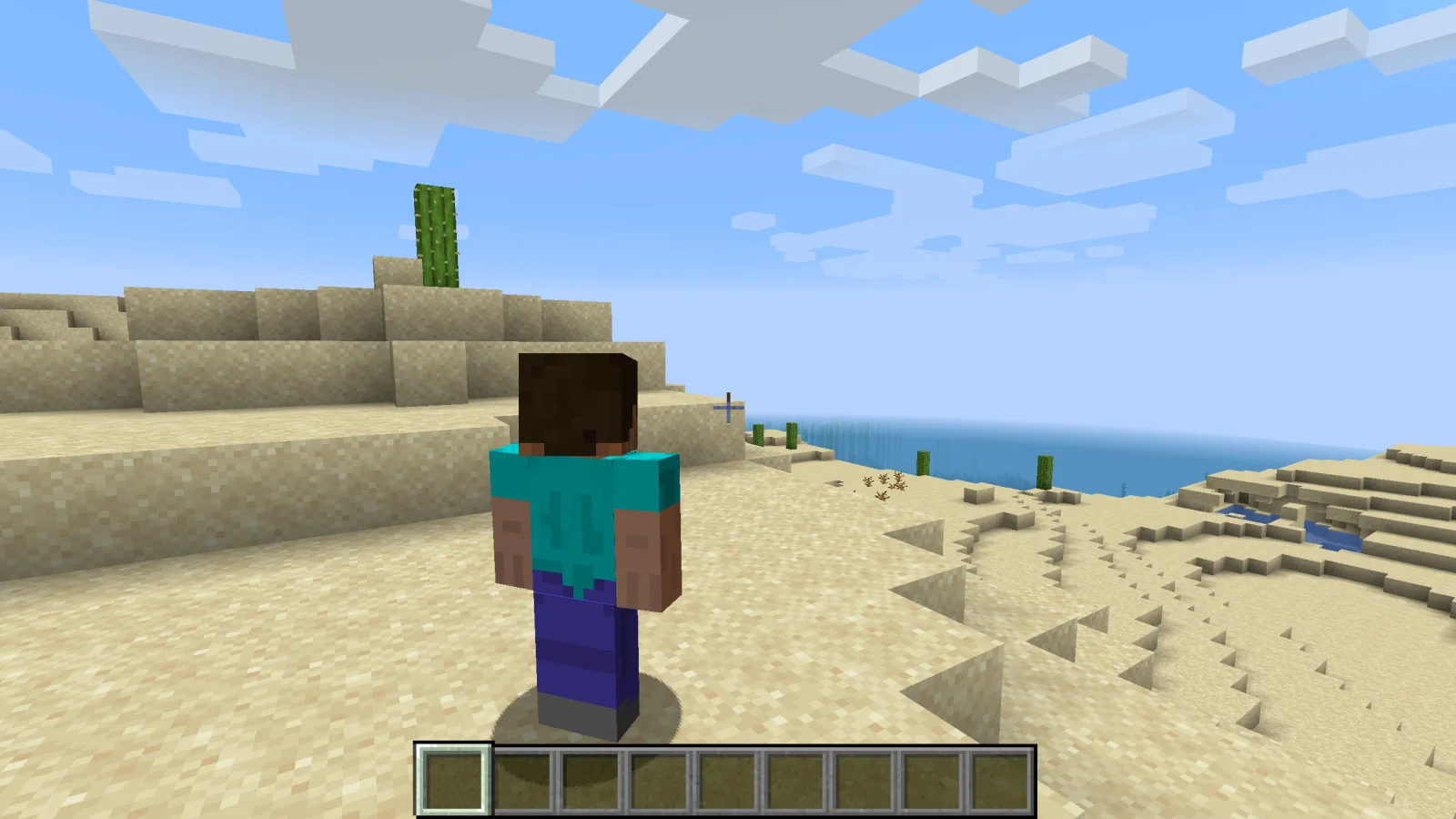
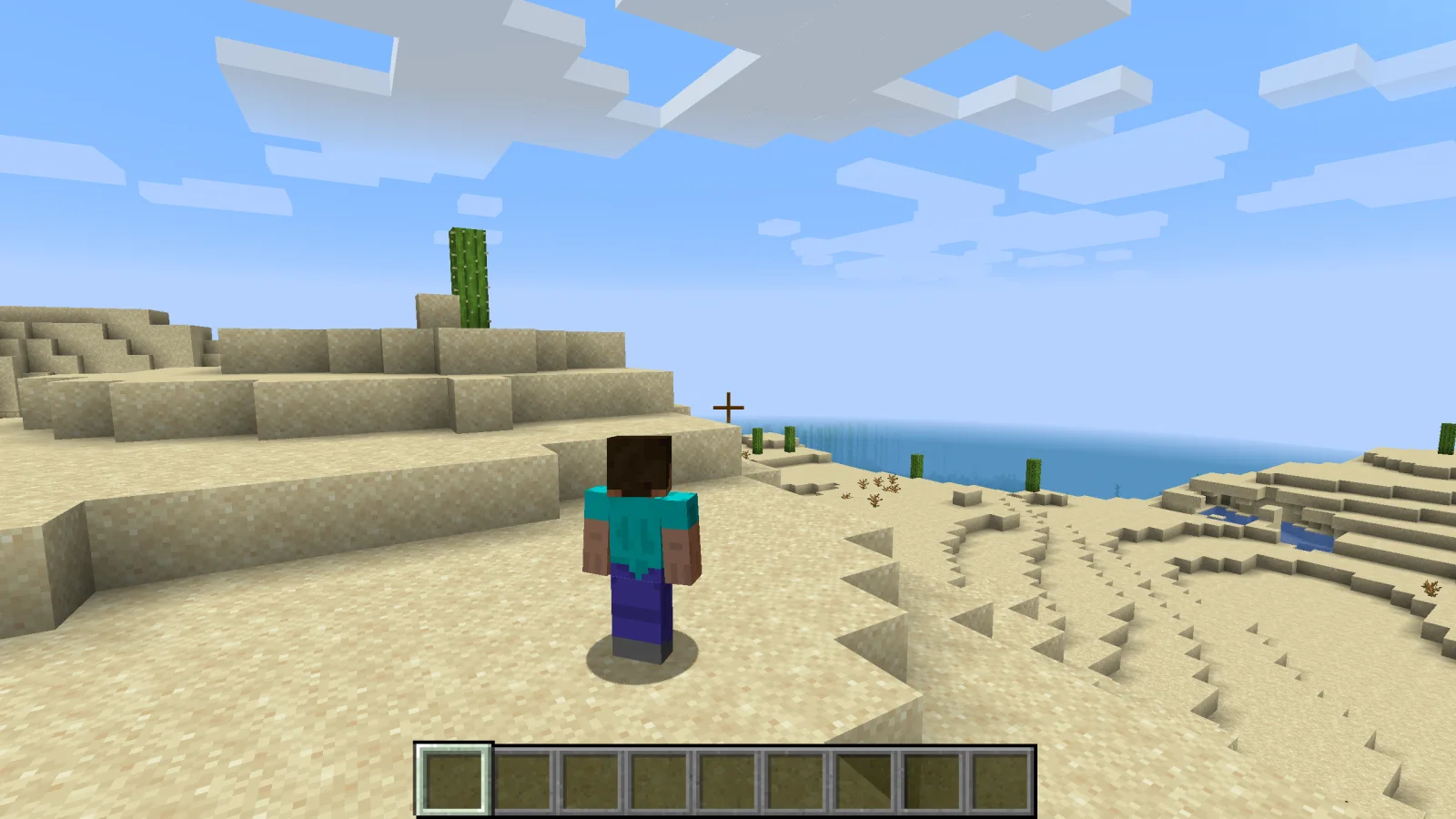
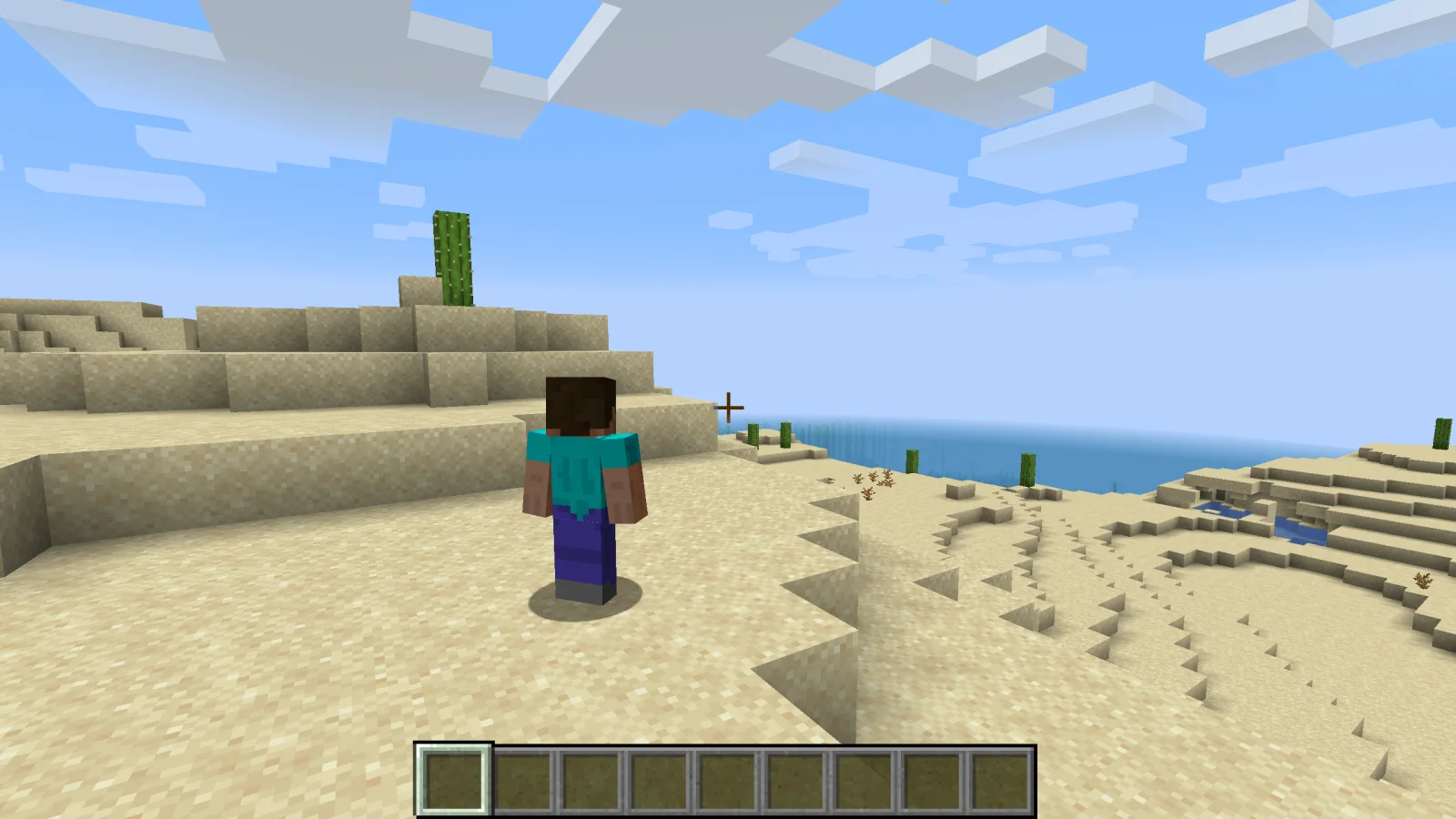
Shoulder Surfing Reloaded, Exopandora tarafından yapılmış bir mod. Highly configurable third person camera mod.
Desteklediği sürümler: Minecraft 1.8 – 26.x. Modrinth üzerinde 12,876,586 kez indirildi. Son güncelleme 10.11.2026 tarihinde çıktı.
Shoulder Surfing Reloaded, 26.06.2023 tarihinden beri Modrinth üzerinde 1,168 sürüm yayınladı. Bunların 443 tanesi son bir yılda çıktı. En yenisi 31.10.2026 tarihinde çıkan 1.21.11-5.3.0+neoforge. Minecraft 1.21.11 için yapıldı. NeoForge üzerinde çalışır. İndirme boyutu 440 KB.
| Sürüm | Yayın tarihi | Minecraft | Tür |
|---|---|---|---|
1.21.11-5.3.0+neoforge | 31.10.2026 | 1.21.11 | Kararlı |
1.21.11-5.3.0+fabric | 31.10.2026 | 1.21.11 | Kararlı |
1.21.11-5.3.0+forge | 31.10.2026 | 1.21.11 | Kararlı |
1.20.1-5.3.0+forge | 31.10.2026 | 1.20, 1.20.1 | Kararlı |
1.20.1-5.3.0+fabric | 31.10.2026 | 1.20, 1.20.1 | Kararlı |
Shoulder Surfing Reloaded açık kaynaklıdır. GitHub'daki en yeni sürümü 10.11.2026 tarihinde yayınlanan 26.3-5.3.1.
Release version 5.3.1
Öncekiler: 26.2-5.3.1 (10.11.2026), 1.21.11-5.3.1 (10.11.2026).
Shoulder Surfing Reloaded is a highly configurable third person camera mod for minecraft.
Please note that this mod modifies the camera position and player movement, which can be an issue for servers with strict anti-cheat.
Use at your own risk!
Forge
Fabric
NeoForge
[!NOTE]
In-game configuration for Minecraft 1.20.x requires Forge Config Screens (CurseForge, Modrinth)
Shoulder Surfing Reloaded 2.9.7 and older
[!NOTE]
In-game configuration is only available on 1.12.x and older
Shoulder Surfing Reloaded features a plugin API for third party mod developers.
This allows for implementing custom camera behaviours and compatibility features without the use of invasive mixins.
The documentation can be found in the wiki on GitHub.
It explains step by step on how to create and register your own plugin, and how you can implement and register custom callbacks.
Q: Why is the player not looking at the position of the crosshair when holding item x?
A: This needs to be configured using the config options adaptive_crosshair_hold_items or adaptive_crosshair_use_items.
Q: Why is the player not rendered correctly when using shader pack x?
A: This is caused by player transparency effects of Shoulder Surfing Reloaded. Either disable them in the config (adjust_player_transparency) and restart your game or report this to the authors of the shader pack.
Q: Can you port feature x to version y?
A: No.
Q: Can you port this to quilt, liteloader, rift, etc.?
A: No.
Q: Can I add this to my modpack?
A: Yes.
MIT License, Original project by Sabar: Minecraft Forum, GitHub
Yazan: Exopandora. Resimli halini Modrinth sayfasında oku.
Bu mod yalnızca senin oyununda çalışır. Sunucuların buna ihtiyacı yok, bu yüzden her sunucuda kullanabilirsin.
Minecraft 1.8 – 26.x için Fabric, Forge ve NeoForge kur.
.jar dosyasını Modrinth üzerinden indir ve .minecraft klasöründeki mods klasörüne koy.
Minecraft'ı Fabric profiliyle başlat.
Daha kolayı: Prism Launcher veya Modrinth App'te instance'ının modlarında Shoulder Surfing Reloaded ara ve Install'a tıkla. Mod yükleyiciyi ve gereken modları senin için ekler.
| Kaynak | İndirmeler | Sürümler | Son güncelleme | Fiyat |
|---|---|---|---|---|
 Shoulder Surfing Reloadedbaktığın | 12.9M | 1.8 – 26.x | 4 gün önce | Ücretsiz |
| Third Person ZoomModMastarZ | 17 | 1.21 | 20 gün önce | Ücretsiz |
 Not Enough Animationstr7zw | 94.6M | 1.16 – 26.x | 13 gün önce | Ücretsiz |
 GoetyPolarice3 | 7.3M | 1.16 – 1.21 | 8 gün önce | Ücretsiz |
Evet. Shoulder Surfing Reloaded, Minecraft 26.x sürümünü destekliyor. Desteklenen tüm sürümler: 26.x, 1.21, 1.20, 1.19, 1.18, 1.16, 1.12, 1.8.
Evet. Shoulder Surfing Reloaded, Modrinth üzerinden ücretsiz indirilebilir.
İstemci tarafı. Shoulder Surfing Reloaded kendi mods klasörüne kurulur ve modsuz sunucular dahil her sunucuda çalışır.
Evet. Son güncelleme son 24 saat içinde çıktı.
En yakın olanlar Third Person Zoom, Not Enough Animations ve Goety. Tüm alternatifleri karşılaştır
Third Person ZoomModlar · 1.21Improves third person camera view. zoom camera. and Improves your elytra camera movements
Not Enough AnimationsModlar · 1.16 – 26.xBringing first-person animations to the third-person
GoetyModlar · 1.16 – 1.21Perform necromancy and dark rituals using the power of souls. Highly configurable.
 Leawind's Third PersonModlar · 1.18 – 26.x
A smooth third person perspective mod
 Better Third PersonModlar · 1.16 – 1.21
Improves third person camera view.
 ExposureModlar · 1.19 – 1.21
Camera mod with focus on process and aesthetics
Yorum yazmak için giriş yap.