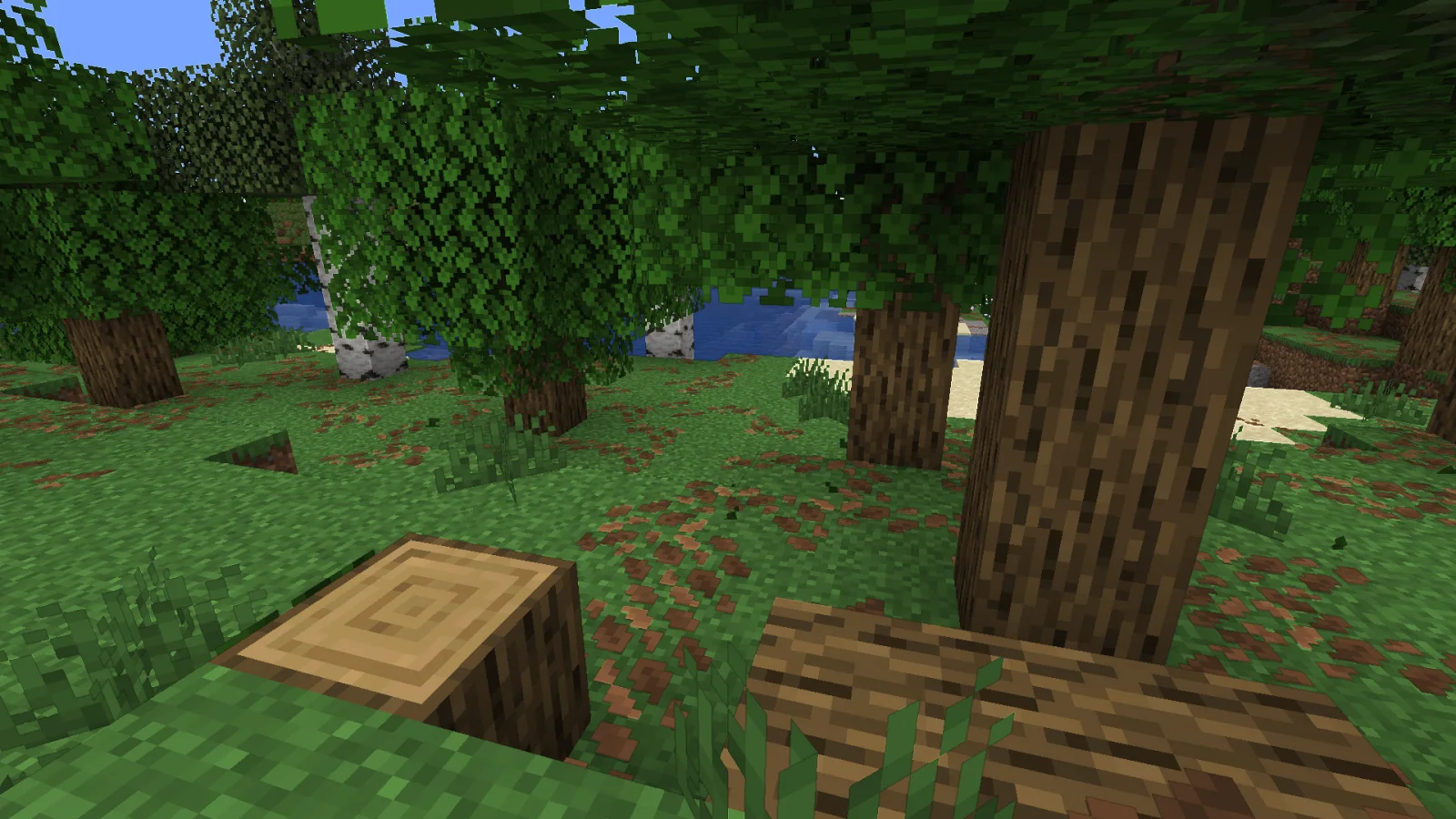
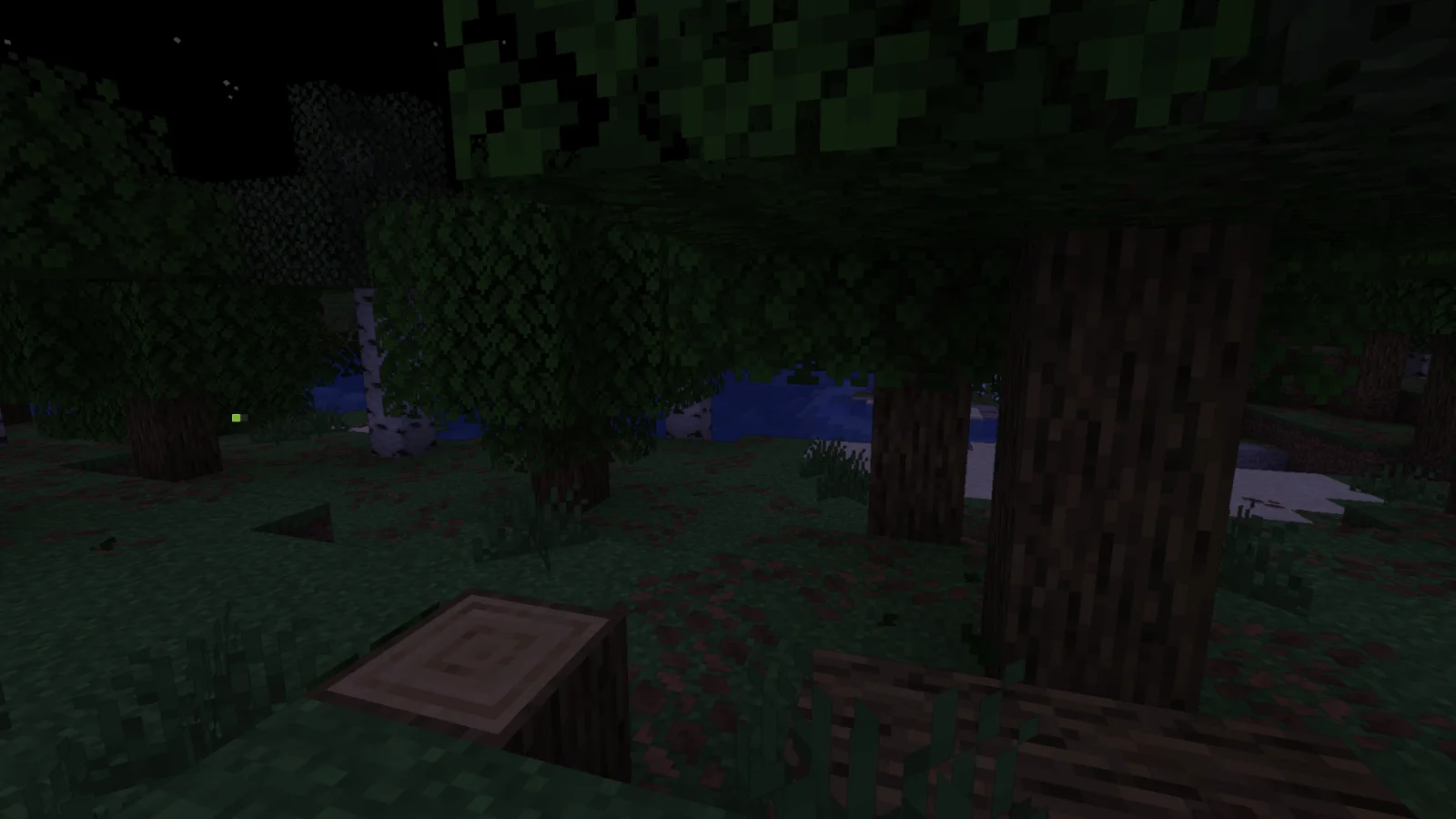
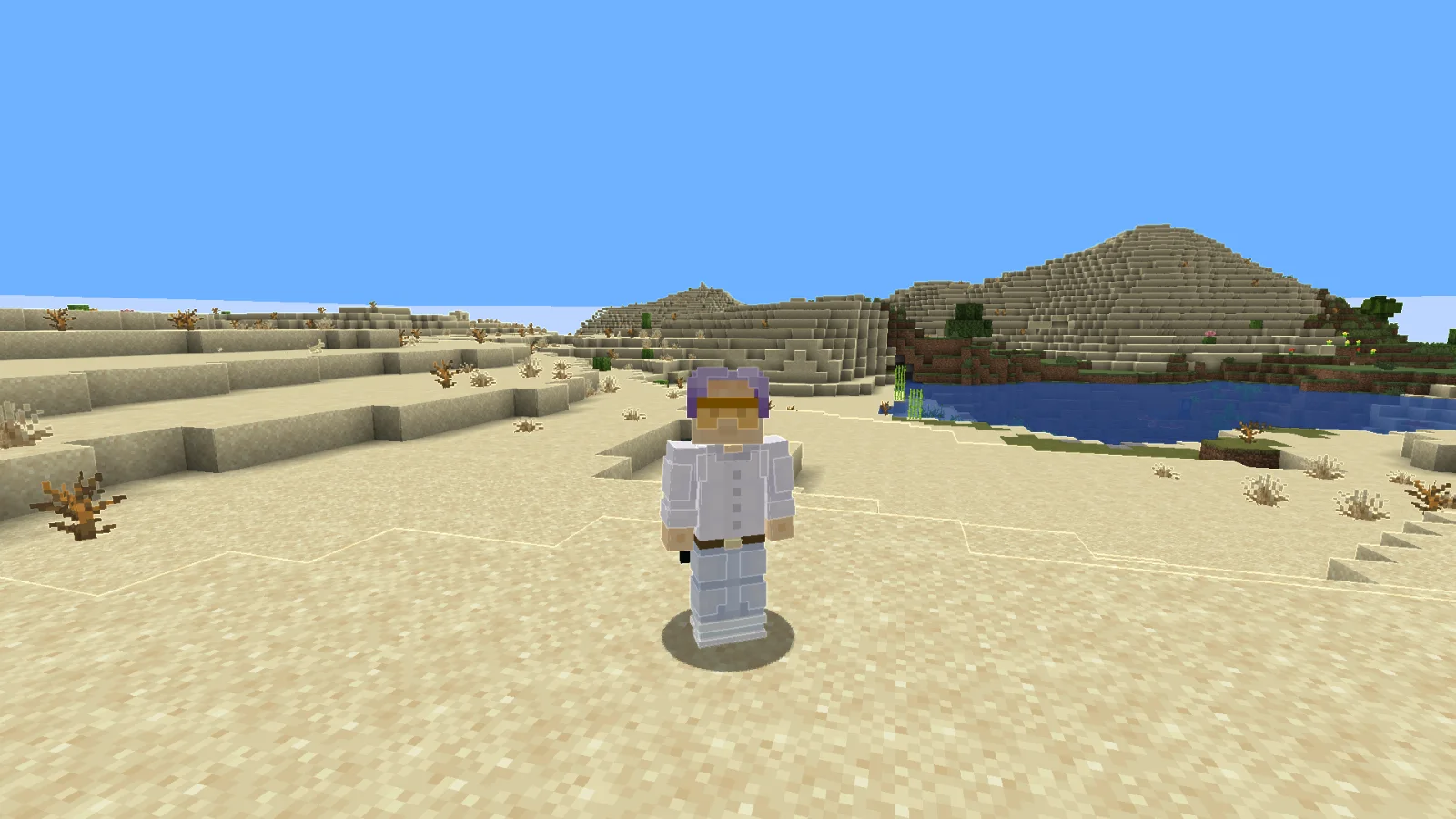
Adaptive Outline (pacote de shaders) é obra de RodAnfatine. the outline lightens and darkens.
É compatível com o Minecraft 1.20 – 1.21. Tem 3,375 downloads em Modrinth. A última atualização saiu em 15/07/2026.
Adaptive Outline teve 2 versões no Modrinth desde 28/12/2025. 2 saíram no último ano. A mais recente é 1.1, lançada em 15/07/2026. Ela é feita para o Minecraft 1.20 – 1.21.11. Ela roda em Iris e Optifine. O download tem 13 KB.
| Versão | Lançado | Minecraft | Tipo |
|---|---|---|---|
1.1 | 15/07/2026 | 1.20 – 1.21.11 | Estável |
1 | 28/12/2025 | 1.20 – 1.21.11 | Estável |
The stroke brightens the light areas and darkens the dark areas.
шейдер изменём только в final.fsh
uniform sampler2D colortex0;
uniform sampler2D depthtex0;
in vec2 texcoord;
layout(location = 0) out vec4 color;
void main() {
vec2 texel = 1.0 / vec2(textureSize(colortex0, 0));
vec4 scene = texture(colortex0, texcoord);
float d_center = 1.0 - textureLod(depthtex0, texcoord, 0.0).r;
vec2 offsets[2] = vec2[](
vec2(texel.x, 0),
vec2(texel.x * 3.0, 0)
);
float gradients[4];
for(int i = 0; i < 2; i++) {
float d_right = 1.0 - textureLod(depthtex0, texcoord + offsets[i], 0.0).r;
float d_left = 1.0 - textureLod(depthtex0, texcoord - offsets[i], 0.0).r;
gradients[i] = abs(d_right - d_left) / (offsets[i].x * 2.0);
vec2 vertical_offset = vec2(0, offsets[i].x);
float d_up = 1.0 - textureLod(depthtex0, texcoord + vertical_offset, 0.0).r;
float d_down = 1.0 - textureLod(depthtex0, texcoord - vertical_offset, 0.0).r;
gradients[i + 2] = abs(d_up - d_down) / (vertical_offset.y * 2.0);
}
float gradient_ratio_h = gradients[0] / (gradients[1] + 0.0001);
float gradient_ratio_v = gradients[2] / (gradients[3] + 0.0001);
bool is_real_edge_h = gradient_ratio_h > 2.0;
bool is_real_edge_v = gradient_ratio_v > 2.0;
float edge = 0.0;
if(is_real_edge_h || is_real_edge_v) {
float max_gradient = max(gradients[0], gradients[2]);
edge = max_gradient * 500.0;
}
float depth_precision = 0.001 + d_center * 0.01;
if(edge < depth_precision * 100.0) {
edge = 0.0;
}
float threshold = 0.15;
if(edge > threshold && (is_real_edge_h || is_real_edge_v)) {
float edge_strength = clamp((edge - threshold) * 2.0, 0.0, 1.0);
vec4 color_up = texture(colortex0, texcoord + vec2(0, texel.y));
vec4 color_down = texture(colortex0, texcoord - vec2(0, texel.y));
vec4 color_left = texture(colortex0, texcoord - vec2(texel.x, 0));
vec4 color_right = texture(colortex0, texcoord + vec2(texel.x, 0));
vec4 avg_color = (color_up + color_down + color_left + color_right) * 0.25;
float neighbor_brightness = dot(avg_color.rgb, vec3(0.299, 0.587, 0.114));
float brightness_factor;
if(neighbor_brightness > 0.35) { // here we change the change threshold
brightness_factor = 1.0 + edge_strength * 0.2; // we're changing it here brightens
} else {
brightness_factor = 1.0 - edge_strength * 0.2; // we're changing it here darkens
}
color.rgb = scene.rgb * brightness_factor;
color.a = scene.a;
} else {
color = scene;
}
}
Escrita por RodAnfatine. Leia com imagens no Modrinth.
Instale o Iris (com Sodium) ou o OptiFine para sua versão do Minecraft: shaders precisam de um deles.
Baixe o arquivo .zip pelo Modrinth. Não descompacte.
No Minecraft, abra Opções, depois Gráficos, depois Shader Packs e clique em Abrir pasta de shaders.
Coloque o arquivo .zip nessa pasta, escolha Adaptive Outline na lista e clique em Concluído.
Shaders pesam na placa de vídeo. Se o jogo ficar lento, escolha um perfil mais baixo nas configurações.
Ainda não. A versão mais recente compatível é o Minecraft 1.21.
Sim. Você pode baixar Adaptive Outline de graça em Modrinth.
Sim. A última atualização saiu no último dia.
Entre para deixar uma avaliação.
