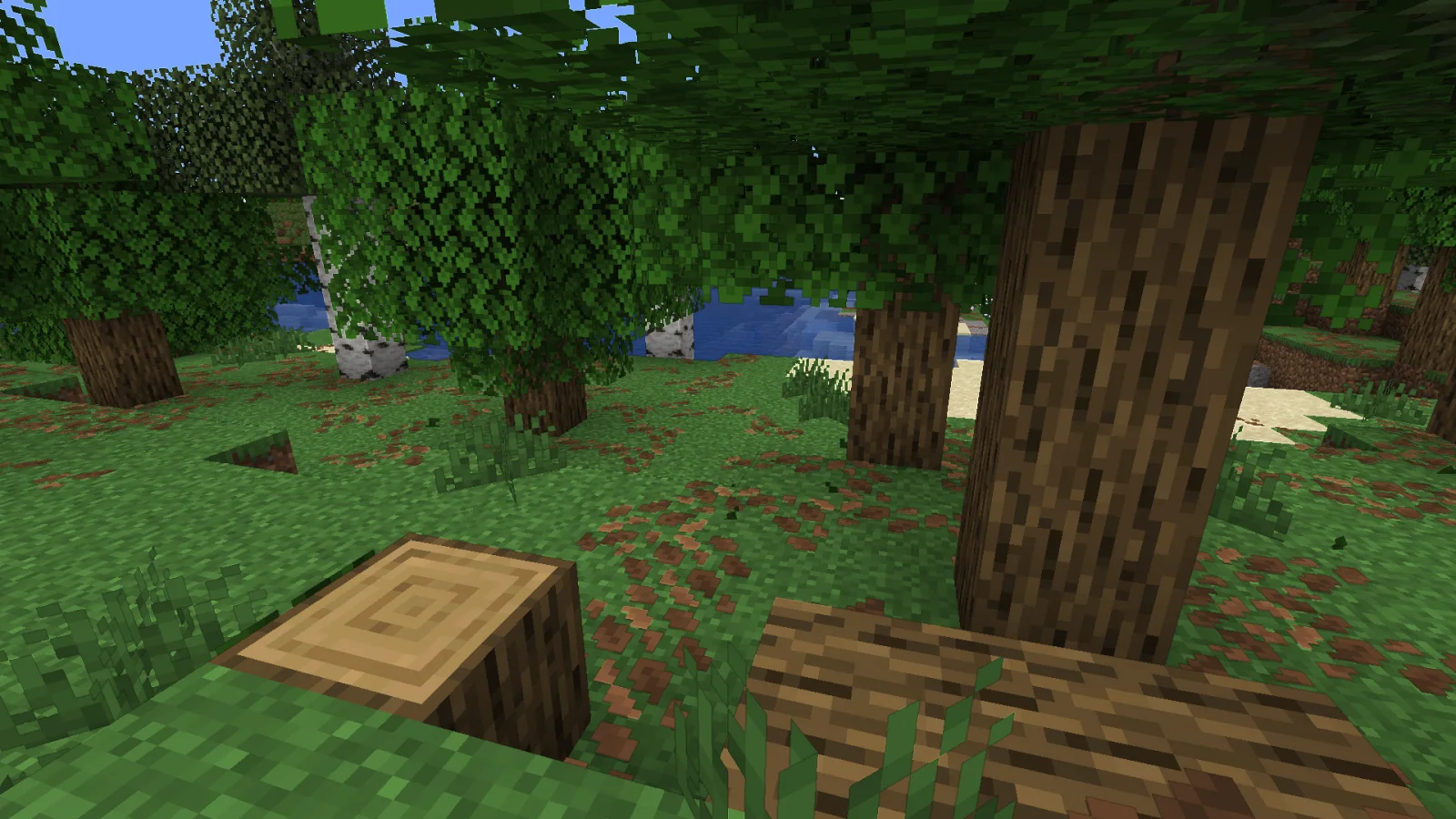
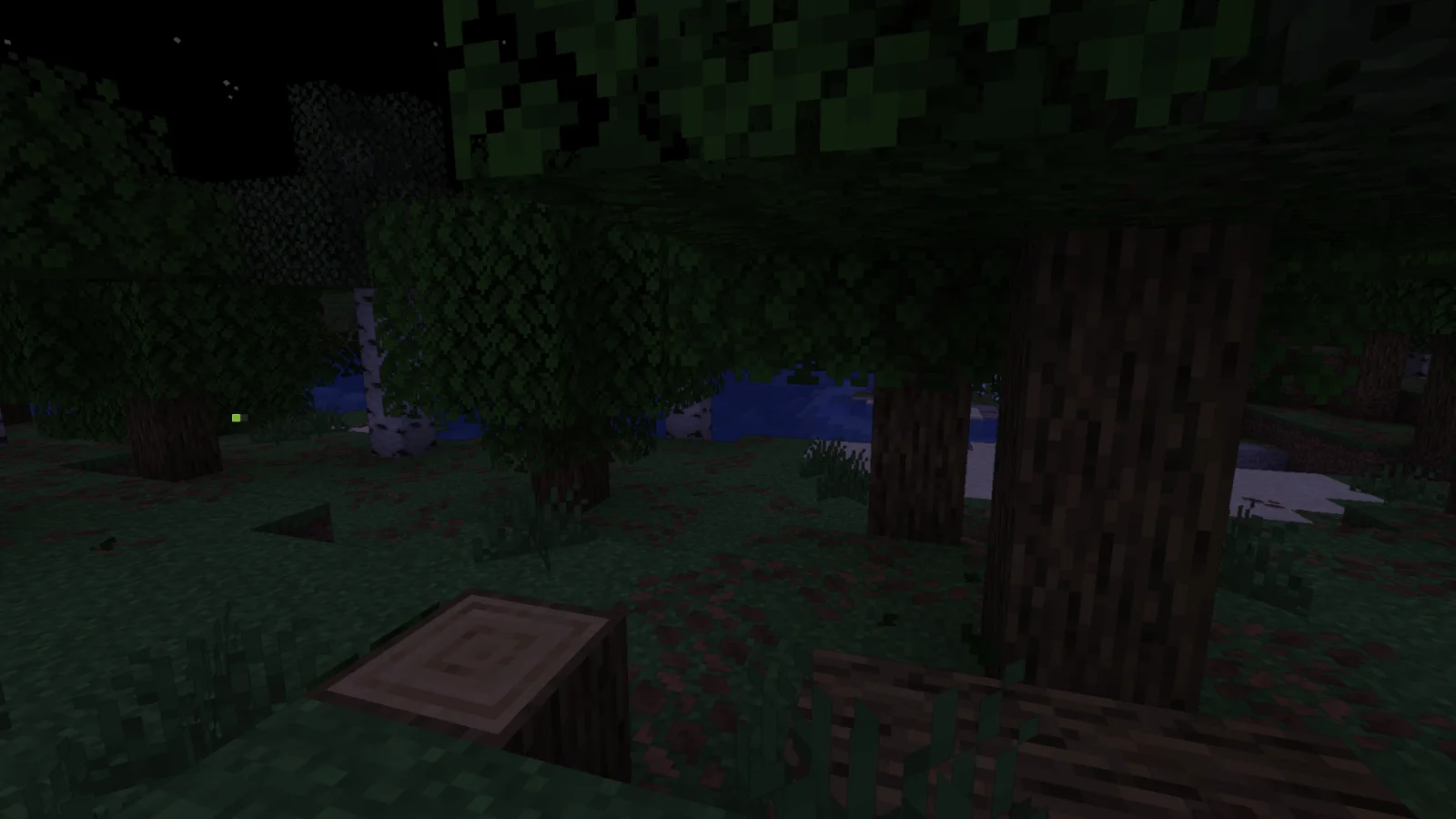
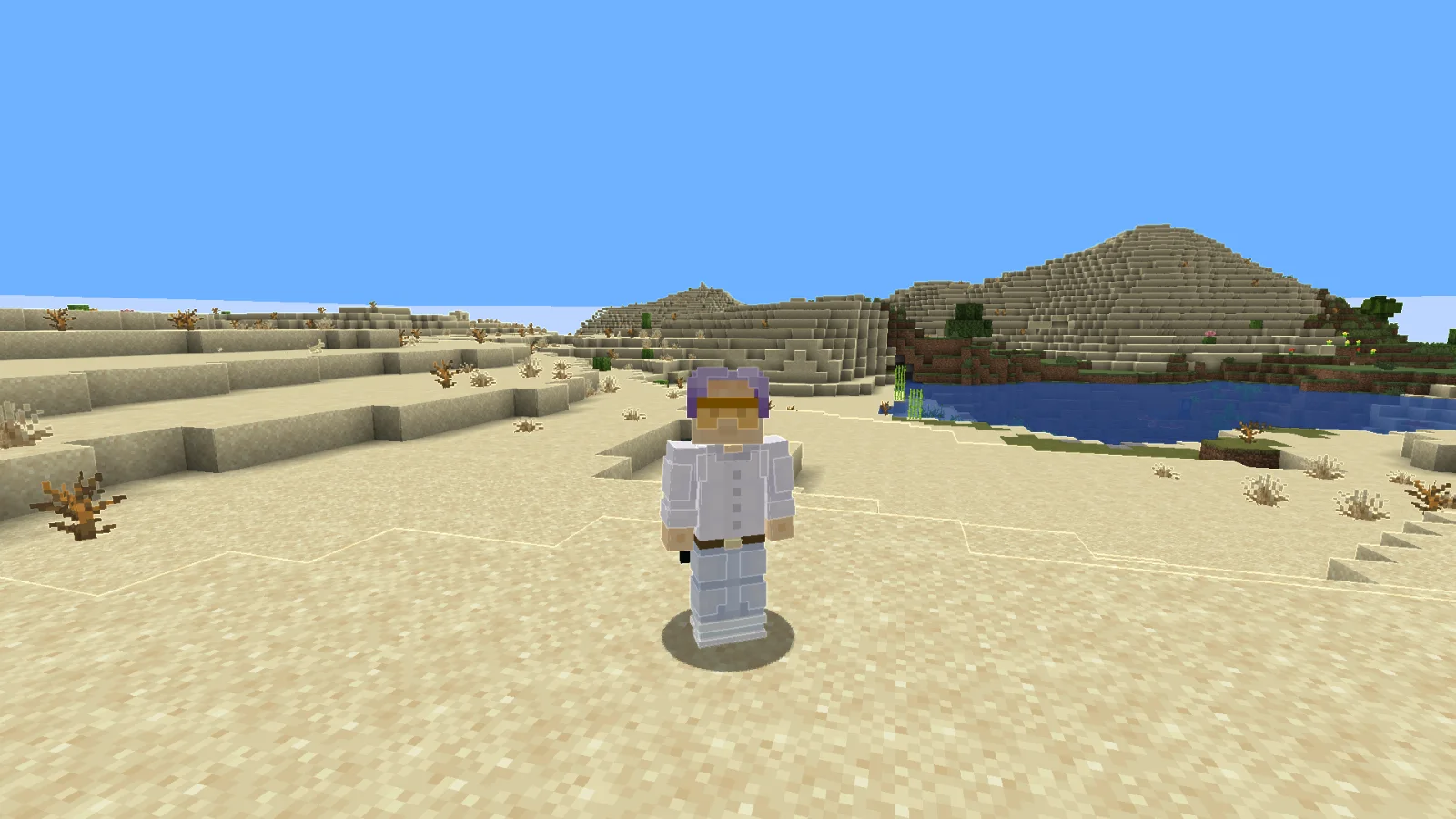
Adaptive Outline, RodAnfatine tarafından yapılmış bir shader paketi. the outline lightens and darkens.
Desteklediği sürümler: Minecraft 1.20 – 1.21. Modrinth üzerinde 3,370 kez indirildi. Son güncelleme 15.07.2026 tarihinde çıktı.
Adaptive Outline, 28.12.2025 tarihinden beri Modrinth üzerinde 2 sürüm yayınladı. Bunların 2 tanesi son bir yılda çıktı. En yenisi 15.07.2026 tarihinde çıkan 1.1. Minecraft 1.20 – 1.21.11 için yapıldı. Iris ve Optifine üzerinde çalışır. İndirme boyutu 13 KB.
| Sürüm | Yayın tarihi | Minecraft | Tür |
|---|---|---|---|
1.1 | 15.07.2026 | 1.20 – 1.21.11 | Kararlı |
1 | 28.12.2025 | 1.20 – 1.21.11 | Kararlı |
The stroke brightens the light areas and darkens the dark areas.
шейдер изменём только в final.fsh
uniform sampler2D colortex0;
uniform sampler2D depthtex0;
in vec2 texcoord;
layout(location = 0) out vec4 color;
void main() {
vec2 texel = 1.0 / vec2(textureSize(colortex0, 0));
vec4 scene = texture(colortex0, texcoord);
float d_center = 1.0 - textureLod(depthtex0, texcoord, 0.0).r;
vec2 offsets[2] = vec2[](
vec2(texel.x, 0),
vec2(texel.x * 3.0, 0)
);
float gradients[4];
for(int i = 0; i < 2; i++) {
float d_right = 1.0 - textureLod(depthtex0, texcoord + offsets[i], 0.0).r;
float d_left = 1.0 - textureLod(depthtex0, texcoord - offsets[i], 0.0).r;
gradients[i] = abs(d_right - d_left) / (offsets[i].x * 2.0);
vec2 vertical_offset = vec2(0, offsets[i].x);
float d_up = 1.0 - textureLod(depthtex0, texcoord + vertical_offset, 0.0).r;
float d_down = 1.0 - textureLod(depthtex0, texcoord - vertical_offset, 0.0).r;
gradients[i + 2] = abs(d_up - d_down) / (vertical_offset.y * 2.0);
}
float gradient_ratio_h = gradients[0] / (gradients[1] + 0.0001);
float gradient_ratio_v = gradients[2] / (gradients[3] + 0.0001);
bool is_real_edge_h = gradient_ratio_h > 2.0;
bool is_real_edge_v = gradient_ratio_v > 2.0;
float edge = 0.0;
if(is_real_edge_h || is_real_edge_v) {
float max_gradient = max(gradients[0], gradients[2]);
edge = max_gradient * 500.0;
}
float depth_precision = 0.001 + d_center * 0.01;
if(edge < depth_precision * 100.0) {
edge = 0.0;
}
float threshold = 0.15;
if(edge > threshold && (is_real_edge_h || is_real_edge_v)) {
float edge_strength = clamp((edge - threshold) * 2.0, 0.0, 1.0);
vec4 color_up = texture(colortex0, texcoord + vec2(0, texel.y));
vec4 color_down = texture(colortex0, texcoord - vec2(0, texel.y));
vec4 color_left = texture(colortex0, texcoord - vec2(texel.x, 0));
vec4 color_right = texture(colortex0, texcoord + vec2(texel.x, 0));
vec4 avg_color = (color_up + color_down + color_left + color_right) * 0.25;
float neighbor_brightness = dot(avg_color.rgb, vec3(0.299, 0.587, 0.114));
float brightness_factor;
if(neighbor_brightness > 0.35) { // here we change the change threshold
brightness_factor = 1.0 + edge_strength * 0.2; // we're changing it here brightens
} else {
brightness_factor = 1.0 - edge_strength * 0.2; // we're changing it here darkens
}
color.rgb = scene.rgb * brightness_factor;
color.a = scene.a;
} else {
color = scene;
}
}
Yazan: RodAnfatine. Resimli halini Modrinth sayfasında oku.
Minecraft sürümün için Iris (Sodium ile) ya da OptiFine kur: shaderlar bunlardan birine ihtiyaç duyar.
.zip dosyasını Modrinth üzerinden indir. Zipten çıkarma.
Minecraft'ta Seçenekler, Görüntü Ayarları, Shader Paketleri'ni aç ve Shader Paketi Klasörünü Aç'a tıkla.
.zip dosyasını o klasöre bırak, listeden Adaptive Outline seç ve Bitti'ye tıkla.
Shaderlar ekran kartını zorlar. Oyun yavaşlarsa shader ayarlarından daha düşük bir profil seç.
Henüz değil. Desteklediği en yeni sürüm Minecraft 1.21.
Evet. Adaptive Outline, Modrinth üzerinden ücretsiz indirilebilir.
Evet. Son güncelleme son 24 saat içinde çıktı.
Yorum yazmak için giriş yap.
