
 HudForgePlugins · 1.20 – 26.x
Sidebar, TAB, name tags and boss bars from one file. Animated gradients, no flicker.
Grátis28 downloads
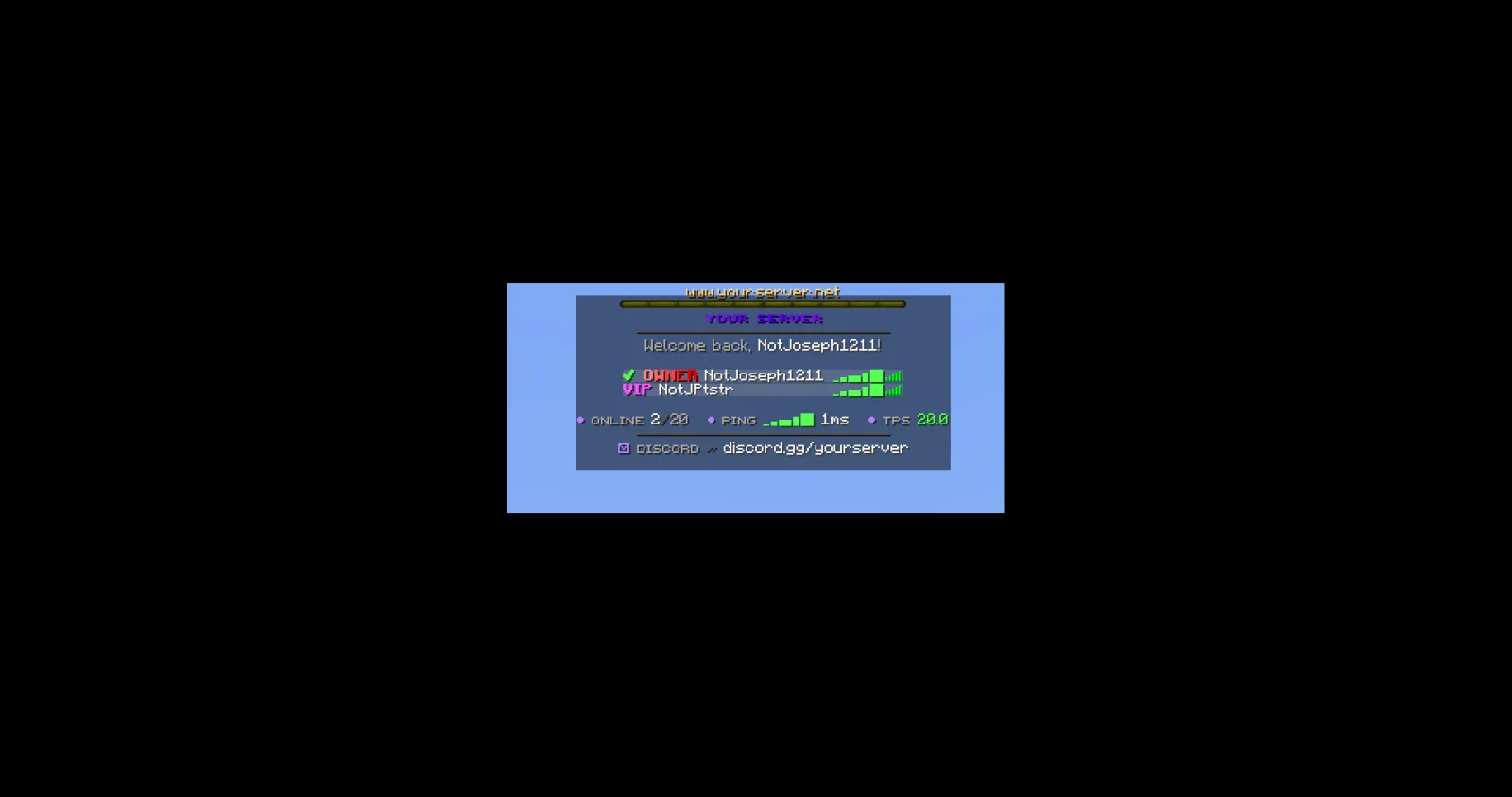
JPPlugins criou JPTab (plugin) para servidores Paper / Spigot. Tab list, name tags, sidebar, boss bar and action bar for Paper servers: animated header and footer, sorting by rank and ping bars.
É compatível com o Minecraft 26.x. Tem 2 downloads em Modrinth. Isso o coloca na posição 141 entre os 146 plugins cosméticos e de exibição listados aqui. A última atualização saiu em 09/11/2026.
A mais recente é 1.0.0, lançada em 08/11/2026. Ela é feita para o Minecraft 26.3. Ela roda em Paper. O download tem 89 KB.
| Versão | Lançado | Minecraft | Tipo |
|---|---|---|---|
1.0.0 | 08/11/2026 | 26.3 | Estável |
Os comandos citados na página de JPTab no Modrinth:
/jptab/jp/tabPermissões citadas lá, para dar com um plugin como o LuckPerms:
jptab.usejptab.sidebar.togglejptab.bars.togglejptab.adminjptab.staffYour Paper server's tab list, name tags and sidebar, all from one plugin.
Part of JP Plugins, but it works on its own.
Tab list
Above and beside players
Boss bar and action bar
For server owners
Optional
Type /jp as an operator to see every JP plugin you have installed, its version and which optional plugins it found.
Needs PlaceholderAPI.
Full docs, the default config and setup guides are on the JPTab page of the JP Plugins website.
Questions, bugs or ideas? Join the JP Plugins Discord.
JPTab is free to use on any server, including servers that make money, but it is not open source. Don't reupload, sell or share modified copies of it. The full terms are in LICENSE.txt inside the jar.
Escrita por JPPlugins. Leia com imagens no Modrinth.
Confira se o seu servidor roda Paper e Spigot no Minecraft 26.x.
Baixe o arquivo .jar pelo Modrinth e coloque na pasta plugins do seu servidor.
Reinicie o servidor. Evite /reload, muitos plugins não lidam bem com ele.
Digite /plugins no console: JPTab deve aparecer em verde. Os arquivos de configuração são criados na pasta plugins na primeira inicialização.
Guia completo: Como instalar plugins em um servidor de Minecraft
| Recurso | Downloads | Versões | Última atualização | Preço |
|---|---|---|---|---|
 JPTabo que você estava vendo | 2 | 26.x | há 5 dias | Grátis |
| HudForgeTheCuouz | 28 | 1.20 – 26.x | há 19 dias | Grátis |
 Simple RanksTomMustBe12 | 32K | 1.20 – 26.x | 7 jun 2026 | Grátis |
 TabTPSjpenilla | 349K | 1.8 – 26.x | há 10 dias | Grátis |
Sim. JPTab é compatível com o Minecraft 26.x. Todas as versões compatíveis: 26.x.
Sim. Você pode baixar JPTab de graça em Modrinth.
JPTab roda em servidores Paper e Spigot.
Sim: LuckPerms, PlaceholderAPI. Instale antes de JPTab.
Sim. A última atualização saiu no último dia.
Os mais parecidos são HudForge, Simple Ranks e TabTPS. Comparar todas as alternativas
HudForgePlugins · 1.20 – 26.xSidebar, TAB, name tags and boss bars from one file. Animated gradients, no flicker.
Simple RanksPlugins · 1.20 – 26.xSimple rank plugin allowing for custom-colored, ordered ranks in tab list, name tags, chat, and Placeholder API placeholders!
TabTPSPlugins · 1.8 – 26.xMonitor your server's performance in the tab menu, boss bar, and action bar
 TabTPS-EnhancedPlugins · 1.20 – 26.x
Live TPS and MSPT in tab list, action bar and boss bar. Per region on Folia, in-game settings menu and lag alerts
 TabListPingPlugins · 1.18 – 26.x
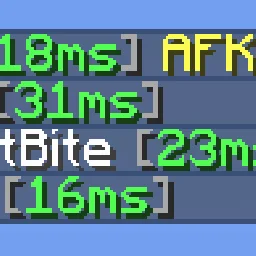
Shows players' ping times in the tab list
 Custom Join MessagesPlugins · 1.12 – 26.x
Welcome players with first-join, join, and quit messages, publicly or privately, via Chat, Titles, Action Bars, Boss Bars, and Sounds. Permission-based and…
Entre para deixar uma avaliação.