
 Kappa ShaderShader · 1.16 – 1.21
A high-quality realistic, yet also somewhat stylized shaderpack.
Kostenlos3,398,714 Downloads
High-quality realistic Minecraft shaderpack.
Direkter Download von Modrinth · 364,173 Downloads
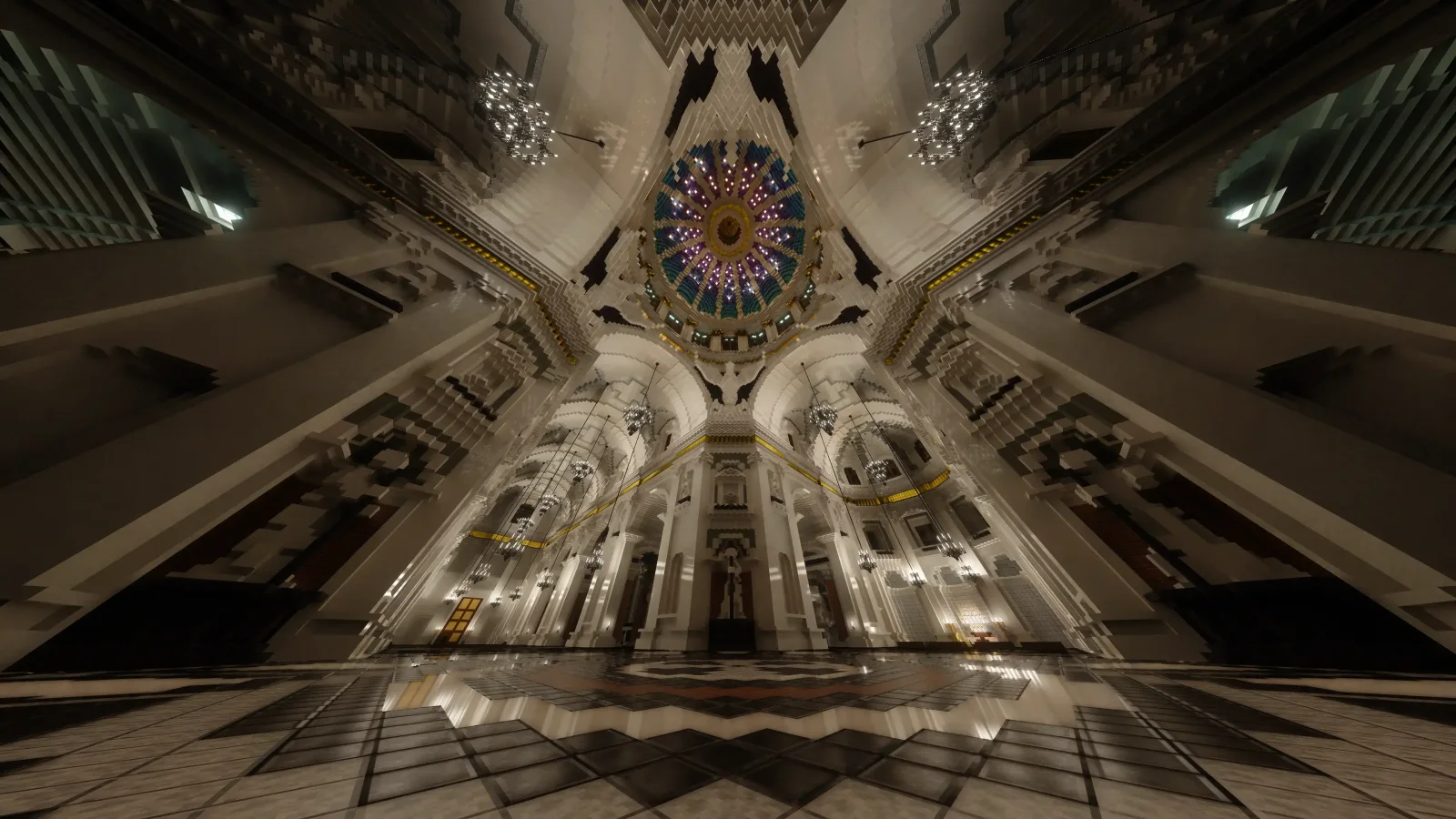
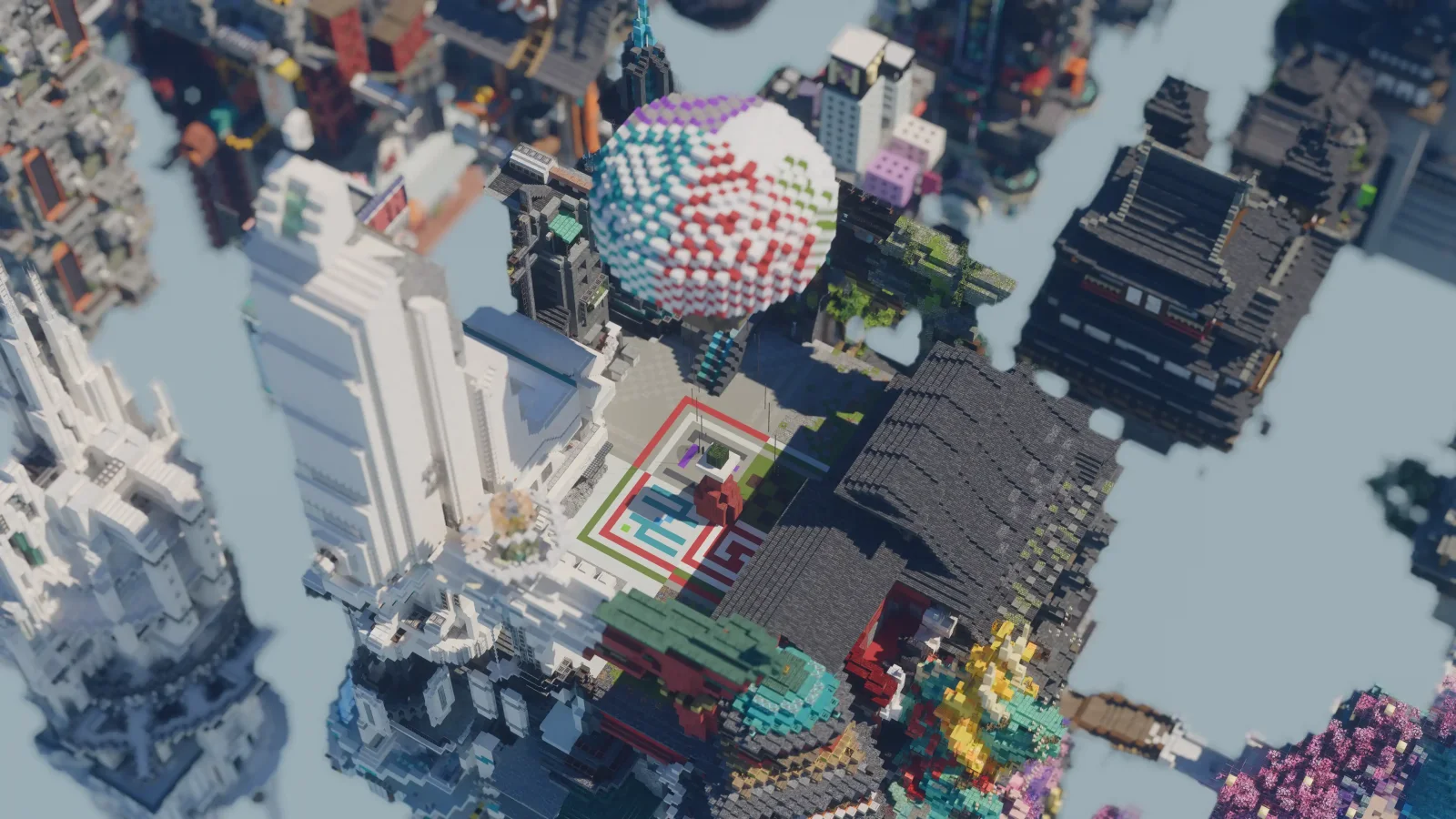
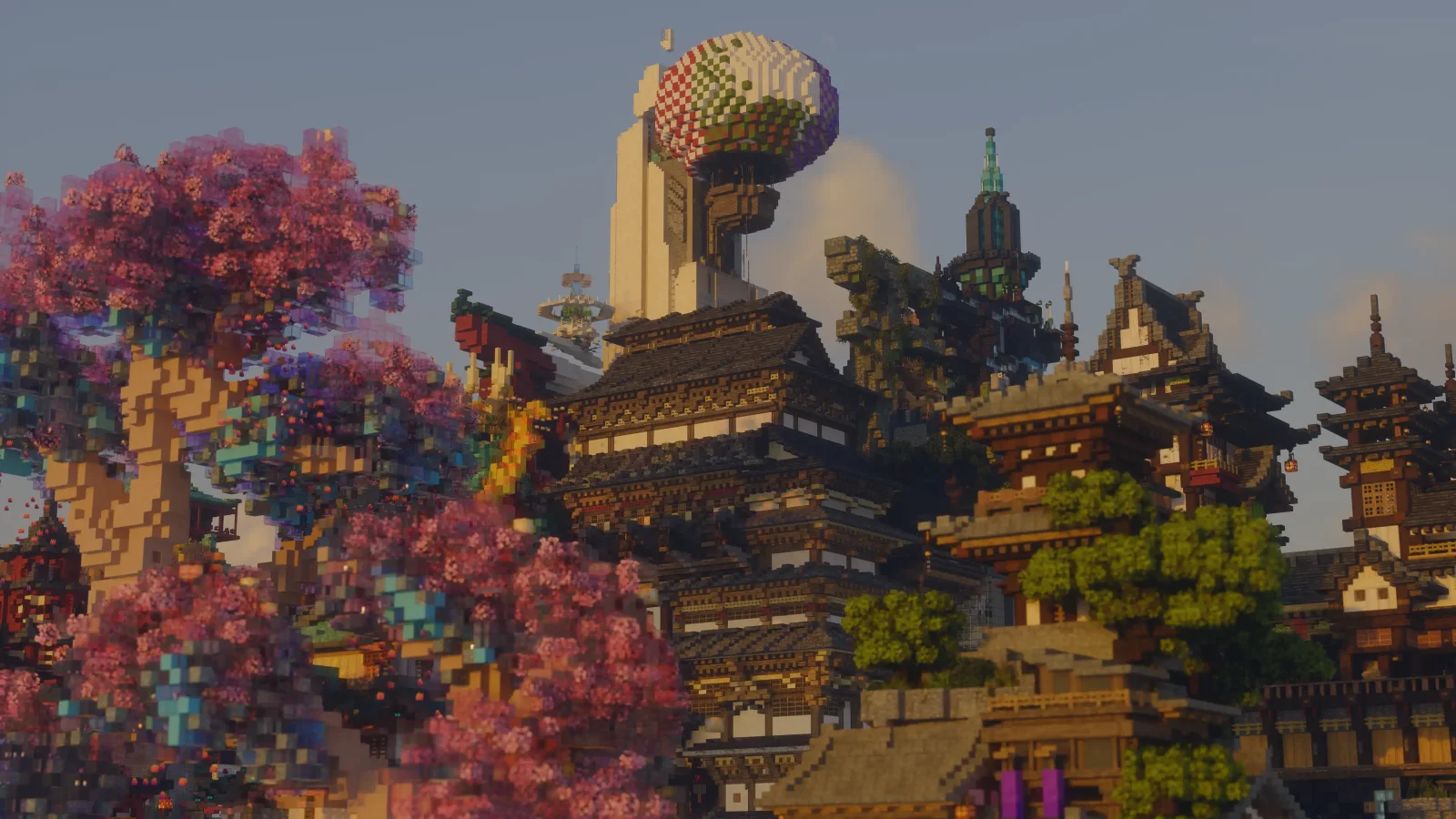
Alpha Piscium (Shaderpack) stammt von Luna5ama. High-quality realistic Minecraft shaderpack.
Unterstützt wird Minecraft 1.20 – 26.x. Auf Modrinth gibt es 364,173 Downloads. Das letzte Update erschien am 29.09.2026.
Alpha Piscium hat seit 13.10.2025 35 Versionen auf Modrinth veröffentlicht. 30 davon erschienen im letzten Jahr. Die neueste ist 1.10.0, erschienen am 29.09.2026. Sie ist für Minecraft 1.20.5 – 26.3 gemacht. Sie läuft auf Iris. Der Download ist 48.3 MB groß.
| Version | Veröffentlicht | Minecraft | Typ |
|---|---|---|---|
1.10.0 | 29.09.2026 | 1.20.5 – 26.3 | Release |
1.10.0-Beta2 | 09.09.2026 | 1.20.5 – 26.2 | Beta |
1.10.0-Beta1 | 30.08.2026 | 1.20.5 – 26.2 | Beta |
1.9.2 | 15.08.2026 | 1.20.5 – 26.2 | Release |
1.9.2-Beta1 | 05.08.2026 | 1.20.5 – 26.2 | Beta |
Alpha Piscium ist Open Source. Die neueste Version auf GitHub ist Alpha Piscium v1.10.0, veröffentlicht am 29.09.2026.
Alle Release Notes auf GitHub lesen
Davor: Alpha Piscium v1.10.0-Beta2 (09.09.2026), Alpha Piscium v1.10.0-Beta1 (30.08.2026).
High-quality realistic Minecraft shaderpack featuring global illumination, volumetric clouds, atmospheric scattering, and stunning visual effects.
Official Website link: alphapiscium.org/ \
Discord server link: discord.gg/E2Uq2MmHgq
Improve cloud lighting
Please be advised that this codebase incorporates software components generated or assisted by Large Language Models (LLMs). If your personal policy, regulatory constraints, or usage criteria prohibit the deployment or execution of AI-generated software, you are requested to immediately cease utilization and remove all instances of Alpha Piscium from your systems.
Files under the scripts directory are licensed under the MIT License. All other files are licensed under the GNU General Public License v3.0.
Geschrieben von Luna5ama. Mit Bildern auf Modrinth lesen.
Installiere Iris (mit Sodium) oder OptiFine für deine Minecraft-Version: Shader brauchen eins davon.
Lade die .zip-Datei von Modrinth herunter. Entpacke sie nicht.
Öffne in Minecraft Optionen, dann Grafikeinstellungen, dann Shaderpacks und klicke auf Shaderpack-Ordner öffnen.
Lege die .zip-Datei in diesen Ordner, wähle Alpha Piscium in der Liste und klicke auf Fertig.
Shader belasten die Grafikkarte. Wird das Spiel langsam, wähle in den Shader-Einstellungen ein niedrigeres Profil.
| Ressource | Downloads | Versionen | Letztes Update | Preis |
|---|---|---|---|---|
| Alpha Pisciumdie du angesehen hast | 364K | 1.20 – 26.x | 29. Sept. 2026 | Kostenlos |
| Kappa ShaderRRe36 | 3.4M | 1.16 – 1.21 | 28. Feb. 2025 | Kostenlos |
 FastPBRRRe36 | 2M | 1.18 – 1.21 | 28. Feb. 2025 | Kostenlos |
 Luster ShadersFourthEcho | 21K | 1.21 – 26.x | vor 14 Tagen | Kostenlos |
Ja. Alpha Piscium unterstützt Minecraft 26.x. Alle unterstützten Versionen: 26.x, 1.21, 1.20.
Ja. Alpha Piscium kannst du kostenlos bei Modrinth herunterladen.
Ja. Das letzte Update kam innerhalb des letzten Tages.
Am ähnlichsten sind Kappa Shader, FastPBR und Luster Shaders. Alle Alternativen vergleichen
Kappa ShaderShader · 1.16 – 1.21A high-quality realistic, yet also somewhat stylized shaderpack.
FastPBRShader · 1.18 – 1.21A fast and high-quality shaderpack with realistic visuals and PBR atmospherics.
Luster ShadersShader · 1.21 – 26.xA high-quality, realistic shaderpack with macbooks in mind
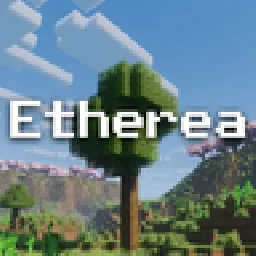 Etherea ShaderShader · 1.16 – 26.x
A high quality vanilla-styled shaderpack built for exceptional performance.
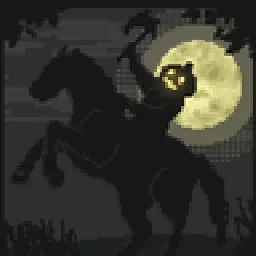 Insanity ShaderShader · 1.8 – 1.21
A stylized, horror themed Iris shaderpack with high customizability and performance.
 AstraLex ShadersShader · 1.16 – 26.x
Shaderpack with very high customization. If you like effects, this shaderpack is made for you!
Logg dich ein, um eine Bewertung zu schreiben.