
 Kappa ShaderShaders · 1.16 – 1.21
A high-quality realistic, yet also somewhat stylized shaderpack.
Gratis3,398,714 descargas
High-quality realistic Minecraft shaderpack.
Descarga directa desde Modrinth · 364,173 descargas
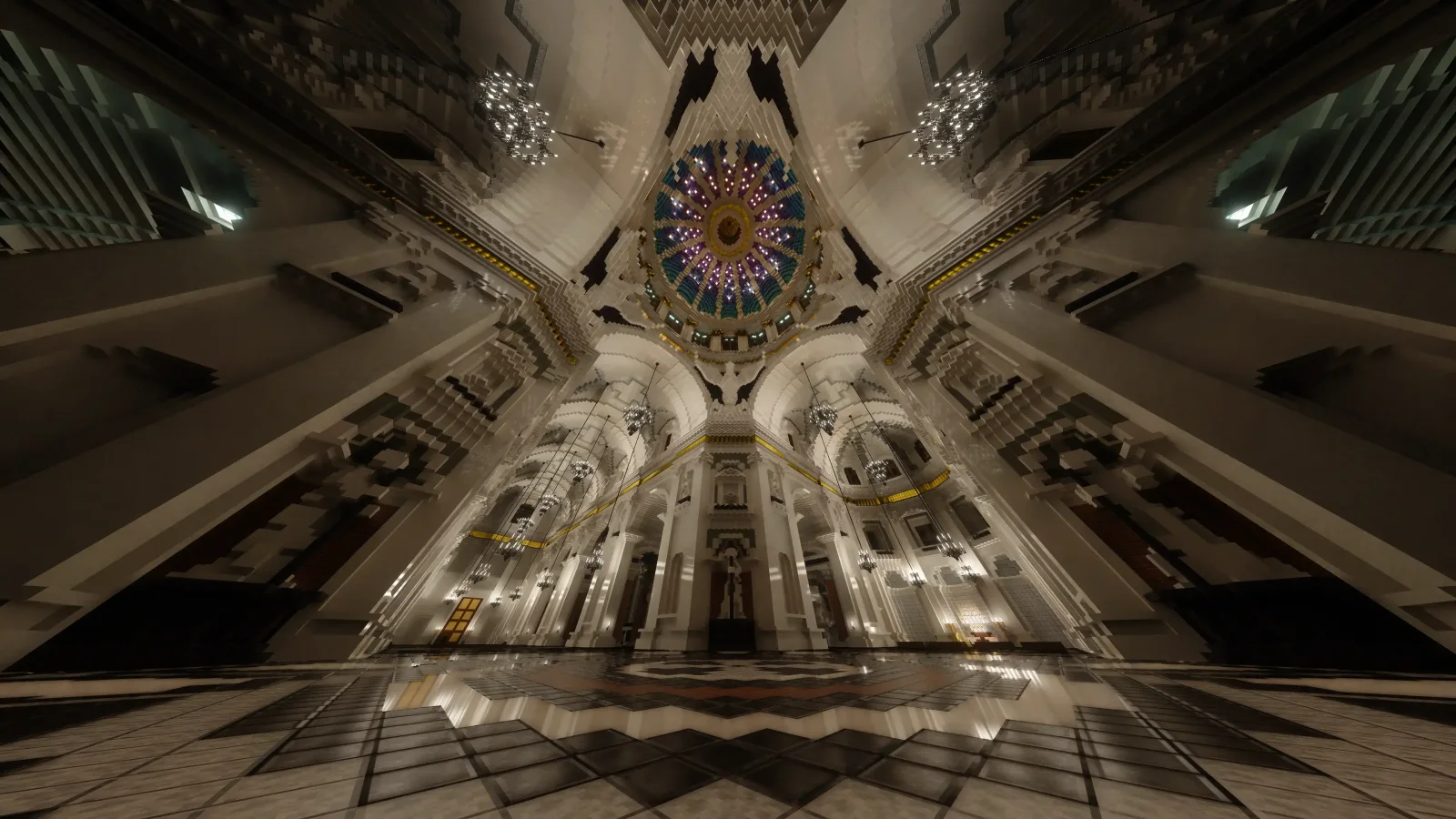
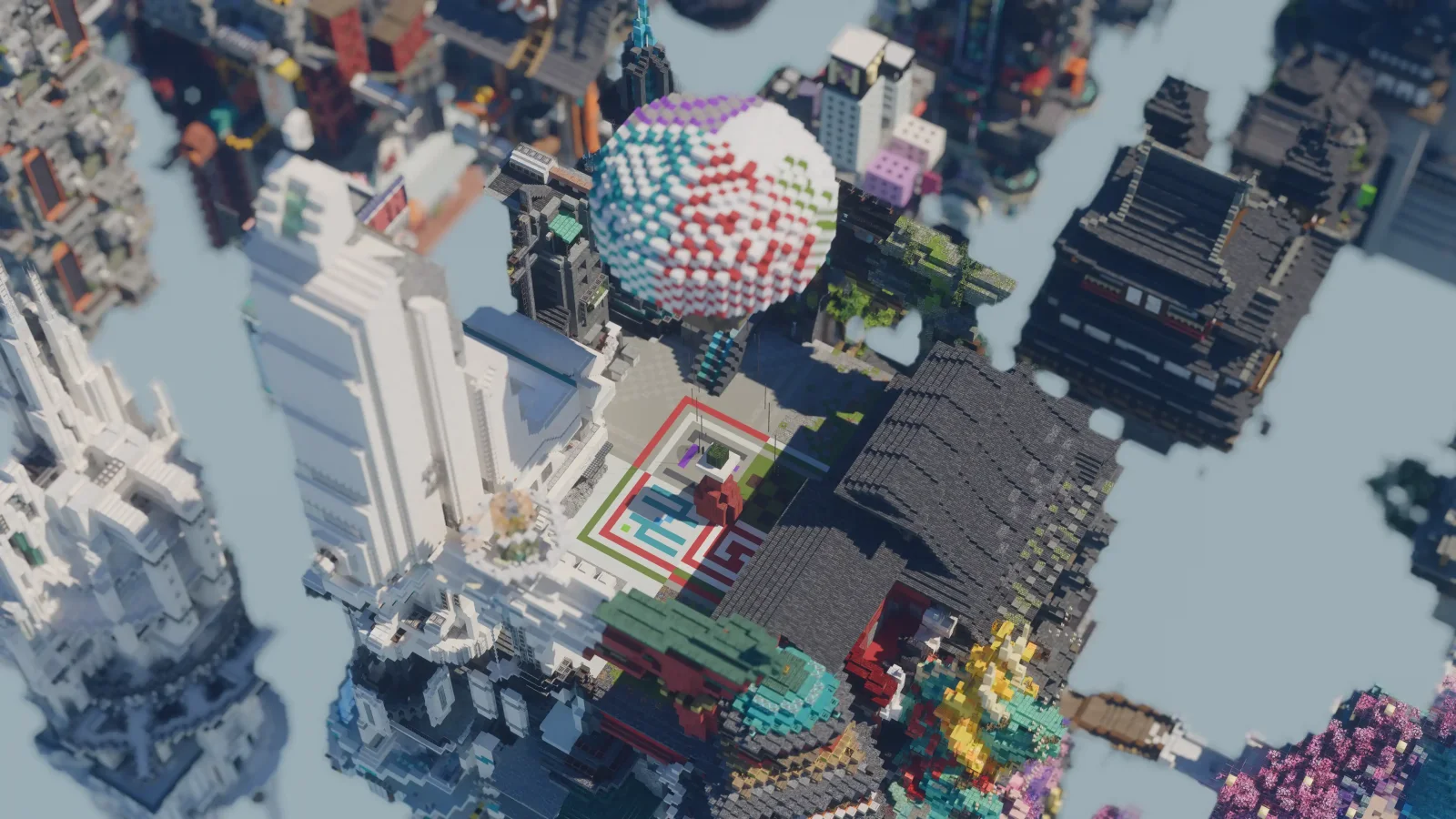
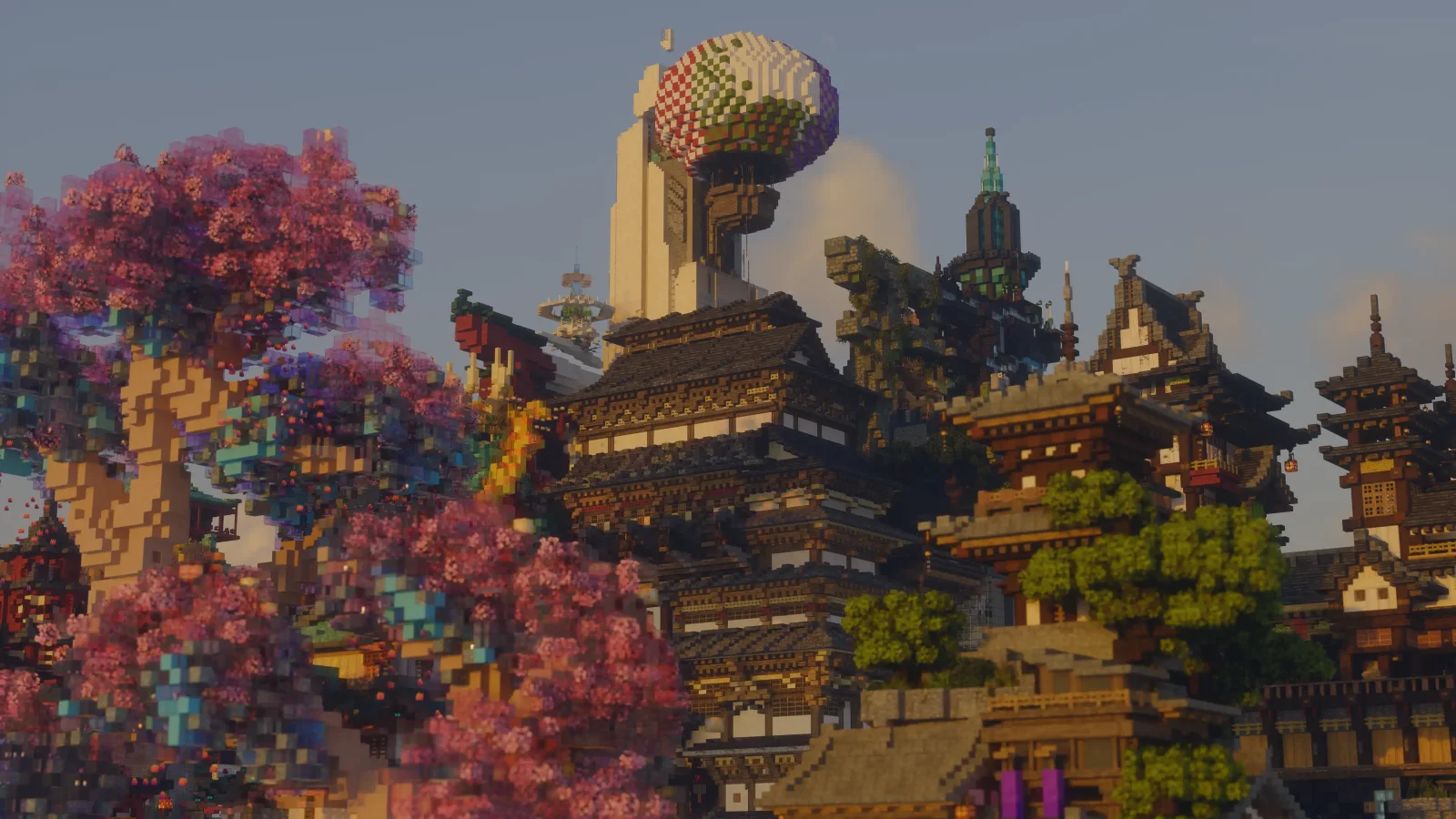
Alpha Piscium (pack de shaders) es obra de Luna5ama. High-quality realistic Minecraft shaderpack.
Es compatible con Minecraft 1.20 – 26.x. Se ha descargado 364,173 veces en Modrinth. La última actualización salió el 29/09/2026.
Alpha Piscium ha publicado 35 versiones en Modrinth desde el 13/10/2025. 30 salieron en el último año. La más reciente es 1.10.0, publicada el 29/09/2026. Está hecha para Minecraft 1.20.5 – 26.3. Funciona en Iris. La descarga ocupa 48.3 MB.
| Versión | Publicado | Minecraft | Tipo |
|---|---|---|---|
1.10.0 | 29/09/2026 | 1.20.5 – 26.3 | Estable |
1.10.0-Beta2 | 09/09/2026 | 1.20.5 – 26.2 | Beta |
1.10.0-Beta1 | 30/08/2026 | 1.20.5 – 26.2 | Beta |
1.9.2 | 15/08/2026 | 1.20.5 – 26.2 | Estable |
1.9.2-Beta1 | 05/08/2026 | 1.20.5 – 26.2 | Beta |
Alpha Piscium es de código abierto. Su última versión en GitHub es Alpha Piscium v1.10.0, publicada el 29/09/2026.
Antes: Alpha Piscium v1.10.0-Beta2 (09/09/2026), Alpha Piscium v1.10.0-Beta1 (30/08/2026).
High-quality realistic Minecraft shaderpack featuring global illumination, volumetric clouds, atmospheric scattering, and stunning visual effects.
Official Website link: alphapiscium.org/ \
Discord server link: discord.gg/E2Uq2MmHgq
Improve cloud lighting
Please be advised that this codebase incorporates software components generated or assisted by Large Language Models (LLMs). If your personal policy, regulatory constraints, or usage criteria prohibit the deployment or execution of AI-generated software, you are requested to immediately cease utilization and remove all instances of Alpha Piscium from your systems.
Files under the scripts directory are licensed under the MIT License. All other files are licensed under the GNU General Public License v3.0.
Escrita por Luna5ama. Léela con imágenes en Modrinth.
Instala Iris (con Sodium) u OptiFine para tu versión de Minecraft: los shaders necesitan uno de ellos.
Descarga el archivo .zip desde Modrinth. No lo descomprimas.
En Minecraft, abre Opciones, luego Gráficos, luego Shader Packs y pulsa Abrir carpeta de shaders.
Suelta el archivo .zip en esa carpeta, elige Alpha Piscium en la lista y pulsa Listo.
Los shaders exigen mucho a la tarjeta gráfica. Si el juego va lento, elige un perfil más bajo en sus ajustes.
| Recurso | Descargas | Versiones | Última actualización | Precio |
|---|---|---|---|---|
| Alpha Pisciumel que estabas viendo | 364K | 1.20 – 26.x | 29 sept 2026 | Gratis |
| Kappa ShaderRRe36 | 3.4M | 1.16 – 1.21 | 28 feb 2025 | Gratis |
 FastPBRRRe36 | 2M | 1.18 – 1.21 | 28 feb 2025 | Gratis |
 Luster ShadersFourthEcho | 21K | 1.21 – 26.x | hace 15 días | Gratis |
Sí. Alpha Piscium es compatible con Minecraft 26.x. Todas las versiones compatibles: 26.x, 1.21, 1.20.
Sí. Alpha Piscium se puede descargar gratis desde Modrinth.
Sí. La última actualización salió en el último día.
Los más parecidos son Kappa Shader, FastPBR y Luster Shaders. Comparar todas las alternativas
Kappa ShaderShaders · 1.16 – 1.21A high-quality realistic, yet also somewhat stylized shaderpack.
FastPBRShaders · 1.18 – 1.21A fast and high-quality shaderpack with realistic visuals and PBR atmospherics.
Luster ShadersShaders · 1.21 – 26.xA high-quality, realistic shaderpack with macbooks in mind
 Etherea ShaderShaders · 1.16 – 26.x
A high quality vanilla-styled shaderpack built for exceptional performance.
 Insanity ShaderShaders · 1.8 – 1.21
A stylized, horror themed Iris shaderpack with high customizability and performance.
 AstraLex ShadersShaders · 1.16 – 26.x
Shaderpack with very high customization. If you like effects, this shaderpack is made for you!
Inicia sesión para dejar una reseña.