
 Kappa ShaderShaders · 1.16 – 1.21
A high-quality realistic, yet also somewhat stylized shaderpack.
Gratuit3,402,699 téléchargements

High-quality realistic Minecraft shaderpack.
Téléchargement direct depuis Modrinth · 365,209 téléchargements
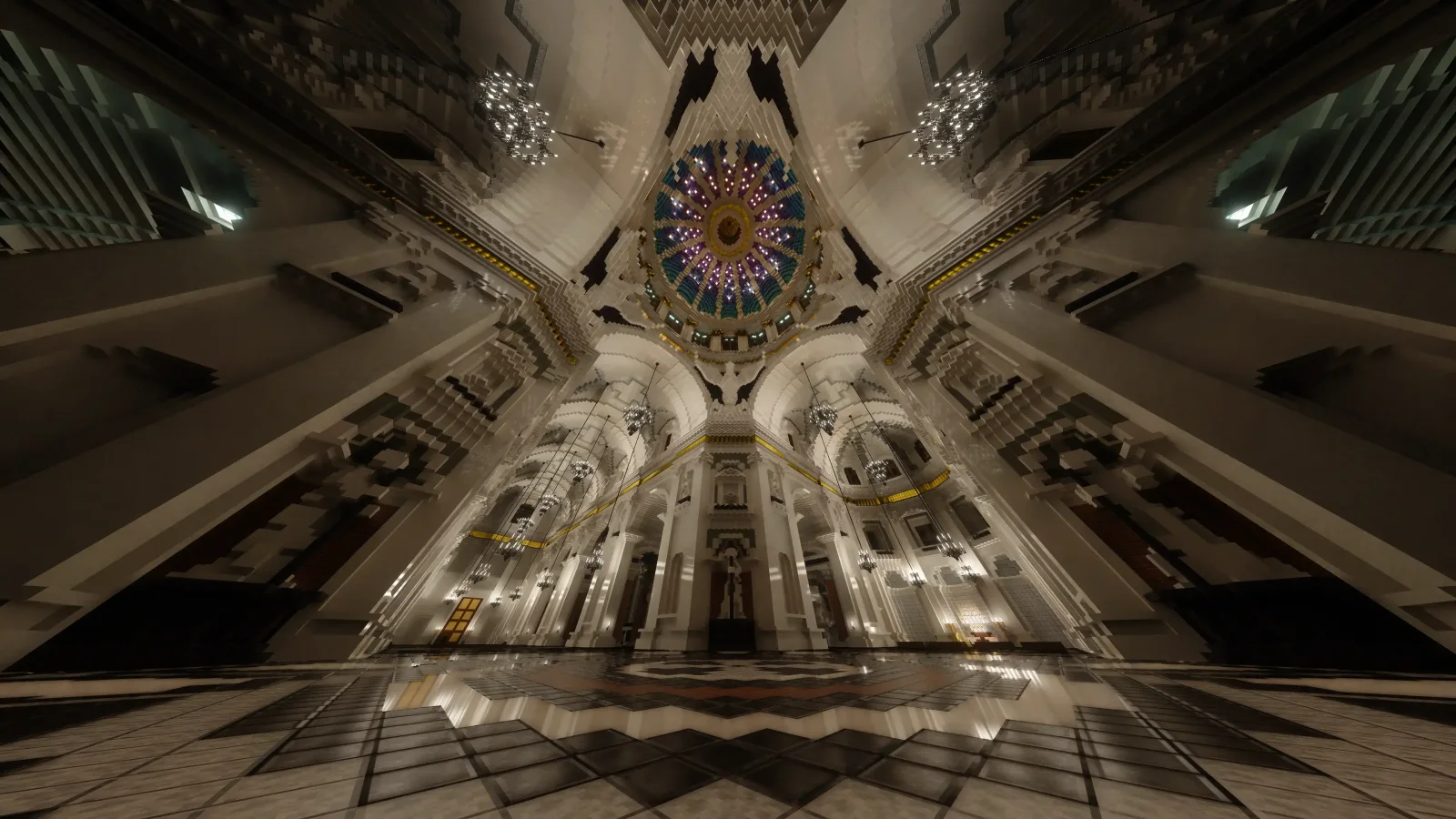
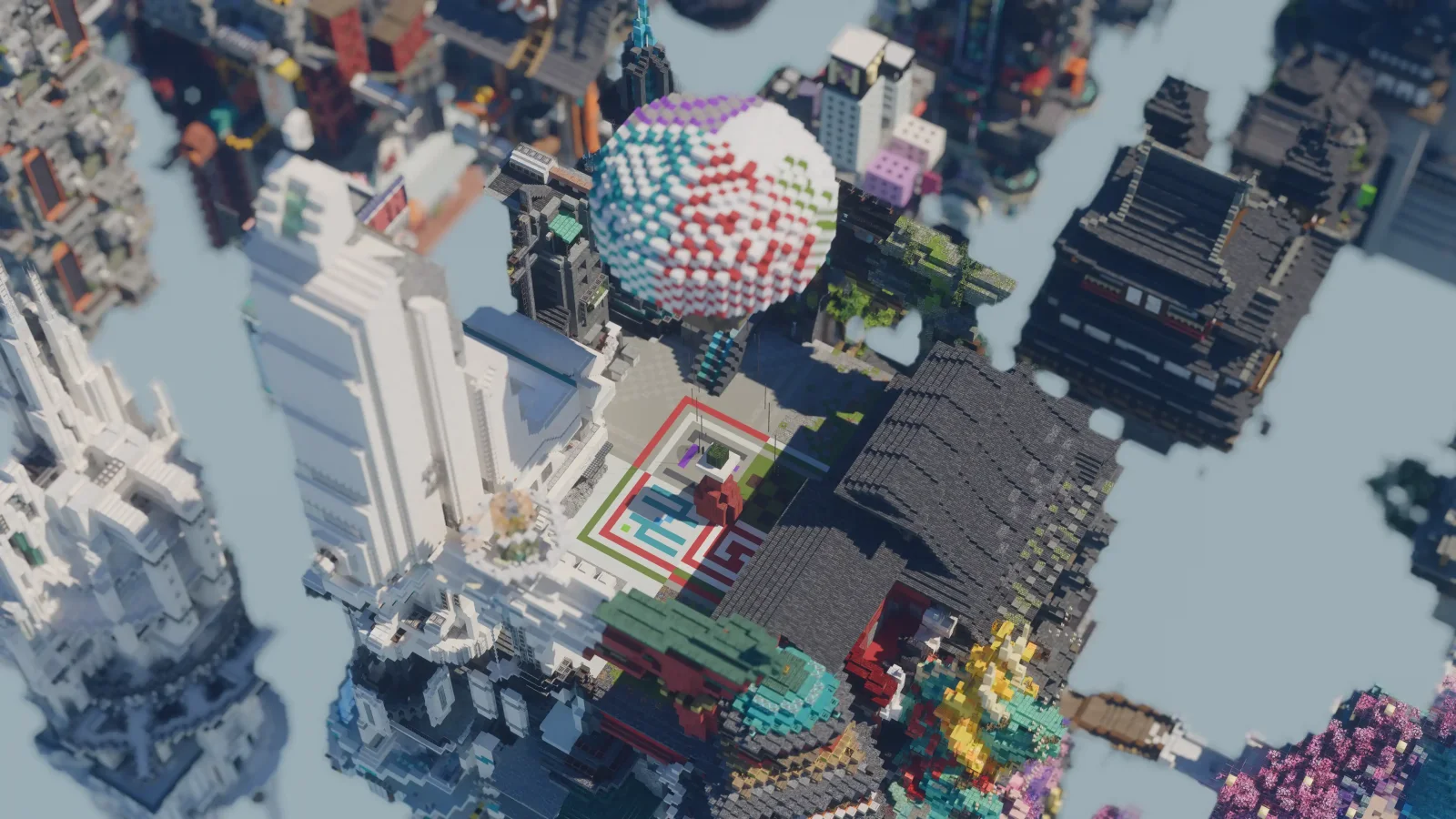
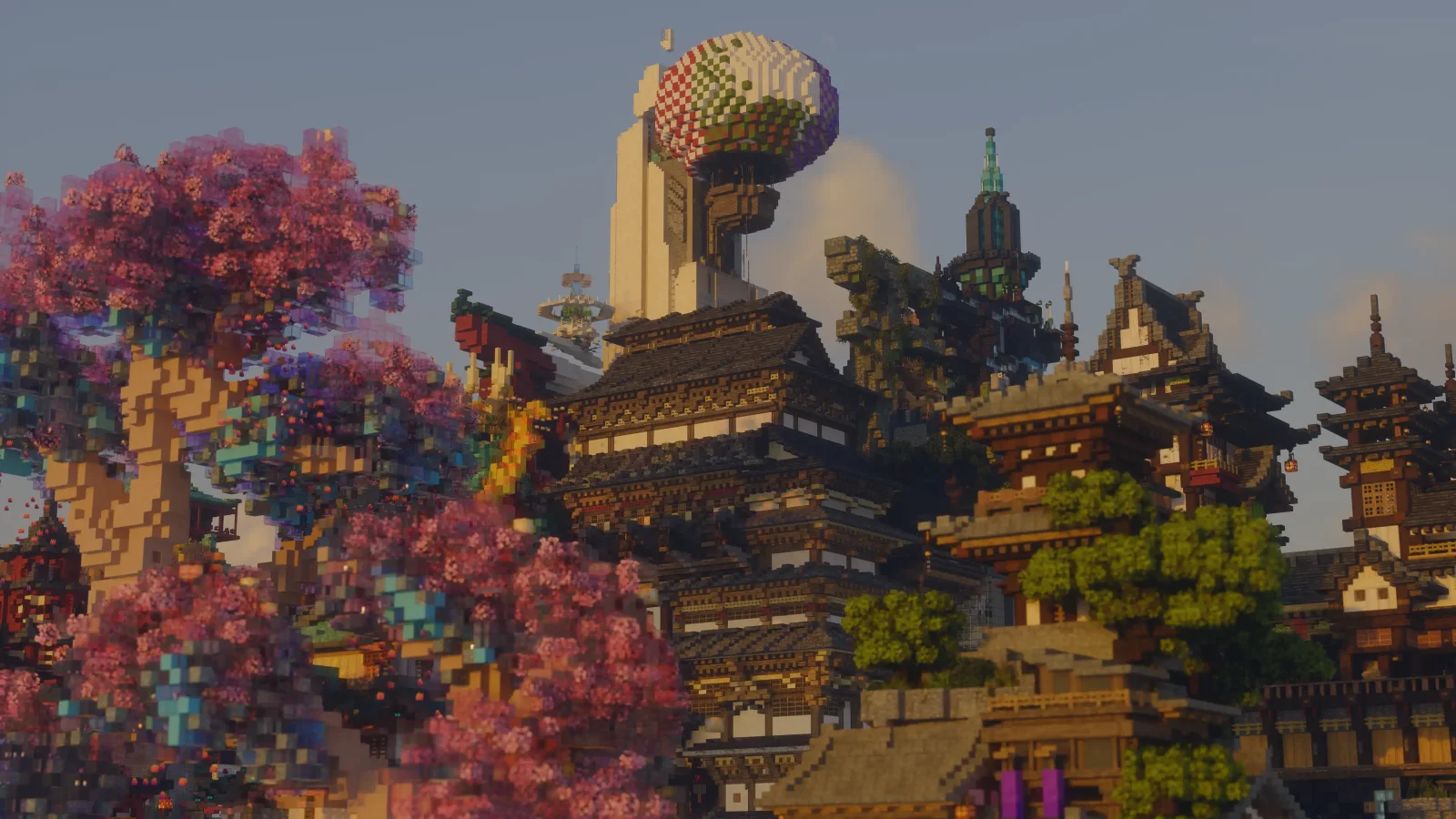
Alpha Piscium (pack de shaders) est une création de Luna5ama. High-quality realistic Minecraft shaderpack.
Versions prises en charge : Minecraft 1.20 – 26.x. On compte 365,209 téléchargements sur Modrinth. La dernière mise à jour date du 29/09/2026.
Alpha Piscium a publié 35 versions sur Modrinth depuis le 13/10/2025. 30 sont sorties au cours de l'année passée. La plus récente est 1.10.0, sortie le 29/09/2026. Elle est faite pour Minecraft 1.20.5 – 26.3. Elle fonctionne sur Iris. Le téléchargement fait 48.3 MB.
| Version | Publié | Minecraft | Type |
|---|---|---|---|
1.10.0 | 29/09/2026 | 1.20.5 – 26.3 | Stable |
1.10.0-Beta2 | 09/09/2026 | 1.20.5 – 26.2 | Bêta |
1.10.0-Beta1 | 30/08/2026 | 1.20.5 – 26.2 | Bêta |
1.9.2 | 15/08/2026 | 1.20.5 – 26.2 | Stable |
1.9.2-Beta1 | 05/08/2026 | 1.20.5 – 26.2 | Bêta |
Alpha Piscium est open source. Sa dernière version sur GitHub est Alpha Piscium v1.10.0, publiée le 29/09/2026.
Lire toutes les notes sur GitHub
Avant : Alpha Piscium v1.10.0-Beta2 (09/09/2026), Alpha Piscium v1.10.0-Beta1 (30/08/2026).
High-quality realistic Minecraft shaderpack featuring global illumination, volumetric clouds, atmospheric scattering, and stunning visual effects.
Official Website link: alphapiscium.org/ \
Discord server link: discord.gg/E2Uq2MmHgq
Improve cloud lighting
Please be advised that this codebase incorporates software components generated or assisted by Large Language Models (LLMs). If your personal policy, regulatory constraints, or usage criteria prohibit the deployment or execution of AI-generated software, you are requested to immediately cease utilization and remove all instances of Alpha Piscium from your systems.
Files under the scripts directory are licensed under the MIT License. All other files are licensed under the GNU General Public License v3.0.
Écrite par Luna5ama. À lire avec les images sur Modrinth.
Installe Iris (avec Sodium) ou OptiFine pour ta version de Minecraft : les shaders ont besoin de l'un des deux.
Télécharge le fichier .zip depuis Modrinth. Ne le décompresse pas.
Dans Minecraft, ouvre Options, puis Paramètres vidéo, puis Shaders, et clique sur Ouvrir le dossier des shaders.
Dépose le fichier .zip dans ce dossier, choisis Alpha Piscium dans la liste et clique sur Terminé.
Les shaders sollicitent beaucoup la carte graphique. Si le jeu ralentit, choisis un profil plus bas dans leurs réglages.
| Ressource | Téléchargements | Versions | Mise à jour | Prix |
|---|---|---|---|---|
| Alpha Pisciumcelle que tu regardais | 365K | 1.20 – 26.x | 29 sept. 2026 | Gratuit |
| Kappa ShaderRRe36 | 3.4M | 1.16 – 1.21 | 28 févr. 2025 | Gratuit |
 FastPBRRRe36 | 2M | 1.18 – 1.21 | 28 févr. 2025 | Gratuit |
 Luster ShadersFourthEcho | 21K | 1.21 – 26.x | il y a 15 jours | Gratuit |
Oui. Alpha Piscium prend en charge Minecraft 26.x. Toutes les versions prises en charge : 26.x, 1.21, 1.20.
Oui. Alpha Piscium se télécharge gratuitement sur Modrinth.
Oui. La dernière mise à jour date des dernières 24 heures.
Les plus proches sont Kappa Shader, FastPBR et Luster Shaders. Comparer toutes les alternatives
Kappa ShaderShaders · 1.16 – 1.21A high-quality realistic, yet also somewhat stylized shaderpack.
FastPBRShaders · 1.18 – 1.21A fast and high-quality shaderpack with realistic visuals and PBR atmospherics.
Luster ShadersShaders · 1.21 – 26.xA high-quality, realistic shaderpack with macbooks in mind
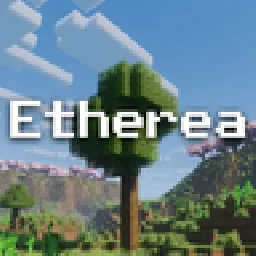 Etherea ShaderShaders · 1.16 – 26.x
A high quality vanilla-styled shaderpack built for exceptional performance.
 Insanity ShaderShaders · 1.8 – 1.21
A stylized, horror themed Iris shaderpack with high customizability and performance.
 AstraLex ShadersShaders · 1.16 – 26.x
Shaderpack with very high customization. If you like effects, this shaderpack is made for you!
Connecte-toi pour laisser un avis.