
 Nostalgia ShaderShader · 1.16 – 1.21
Capturing the essence of old shaderpacks to create a stylized and modern Minecraft-look.
Kostenlos4,552,950 Downloads
A shader that makes 3D look like old-school cartoons on caffeine.
Direkter Download von Modrinth · 26,626 Downloads
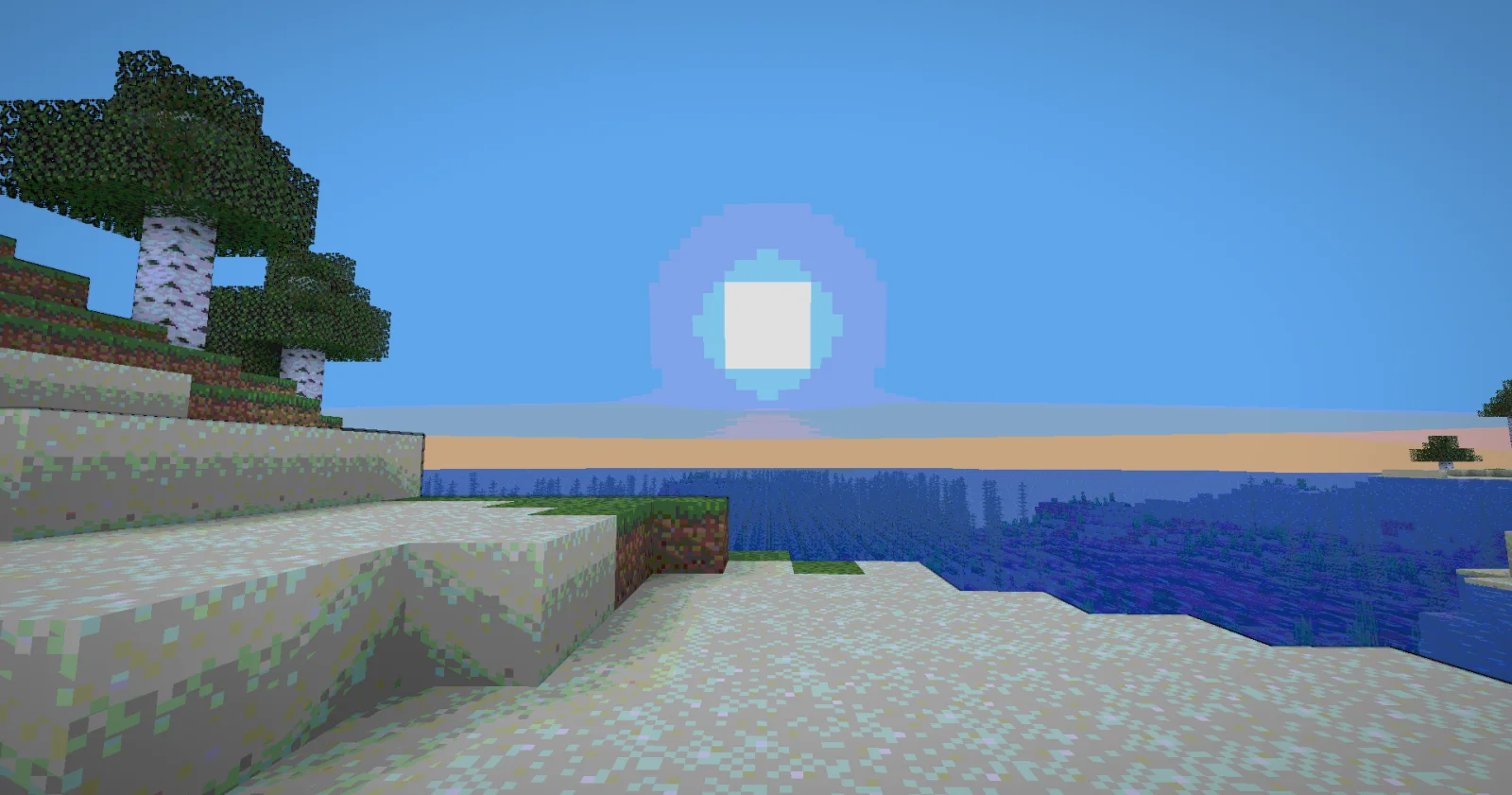
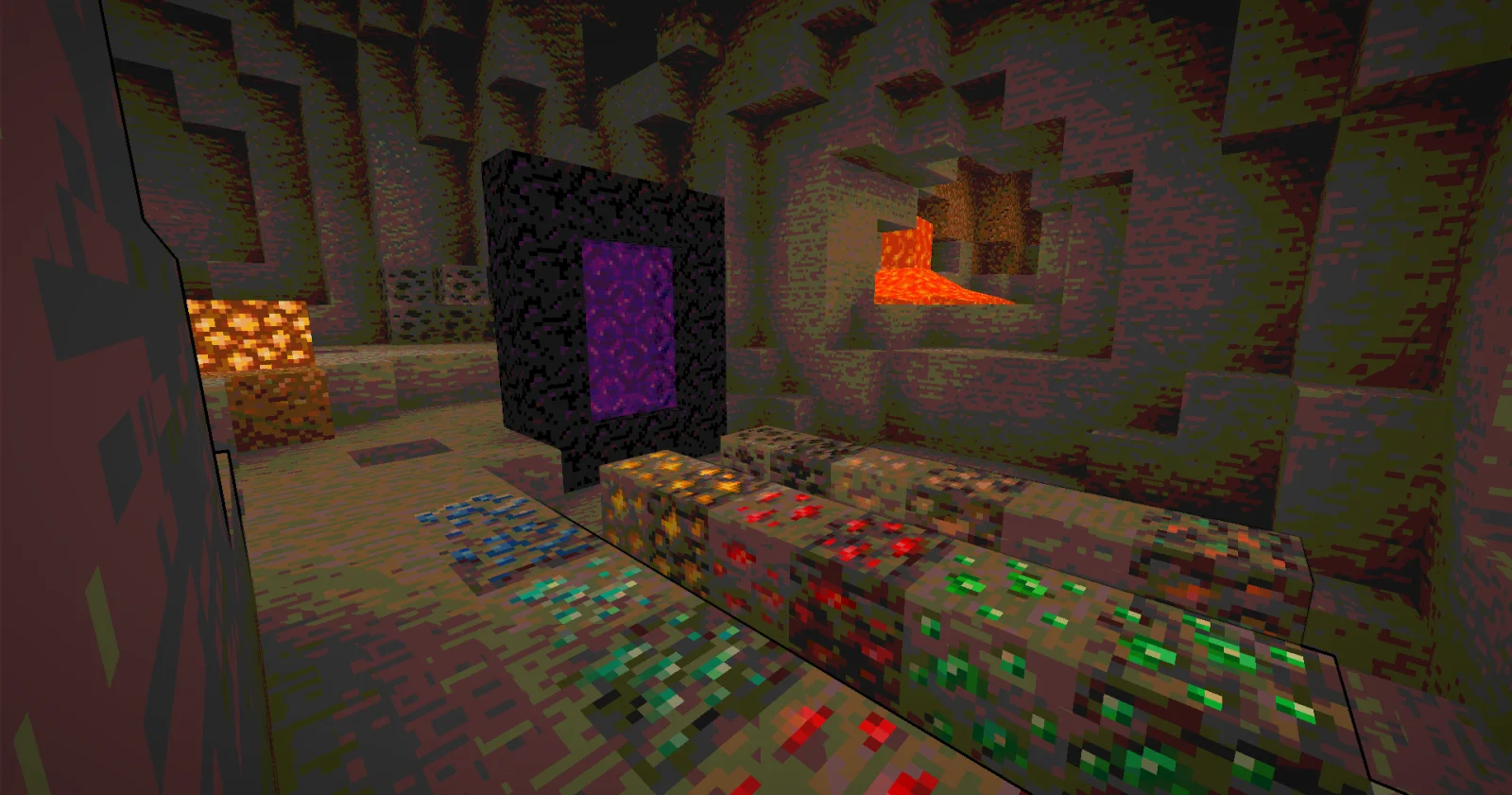
Cartoony (Shaderpack) stammt von xsoras. A shader that makes 3D look like old-school cartoons on caffeine.
Unterstützt wird Minecraft 1.17 – 26.x. Auf Modrinth gibt es 26,626 Downloads. Das letzte Update erschien am 12.09.2026.
Cartoony hat seit 02.11.2025 3 Versionen auf Modrinth veröffentlicht. 2 davon erschienen im letzten Jahr. Die neueste ist 1.1, erschienen am 12.09.2026. Sie ist für Minecraft 1.17 – 1.19.1 gemacht. Sie läuft auf Iris und Optifine. Der Download ist 13 KB groß.
| Version | Veröffentlicht | Minecraft | Typ |
|---|---|---|---|
1.1 | 12.09.2026 | 1.17 – 1.19.1 | Release |
0.5 | 07.06.2026 | 1.17 – 26.2 | Release |
0.2 | 02.11.2025 | 1.17 – 1.19 | Release |
Transform your Minecraft world into a vibrant, animated masterpiece! This shader pack brings a cel-shaded, cartoon aesthetic to your gameplay with smooth lighting, bold outlines, and stylized color grading.
🧠 Lamapi: Next-Gen Open Source AI
Pushing the boundaries of accessible intelligence. Whether you need lightweight efficiency or industrial-grade reasoning, the Next Series delivers.
Why build with Lamapi?
Explore our models and start building:
🚀 KCB Hosting: Power Meets Reliability
Looking for a host that takes your gaming experience as seriously as you do? We provide robust infrastructure ensuring smooth gameplay and enterprise-grade uptime.
Why switch to us?
🔥 Experience the difference with 25% off your first month,
Use code XSORAS
Deploy your server now:
Enjoy your cartoon adventure! 🎬✨
Geschrieben von xsoras. Mit Bildern auf Modrinth lesen.
Installiere Iris (mit Sodium) oder OptiFine für deine Minecraft-Version: Shader brauchen eins davon.
Lade die .zip-Datei von Modrinth herunter. Entpacke sie nicht.
Öffne in Minecraft Optionen, dann Grafikeinstellungen, dann Shaderpacks und klicke auf Shaderpack-Ordner öffnen.
Lege die .zip-Datei in diesen Ordner, wähle Cartoony in der Liste und klicke auf Fertig.
Shader belasten die Grafikkarte. Wird das Spiel langsam, wähle in den Shader-Einstellungen ein niedrigeres Profil.
| Ressource | Downloads | Versionen | Letztes Update | Preis |
|---|---|---|---|---|
| Cartoonydie du angesehen hast | 27K | 1.17 – 26.x | 12. Sept. 2026 | Kostenlos |
| Nostalgia ShaderRRe36 | 4.6M | 1.16 – 1.21 | 28. Feb. 2025 | Kostenlos |
 MC VHSthejinxedartist | 628K | 1.19 – 1.21 | 12. Mai 2025 | Kostenlos |
 SillyWankerShaderbombacat | 93K | 1.12 – 1.21 | 13. März 2025 | Kostenlos |
Ja. Cartoony unterstützt Minecraft 26.x. Alle unterstützten Versionen: 26.x, 1.21, 1.20, 1.19, 1.18, 1.17.
Ja. Cartoony kannst du kostenlos bei Modrinth herunterladen.
Ja. Das letzte Update kam innerhalb des letzten Tages.
Am ähnlichsten sind Nostalgia Shader, MC VHS und SillyWankerShader. Alle Alternativen vergleichen
Nostalgia ShaderShader · 1.16 – 1.21Capturing the essence of old shaderpacks to create a stylized and modern Minecraft-look.
MC VHSShader · 1.19 – 1.21A relatively simple shader for minecraft, made to emulate the look of old VHS recordings.
SillyWankerShaderShader · 1.12 – 1.21A minecraft Shader which tries to keep the vanilla look, while adding functionalities like other shaders and implementing some own silly things like Color…
 VHS ShaderShader · 1.8 – 1.21
VHS Shader — Play Minecraft like it's recorded on an old VHS tape!
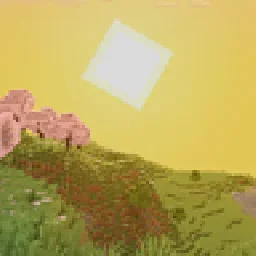 I Like VanillaShader · 1.12 – 26.x
A shader that improves minecraft's style instead of replacing it
 Vanilla Plus ShaderShader · 1.16 – 1.21
A shaderpack that gives Minecraft a modern visual overhaul while staying faithful to its original look.
Logg dich ein, um eine Bewertung zu schreiben.