
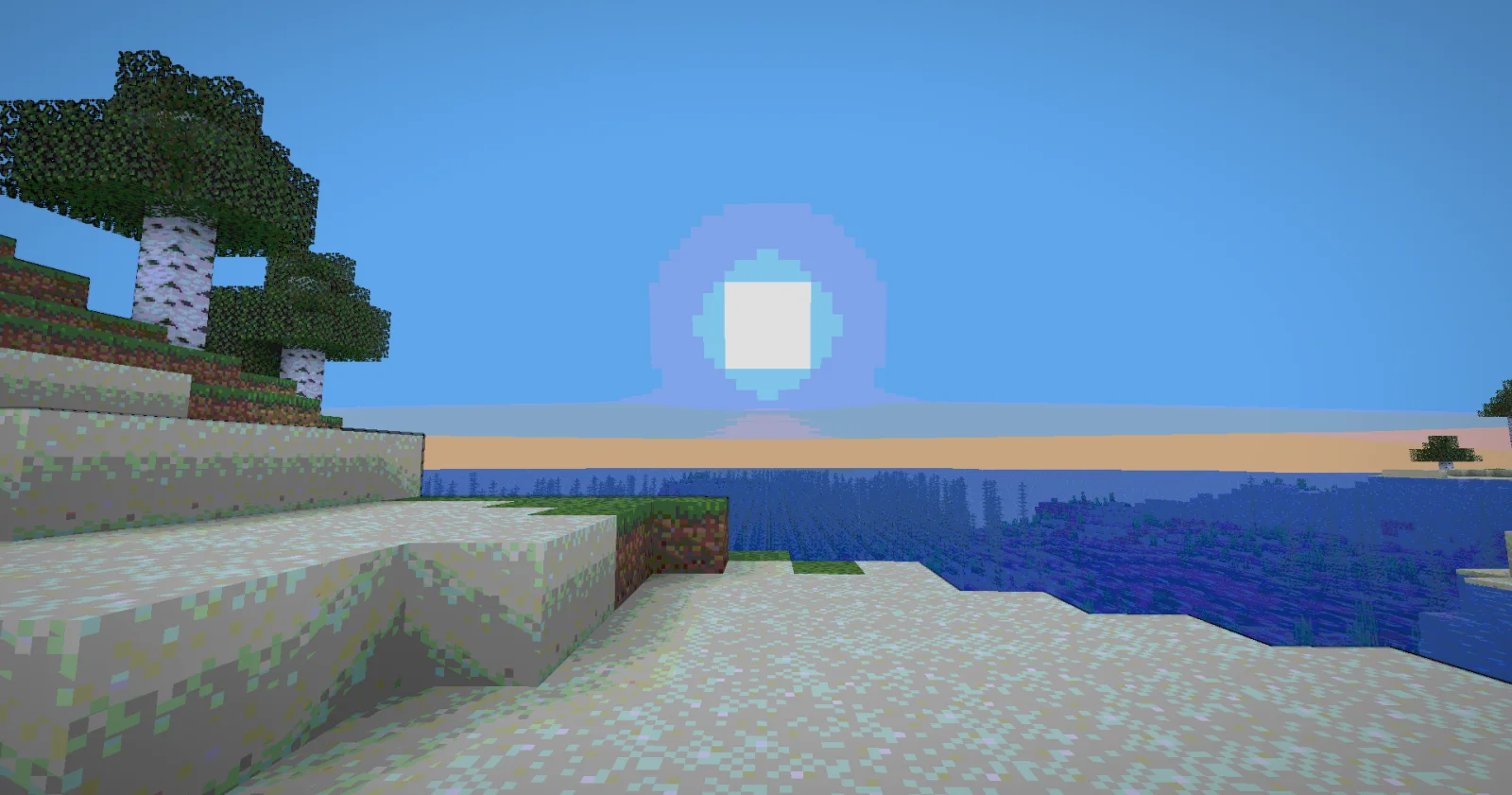
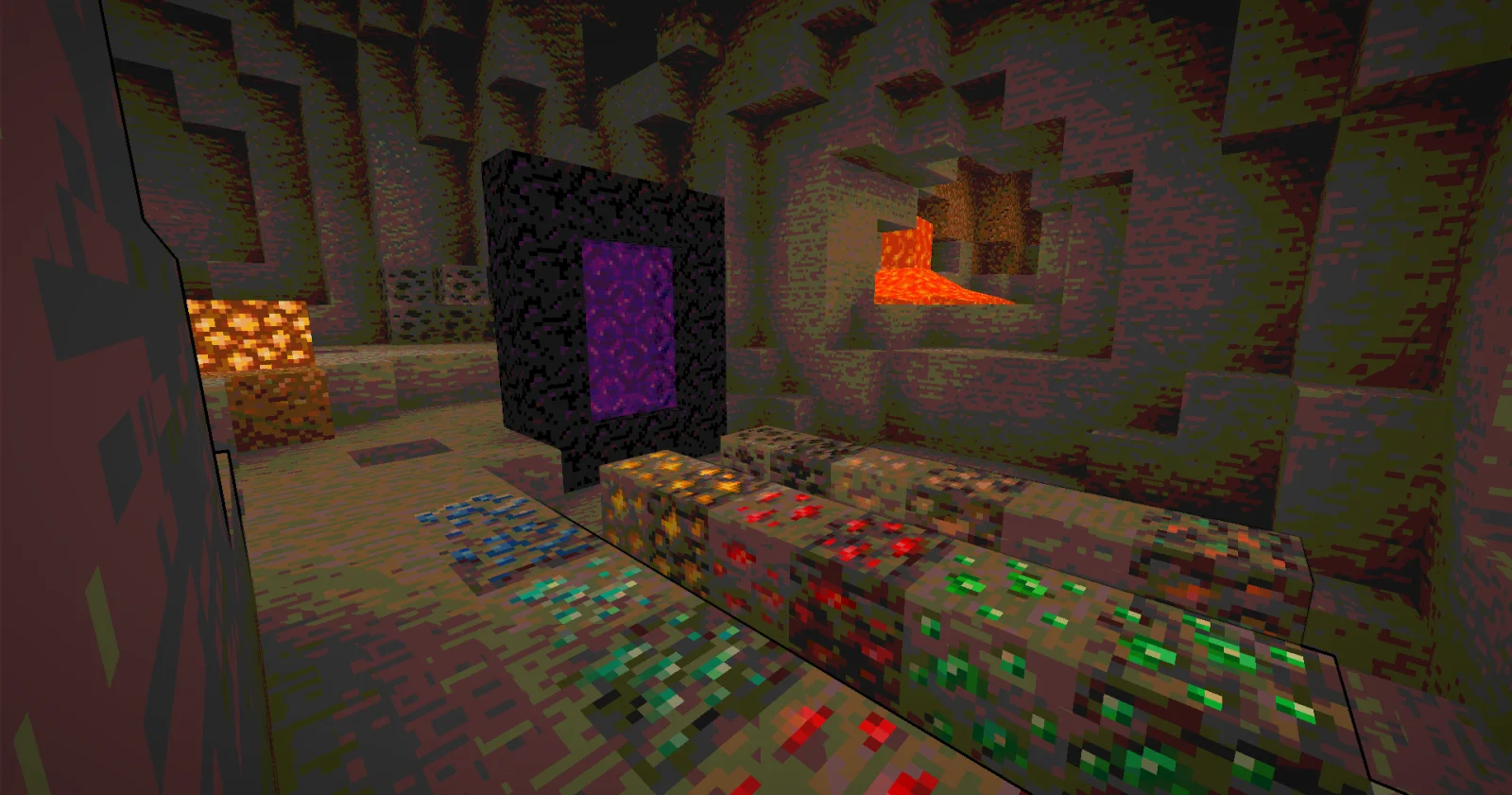
 Nostalgia ShaderShaderlar · 1.16 – 1.21
Capturing the essence of old shaderpacks to create a stylized and modern Minecraft-look.
Ücretsiz4,552,950 indirme
Cartoony, xsoras tarafından yapılmış bir shader paketi. A shader that makes 3D look like old-school cartoons on caffeine.
Desteklediği sürümler: Minecraft 1.17 – 26.x. Modrinth üzerinde 26,673 kez indirildi. Son güncelleme 12.09.2026 tarihinde çıktı.
Cartoony, 02.11.2025 tarihinden beri Modrinth üzerinde 3 sürüm yayınladı. Bunların 2 tanesi son bir yılda çıktı. En yenisi 12.09.2026 tarihinde çıkan 1.1. Minecraft 1.17 – 1.19.1 için yapıldı. Iris ve Optifine üzerinde çalışır. İndirme boyutu 13 KB.
| Sürüm | Yayın tarihi | Minecraft | Tür |
|---|---|---|---|
1.1 | 12.09.2026 | 1.17 – 1.19.1 | Kararlı |
0.5 | 07.06.2026 | 1.17 – 26.2 | Kararlı |
0.2 | 02.11.2025 | 1.17 – 1.19 | Kararlı |
Transform your Minecraft world into a vibrant, animated masterpiece! This shader pack brings a cel-shaded, cartoon aesthetic to your gameplay with smooth lighting, bold outlines, and stylized color grading.
🧠 Lamapi: Next-Gen Open Source AI
Pushing the boundaries of accessible intelligence. Whether you need lightweight efficiency or industrial-grade reasoning, the Next Series delivers.
Why build with Lamapi?
Explore our models and start building:
🚀 KCB Hosting: Power Meets Reliability
Looking for a host that takes your gaming experience as seriously as you do? We provide robust infrastructure ensuring smooth gameplay and enterprise-grade uptime.
Why switch to us?
🔥 Experience the difference with 25% off your first month,
Use code XSORAS
Deploy your server now:
Enjoy your cartoon adventure! 🎬✨
Yazan: xsoras. Resimli halini Modrinth sayfasında oku.
Minecraft sürümün için Iris (Sodium ile) ya da OptiFine kur: shaderlar bunlardan birine ihtiyaç duyar.
.zip dosyasını Modrinth üzerinden indir. Zipten çıkarma.
Minecraft'ta Seçenekler, Görüntü Ayarları, Shader Paketleri'ni aç ve Shader Paketi Klasörünü Aç'a tıkla.
.zip dosyasını o klasöre bırak, listeden Cartoony seç ve Bitti'ye tıkla.
Shaderlar ekran kartını zorlar. Oyun yavaşlarsa shader ayarlarından daha düşük bir profil seç.
| Kaynak | İndirmeler | Sürümler | Son güncelleme | Fiyat |
|---|---|---|---|---|
 Cartoonybaktığın | 27K | 1.17 – 26.x | 12 Eyl 2026 | Ücretsiz |
| Nostalgia ShaderRRe36 | 4.6M | 1.16 – 1.21 | 28 Şub 2025 | Ücretsiz |
 MC VHSthejinxedartist | 628K | 1.19 – 1.21 | 12 May 2025 | Ücretsiz |
 SillyWankerShaderbombacat | 93K | 1.12 – 1.21 | 13 Mar 2025 | Ücretsiz |
Evet. Cartoony, Minecraft 26.x sürümünü destekliyor. Desteklenen tüm sürümler: 26.x, 1.21, 1.20, 1.19, 1.18, 1.17.
Evet. Cartoony, Modrinth üzerinden ücretsiz indirilebilir.
Evet. Son güncelleme son 24 saat içinde çıktı.
En yakın olanlar Nostalgia Shader, MC VHS ve SillyWankerShader. Tüm alternatifleri karşılaştır
Nostalgia ShaderShaderlar · 1.16 – 1.21Capturing the essence of old shaderpacks to create a stylized and modern Minecraft-look.
MC VHSShaderlar · 1.19 – 1.21A relatively simple shader for minecraft, made to emulate the look of old VHS recordings.
SillyWankerShaderShaderlar · 1.12 – 1.21A minecraft Shader which tries to keep the vanilla look, while adding functionalities like other shaders and implementing some own silly things like Color…
 VHS ShaderShaderlar · 1.8 – 1.21
VHS Shader — Play Minecraft like it's recorded on an old VHS tape!
 I Like VanillaShaderlar · 1.12 – 26.x
A shader that improves minecraft's style instead of replacing it
 Vanilla Plus ShaderShaderlar · 1.16 – 1.21
A shaderpack that gives Minecraft a modern visual overhaul while staying faithful to its original look.
Yorum yazmak için giriş yap.