
 OrebfuscatorPlugins · 1.12 – 26.x
High-Performance Anti X-Ray plugin
Kostenlos225,493 Downloads

Lightweight, high-performance Minecraft plugin for self-selecting PVE/PVP modes via GUI. Fully configurable, admin commands for settings & stats, hex color…
Direkter Download von Modrinth · 1 Downloads
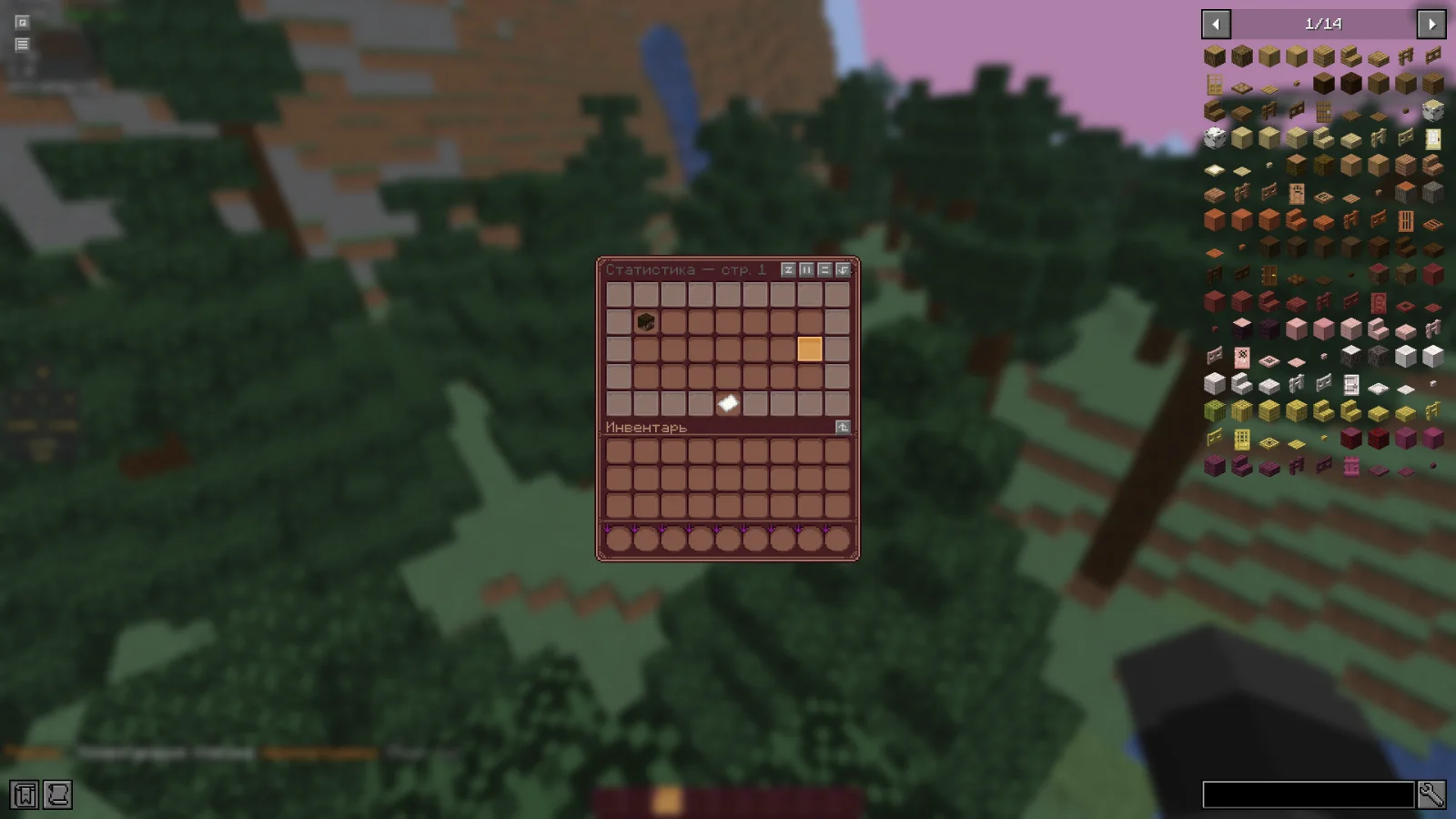
RealmMode (Plugin) ist für Server mit Paper / Spigot gedacht und stammt von w1nsy. Lightweight, high-performance Minecraft plugin for self-selecting PVE/PVP modes via GUI. Fully configurable, admin commands for settings & stats, hex color…
Unterstützt wird Minecraft 1.21 – 26.x. Auf Modrinth gibt es 1 Downloads. Damit liegt es auf Platz 127 der 132 hier gelisteten Performance-Plugins. Das letzte Update erschien am 13.11.2026.
Die neueste ist v0.1.0-beta, erschienen am 13.11.2026. Sie ist für Minecraft 1.21.11 – 26.1.2 gemacht. Sie läuft auf Bukkit, Paper und Spigot. Der Download ist 954 KB groß.
| Version | Veröffentlicht | Minecraft | Typ |
|---|---|---|---|
v0.1.0-beta | 13.11.2026 | 1.21.11 – 26.1.2 | Beta |
Die Befehle, die auf der Modrinth-Seite von RealmMode stehen:
/mode/rmDort genannte Berechtigungen, zu vergeben mit einem Plugin wie LuckPerms:
realm-mode.admin.reloadrealm-mode.admin.changerealm-mode.admin.statsRealmMode ist Open Source. Die neueste Version auf GitHub ist Paper-1.21.11-26.x | Beta version, veröffentlicht am 13.11.2026.
The plugin has been sent for beta testing.
Please report any bugs and errors you encounter.
[](github.com/mr-hares/RealmMode/blob/master/LICEN…) [](github.com/mr-hares/RealmMode/issues)
RealmMode is a lightweight and high-performance Minecraft plugin that allows players to independently choose between PVE and PVP modes. Players switch modes through a convenient GUI menu, while administrators manage settings and statistics using commands. The plugin is fully configurable and supports modern hex colors.
Command · Description · Permission Node
/mode · Ability to change mode · Available to everyone
/rm reload · Reloads the plugin configuration · realm-mode.admin.reload
/rm change [nickname] [PVE/PVP] · Forcefully changes a player's mode · realm-mode.admin.change
/rm stats · View mode statistics · realm-mode.admin.stats
Regular players can change their mode through the GUI menu without additional permissions.
PVE - Build, gather, survive
Peaceful gameplay without PVP combat. Ideal for builders and explorers: complete freedom in building, resource gathering, and world exploration without the risk of being attacked by other players.
PVP - Gear up, kill, fight
Full-fledged battles with other players. For those seeking excitement and rivalry: open fights, competitive spirit, and the opportunity to prove your superiority on the battlefield.
Geschrieben von w1nsy. Mit Bildern auf Modrinth lesen.
Stelle sicher, dass dein Server Paper und Spigot auf Minecraft 1.21 – 26.x nutzt.
Lade die .jar-Datei von Modrinth herunter und lege sie in den plugins-Ordner deines Servers.
Starte den Server neu. Vermeide /reload, viele Plugins kommen damit nicht gut klar.
Gib /plugins in der Konsole ein: RealmMode sollte grün aufgelistet sein. Die Konfigurationsdateien werden beim ersten Start im plugins-Ordner angelegt.
Ausführliche Anleitung: So installierst du Plugins auf einem Minecraft-Server
| Ressource | Downloads | Versionen | Letztes Update | Preis |
|---|---|---|---|---|
| RealmModedie du angesehen hast | 1 | 1.21 – 26.x | vor 17 Stunden | Kostenlos |
| OrebfuscatorIngrim4 | 225K | 1.12 – 26.x | 19. Sept. 2026 | Kostenlos |
 ClearLaggEnhanceddjtmk1 | 24K | 1.20 – 26.x | vor 13 Tagen | Kostenlos |
 AxGravesArtillexStudios | 216K | 1.18 – 26.x | vor 12 Tagen | Kostenlos |
Ja. RealmMode unterstützt Minecraft 26.x. Alle unterstützten Versionen: 26.x, 1.21.
Ja. RealmMode kannst du kostenlos bei Modrinth herunterladen.
RealmMode läuft auf Servern mit Paper und Spigot.
Ja. Das letzte Update kam innerhalb des letzten Tages.
Am ähnlichsten sind Orebfuscator, ClearLaggEnhanced und AxGraves. Alle Alternativen vergleichen
OrebfuscatorPlugins · 1.12 – 26.xHigh-Performance Anti X-Ray plugin
ClearLaggEnhancedPlugins · 1.20 – 26.xThe definitive ClearLagg successor for 1.20+. Boost TPS and fix lag on Paper, Spigot, and Folia with smart entity clearing and a real-time Admin GUI.
AxGravesPlugins · 1.18 – 26.xA lightweight grave (death chest) plugin focused on performance & compatibility.
 Overclock ClearLagPlugins · 1.19 – 26.x
✨Ultimate Server Optimization & Lag Control System, Advanced Performance plugin for High-Load Minecraft Servers✨
 Open InventoryPlugins · 1.16 – 26.x
OpenInv is a powerful Minecraft admin plugin that lets staff view and edit player inventories and ender chests using /inv commands, featuring a modern GUI…
 Origins-RebornPlugins · 1.18 – 26.x
An Origin plugin for PaperMC with an accurate custom GUI, high performance, high customisability and Skript support!
Logg dich ein, um eine Bewertung zu schreiben.