
 OrebfuscatorPlugins · 1.12 – 26.x
High-Performance Anti X-Ray plugin
Gratis225,493 descargas

Lightweight, high-performance Minecraft plugin for self-selecting PVE/PVP modes via GUI. Fully configurable, admin commands for settings & stats, hex color…
Descarga directa desde Modrinth · 1 descargas
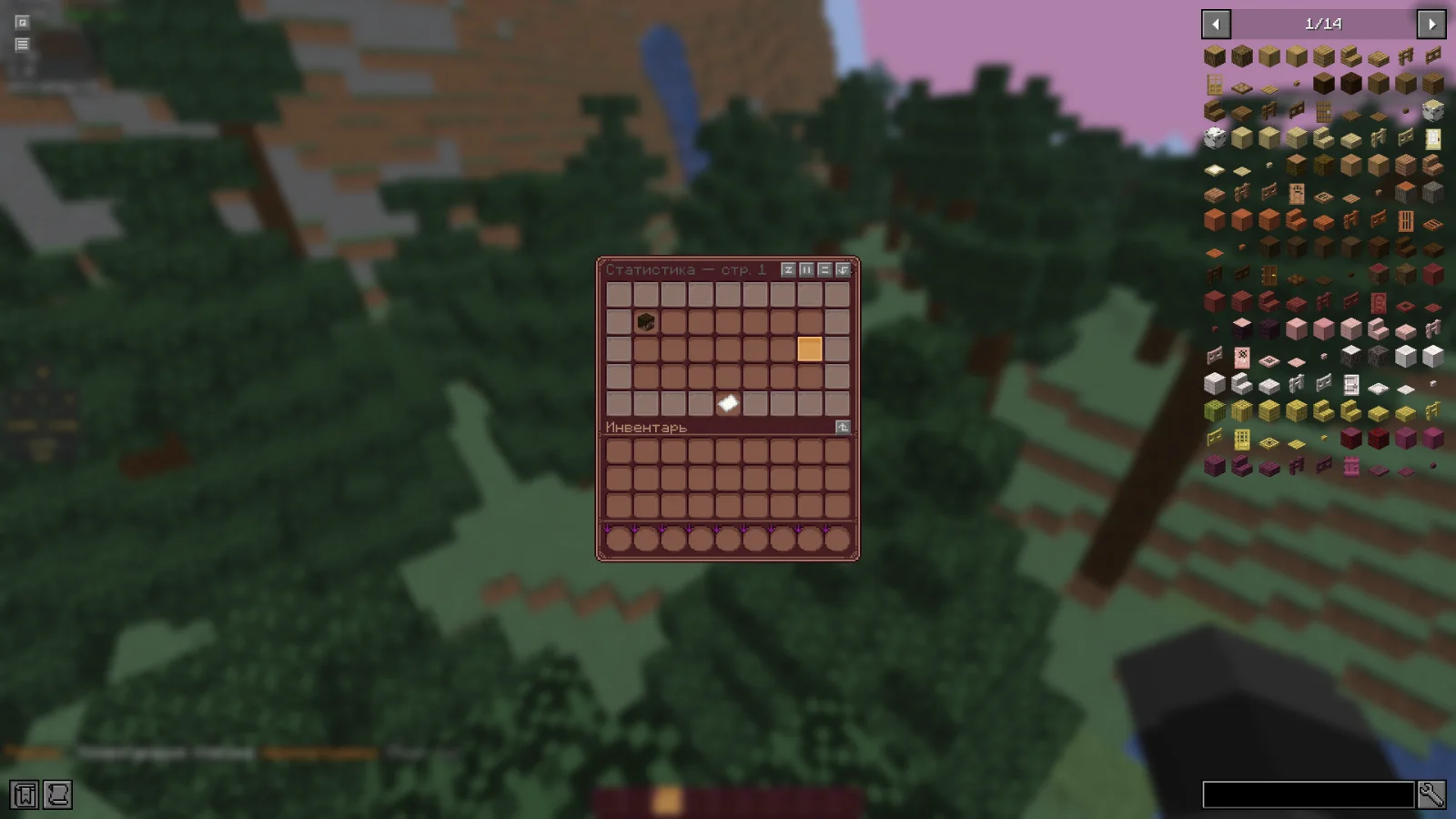
w1nsy creó RealmMode (plugin) para servidores Paper / Spigot. Lightweight, high-performance Minecraft plugin for self-selecting PVE/PVP modes via GUI. Fully configurable, admin commands for settings & stats, hex color…
Es compatible con Minecraft 1.21 – 26.x. Se ha descargado 1 veces en Modrinth. Eso lo sitúa en el puesto 127 de los 132 plugins de rendimiento de esta lista. La última actualización salió el 13/11/2026.
La más reciente es v0.1.0-beta, publicada el 13/11/2026. Está hecha para Minecraft 1.21.11 – 26.1.2. Funciona en Bukkit, Paper y Spigot. La descarga ocupa 954 KB.
| Versión | Publicado | Minecraft | Tipo |
|---|---|---|---|
v0.1.0-beta | 13/11/2026 | 1.21.11 – 26.1.2 | Beta |
Los comandos que aparecen en la página de RealmMode en Modrinth:
/mode/rmPermisos que se nombran allí, para dar con un plugin como LuckPerms:
realm-mode.admin.reloadrealm-mode.admin.changerealm-mode.admin.statsRealmMode es de código abierto. Su última versión en GitHub es Paper-1.21.11-26.x | Beta version, publicada el 13/11/2026.
The plugin has been sent for beta testing.
Please report any bugs and errors you encounter.
[](github.com/mr-hares/RealmMode/blob/master/LICEN…) [](github.com/mr-hares/RealmMode/issues)
RealmMode is a lightweight and high-performance Minecraft plugin that allows players to independently choose between PVE and PVP modes. Players switch modes through a convenient GUI menu, while administrators manage settings and statistics using commands. The plugin is fully configurable and supports modern hex colors.
Command · Description · Permission Node
/mode · Ability to change mode · Available to everyone
/rm reload · Reloads the plugin configuration · realm-mode.admin.reload
/rm change [nickname] [PVE/PVP] · Forcefully changes a player's mode · realm-mode.admin.change
/rm stats · View mode statistics · realm-mode.admin.stats
Regular players can change their mode through the GUI menu without additional permissions.
PVE - Build, gather, survive
Peaceful gameplay without PVP combat. Ideal for builders and explorers: complete freedom in building, resource gathering, and world exploration without the risk of being attacked by other players.
PVP - Gear up, kill, fight
Full-fledged battles with other players. For those seeking excitement and rivalry: open fights, competitive spirit, and the opportunity to prove your superiority on the battlefield.
Escrita por w1nsy. Léela con imágenes en Modrinth.
Asegúrate de que tu servidor use Paper y Spigot en Minecraft 1.21 – 26.x.
Descarga el archivo .jar desde Modrinth y ponlo en la carpeta plugins de tu servidor.
Reinicia el servidor. Evita /reload, muchos plugins no lo llevan bien.
Escribe /plugins en la consola: RealmMode debería aparecer en verde. Sus archivos de configuración se crean en la carpeta plugins al primer arranque.
Guía completa: Cómo instalar plugins en un servidor de Minecraft
| Recurso | Descargas | Versiones | Última actualización | Precio |
|---|---|---|---|---|
| RealmModeel que estabas viendo | 1 | 1.21 – 26.x | hace 17 horas | Gratis |
| OrebfuscatorIngrim4 | 225K | 1.12 – 26.x | 19 sept 2026 | Gratis |
 ClearLaggEnhanceddjtmk1 | 24K | 1.20 – 26.x | hace 13 días | Gratis |
 AxGravesArtillexStudios | 216K | 1.18 – 26.x | hace 12 días | Gratis |
Sí. RealmMode es compatible con Minecraft 26.x. Todas las versiones compatibles: 26.x, 1.21.
Sí. RealmMode se puede descargar gratis desde Modrinth.
RealmMode funciona en servidores Paper y Spigot.
Sí. La última actualización salió en el último día.
Los más parecidos son Orebfuscator, ClearLaggEnhanced y AxGraves. Comparar todas las alternativas
OrebfuscatorPlugins · 1.12 – 26.xHigh-Performance Anti X-Ray plugin
ClearLaggEnhancedPlugins · 1.20 – 26.xThe definitive ClearLagg successor for 1.20+. Boost TPS and fix lag on Paper, Spigot, and Folia with smart entity clearing and a real-time Admin GUI.
AxGravesPlugins · 1.18 – 26.xA lightweight grave (death chest) plugin focused on performance & compatibility.
 Overclock ClearLagPlugins · 1.19 – 26.x
✨Ultimate Server Optimization & Lag Control System, Advanced Performance plugin for High-Load Minecraft Servers✨
 Open InventoryPlugins · 1.16 – 26.x
OpenInv is a powerful Minecraft admin plugin that lets staff view and edit player inventories and ender chests using /inv commands, featuring a modern GUI…
 Origins-RebornPlugins · 1.18 – 26.x
An Origin plugin for PaperMC with an accurate custom GUI, high performance, high customisability and Skript support!
Inicia sesión para dejar una reseña.