
 OrebfuscatorПлагины · 1.12 – 26.x
High-Performance Anti X-Ray plugin
БесплатноЗагрузок: 225,493

Lightweight, high-performance Minecraft plugin for self-selecting PVE/PVP modes via GUI. Fully configurable, admin commands for settings & stats, hex color…
Прямая загрузка с Modrinth · 1 загрузок
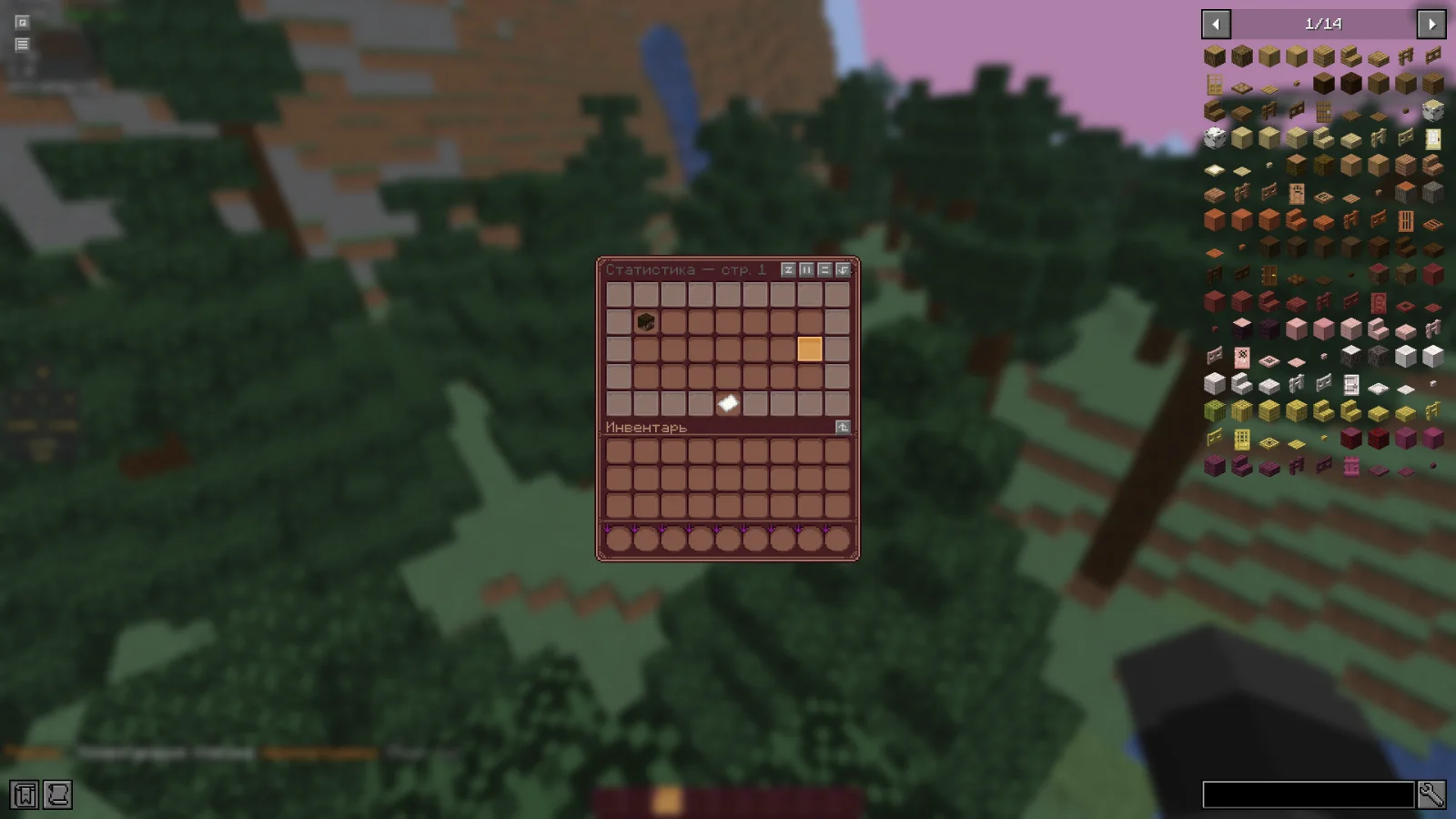
RealmMode — плагин для серверов Paper / Spigot от w1nsy. Lightweight, high-performance Minecraft plugin for self-selecting PVE/PVP modes via GUI. Fully configurable, admin commands for settings & stats, hex color…
Поддерживаемые версии: Minecraft 1.21 – 26.x. Скачиваний на Modrinth: 1. Это место №127 в разделе «плагины оптимизации» (всего в списке: 132). Последнее обновление: 13.11.2026.
Новейшая — v0.1.0-beta, вышла 13.11.2026. Она сделана для Minecraft 1.21.11 – 26.1.2. Работает на Bukkit, Paper и Spigot. Размер файла — 954 KB.
| Версия | Выпущен | Minecraft | Тип |
|---|---|---|---|
v0.1.0-beta | 13.11.2026 | 1.21.11 – 26.1.2 | Бета |
Команды, указанные на странице RealmMode на Modrinth:
/mode/rmПрава, упомянутые там (выдаются плагином вроде LuckPerms):
realm-mode.admin.reloadrealm-mode.admin.changerealm-mode.admin.statsRealmMode — проект с открытым кодом. Новейший релиз на GitHub — Paper-1.21.11-26.x | Beta version, вышел 13.11.2026.
The plugin has been sent for beta testing.
Please report any bugs and errors you encounter.
[](github.com/mr-hares/RealmMode/blob/master/LICEN…) [](github.com/mr-hares/RealmMode/issues)
RealmMode is a lightweight and high-performance Minecraft plugin that allows players to independently choose between PVE and PVP modes. Players switch modes through a convenient GUI menu, while administrators manage settings and statistics using commands. The plugin is fully configurable and supports modern hex colors.
Command · Description · Permission Node
/mode · Ability to change mode · Available to everyone
/rm reload · Reloads the plugin configuration · realm-mode.admin.reload
/rm change [nickname] [PVE/PVP] · Forcefully changes a player's mode · realm-mode.admin.change
/rm stats · View mode statistics · realm-mode.admin.stats
Regular players can change their mode through the GUI menu without additional permissions.
PVE - Build, gather, survive
Peaceful gameplay without PVP combat. Ideal for builders and explorers: complete freedom in building, resource gathering, and world exploration without the risk of being attacked by other players.
PVP - Gear up, kill, fight
Full-fledged battles with other players. For those seeking excitement and rivalry: open fights, competitive spirit, and the opportunity to prove your superiority on the battlefield.
Автор: w1nsy. С картинками — на Modrinth.
Убедись, что твой сервер работает на Paper и Spigot с Minecraft 1.21 – 26.x.
Скачай .jar-файл с Modrinth и положи его в папку plugins на сервере.
Перезапусти сервер. Не используй /reload, многие плагины плохо это переносят.
Введи /plugins в консоли: RealmMode должен быть зелёным. Файлы настроек создаются в папке plugins при первом запуске.
Подробное руководство: Как установить плагины на сервер Minecraft
| Ресурс | Загрузки | Версии | Обновление | Цена |
|---|---|---|---|---|
| RealmModeтот, что ты смотрел | 1 | 1.21 – 26.x | 17 ч назад | Бесплатно |
| OrebfuscatorIngrim4 | 225K | 1.12 – 26.x | 19 сент. 2026 | Бесплатно |
 ClearLaggEnhanceddjtmk1 | 24K | 1.20 – 26.x | 13 дн. назад | Бесплатно |
 AxGravesArtillexStudios | 216K | 1.18 – 26.x | 12 дн. назад | Бесплатно |
Да. RealmMode поддерживает Minecraft 26.x. Все поддерживаемые версии: 26.x, 1.21.
Да. RealmMode можно бесплатно скачать на Modrinth.
RealmMode работает на серверах Paper и Spigot.
Да. Последнее обновление вышло за последние сутки.
Ближе всего к нему Orebfuscator, ClearLaggEnhanced и AxGraves. Сравнить все альтернативы
OrebfuscatorПлагины · 1.12 – 26.xHigh-Performance Anti X-Ray plugin
ClearLaggEnhancedПлагины · 1.20 – 26.xThe definitive ClearLagg successor for 1.20+. Boost TPS and fix lag on Paper, Spigot, and Folia with smart entity clearing and a real-time Admin GUI.
AxGravesПлагины · 1.18 – 26.xA lightweight grave (death chest) plugin focused on performance & compatibility.
 Overclock ClearLagПлагины · 1.19 – 26.x
✨Ultimate Server Optimization & Lag Control System, Advanced Performance plugin for High-Load Minecraft Servers✨
 Open InventoryПлагины · 1.16 – 26.x
OpenInv is a powerful Minecraft admin plugin that lets staff view and edit player inventories and ender chests using /inv commands, featuring a modern GUI…
 Origins-RebornПлагины · 1.18 – 26.x
An Origin plugin for PaperMC with an accurate custom GUI, high performance, high customisability and Skript support!
Войди, чтобы оставить отзыв.