
 OrebfuscatorPlugins · 1.12 – 26.x
High-Performance Anti X-Ray plugin
Free225,493 downloads

Lightweight, high-performance Minecraft plugin for self-selecting PVE/PVP modes via GUI. Fully configurable, admin commands for settings & stats, hex color…
Direct download from Modrinth · 1 downloads
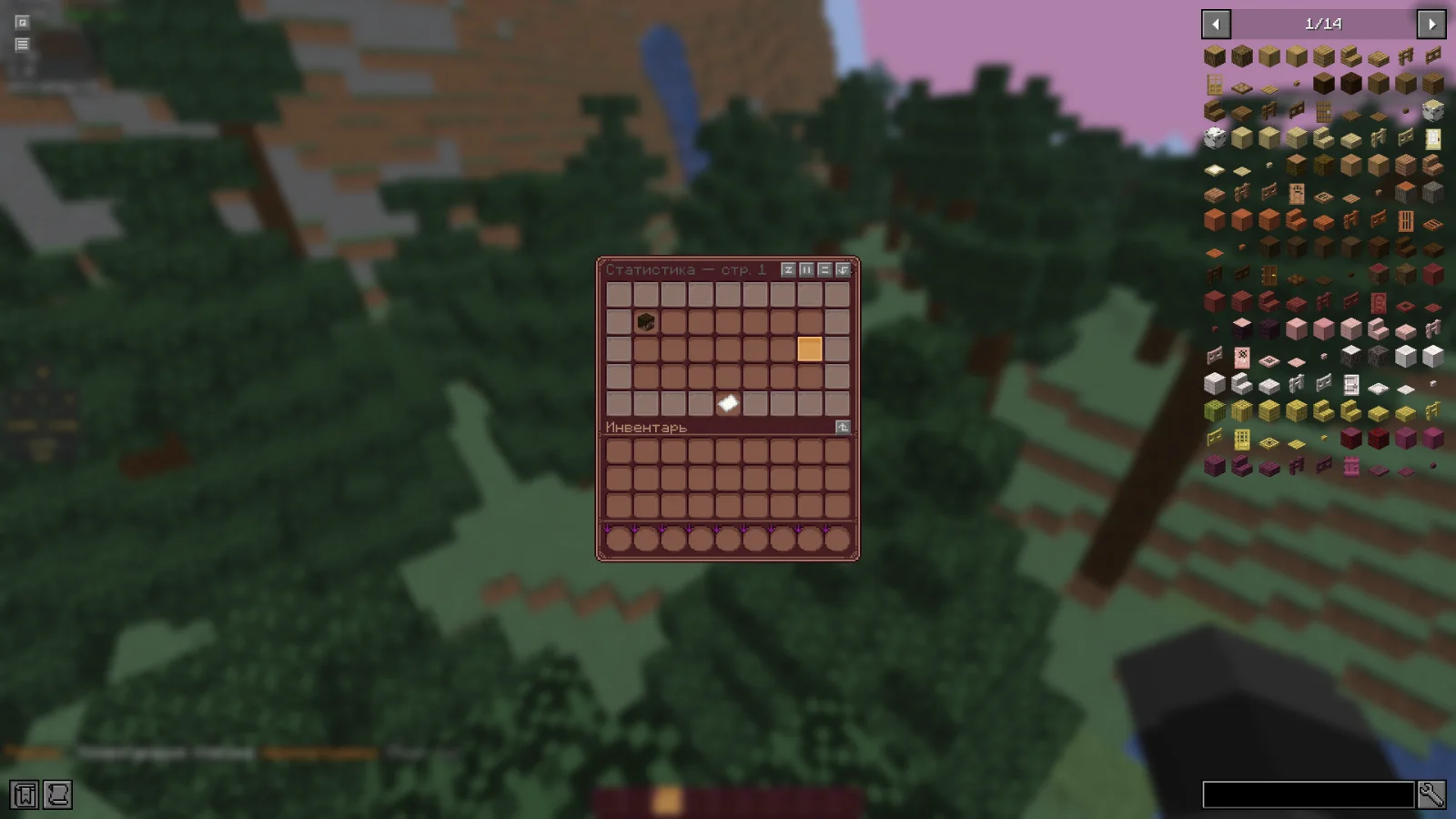
RealmMode is a plugin for Paper / Spigot servers, made by w1nsy. Lightweight, high-performance Minecraft plugin for self-selecting PVE/PVP modes via GUI. Fully configurable, admin commands for settings & stats, hex color…
It supports Minecraft 1.21 – 26.x. It has been downloaded 1 times on Modrinth. That puts it at #127 of the 132 performance plugins listed here. The last update came out on Nov 13, 2026.
The newest is v0.1.0-beta, released on Nov 13, 2026. It is made for Minecraft 1.21.11 – 26.1.2. It runs on Bukkit, Paper and Spigot. The download is 954 KB.
| Version | Released | Minecraft | Type |
|---|---|---|---|
v0.1.0-beta | Nov 13, 2026 | 1.21.11 – 26.1.2 | Beta |
The commands named on the Modrinth page of RealmMode:
/mode/rmPermission nodes named there, to give with a plugin like LuckPerms:
realm-mode.admin.reloadrealm-mode.admin.changerealm-mode.admin.statsRealmMode is open source. Its newest release on GitHub is Paper-1.21.11-26.x | Beta version, published on Nov 13, 2026.
The plugin has been sent for beta testing.
Please report any bugs and errors you encounter.
[](github.com/mr-hares/RealmMode/blob/master/LICEN…) [](github.com/mr-hares/RealmMode/issues)
RealmMode is a lightweight and high-performance Minecraft plugin that allows players to independently choose between PVE and PVP modes. Players switch modes through a convenient GUI menu, while administrators manage settings and statistics using commands. The plugin is fully configurable and supports modern hex colors.
Command · Description · Permission Node
/mode · Ability to change mode · Available to everyone
/rm reload · Reloads the plugin configuration · realm-mode.admin.reload
/rm change [nickname] [PVE/PVP] · Forcefully changes a player's mode · realm-mode.admin.change
/rm stats · View mode statistics · realm-mode.admin.stats
Regular players can change their mode through the GUI menu without additional permissions.
PVE - Build, gather, survive
Peaceful gameplay without PVP combat. Ideal for builders and explorers: complete freedom in building, resource gathering, and world exploration without the risk of being attacked by other players.
PVP - Gear up, kill, fight
Full-fledged battles with other players. For those seeking excitement and rivalry: open fights, competitive spirit, and the opportunity to prove your superiority on the battlefield.
Written by w1nsy. Read it with pictures on Modrinth.
Make sure your server runs Paper and Spigot on Minecraft 1.21 – 26.x.
Download the .jar file from Modrinth and put it in the plugins folder of your server.
Restart the server. Avoid /reload, many plugins do not handle it well.
Type /plugins in the console: RealmMode should be listed in green. Its config files are created in the plugins folder on the first start.
Full guide: How to install plugins on a Minecraft server
| Resource | Downloads | Versions | Last update | Price |
|---|---|---|---|---|
| RealmModethe one you looked at | 1 | 1.21 – 26.x | 17 hours ago | Free |
| OrebfuscatorIngrim4 | 225K | 1.12 – 26.x | Sep 19, 2026 | Free |
 ClearLaggEnhanceddjtmk1 | 24K | 1.20 – 26.x | 13 days ago | Free |
 AxGravesArtillexStudios | 216K | 1.18 – 26.x | 12 days ago | Free |
Yes. RealmMode supports Minecraft 26.x. All supported versions: 26.x, 1.21.
Yes. RealmMode is free to download from Modrinth.
RealmMode runs on Paper and Spigot servers.
Yes. The last update came out in the past day.
The closest ones are Orebfuscator, ClearLaggEnhanced and AxGraves. Compare all alternatives
OrebfuscatorPlugins · 1.12 – 26.xHigh-Performance Anti X-Ray plugin
ClearLaggEnhancedPlugins · 1.20 – 26.xThe definitive ClearLagg successor for 1.20+. Boost TPS and fix lag on Paper, Spigot, and Folia with smart entity clearing and a real-time Admin GUI.
AxGravesPlugins · 1.18 – 26.xA lightweight grave (death chest) plugin focused on performance & compatibility.
 Overclock ClearLagPlugins · 1.19 – 26.x
✨Ultimate Server Optimization & Lag Control System, Advanced Performance plugin for High-Load Minecraft Servers✨
 Open InventoryPlugins · 1.16 – 26.x
OpenInv is a powerful Minecraft admin plugin that lets staff view and edit player inventories and ender chests using /inv commands, featuring a modern GUI…
 Origins-RebornPlugins · 1.18 – 26.x
An Origin plugin for PaperMC with an accurate custom GUI, high performance, high customisability and Skript support!
Log in to leave a review.