
 OrebfuscatorPluginy · 1.12 – 26.x
High-Performance Anti X-Ray plugin
Za darmoPobrania: 225,493

Lightweight, high-performance Minecraft plugin for self-selecting PVE/PVP modes via GUI. Fully configurable, admin commands for settings & stats, hex color…
Bezpośrednie pobieranie z Modrinth · 1 pobrań
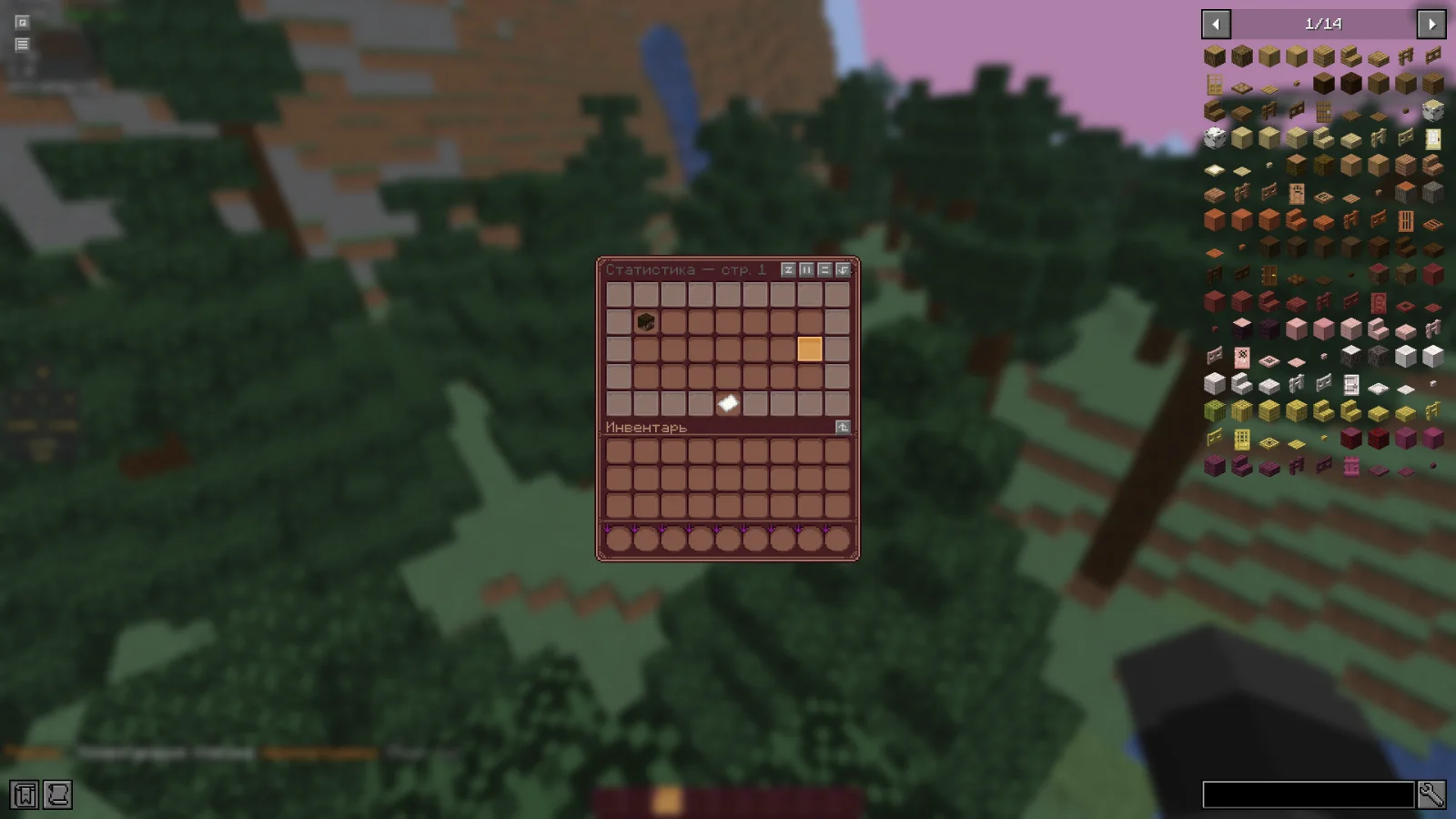
RealmMode to plugin do serwerów Paper / Spigot, autor: w1nsy. Lightweight, high-performance Minecraft plugin for self-selecting PVE/PVP modes via GUI. Fully configurable, admin commands for settings & stats, hex color…
Obsługiwane wersje: Minecraft 1.21 – 26.x. Liczba pobrań w serwisie Modrinth: 1. Zajmuje 127. miejsce w kategorii „pluginy wydajności” (łącznie: 132). Ostatnia aktualizacja: 13.11.2026.
Najnowsza to v0.1.0-beta, wydana 13.11.2026. Jest zrobiona dla Minecraft 1.21.11 – 26.1.2. Działa na Bukkit, Paper i Spigot. Plik ma 954 KB.
| Wersja | Wydano | Minecraft | Typ |
|---|---|---|---|
v0.1.0-beta | 13.11.2026 | 1.21.11 – 26.1.2 | Beta |
Komendy wymienione na stronie RealmMode w Modrinth:
/mode/rmWymienione tam uprawnienia, do nadania pluginem takim jak LuckPerms:
realm-mode.admin.reloadrealm-mode.admin.changerealm-mode.admin.statsRealmMode ma otwarty kod. Najnowsze wydanie na GitHubie to Paper-1.21.11-26.x | Beta version, opublikowane 13.11.2026.
The plugin has been sent for beta testing.
Please report any bugs and errors you encounter.
[](github.com/mr-hares/RealmMode/blob/master/LICEN…) [](github.com/mr-hares/RealmMode/issues)
RealmMode is a lightweight and high-performance Minecraft plugin that allows players to independently choose between PVE and PVP modes. Players switch modes through a convenient GUI menu, while administrators manage settings and statistics using commands. The plugin is fully configurable and supports modern hex colors.
Command · Description · Permission Node
/mode · Ability to change mode · Available to everyone
/rm reload · Reloads the plugin configuration · realm-mode.admin.reload
/rm change [nickname] [PVE/PVP] · Forcefully changes a player's mode · realm-mode.admin.change
/rm stats · View mode statistics · realm-mode.admin.stats
Regular players can change their mode through the GUI menu without additional permissions.
PVE - Build, gather, survive
Peaceful gameplay without PVP combat. Ideal for builders and explorers: complete freedom in building, resource gathering, and world exploration without the risk of being attacked by other players.
PVP - Gear up, kill, fight
Full-fledged battles with other players. For those seeking excitement and rivalry: open fights, competitive spirit, and the opportunity to prove your superiority on the battlefield.
Autor: w1nsy. Z obrazkami na Modrinth.
Upewnij się, że twój serwer działa na Paper i Spigot w Minecraft 1.21 – 26.x.
Pobierz plik .jar z Modrinth i wrzuć go do folderu plugins na serwerze.
Zrestartuj serwer. Unikaj /reload, wiele pluginów źle to znosi.
Wpisz /plugins w konsoli: RealmMode powinien być na zielono. Pliki konfiguracyjne tworzą się w folderze plugins przy pierwszym starcie.
Pełny poradnik: Jak zainstalować pluginy na serwerze Minecraft
| Zasób | Pobrania | Wersje | Aktualizacja | Cena |
|---|---|---|---|---|
| RealmModeten, który oglądałeś | 1 | 1.21 – 26.x | 17 godz. temu | Za darmo |
| OrebfuscatorIngrim4 | 225K | 1.12 – 26.x | 19 wrz 2026 | Za darmo |
 ClearLaggEnhanceddjtmk1 | 24K | 1.20 – 26.x | 13 d. temu | Za darmo |
 AxGravesArtillexStudios | 216K | 1.18 – 26.x | 12 d. temu | Za darmo |
Tak. RealmMode działa w wersji Minecrafta 26.x. Wszystkie obsługiwane wersje: 26.x, 1.21.
Tak. RealmMode można pobrać za darmo z serwisu Modrinth.
RealmMode działa na serwerach Paper i Spigot.
Tak. Ostatnia aktualizacja wyszła w ciągu ostatniej doby.
Najbliższe to Orebfuscator, ClearLaggEnhanced i AxGraves. Porównaj wszystkie alternatywy
OrebfuscatorPluginy · 1.12 – 26.xHigh-Performance Anti X-Ray plugin
ClearLaggEnhancedPluginy · 1.20 – 26.xThe definitive ClearLagg successor for 1.20+. Boost TPS and fix lag on Paper, Spigot, and Folia with smart entity clearing and a real-time Admin GUI.
AxGravesPluginy · 1.18 – 26.xA lightweight grave (death chest) plugin focused on performance & compatibility.
 Overclock ClearLagPluginy · 1.19 – 26.x
✨Ultimate Server Optimization & Lag Control System, Advanced Performance plugin for High-Load Minecraft Servers✨
 Open InventoryPluginy · 1.16 – 26.x
OpenInv is a powerful Minecraft admin plugin that lets staff view and edit player inventories and ender chests using /inv commands, featuring a modern GUI…
 Origins-RebornPluginy · 1.18 – 26.x
An Origin plugin for PaperMC with an accurate custom GUI, high performance, high customisability and Skript support!
Zaloguj się, aby wystawić opinię.