
 Friends&FoesMods · 1.18 – 26.x
Adds outvoted and forgotten mobs from the mob vote, expanding on their original concepts and adding new vanilla-like features. The mod includes: Copper Golem…
Gratis12,268,655 descargas
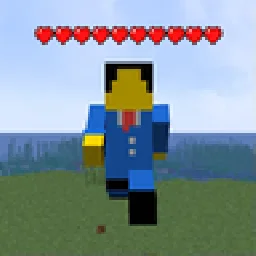
Simple damage indicator mod that shows a floating health bar (or number) above entities. Additional features includes an attack direction indicator
Descarga directa desde Modrinth · 3,341,706 descargas
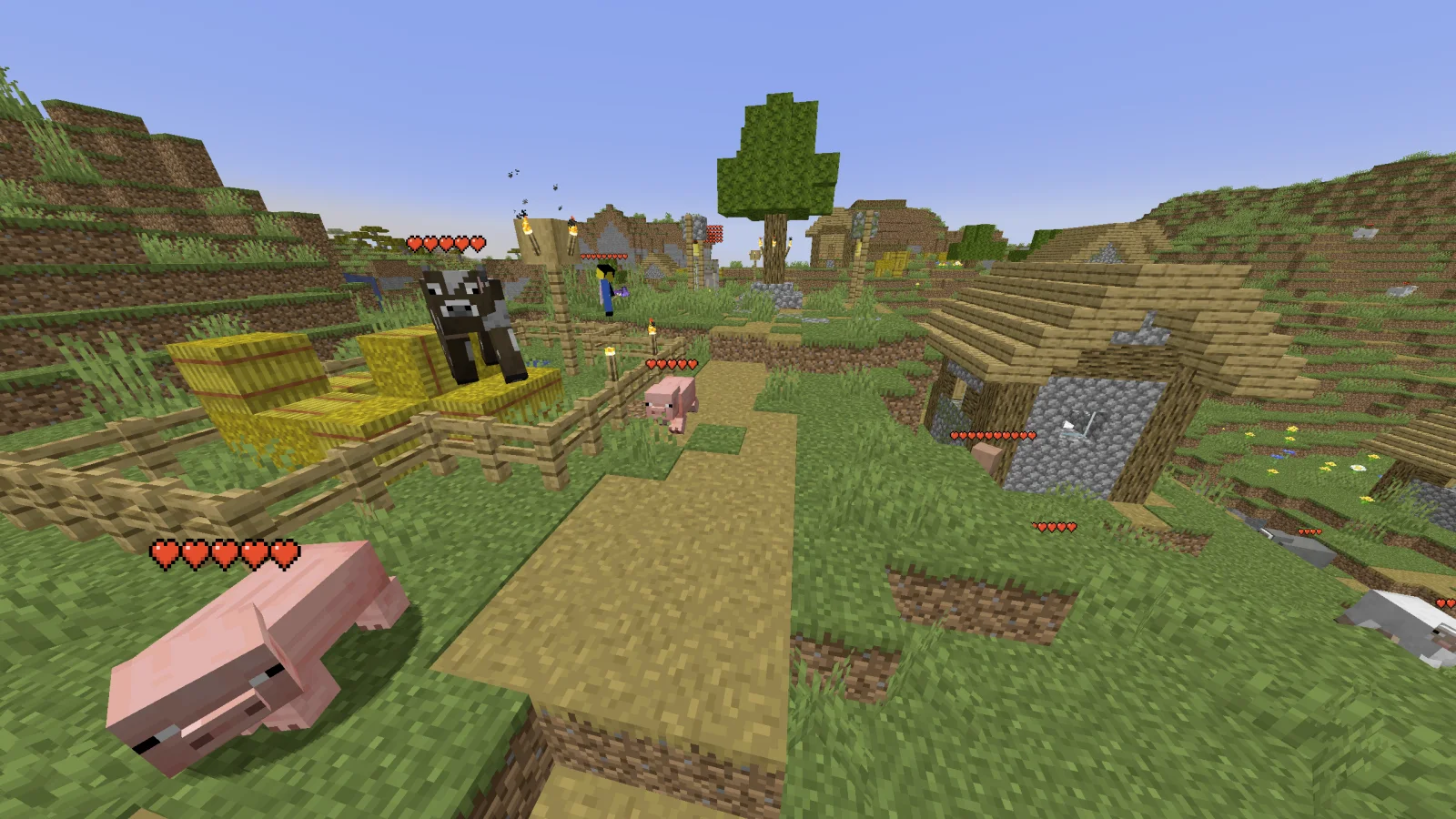
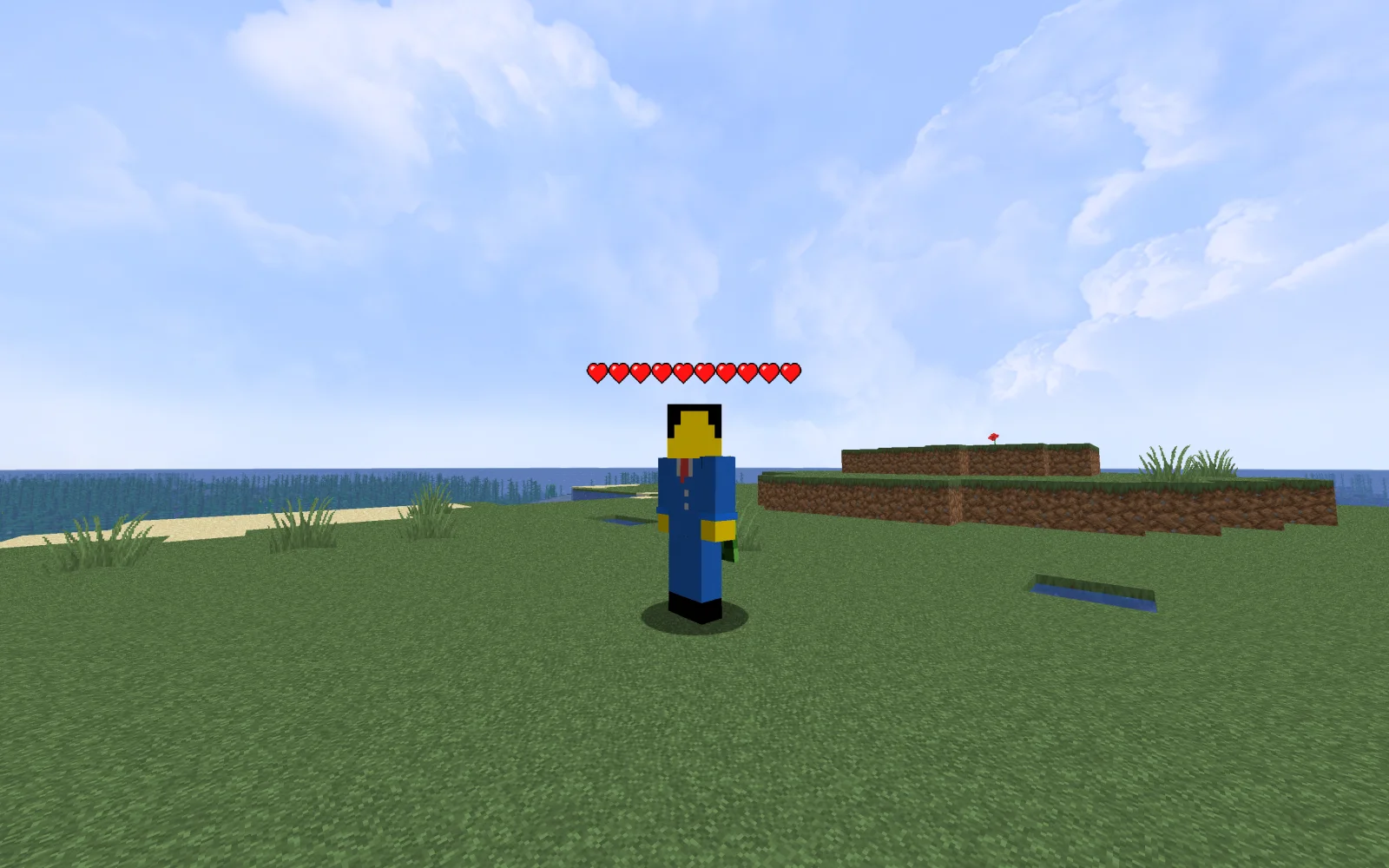
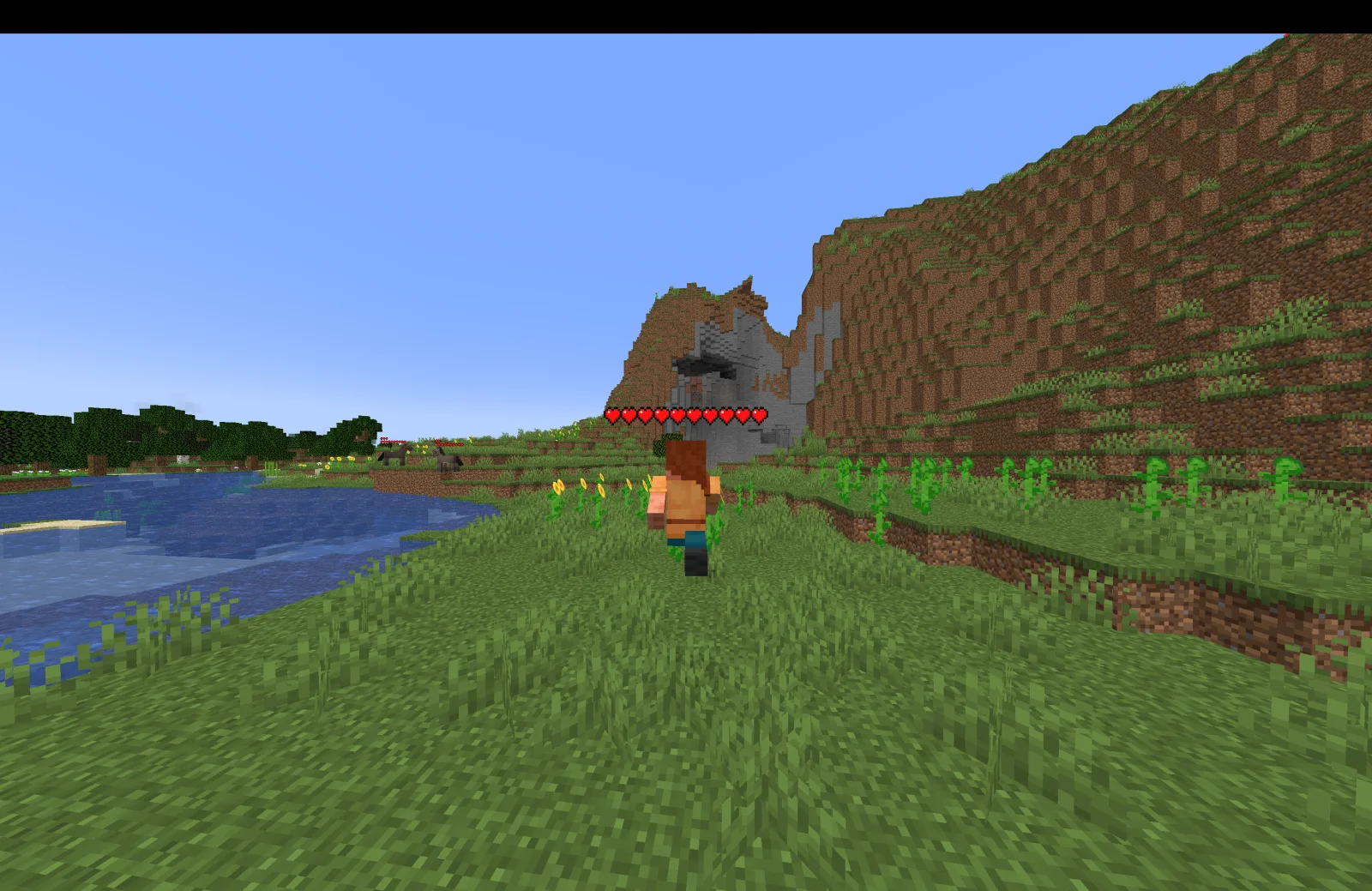
Health Indicators (mod) es obra de AdyTech99. Simple damage indicator mod that shows a floating health bar (or number) above entities. Additional features includes an attack direction indicator.
Es compatible con Minecraft 1.20 – 26.x. Se ha descargado 3,341,706 veces en Modrinth. La última actualización salió el 20/06/2026.
Health Indicators ha publicado 55 versiones en Modrinth desde el 13/05/2024. 4 salieron en el último año. La más reciente es 26.1.0.0-beta, publicada el 20/06/2026. Está hecha para Minecraft 26.1, 26.1.1, 26.1.2. Funciona en NeoForge. La descarga ocupa 9 KB.
| Versión | Publicado | Minecraft | Tipo |
|---|---|---|---|
26.1.0.0-beta | 20/06/2026 | 26.1, 26.1.1, 26.1.2 | Beta |
26.1.0.0-beta | 20/06/2026 | 26.1, 26.1.1, 26.1.2 | Beta |
21.11.1 | 13/01/2026 | 1.21.11 | Estable |
21.11.0-rc.1 | 25/12/2025 | 1.21.11 | Beta |
21.9.2-beta | 23/10/2025 | 1.21.9, 1.21.10 | Beta |
Health Indicators es de código abierto. Su última versión en GitHub es Health Indicators v21.5.2, publicada el 13/05/2025.
Changes:
Bug fixes:
Antes: Health Indicators v21.5.1 (12/05/2025), Health Indicators v21.2.2-beta (21/02/2025).
This mod displays other Players and Entities' health above them in the form of a health bar.
This mod displays a highly-configurable health indicator (and optional armor indicator) above all entities that corresponds to their healths. The indicators have the following filters, where you can enable/disable visibility based on:
You can also adjust the
The indicator changes texture and appearance based on the effects the entity has, just like vanilla. The indicator will
All the above can be disabled in the config if you don't like it.
Mod Keybinds
Note: These are all default keybinds. They can be modified like any other keybind: by going into Options > Controls > Keybinds
What attributes can I change in the config?
Escrita por AdyTech99. Léela con imágenes en Modrinth.
Este mod funciona solo en tu propio juego. Los servidores no lo necesitan, así que puedes usarlo en cualquier servidor.
Instala Fabric, Quilt y NeoForge para Minecraft 1.20 – 26.x.
Descarga el archivo .jar desde Modrinth y ponlo en la carpeta mods de tu directorio .minecraft.
Inicia Minecraft con el perfil de Fabric.
Más fácil: en Prism Launcher o la Modrinth App, busca Health Indicators en los mods de tu instancia y haz clic en Install. Añade el loader y los mods que necesita por ti.
| Recurso | Descargas | Versiones | Última actualización | Precio |
|---|---|---|---|---|
| Health Indicatorsel que estabas viendo | 3.3M | 1.20 – 26.x | 20 jun 2026 | Gratis |
| Friends&Foesfaboslav | 12.3M | 1.18 – 26.x | hace 18 días | Gratis |
 Villager NamesSerilum | 12.7M | 1.16 – 26.x | hace 5 días | Gratis |
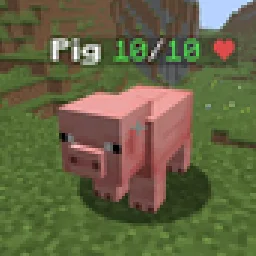 Hypixel Skyblock: Attack IndicatorsUltimarble | 3 | 26.x | hace 7 días | Gratis |
Sí. Health Indicators es compatible con Minecraft 26.x. Todas las versiones compatibles: 26.x, 1.21, 1.20.
Sí. Health Indicators se puede descargar gratis desde Modrinth.
Del lado del cliente. Health Indicators va en tu propia carpeta mods y funciona en cualquier servidor, incluso en servidores sin mods.
Sí. La última actualización salió en el último día.
Los más parecidos son Friends&Foes, Villager Names y Hypixel Skyblock: Attack Indicators. Comparar todas las alternativas
Friends&FoesMods · 1.18 – 26.xAdds outvoted and forgotten mobs from the mob vote, expanding on their original concepts and adding new vanilla-like features. The mod includes: Copper Golem…
Villager NamesMods · 1.16 – 26.x🧑🌾 Gives all villager entities a default or custom name to liven up the world.
Hypixel Skyblock: Attack IndicatorsMods · 26.xThis mod adds the Hypixel Skyblock health and damage indicators to every vanilla mob in Minecraft.
 Aurora TiersMods · 1.21
Shows each player’s Aurora Tiers rank, from HT1 to LT5, with an icon in front of their name in chat, the tab list and above their head.
 Ping WheelMods · 1.18 – 26.x
Allows players to temporarily mark locations and entities
 Hoplite Health IndicatorMods · 1.21 – 26.x
Essentially a health indicator mod but for Hoplite. It shows each player's HP from tab as hearts above their head.
Inicia sesión para dejar una reseña.