
 Friends&FoesMods · 1.18 – 26.x
Adds outvoted and forgotten mobs from the mob vote, expanding on their original concepts and adding new vanilla-like features. The mod includes: Copper Golem…
Free12,247,373 downloads
Simple damage indicator mod that shows a floating health bar (or number) above entities. Additional features includes an attack direction indicator
Direct download from Modrinth · 3,338,892 downloads
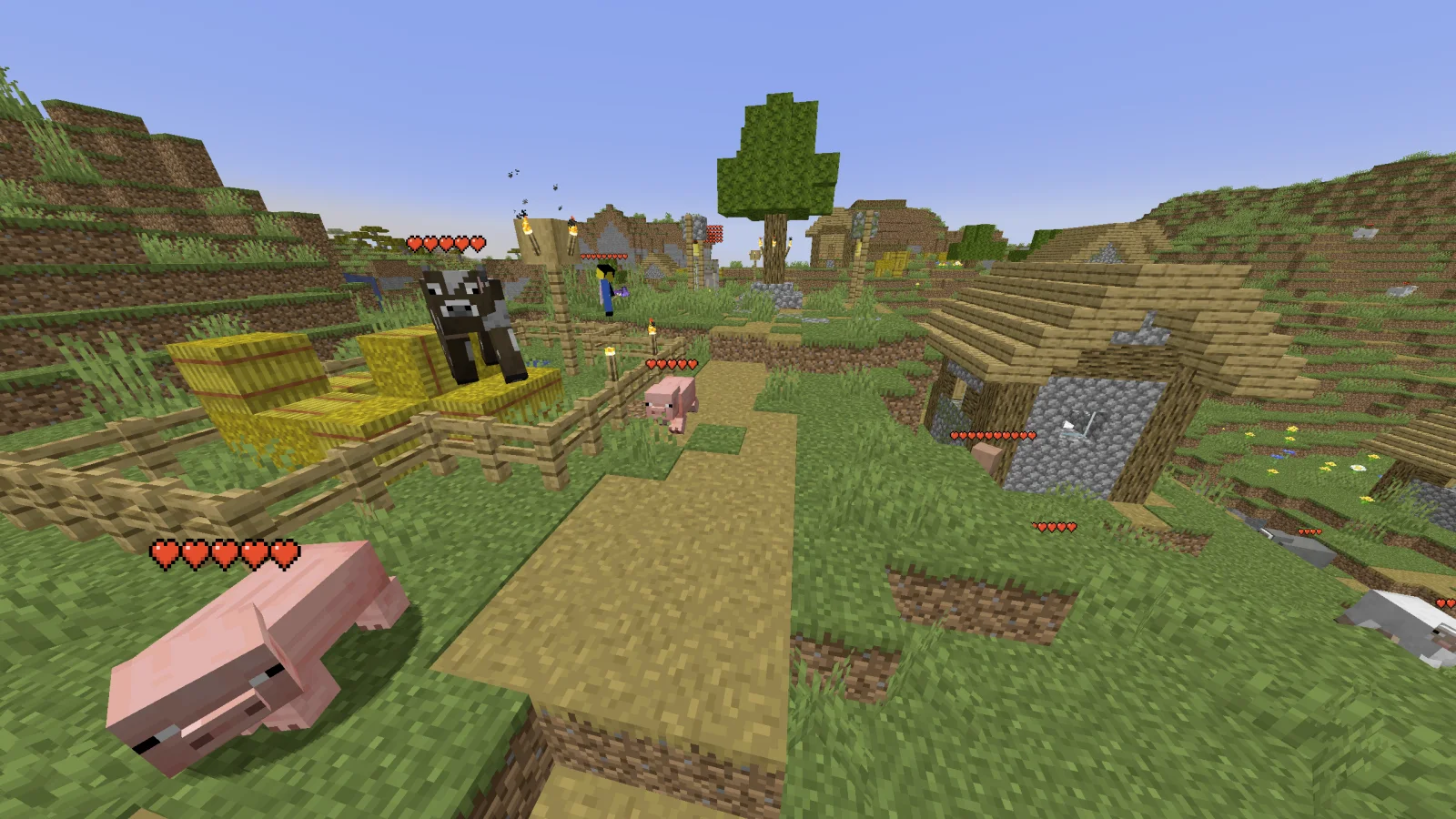
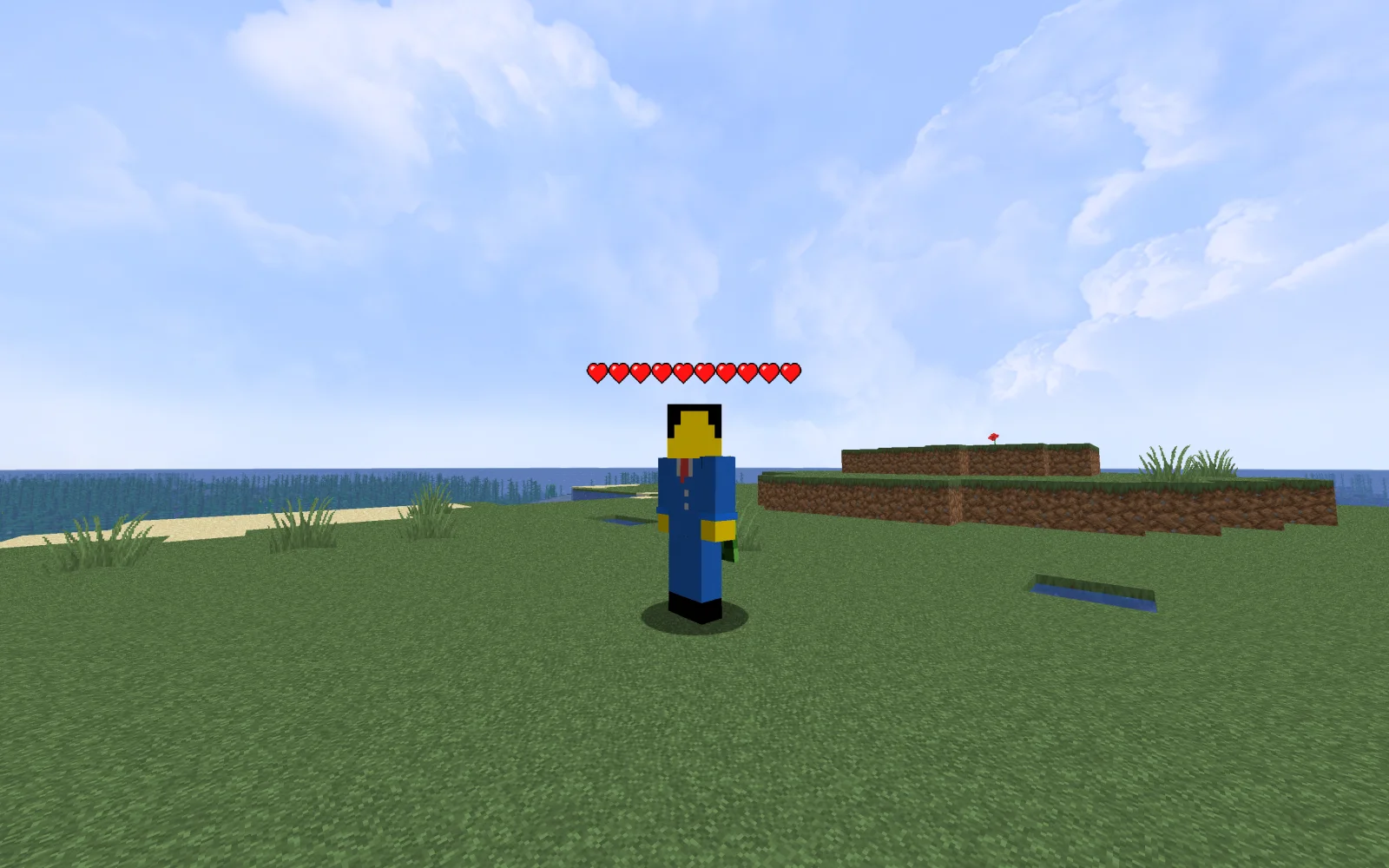
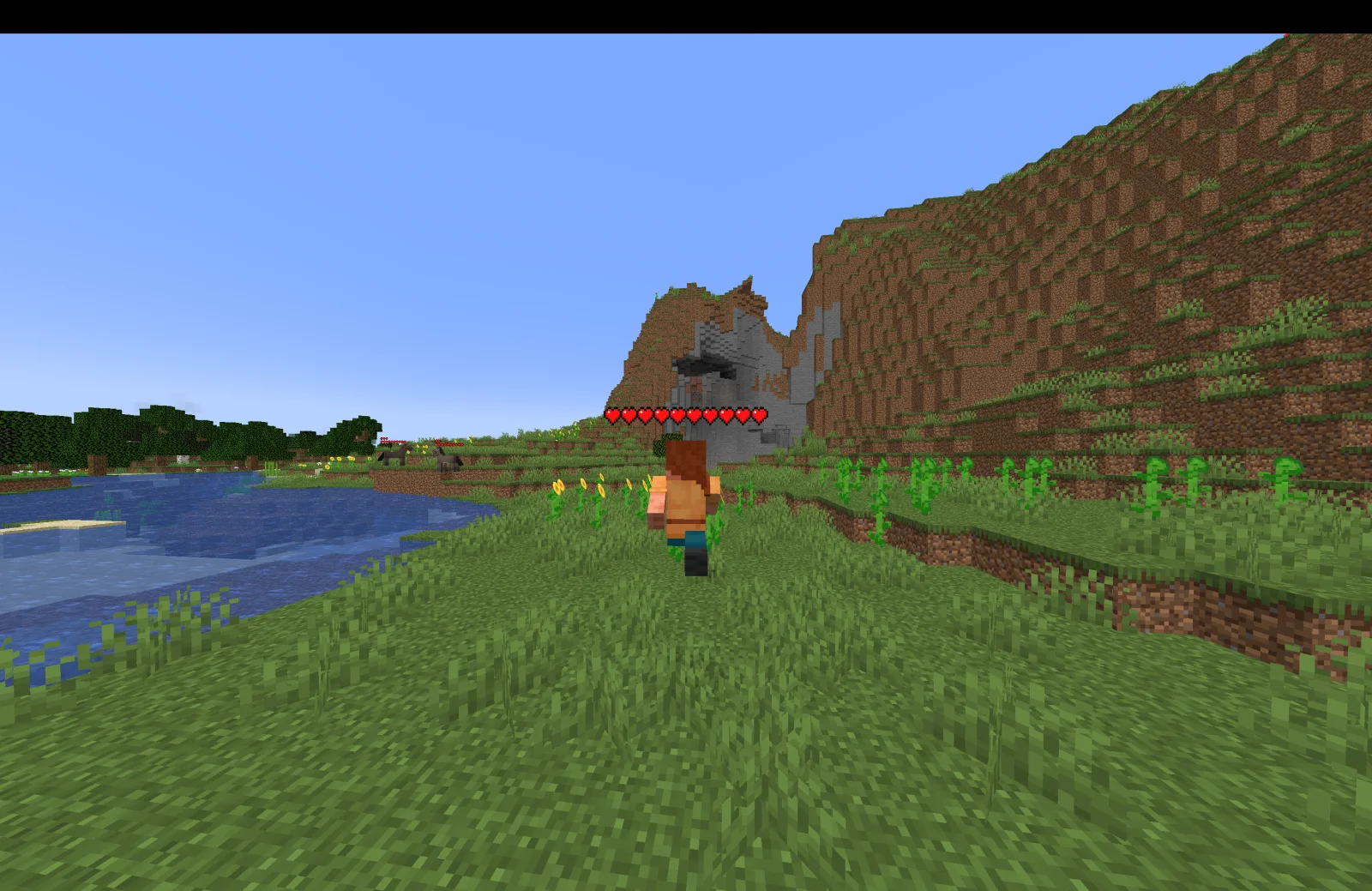
Health Indicators is a mod made by AdyTech99. Simple damage indicator mod that shows a floating health bar (or number) above entities. Additional features includes an attack direction indicator.
It supports Minecraft 1.20 – 26.x. It has been downloaded 3,338,892 times on Modrinth. The last update came out on Jun 20, 2026.
Health Indicators has had 55 releases on Modrinth since May 13, 2024. 4 of them came out in the past year. The newest is 26.1.0.0-beta, released on Jun 20, 2026. It is made for Minecraft 26.1, 26.1.1, 26.1.2. It runs on NeoForge. The download is 9 KB.
| Version | Released | Minecraft | Type |
|---|---|---|---|
26.1.0.0-beta | Jun 20, 2026 | 26.1, 26.1.1, 26.1.2 | Beta |
26.1.0.0-beta | Jun 20, 2026 | 26.1, 26.1.1, 26.1.2 | Beta |
21.11.1 | Jan 13, 2026 | 1.21.11 | Release |
21.11.0-rc.1 | Dec 25, 2025 | 1.21.11 | Beta |
21.9.2-beta | Oct 23, 2025 | 1.21.9, 1.21.10 | Beta |
Health Indicators is open source. Its newest release on GitHub is Health Indicators v21.5.2, published on May 13, 2025.
Changes:
Bug fixes:
Before that: Health Indicators v21.5.1 (May 12, 2025), Health Indicators v21.2.2-beta (Feb 21, 2025).
This mod displays other Players and Entities' health above them in the form of a health bar.
This mod displays a highly-configurable health indicator (and optional armor indicator) above all entities that corresponds to their healths. The indicators have the following filters, where you can enable/disable visibility based on:
You can also adjust the
The indicator changes texture and appearance based on the effects the entity has, just like vanilla. The indicator will
All the above can be disabled in the config if you don't like it.
Mod Keybinds
Note: These are all default keybinds. They can be modified like any other keybind: by going into Options > Controls > Keybinds
What attributes can I change in the config?
Written by AdyTech99. Read it with pictures on Modrinth.
This mod runs only on your own game. Servers do not need it, so you can use it on any server.
Install Fabric, Quilt and NeoForge for Minecraft 1.20 – 26.x.
Download the .jar file from Modrinth and put it in the mods folder of your .minecraft directory.
Start Minecraft with the Fabric profile.
Easier: in Prism Launcher or the Modrinth App, search for Health Indicators in your instance's mods and click Install. It adds the loader and the mods it needs for you.
Full guide: How to install Minecraft mods
| Resource | Downloads | Versions | Last update | Price |
|---|---|---|---|---|
| Health Indicatorsthe one you looked at | 3.3M | 1.20 – 26.x | Jun 20, 2026 | Free |
| Friends&Foesfaboslav | 12.2M | 1.18 – 26.x | 17 days ago | Free |
 Villager NamesSerilum | 12.7M | 1.16 – 26.x | 4 days ago | Free |
 Hypixel Skyblock: Attack IndicatorsUltimarble | 3 | 26.x | 6 days ago | Free |
Yes. Health Indicators supports Minecraft 26.x. All supported versions: 26.x, 1.21, 1.20.
Yes. Health Indicators is free to download from Modrinth.
Client-side. Health Indicators goes in your own mods folder and works on any server, including servers without mods.
Yes. The last update came out in the past day.
The closest ones are Friends&Foes, Villager Names and Hypixel Skyblock: Attack Indicators. Compare all alternatives
Friends&FoesMods · 1.18 – 26.xAdds outvoted and forgotten mobs from the mob vote, expanding on their original concepts and adding new vanilla-like features. The mod includes: Copper Golem…
Villager NamesMods · 1.16 – 26.x🧑🌾 Gives all villager entities a default or custom name to liven up the world.
Hypixel Skyblock: Attack IndicatorsMods · 26.xThis mod adds the Hypixel Skyblock health and damage indicators to every vanilla mob in Minecraft.
 Aurora TiersMods · 1.21
Shows each player’s Aurora Tiers rank, from HT1 to LT5, with an icon in front of their name in chat, the tab list and above their head.
 Ping WheelMods · 1.18 – 26.x
Allows players to temporarily mark locations and entities
 Vanilla RefreshMods · 1.18 – 26.x
Enhancing Minecraft's experience with a variety of 30+ QOL features, like player sitting and a day counter.
Log in to leave a review.