
 Friends&FoesMods · 1.18 – 26.x
Adds outvoted and forgotten mobs from the mob vote, expanding on their original concepts and adding new vanilla-like features. The mod includes: Copper Golem…
Grátis12,268,655 downloads
Simple damage indicator mod that shows a floating health bar (or number) above entities. Additional features includes an attack direction indicator
Download direto do Modrinth · 3,349,550 downloads
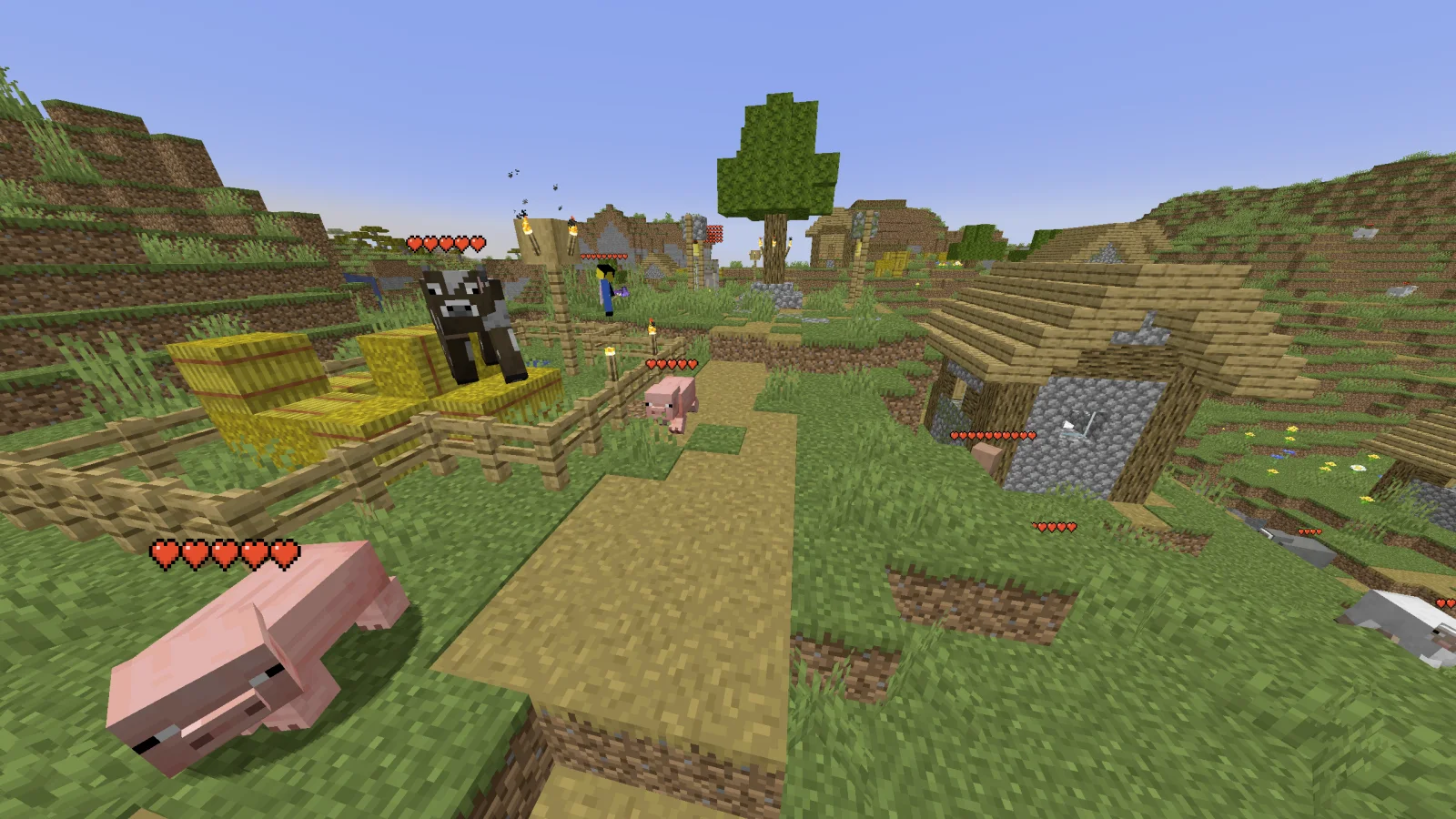
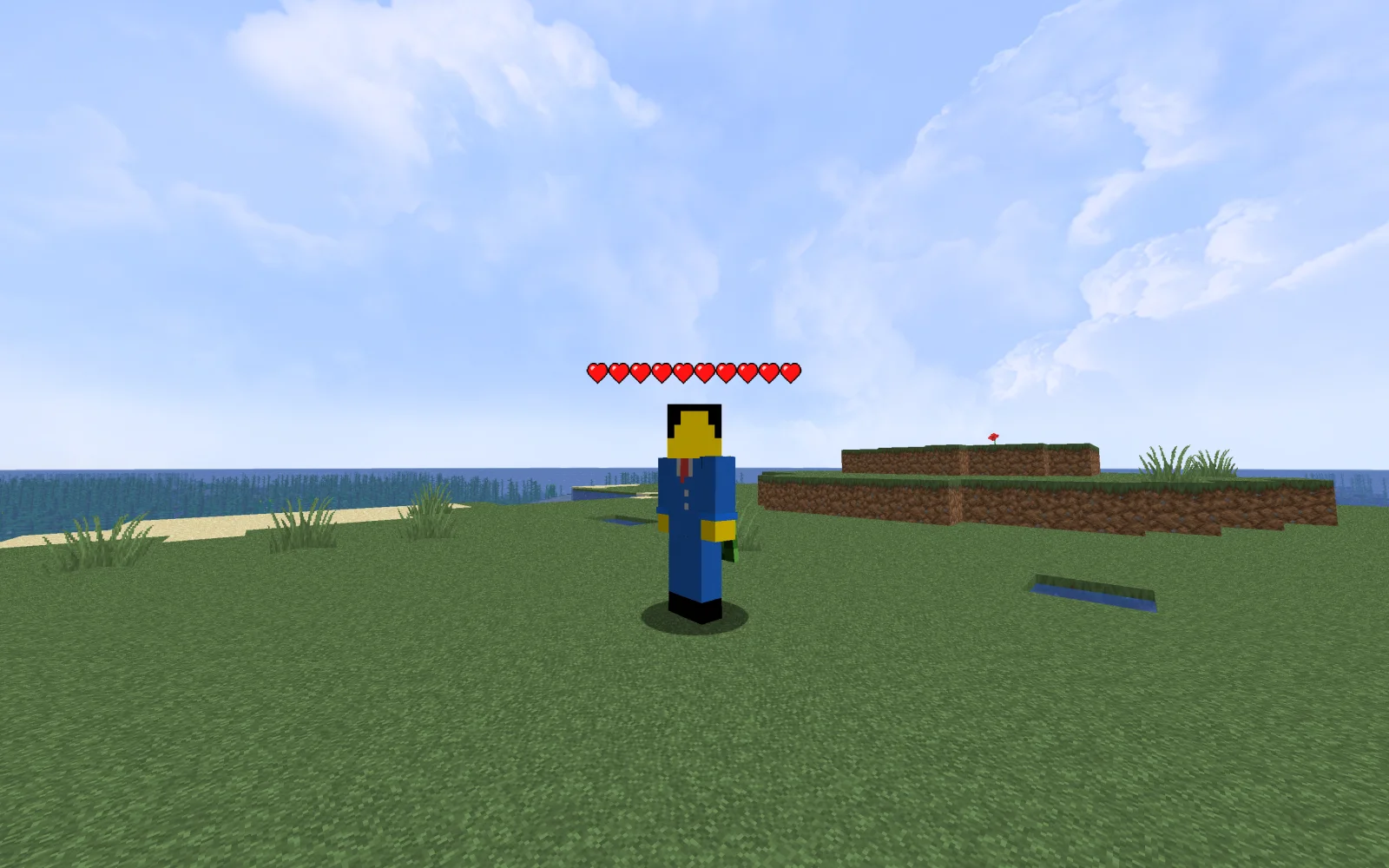
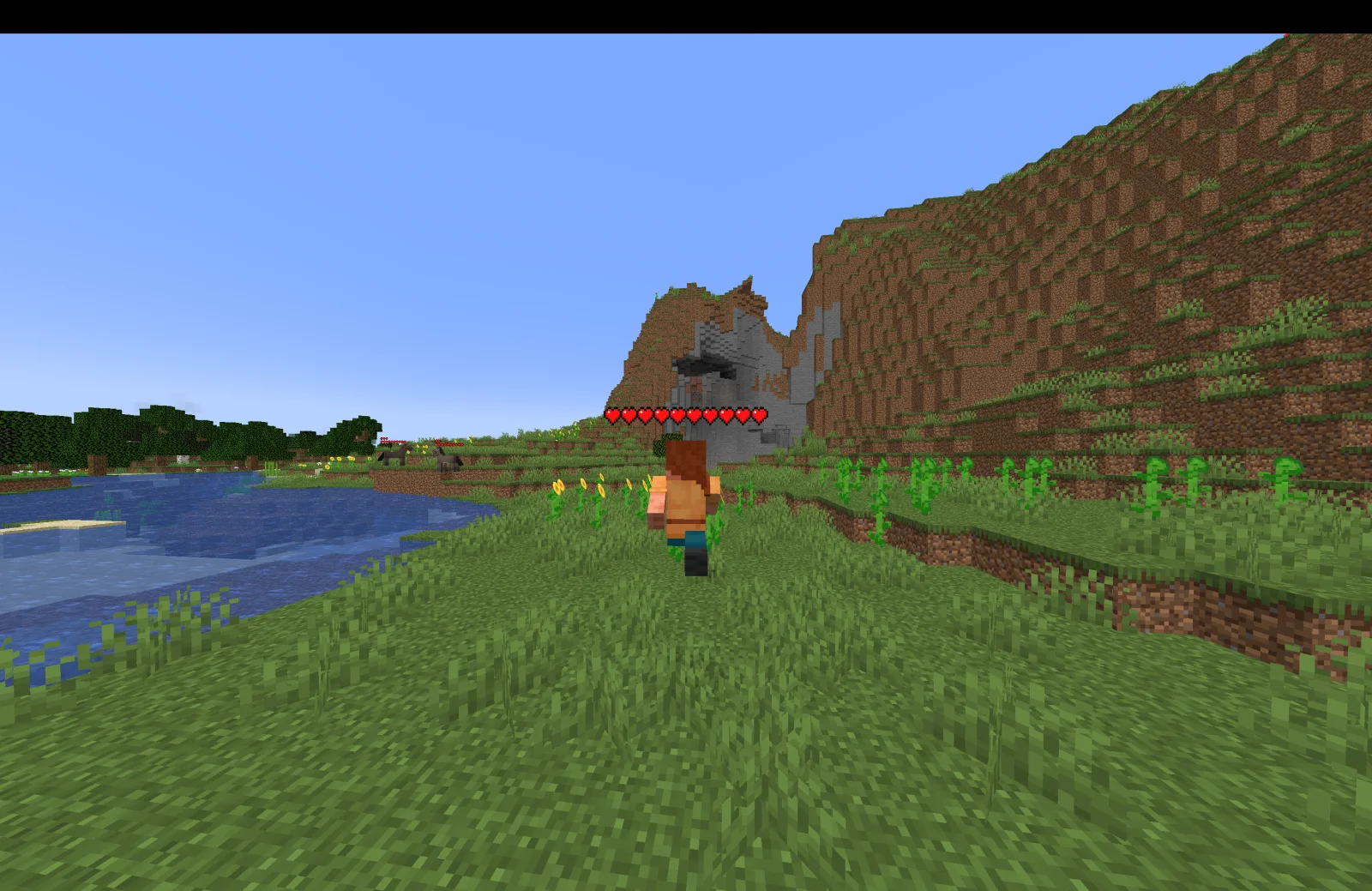
Health Indicators (mod) é obra de AdyTech99. Simple damage indicator mod that shows a floating health bar (or number) above entities. Additional features includes an attack direction indicator.
É compatível com o Minecraft 1.20 – 26.x. Tem 3,349,550 downloads em Modrinth. A última atualização saiu em 20/06/2026.
Health Indicators teve 55 versões no Modrinth desde 13/05/2024. 4 saíram no último ano. A mais recente é 26.1.0.0-beta, lançada em 20/06/2026. Ela é feita para o Minecraft 26.1, 26.1.1, 26.1.2. Ela roda em NeoForge. O download tem 9 KB.
| Versão | Lançado | Minecraft | Tipo |
|---|---|---|---|
26.1.0.0-beta | 20/06/2026 | 26.1, 26.1.1, 26.1.2 | Beta |
26.1.0.0-beta | 20/06/2026 | 26.1, 26.1.1, 26.1.2 | Beta |
21.11.1 | 13/01/2026 | 1.21.11 | Estável |
21.11.0-rc.1 | 25/12/2025 | 1.21.11 | Beta |
21.9.2-beta | 23/10/2025 | 1.21.9, 1.21.10 | Beta |
Health Indicators é de código aberto. A versão mais recente no GitHub é Health Indicators v21.5.2, publicada em 13/05/2025.
Changes:
Bug fixes:
Antes: Health Indicators v21.5.1 (12/05/2025), Health Indicators v21.2.2-beta (21/02/2025).
This mod displays other Players and Entities' health above them in the form of a health bar.
This mod displays a highly-configurable health indicator (and optional armor indicator) above all entities that corresponds to their healths. The indicators have the following filters, where you can enable/disable visibility based on:
You can also adjust the
The indicator changes texture and appearance based on the effects the entity has, just like vanilla. The indicator will
All the above can be disabled in the config if you don't like it.
Mod Keybinds
Note: These are all default keybinds. They can be modified like any other keybind: by going into Options > Controls > Keybinds
What attributes can I change in the config?
Escrita por AdyTech99. Leia com imagens no Modrinth.
Este mod roda só no seu jogo. Os servidores não precisam dele, então você pode usar em qualquer servidor.
Instale Fabric, Quilt e NeoForge para o Minecraft 1.20 – 26.x.
Baixe o arquivo .jar pelo Modrinth e coloque na pasta mods do seu diretório .minecraft.
Abra o Minecraft com o perfil Fabric.
Mais fácil: no Prism Launcher ou no Modrinth App, procure Health Indicators nos mods da sua instância e clique em Install. Ele adiciona o loader e os mods necessários para você.
| Recurso | Downloads | Versões | Última atualização | Preço |
|---|---|---|---|---|
| Health Indicatorso que você estava vendo | 3.3M | 1.20 – 26.x | 20 jun 2026 | Grátis |
| Friends&Foesfaboslav | 12.3M | 1.18 – 26.x | há 19 dias | Grátis |
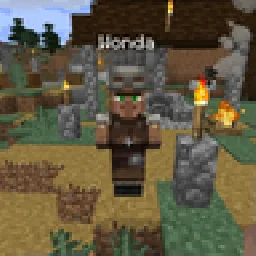 Villager NamesSerilum | 12.7M | 1.16 – 26.x | há 6 dias | Grátis |
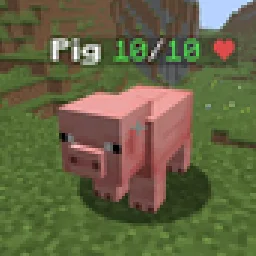 Hypixel Skyblock: Attack IndicatorsUltimarble | 135 | 26.x | há 8 dias | Grátis |
Sim. Health Indicators é compatível com o Minecraft 26.x. Todas as versões compatíveis: 26.x, 1.21, 1.20.
Sim. Você pode baixar Health Indicators de graça em Modrinth.
Do lado do cliente. Health Indicators vai na sua própria pasta mods e funciona em qualquer servidor, inclusive sem mods.
Sim. A última atualização saiu no último dia.
Os mais parecidos são Friends&Foes, Villager Names e Hypixel Skyblock: Attack Indicators. Comparar todas as alternativas
Friends&FoesMods · 1.18 – 26.xAdds outvoted and forgotten mobs from the mob vote, expanding on their original concepts and adding new vanilla-like features. The mod includes: Copper Golem…
Villager NamesMods · 1.16 – 26.x🧑🌾 Gives all villager entities a default or custom name to liven up the world.
Hypixel Skyblock: Attack IndicatorsMods · 26.xThis mod adds the Hypixel Skyblock health and damage indicators to every vanilla mob in Minecraft.
 Aurora TiersMods · 1.21
Shows each player’s Aurora Tiers rank, from HT1 to LT5, with an icon in front of their name in chat, the tab list and above their head.
 Ping WheelMods · 1.18 – 26.x
Allows players to temporarily mark locations and entities
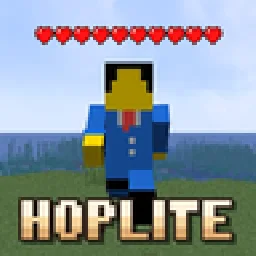 Hoplite Health IndicatorMods · 1.21 – 26.x
Essentially a health indicator mod but for Hoplite. It shows each player's HP from tab as hearts above their head.
Entre para deixar uma avaliação.