
 Friends&FoesMods · 1.18 – 26.x
Adds outvoted and forgotten mobs from the mob vote, expanding on their original concepts and adding new vanilla-like features. The mod includes: Copper Golem…
Gratuit12,268,655 téléchargements
Simple damage indicator mod that shows a floating health bar (or number) above entities. Additional features includes an attack direction indicator
Téléchargement direct depuis Modrinth · 3,345,294 téléchargements
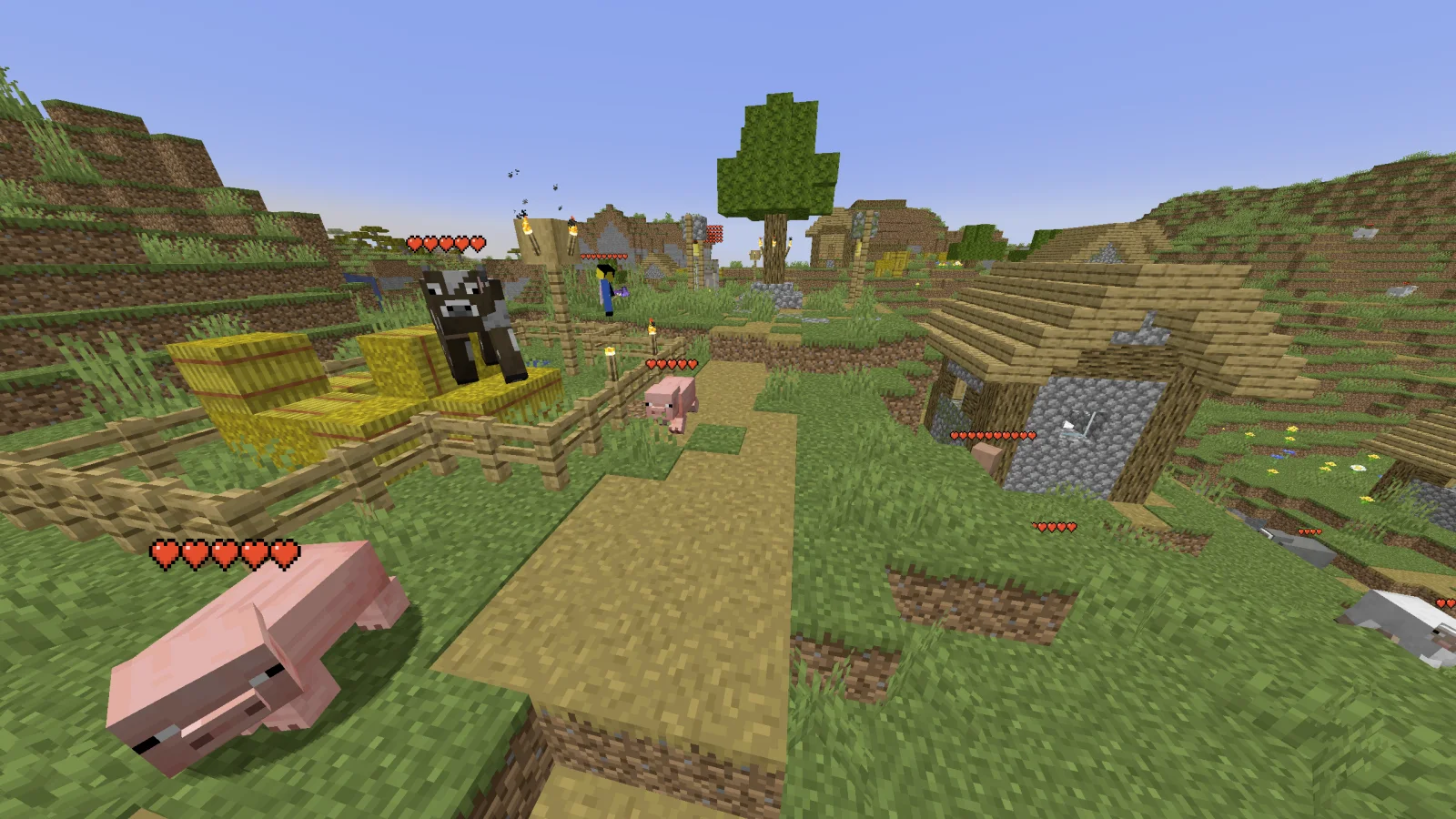
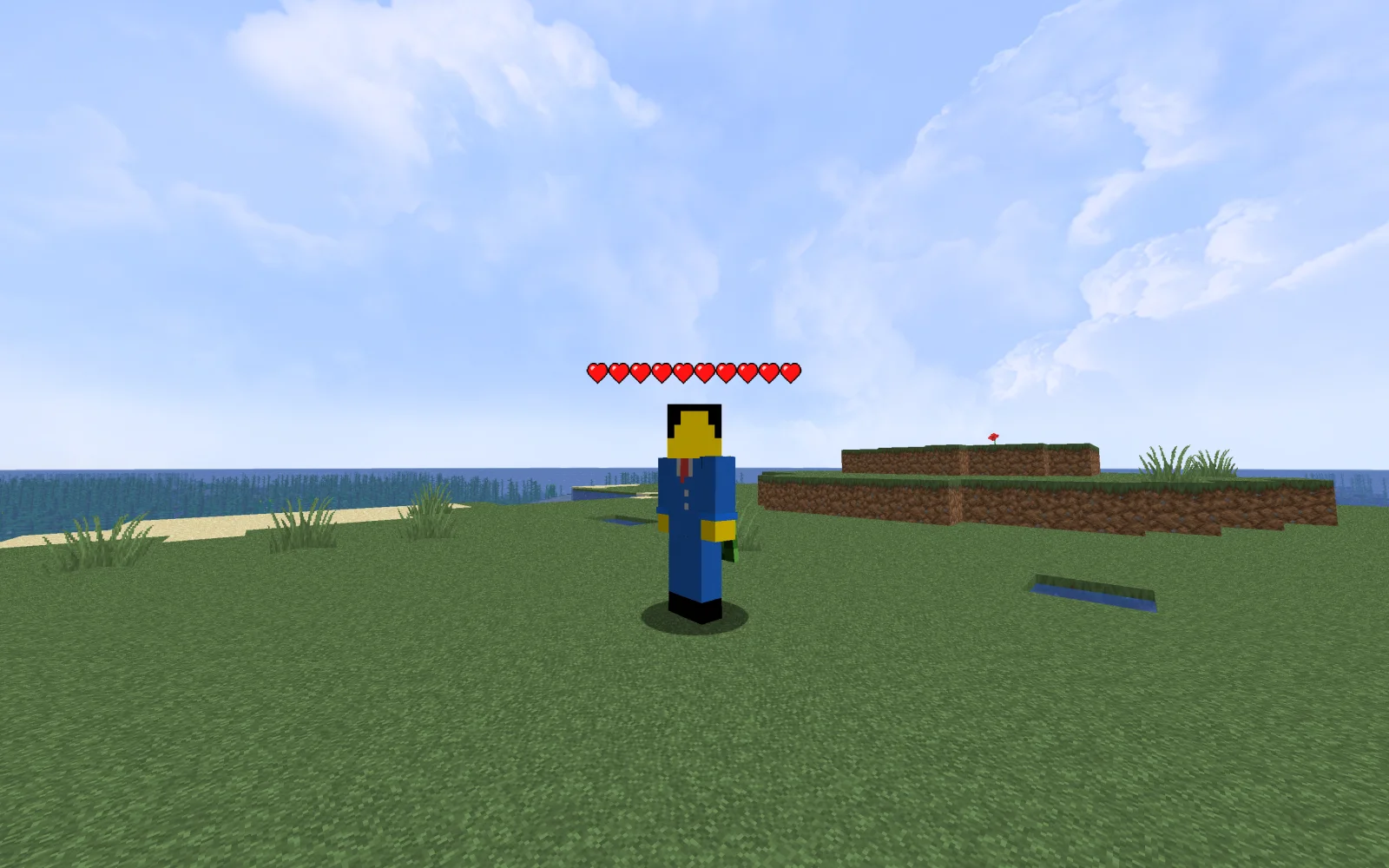
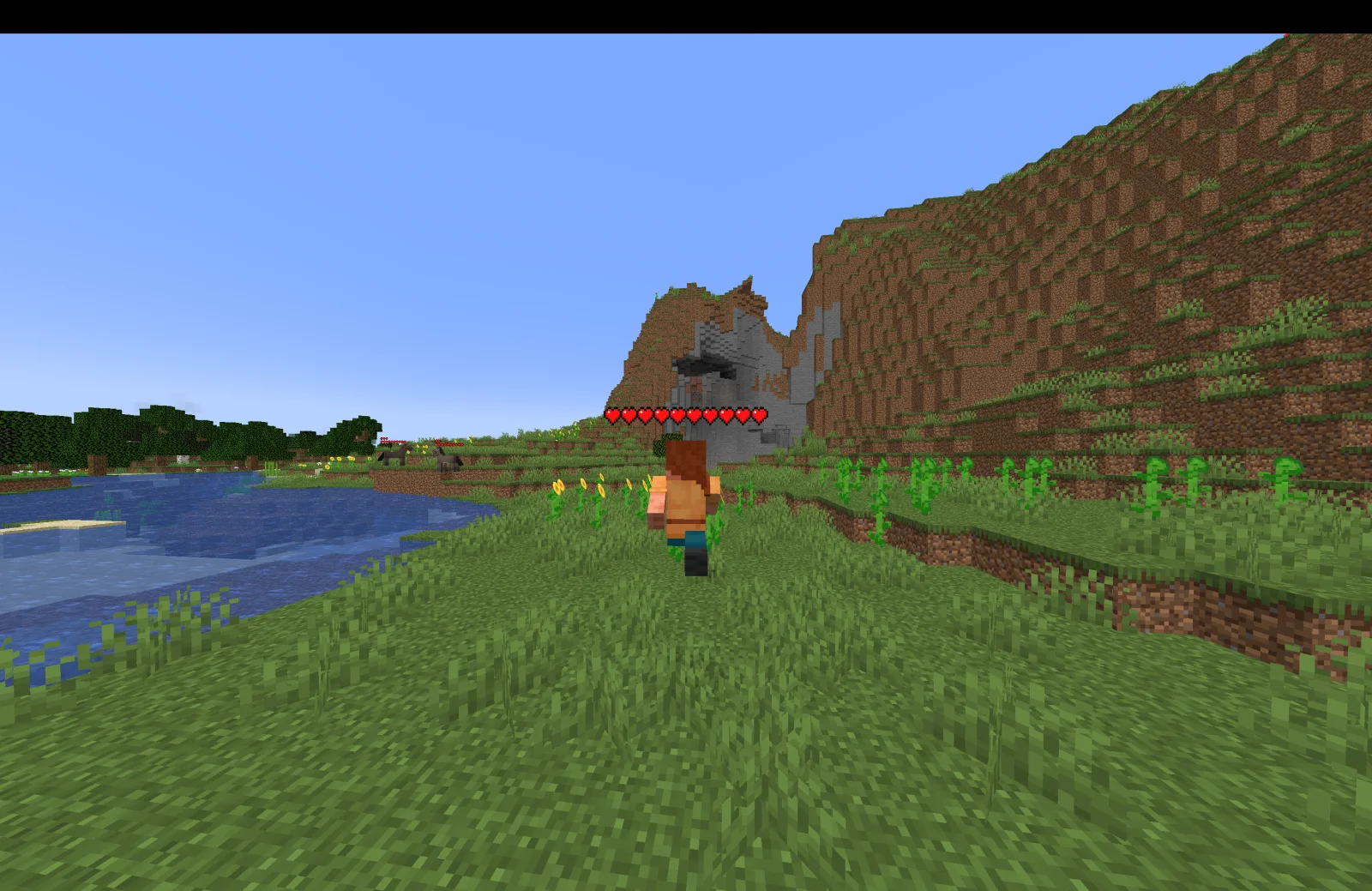
Health Indicators (mod) est une création de AdyTech99. Simple damage indicator mod that shows a floating health bar (or number) above entities. Additional features includes an attack direction indicator.
Versions prises en charge : Minecraft 1.20 – 26.x. On compte 3,345,294 téléchargements sur Modrinth. La dernière mise à jour date du 20/06/2026.
Health Indicators a publié 55 versions sur Modrinth depuis le 13/05/2024. 4 sont sorties au cours de l'année passée. La plus récente est 26.1.0.0-beta, sortie le 20/06/2026. Elle est faite pour Minecraft 26.1, 26.1.1, 26.1.2. Elle fonctionne sur NeoForge. Le téléchargement fait 9 KB.
| Version | Publié | Minecraft | Type |
|---|---|---|---|
26.1.0.0-beta | 20/06/2026 | 26.1, 26.1.1, 26.1.2 | Bêta |
26.1.0.0-beta | 20/06/2026 | 26.1, 26.1.1, 26.1.2 | Bêta |
21.11.1 | 13/01/2026 | 1.21.11 | Stable |
21.11.0-rc.1 | 25/12/2025 | 1.21.11 | Bêta |
21.9.2-beta | 23/10/2025 | 1.21.9, 1.21.10 | Bêta |
Health Indicators est open source. Sa dernière version sur GitHub est Health Indicators v21.5.2, publiée le 13/05/2025.
Changes:
Bug fixes:
Avant : Health Indicators v21.5.1 (12/05/2025), Health Indicators v21.2.2-beta (21/02/2025).
This mod displays other Players and Entities' health above them in the form of a health bar.
This mod displays a highly-configurable health indicator (and optional armor indicator) above all entities that corresponds to their healths. The indicators have the following filters, where you can enable/disable visibility based on:
You can also adjust the
The indicator changes texture and appearance based on the effects the entity has, just like vanilla. The indicator will
All the above can be disabled in the config if you don't like it.
Mod Keybinds
Note: These are all default keybinds. They can be modified like any other keybind: by going into Options > Controls > Keybinds
What attributes can I change in the config?
Écrite par AdyTech99. À lire avec les images sur Modrinth.
Ce mod fonctionne uniquement dans ton jeu. Les serveurs n'en ont pas besoin, tu peux donc l'utiliser sur n'importe quel serveur.
Installe Fabric, Quilt et NeoForge pour Minecraft 1.20 – 26.x.
Télécharge le fichier .jar depuis Modrinth et place-le dans le dossier mods de ton répertoire .minecraft.
Lance Minecraft avec le profil Fabric.
Plus simple : dans Prism Launcher ou la Modrinth App, cherche Health Indicators dans les mods de ton instance et clique sur Install. Le loader et les mods requis sont ajoutés pour toi.
| Ressource | Téléchargements | Versions | Mise à jour | Prix |
|---|---|---|---|---|
| Health Indicatorscelle que tu regardais | 3.3M | 1.20 – 26.x | 20 juin 2026 | Gratuit |
| Friends&Foesfaboslav | 12.3M | 1.18 – 26.x | il y a 19 jours | Gratuit |
 Villager NamesSerilum | 12.7M | 1.16 – 26.x | il y a 5 jours | Gratuit |
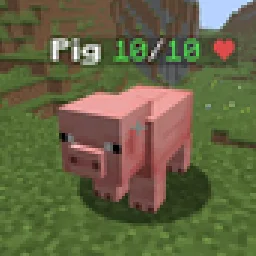 Hypixel Skyblock: Attack IndicatorsUltimarble | 3 | 26.x | il y a 8 jours | Gratuit |
Oui. Health Indicators prend en charge Minecraft 26.x. Toutes les versions prises en charge : 26.x, 1.21, 1.20.
Oui. Health Indicators se télécharge gratuitement sur Modrinth.
Côté client. Health Indicators se place dans ton propre dossier mods et fonctionne sur n'importe quel serveur, même sans mods.
Oui. La dernière mise à jour date des dernières 24 heures.
Les plus proches sont Friends&Foes, Villager Names et Hypixel Skyblock: Attack Indicators. Comparer toutes les alternatives
Friends&FoesMods · 1.18 – 26.xAdds outvoted and forgotten mobs from the mob vote, expanding on their original concepts and adding new vanilla-like features. The mod includes: Copper Golem…
Villager NamesMods · 1.16 – 26.x🧑🌾 Gives all villager entities a default or custom name to liven up the world.
Hypixel Skyblock: Attack IndicatorsMods · 26.xThis mod adds the Hypixel Skyblock health and damage indicators to every vanilla mob in Minecraft.
 Aurora TiersMods · 1.21
Shows each player’s Aurora Tiers rank, from HT1 to LT5, with an icon in front of their name in chat, the tab list and above their head.
 Ping WheelMods · 1.18 – 26.x
Allows players to temporarily mark locations and entities
 Hoplite Health IndicatorMods · 1.21 – 26.x
Essentially a health indicator mod but for Hoplite. It shows each player's HP from tab as hearts above their head.
Connecte-toi pour laisser un avis.