
 Friends&FoesMods · 1.18 – 26.x
Adds outvoted and forgotten mobs from the mob vote, expanding on their original concepts and adding new vanilla-like features. The mod includes: Copper Golem…
Kostenlos12,257,113 Downloads
Simple damage indicator mod that shows a floating health bar (or number) above entities. Additional features includes an attack direction indicator
Direkter Download von Modrinth · 3,341,706 Downloads
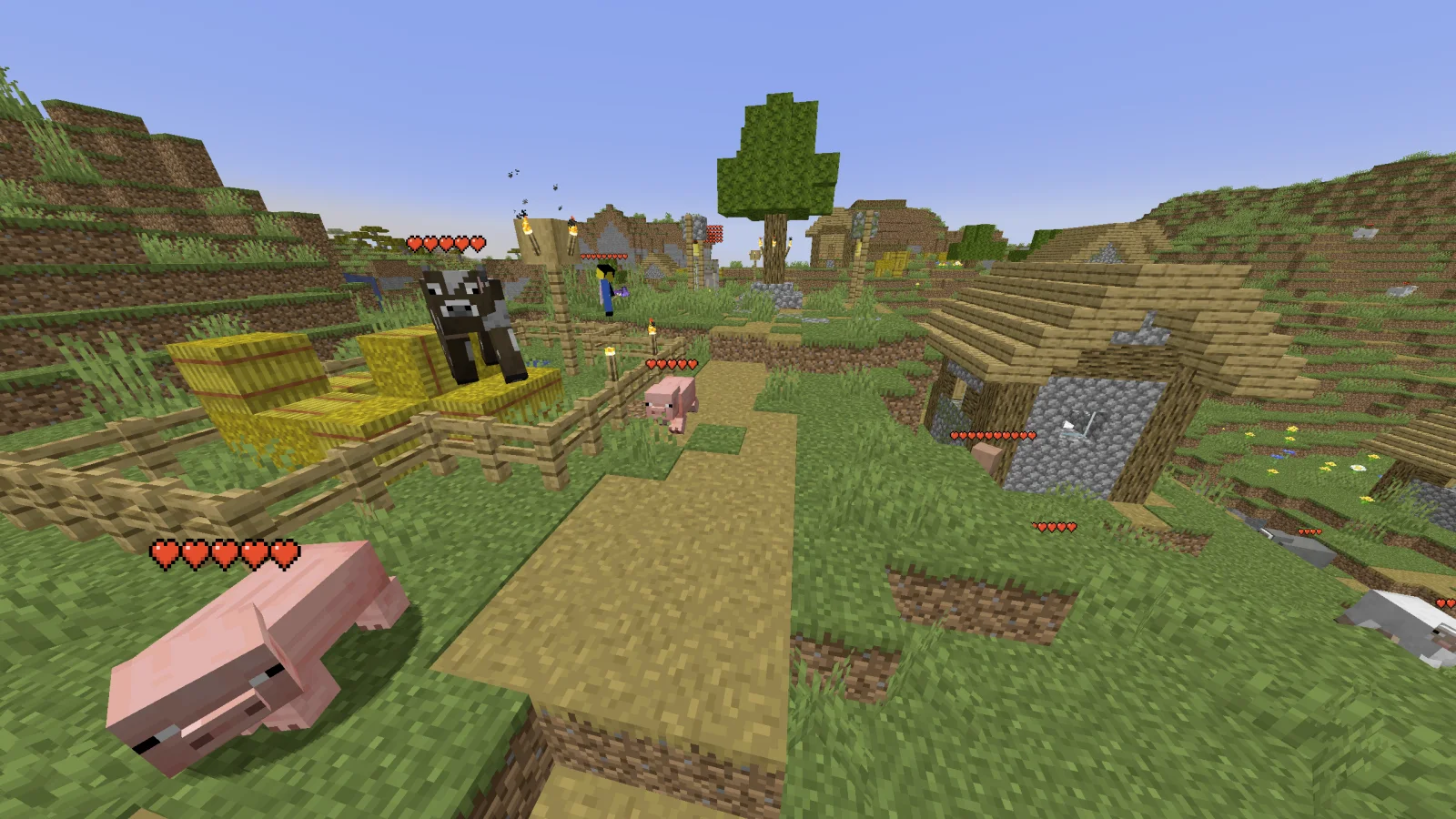
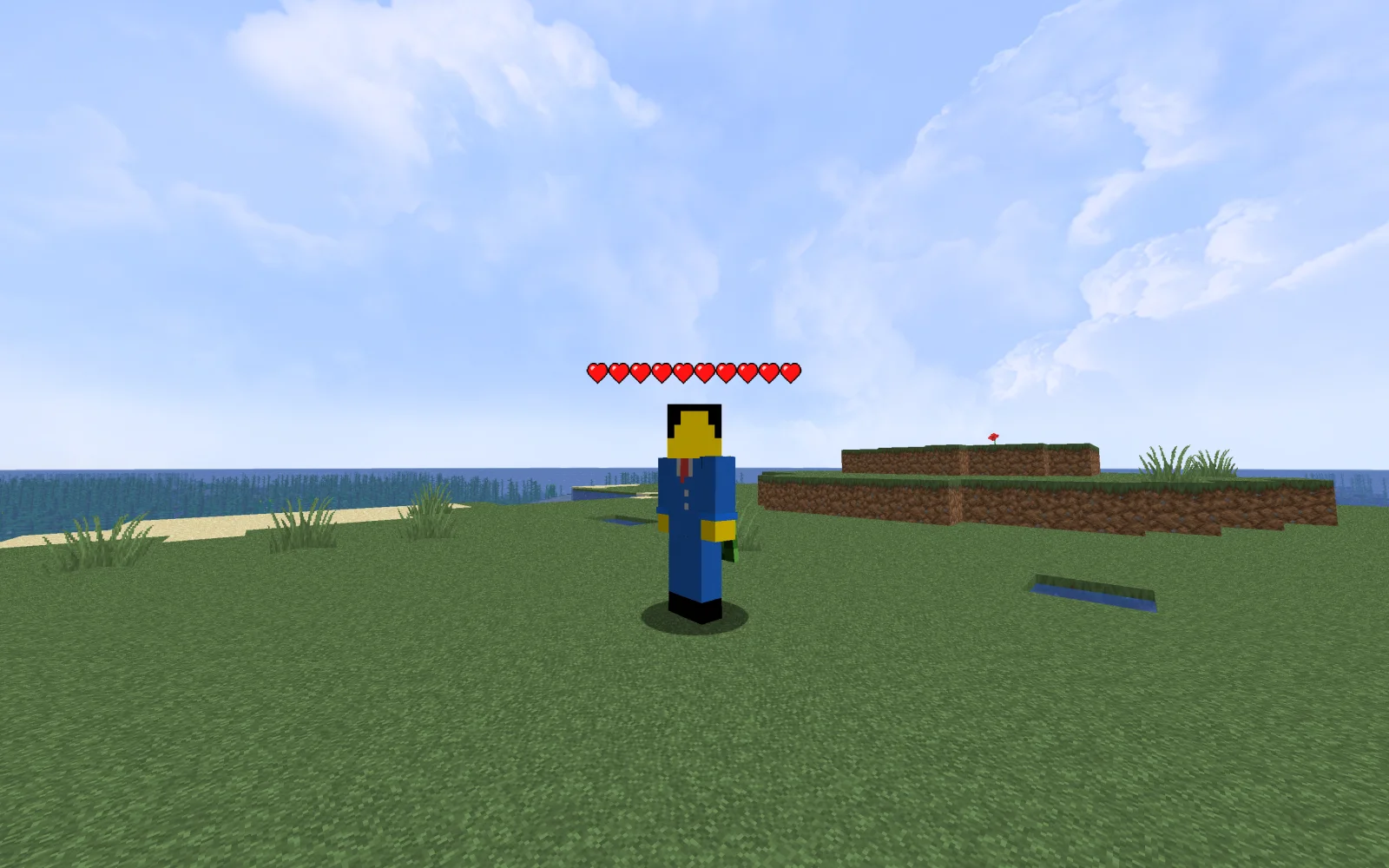
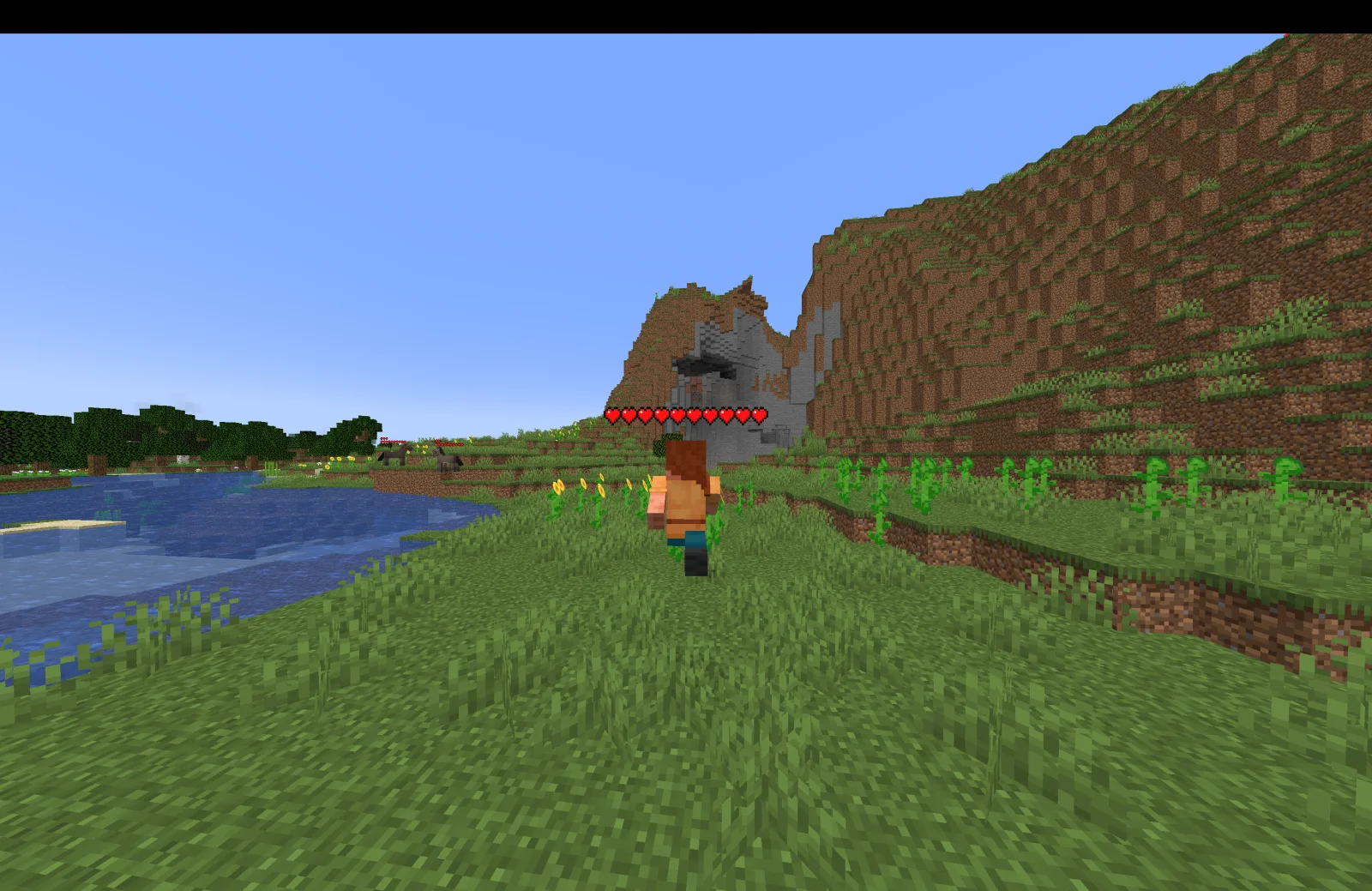
Health Indicators (Mod) stammt von AdyTech99. Simple damage indicator mod that shows a floating health bar (or number) above entities. Additional features includes an attack direction indicator.
Unterstützt wird Minecraft 1.20 – 26.x. Auf Modrinth gibt es 3,341,706 Downloads. Das letzte Update erschien am 20.06.2026.
Health Indicators hat seit 13.05.2024 55 Versionen auf Modrinth veröffentlicht. 4 davon erschienen im letzten Jahr. Die neueste ist 26.1.0.0-beta, erschienen am 20.06.2026. Sie ist für Minecraft 26.1, 26.1.1, 26.1.2 gemacht. Sie läuft auf NeoForge. Der Download ist 9 KB groß.
| Version | Veröffentlicht | Minecraft | Typ |
|---|---|---|---|
26.1.0.0-beta | 20.06.2026 | 26.1, 26.1.1, 26.1.2 | Beta |
26.1.0.0-beta | 20.06.2026 | 26.1, 26.1.1, 26.1.2 | Beta |
21.11.1 | 13.01.2026 | 1.21.11 | Release |
21.11.0-rc.1 | 25.12.2025 | 1.21.11 | Beta |
21.9.2-beta | 23.10.2025 | 1.21.9, 1.21.10 | Beta |
Health Indicators ist Open Source. Die neueste Version auf GitHub ist Health Indicators v21.5.2, veröffentlicht am 13.05.2025.
Changes:
Bug fixes:
Davor: Health Indicators v21.5.1 (12.05.2025), Health Indicators v21.2.2-beta (21.02.2025).
This mod displays other Players and Entities' health above them in the form of a health bar.
This mod displays a highly-configurable health indicator (and optional armor indicator) above all entities that corresponds to their healths. The indicators have the following filters, where you can enable/disable visibility based on:
You can also adjust the
The indicator changes texture and appearance based on the effects the entity has, just like vanilla. The indicator will
All the above can be disabled in the config if you don't like it.
Mod Keybinds
Note: These are all default keybinds. They can be modified like any other keybind: by going into Options > Controls > Keybinds
What attributes can I change in the config?
Geschrieben von AdyTech99. Mit Bildern auf Modrinth lesen.
Diese Mod läuft nur in deinem eigenen Spiel. Server brauchen sie nicht, du kannst sie also auf jedem Server nutzen.
Installiere Fabric, Quilt und NeoForge für Minecraft 1.20 – 26.x.
Lade die .jar-Datei von Modrinth herunter und lege sie in den mods-Ordner deines .minecraft-Verzeichnisses.
Starte Minecraft mit dem Fabric-Profil.
Einfacher: Suche in Prism Launcher oder der Modrinth App in den Mods deiner Instanz nach Health Indicators und klicke auf Install. Loader und benötigte Mods werden für dich hinzugefügt.
| Ressource | Downloads | Versionen | Letztes Update | Preis |
|---|---|---|---|---|
| Health Indicatorsdie du angesehen hast | 3.3M | 1.20 – 26.x | 20. Juni 2026 | Kostenlos |
| Friends&Foesfaboslav | 12.3M | 1.18 – 26.x | vor 18 Tagen | Kostenlos |
 Villager NamesSerilum | 12.7M | 1.16 – 26.x | vor 5 Tagen | Kostenlos |
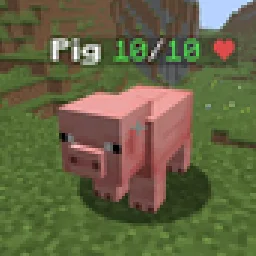 Hypixel Skyblock: Attack IndicatorsUltimarble | 3 | 26.x | vor 7 Tagen | Kostenlos |
Ja. Health Indicators unterstützt Minecraft 26.x. Alle unterstützten Versionen: 26.x, 1.21, 1.20.
Ja. Health Indicators kannst du kostenlos bei Modrinth herunterladen.
Clientseitig. Health Indicators kommt in deinen eigenen mods-Ordner und funktioniert auf jedem Server, auch auf Servern ohne Mods.
Ja. Das letzte Update kam innerhalb des letzten Tages.
Am ähnlichsten sind Friends&Foes, Villager Names und Hypixel Skyblock: Attack Indicators. Alle Alternativen vergleichen
Friends&FoesMods · 1.18 – 26.xAdds outvoted and forgotten mobs from the mob vote, expanding on their original concepts and adding new vanilla-like features. The mod includes: Copper Golem…
Villager NamesMods · 1.16 – 26.x🧑🌾 Gives all villager entities a default or custom name to liven up the world.
Hypixel Skyblock: Attack IndicatorsMods · 26.xThis mod adds the Hypixel Skyblock health and damage indicators to every vanilla mob in Minecraft.
 Aurora TiersMods · 1.21
Shows each player’s Aurora Tiers rank, from HT1 to LT5, with an icon in front of their name in chat, the tab list and above their head.
 Ping WheelMods · 1.18 – 26.x
Allows players to temporarily mark locations and entities
 Hoplite Health IndicatorMods · 1.21 – 26.x
Essentially a health indicator mod but for Hoplite. It shows each player's HP from tab as hearts above their head.
Logg dich ein, um eine Bewertung zu schreiben.