
 Screen Mirror ShaderShaders · 1.16 – 1.21
A shader that allows you to rotate the image in the game vertically, horizontally and more
Grátis14,298 downloads
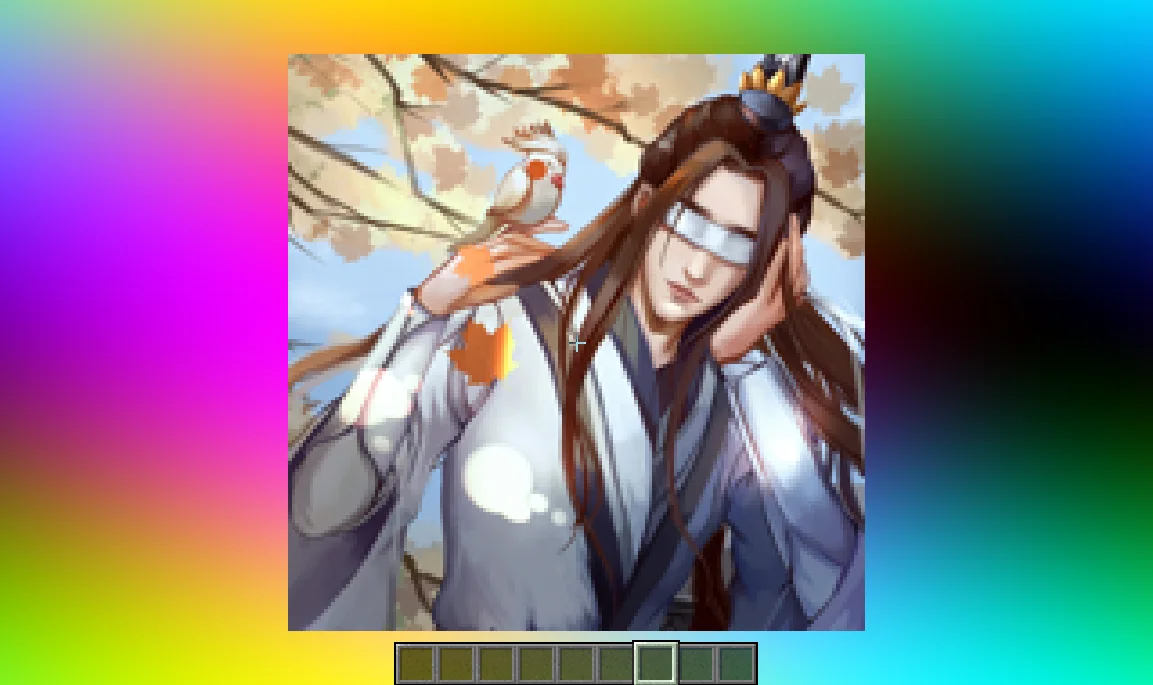
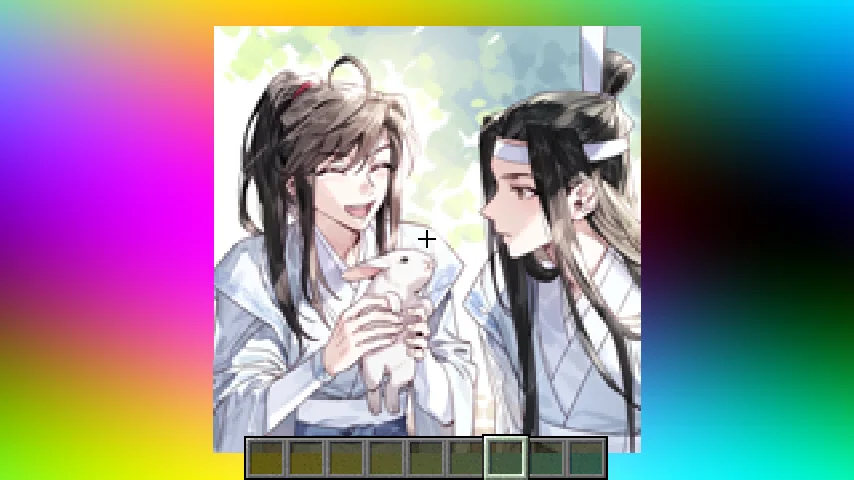
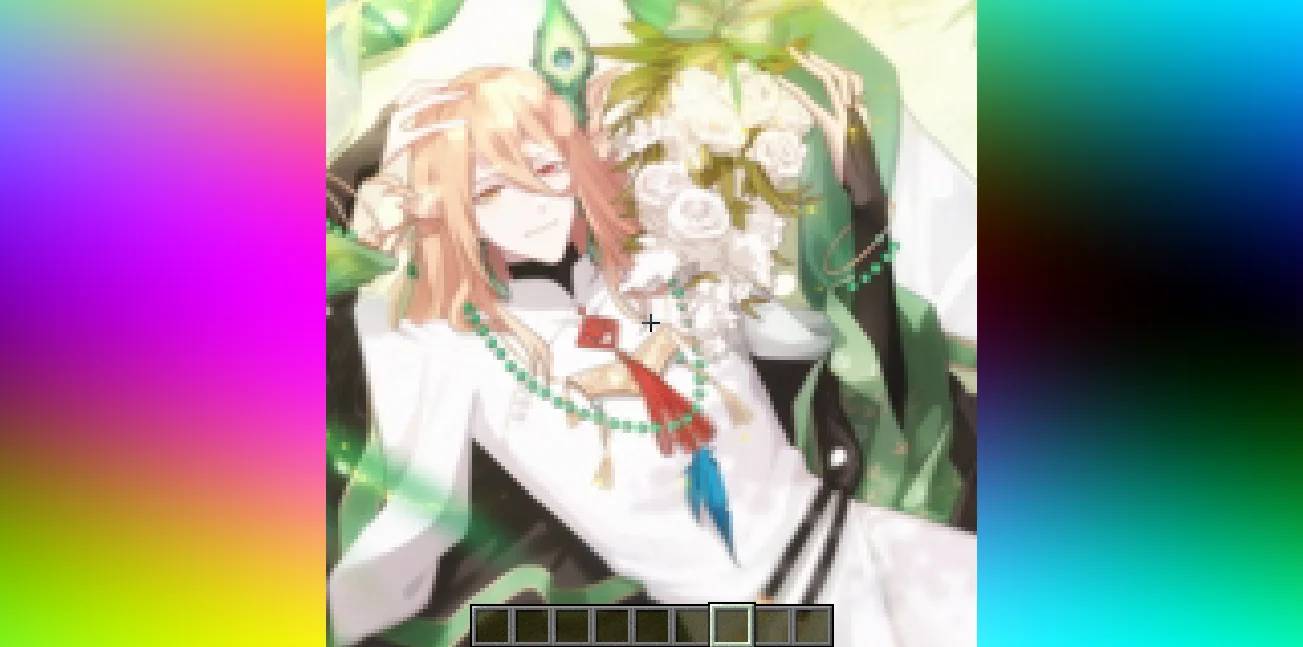
Image Shader (pacote de shaders) é obra de lanzhan5656. Only use a shader to display an image on your screen~.
É compatível com o Minecraft 1.16 – 1.21. Tem 6,587 downloads em Modrinth. A última atualização saiu em 12/09/2025.
A mais recente é 1.0.0, lançada em 12/09/2025. Ela é feita para o Minecraft 1.16 – 1.21.8. Ela roda em Iris. O download tem 4.8 MB.
| Versão | Lançado | Minecraft | Tipo |
|---|---|---|---|
1.0.0 | 12/09/2025 | 1.16 – 1.21.8 | Estável |
Image Shader é de código aberto. A versão mais recente no GitHub é 1.0.0~, publicada em 12/09/2025.
No content.
Only use a shader to display an image on your screen~
Note: compiling the shader may take some time!
First, use ffmpeg (or any tool) to resize your image to 160×160 pixels.
Using ffmpeg:
ffmpeg -i Input.png -vf scale=160:160 image.png
Then place the resized image in the same directory as the Python script below.
Run the script to produce an image_chunks folder, then copy the 16 .glsl files inside into shaders/data/image_chunks (you need to unpack the shader pack first).
Enter the game, enable the custom image option in the shader settings, and wait for the shader to finish compiling — Then it's ok~
A Python Script
from PIL import Image
import os
def generate_glsl_chunks(image_path, output_dir="image_chunks"):
try:
img = Image.open(image_path).convert('RGBA')
except FileNotFoundError:
print(f"Error: Image file not found at {image_path}")
return
width, height = img.size
if width != 160 or height != 160:
print(f"Error: Image must be 160x160 pixels, but it is {width}x{height}.")
print(f"You can use:")
print(f"ffmpeg -i image.png -vf scale=160:160 output.png")
print(f"to adjust the image resolution.")
return
os.makedirs(output_dir, exist_ok=True)
chunk_size = 40
num_chunks_x = width // chunk_size
num_chunks_y = height // chunk_size
for chunk_y in range(num_chunks_y):
for chunk_x in range(num_chunks_x):
left = chunk_x * chunk_size
upper = chunk_y * chunk_size
right = left + chunk_size
lower = upper + chunk_size
sub_img = img.crop((left, upper, right, lower))
pixel_data = list(sub_img.getdata())
array_name = f"image_data_{chunk_y}_{chunk_x}"
output_file_path = os.path.join(output_dir, f"{array_name}.glsl")
glsl_array = f"vec4 {array_name}[{chunk_size * chunk_size}] = vec4[{chunk_size * chunk_size}](\n"
for i, pixel in enumerate(pixel_data):
r, g, b, a = pixel
glsl_array += f" vec4({r/255.0}, {g/255.0}, {b/255.0}, {a/255.0})"
if i < len(pixel_data) - 1:
glsl_array += ","
if (i + 1) % 4 == 0:
glsl_array += "\n"
glsl_array += ");\n"
with open(output_file_path, 'w') as f:
f.write(glsl_array)
print(f"Generated file: {output_file_path}")
image_file = "image.png"
output_directory = "image_chunks"
generate_glsl_chunks(image_file, output_directory)
Escrita por lanzhan5656. Leia com imagens no Modrinth.
Instale o Iris (com Sodium) ou o OptiFine para sua versão do Minecraft: shaders precisam de um deles.
Baixe o arquivo .zip pelo Modrinth. Não descompacte.
No Minecraft, abra Opções, depois Gráficos, depois Shader Packs e clique em Abrir pasta de shaders.
Coloque o arquivo .zip nessa pasta, escolha Image Shader na lista e clique em Concluído.
Shaders pesam na placa de vídeo. Se o jogo ficar lento, escolha um perfil mais baixo nas configurações.
| Recurso | Downloads | Versões | Última atualização | Preço |
|---|---|---|---|---|
 Image Shadero que você estava vendo | 6,587 | 1.16 – 1.21 | 12 set 2025 | Grátis |
| Screen Mirror Shaderplaysi_ | 14K | 1.16 – 1.21 | 29 jun 2025 | Grátis |
 Daybreak Shaderagentclone8 | 181K | 1.20 – 1.21 | 27 jun 2024 | Grátis |
 VTXS Screen Space Demolipesto | 79K | 1.18 – 26.x | 2 mai 2026 | Grátis |
Ainda não. A versão mais recente compatível é o Minecraft 1.21.
Sim. Você pode baixar Image Shader de graça em Modrinth.
Sim. A última atualização saiu no último dia.
Os mais parecidos são Screen Mirror Shader, Daybreak Shader e VTXS Screen Space Demo. Comparar todas as alternativas
Screen Mirror ShaderShaders · 1.16 – 1.21A shader that allows you to rotate the image in the game vertically, horizontally and more
Daybreak ShaderShaders · 1.20 – 1.21A simple vanilla plus shader with screen space reflections! In Alpha!
VTXS Screen Space DemoShaders · 1.18 – 26.xFast and very sharp shader with Screen Space Path Tracing
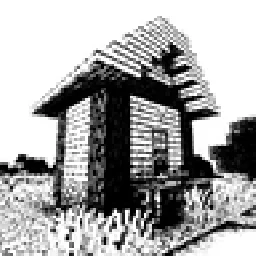 Bitmap Vanilla ShaderShaders · 1.21 – 26.x
Renders the game with only the colors black and white (bitmap).
 MINIMALShaders · 1.18 – 1.21
A Minecraft shader that only adds shadows
 ASCII ShaderShaders · 1.8 – 1.21
A shader intended to make Minecraft render only with ASCII characters!
Entre para deixar uma avaliação.