
 Photon ShadersShaders · 1.16 – 26.x
A gameplay-focused shader pack with a semi-realistic style
Free29,139,042 downloads
Minecraft shaders intended to emulate the graphic design style of early tech, as well as that of certain retro sci-fi, dithered, and other minimalist styles.
Opens Modrinth · 12,960 downloads there
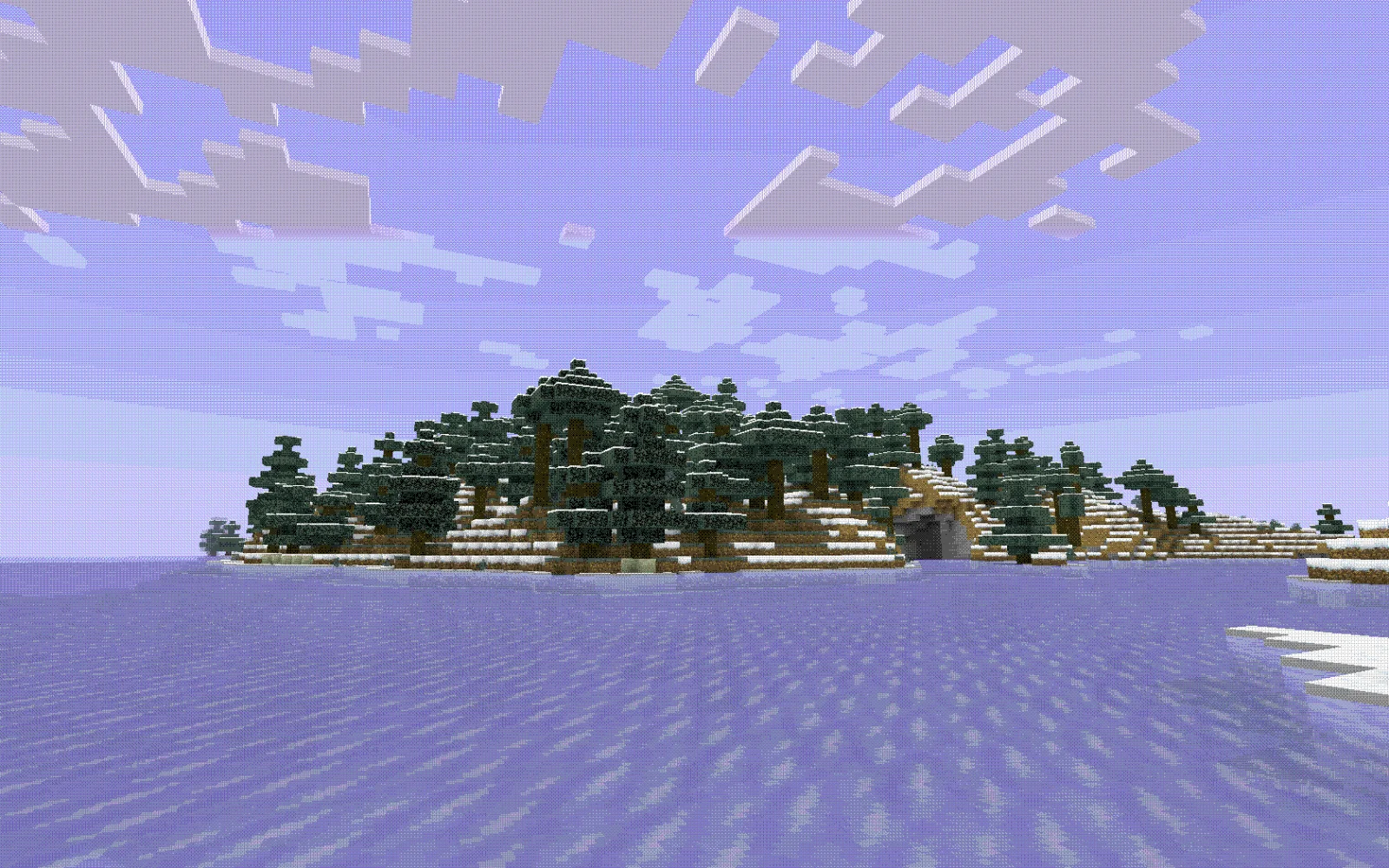
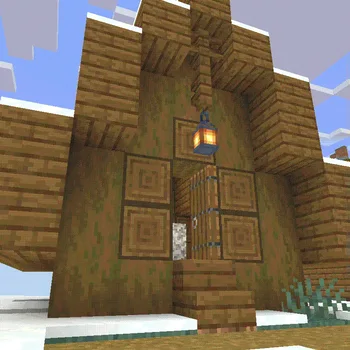
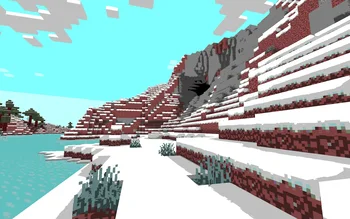
Minecraft shaders intended to emulate the graphic design style of early tech, as well as that of certain retro sci-fi, dithered, and other minimalist styles.
Aeon is a shader pack made by slink. It supports Minecraft 1.16 – 1.19. It has been downloaded 12,960 times on Modrinth. The last update came out on May 8, 2023.
The newest is 1.0, released on May 8, 2023. It is made for Minecraft 1.16.4 – 1.19.4. It runs on Iris and Optifine. The download is 3 KB.
| Version | Released | Minecraft | Type |
|---|---|---|---|
1.0 | May 8, 2023 | 1.16.4 – 1.19.4 | Alpha |
Aeon is open source. Its newest release on GitHub is Aeon 1.0, published on May 8, 2023.
First release? kinda just a beta, this is very little of what Aeon will be
Minecraft shaders intended to emulate the graphic design style of early tech, as well as that of certain retro sci-fi, dithered, and other minimalist styles.
Massive thanks to Alex Charlton for their webpage on "Dithering on The GPU". The code from there is the backbone of this shader.
Written by slink. Read it with pictures on Modrinth.
Install Iris (with Sodium) or OptiFine for your Minecraft version: shaders need one of them.
Download the .zip file from Modrinth. Do not unzip it.
In Minecraft, open Options, then Video Settings, then Shader Packs, and click Open Shader Pack Folder.
Drop the .zip file into that folder, pick Aeon in the list and click Done.
Shaders are heavy on the graphics card. If the game gets slow, pick a lower profile in the shader settings.
| Resource | Downloads | Versions | Last update | Price |
|---|---|---|---|---|
| Aeonthe one you looked at | 13K | 1.16 – 1.19 | May 8, 2023 | Free |
| Photon Shaderssixthsurge | 29.1M | 1.16 – 26.x | 22 days ago | Free |
 Bliss ShadersXonk | 15.7M | 1.17 – 26.x | Nov 23, 2025 | Free |
 Super Duper VanillaEldeston | 8.3M | 1.13 – 1.21 | Jul 8, 2025 | Free |
Not yet. The newest version it supports is Minecraft 1.19.
Yes. Aeon is free to download from Modrinth.
Yes. The last update came out in the past day.
The closest ones are Photon Shaders, Bliss Shaders and Super Duper Vanilla. Compare all alternatives
Photon ShadersShaders · 1.16 – 26.xA gameplay-focused shader pack with a semi-realistic style
Bliss ShadersShaders · 1.17 – 26.xA well performing fantasy styled shaderpack with emphasis on scene variation and customization.
Super Duper VanillaShaders · 1.13 – 1.21A shader pack created to convey the style of the cancelled Super Duper Graphics Pack and other popular Minecraft titles.
 ReShadedShaders · 1.20 – 26.x
Shaders with no mods or FPS loss. Compatibility with 26.1-1.20.5 Vanilla, Sodium, and other mods!
 Amethyst ShadersShaders · 1.8 – 1.21
[WIP] A Semi-Realistic Minecraft Shaderpack, with a Vibrant Visuals Style. Based on Complementary Reimagined.
 Vanilletix ShadersShaders · 1.13 – 26.x
A shader pack that is created to improve the graphics of your game, leaving it in vanilla style
Log in to leave a review.