
 Story Mode CloudsTexture packs · 1.21 – 26.x
Adds the clouds from Minecraft Story Mode into the main game.
Free889,832 downloads
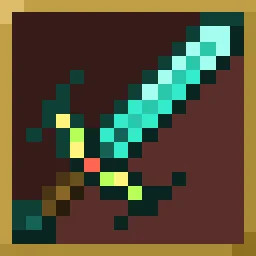
Minecraft Story Mode's Command Block/Ultimate tools + Command Enchanting Book
Direct download from Modrinth · 0 downloads
Source and ownership. This page was generated automatically from public data that Modrinth provides through its public API. The name, descriptions, images, trademarks and all other content of this project belong to amiiastra25ji and their respective owners. CraftRank is not the author of this project and is not affiliated with, endorsed or sponsored by its author or by Modrinth.
Hosting and distribution. CraftRank does not host, store, upload or distribute the download files of this project, and no such file is kept on CraftRank's servers. Every download is provided directly by Modrinth from its own servers; the Download button only links to the file there. The license stated on Modrinth is MIT.
Use of public APIs. Modrinth, Hangar (PaperMC) and SpigotMC (through the Spiget API) make their APIs publicly available to third-party websites and applications. Modrinth's Terms of Use give API users a license to download, display and query content through their own services (section “API Usage”), and creators who publish on Modrinth grant Modrinth and its licensees the right to display and distribute their content to third parties (section “User Contributions”). CraftRank uses these APIs in line with the platforms' published rules: it identifies itself in every request and respects their rate limits.
No warranty. The information on this page is provided "as is", without any warranty. Downloading and using this project is at your own risk and subject to the license and terms of its author.
Copyright notices (DMCA). Only the copyright owner or someone authorised to act for them may file a notice, and it must come from a person of legal age or from their parent or legal guardian. A valid notice sent to abuse@craftrank.org must contain: the link of this page; the work claimed to be infringed; your full name, postal address, phone number and e-mail; a statement that you believe in good faith that the use is not authorised by the owner, its agent or the law; a statement, under penalty of perjury, that the notice is accurate and that you are the owner or authorised to act for them; and your physical or electronic signature. Incomplete notices are not processed. Valid notices are acted on within 48 hours, with no need to go through Google.
False notices. Anyone who knowingly misrepresents that material is infringing is liable for the damages caused, including costs and attorneys' fees (17 U.S.C. § 512(f)). Notices filed in bad faith or by someone who does not hold the rights are kept on record and will be contested.
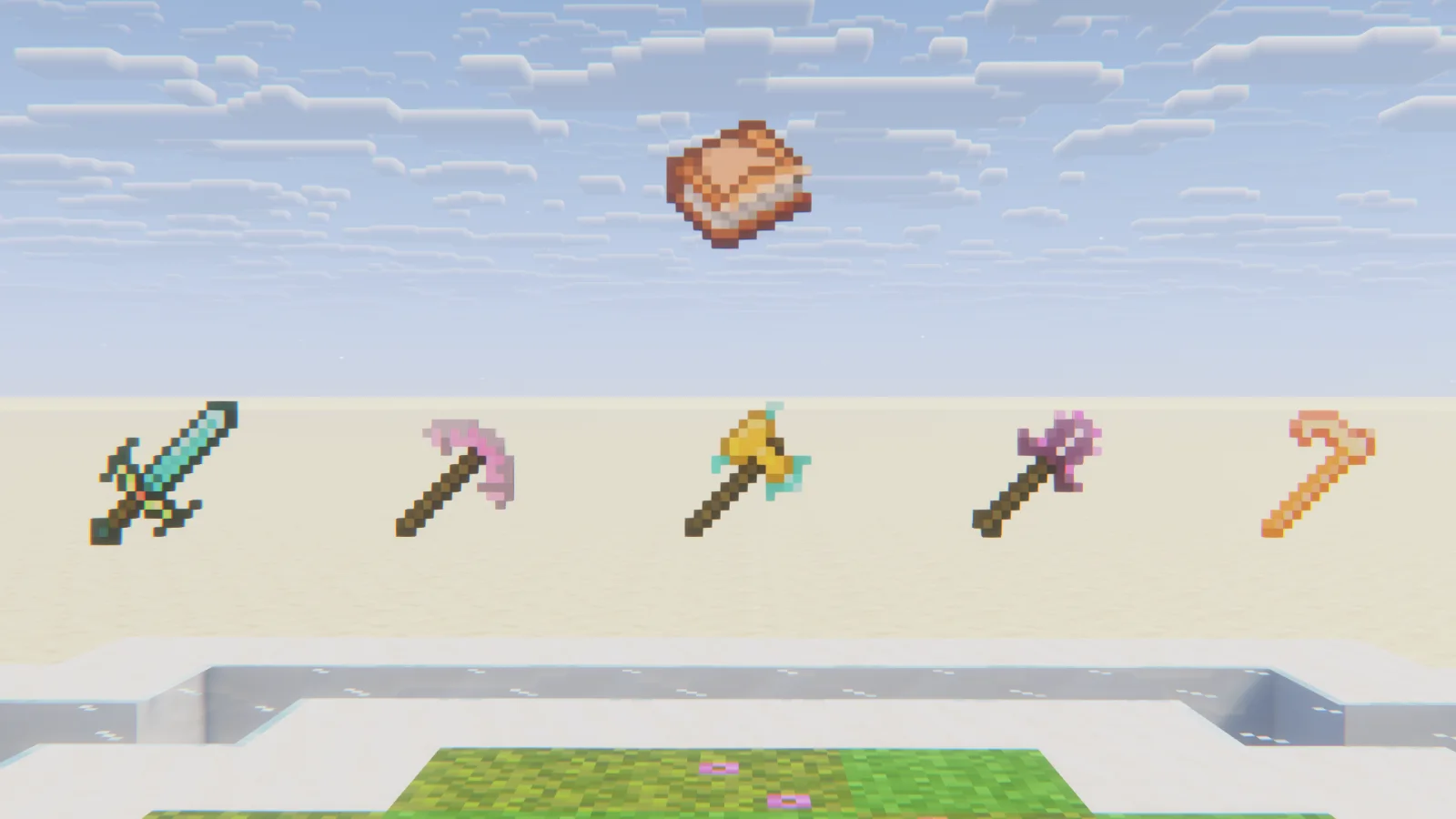
Command Block Tools is a texture pack made by amiiastra25ji. Minecraft Story Mode's Command Block/Ultimate tools + Command Enchanting Book.
It supports Minecraft 1.21 – 26.x. The last update came out on Nov 16, 2026.
The newest is release.1, released on Nov 15, 2026. It is made for Minecraft 1.21.10 – 26.3. It runs on Minecraft. The download is 11 KB.
| Version | Released | Minecraft | Type |
|---|---|---|---|
release.1 | Nov 15, 2026 | 1.21.10 – 26.3 | Release |
Replaces Netherite-related tools with Minecraft Story Mode's Command Block/Ultimate tools.
Some textures differ from their original appearance because I felt they weren't the highest quality, though I might add a version that uses their original textures.
To remove the emissive textures, go into the "textures" folder and remove the images with "_e" attached to the end of their file names.
Written by amiiastra25ji. Read it with pictures on Modrinth.
Download the .zip file from Modrinth. Do not unzip it.
In Minecraft, open Options, then Resource Packs, then Open Pack Folder.
Drop the .zip file into that folder and go back to the game.
Move Command Block Tools to the right-hand list and click Done.
It is made for Minecraft 1.21 – 26.x. On other versions Minecraft marks it as incompatible, but it often still works.
Full guide: How to install Minecraft resource packs
| Resource | Downloads | Versions | Last update | Price |
|---|---|---|---|---|
| Command Block Toolsthe one you looked at | 0 | 1.21 – 26.x | 10 days ago | Free |
| Story Mode Cloudstixul | 890K | 1.21 – 26.x | Sep 19, 2026 | Free |
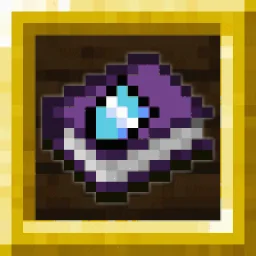 Mars's Enchanted Book TexturesMarsThePlanet | 279K | 1.13 – 26.x | Oct 2, 2026 | Free |
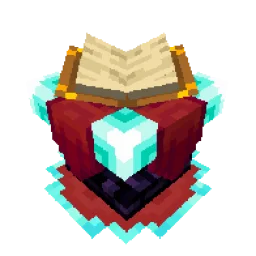 Inspired Enchanting TablePatongo | 412 | 1.13 – 26.x | Oct 7, 2026 | Free |
Yes. Command Block Tools supports Minecraft 26.x. All supported versions: 26.x, 1.21.
Yes. Command Block Tools is free to download from Modrinth.
Yes. The last update came out in the past day.
The closest ones are Story Mode Clouds, Mars's Enchanted Book Textures and Inspired Enchanting Table. Compare all alternatives
Story Mode CloudsTexture packs · 1.21 – 26.xAdds the clouds from Minecraft Story Mode into the main game.
Mars's Enchanted Book TexturesTexture packs · 1.13 – 26.xChanges textures of enchanted books for better clarity
Inspired Enchanting TableTexture packs · 1.13 – 26.xGives the enchanting table a new, more interesting look.
 No Enchantment LanguageTexture packs · 1.8 – 1.21
Remove the Enchantment Table Language from the game (Removes the Standard Galactic Alphabet)
Log in to leave a review.