
 PVP zegarn+Anime skyPacks de texturas · 1.8 – 26.x
[UPD 1.3.6] Minimalistic PvP resource pack with dark UI, custom sky, clean HUD & crosshair, small fire, and refined visuals (see description)
Gratis865,185 descargas

1.8.8+; Makes all of the GUIs and HUDs in the game transparent (clear; see-through) for a sleek and modern-looking minimal design! + Fire and Pumpkin overlay…
Descarga directa desde Modrinth · 633,331 descargas
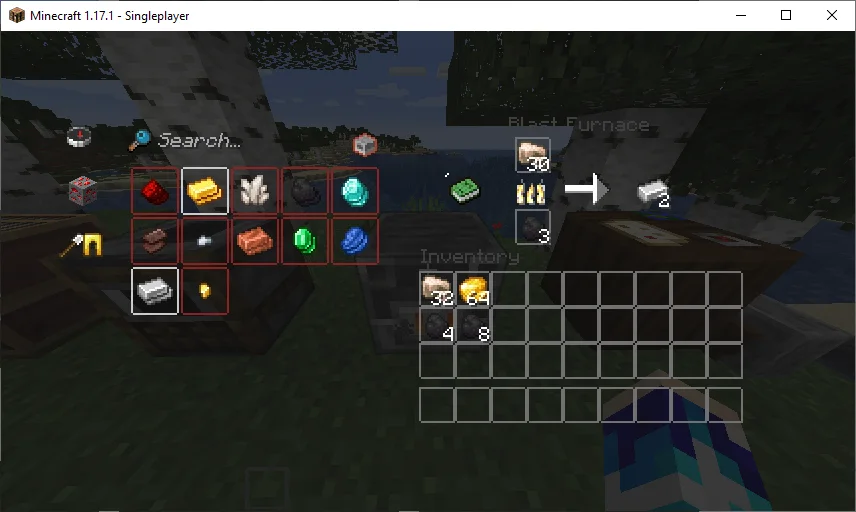
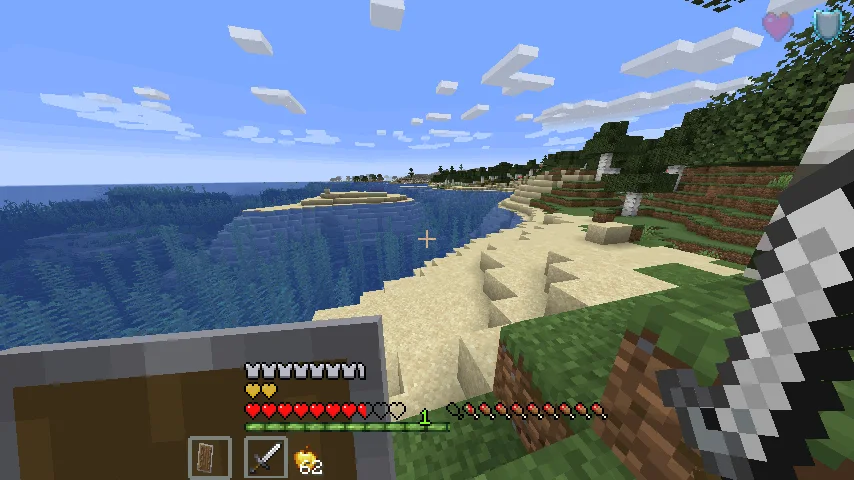
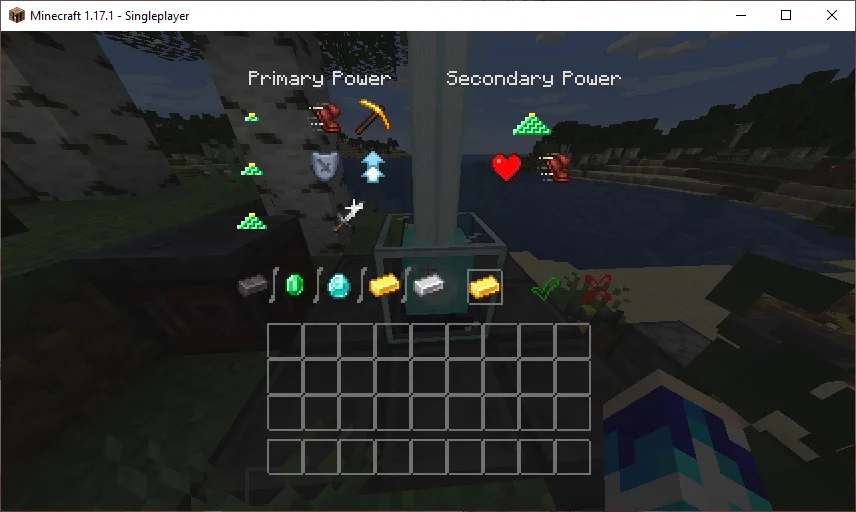
Transparent GUI and HUD (pack de texturas) es obra de VirxEC. 1.8.8+; Makes all of the GUIs and HUDs in the game transparent (clear; see-through) for a sleek and modern-looking minimal design! + Fire and Pumpkin overlay…
Es compatible con Minecraft 1.8 – 26.x. Se ha descargado 633,331 veces en Modrinth. La última actualización salió el 20/06/2026.
Transparent GUI and HUD ha publicado 25 versiones en Modrinth desde el 16/03/2023. 2 salieron en el último año. La más reciente es 1, publicada el 19/06/2026. Está hecha para Minecraft 26.1 – 26.3. Funciona en Minecraft. La descarga ocupa 127 KB.
| Versión | Publicado | Minecraft | Tipo |
|---|---|---|---|
1 | 19/06/2026 | 26.1 – 26.3 | Estable |
1.4 | 13/12/2025 | 1.21.9, 1.21.10, 1.21.11 | Estable |
1.3 | 22/04/2025 | 1.21 – 1.21.10 | Estable |
1.2 | 31/08/2024 | 1.21 – 1.21.5 | Estable |
1.1 | 30/06/2024 | 1.21 | Estable |
26.2.X Release 1 and 1.8.8-9 Release 2.3 are now available!
This is a texture pack that makes all of the GUIs (and HUDs) in the game transparent (transparent means see-through or clear), so you can see the gameplay going on in front of you! The GUI's are specifically designed so you can see both where items should go and so you can see in front of you.
In 1.14-26.2.X, these textures are supported:
In 1.14.X & down, this texture pack also supports shields. Due to a change in 19w45a, future versions can no longer support transparent shields.
This texture pack supports (as of 1.8.X - 1.13.X's latest release):
Escrita por VirxEC. Léela con imágenes en Modrinth.
Descarga el archivo .zip desde Modrinth. No lo descomprimas.
En Minecraft, abre Opciones, luego Paquetes de recursos y luego Abrir carpeta de paquetes.
Suelta el archivo .zip en esa carpeta y vuelve al juego.
Mueve Transparent GUI and HUD a la lista de la derecha y pulsa Hecho.
Está hecho para Minecraft 1.8 – 26.x. En otras versiones Minecraft lo marca como incompatible, pero a menudo funciona igual.
| Recurso | Descargas | Versiones | Última actualización | Precio |
|---|---|---|---|---|
| Transparent GUI and HUDel que estabas viendo | 633K | 1.8 – 26.x | 20 jun 2026 | Gratis |
| PVP zegarn+Anime skyzegarn | 865K | 1.8 – 26.x | 7 jul 2026 | Gratis |
 GUIScroutop | 154K | 1.20 – 26.x | 26 ene 2026 | Gratis |
 The Quintessential Quintuplets Custom GUI PackListar | 132K | 1.19 – 1.21 | 3 ago 2025 | Gratis |
Sí. Transparent GUI and HUD es compatible con Minecraft 26.x. Todas las versiones compatibles: 26.x, 1.21, 1.20, 1.19, 1.18, 1.17, 1.16, 1.13, 1.12, 1.8.
Sí. Transparent GUI and HUD se puede descargar gratis desde Modrinth.
Sí. La última actualización salió en el último día.
Los más parecidos son PVP zegarn+Anime sky, GUI y The Quintessential Quintuplets Custom GUI Pack. Comparar todas las alternativas
PVP zegarn+Anime skyPacks de texturas · 1.8 – 26.x[UPD 1.3.6] Minimalistic PvP resource pack with dark UI, custom sky, clean HUD & crosshair, small fire, and refined visuals (see description)
GUIPacks de texturas · 1.20 – 26.xFully black GUI for modern versions of Minecraft.
The Quintessential Quintuplets Custom GUI PackPacks de texturas · 1.19 – 1.21The Quintessential Quintuplets Custom GUI Pack
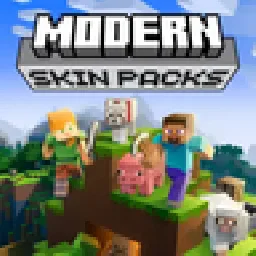 Modern Skin PacksPacks de texturas · 1.20 – 26.x
Post-legacy skin packs ported to Java!
 Low Fire EXTREMEPacks de texturas · 1.13 – 26.x
This Resourcepack aims to make the fire overlay even lower then other packs
 basic pvp overlayPacks de texturas · 1.20 – 1.21
Basic needs for pvp - No fire on your screen, no shield/totem pop covering up your view, dark gui and transparent inventory.
Inicia sesión para dejar una reseña.