
 PVP zegarn+Anime skyPaczki tekstur · 1.8 – 26.x
[UPD 1.3.6] Minimalistic PvP resource pack with dark UI, custom sky, clean HUD & crosshair, small fire, and refined visuals (see description)
Za darmoPobrania: 865,185

1.8.8+; Makes all of the GUIs and HUDs in the game transparent (clear; see-through) for a sleek and modern-looking minimal design! + Fire and Pumpkin overlay…
Bezpośrednie pobieranie z Modrinth · 633,331 pobrań
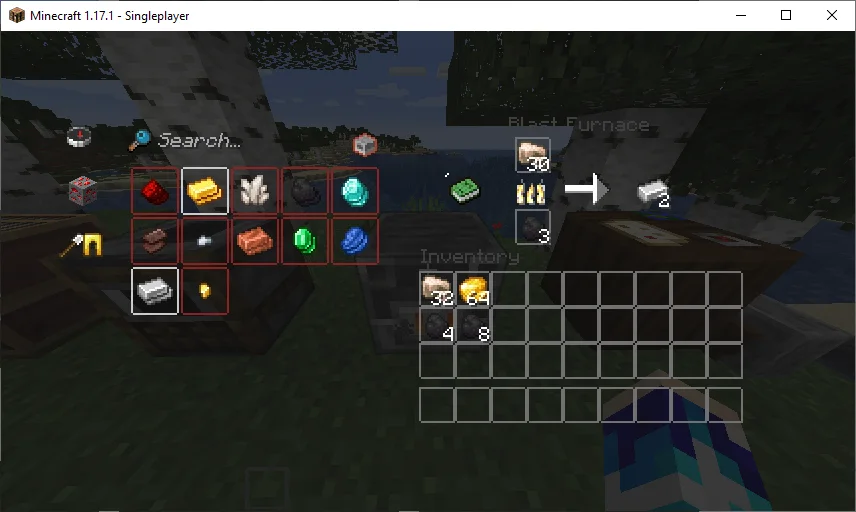
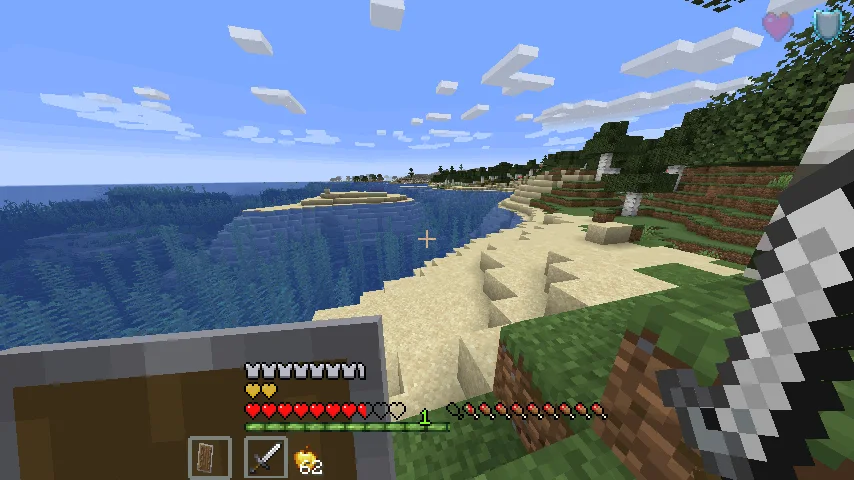
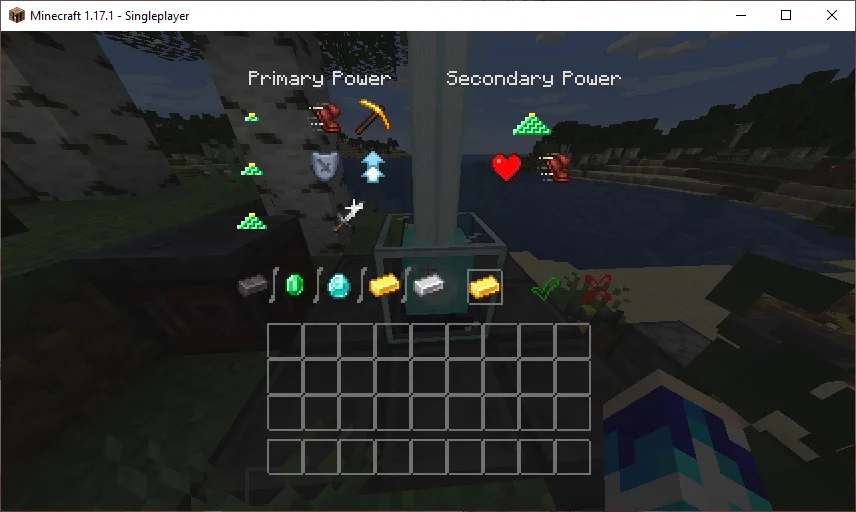
Transparent GUI and HUD to paczka tekstur, autor: VirxEC. 1.8.8+; Makes all of the GUIs and HUDs in the game transparent (clear; see-through) for a sleek and modern-looking minimal design! + Fire and Pumpkin overlay…
Obsługiwane wersje: Minecraft 1.8 – 26.x. Liczba pobrań w serwisie Modrinth: 633,331. Ostatnia aktualizacja: 20.06.2026.
Transparent GUI and HUD ma 25 wydań na Modrinth od 16.03.2023. 2 z nich wyszło w ostatnim roku. Najnowsza to 1, wydana 19.06.2026. Jest zrobiona dla Minecraft 26.1 – 26.3. Działa na Minecraft. Plik ma 127 KB.
| Wersja | Wydano | Minecraft | Typ |
|---|---|---|---|
1 | 19.06.2026 | 26.1 – 26.3 | Wydanie |
1.4 | 13.12.2025 | 1.21.9, 1.21.10, 1.21.11 | Wydanie |
1.3 | 22.04.2025 | 1.21 – 1.21.10 | Wydanie |
1.2 | 31.08.2024 | 1.21 – 1.21.5 | Wydanie |
1.1 | 30.06.2024 | 1.21 | Wydanie |
26.2.X Release 1 and 1.8.8-9 Release 2.3 are now available!
This is a texture pack that makes all of the GUIs (and HUDs) in the game transparent (transparent means see-through or clear), so you can see the gameplay going on in front of you! The GUI's are specifically designed so you can see both where items should go and so you can see in front of you.
In 1.14-26.2.X, these textures are supported:
In 1.14.X & down, this texture pack also supports shields. Due to a change in 19w45a, future versions can no longer support transparent shields.
This texture pack supports (as of 1.8.X - 1.13.X's latest release):
Autor: VirxEC. Z obrazkami na Modrinth.
Pobierz plik .zip z Modrinth. Nie rozpakowuj go.
W Minecraft otwórz Opcje, potem Paczki zasobów, a potem Otwórz folder paczek.
Wrzuć plik .zip do tego folderu i wróć do gry.
Przenieś Transparent GUI and HUD na listę po prawej i kliknij Gotowe.
Jest zrobiona pod Minecraft 1.8 – 26.x. Na innych wersjach Minecraft oznacza ją jako niezgodną, ale często i tak działa.
| Zasób | Pobrania | Wersje | Aktualizacja | Cena |
|---|---|---|---|---|
| Transparent GUI and HUDten, który oglądałeś | 633K | 1.8 – 26.x | 20 cze 2026 | Za darmo |
| PVP zegarn+Anime skyzegarn | 865K | 1.8 – 26.x | 7 lip 2026 | Za darmo |
 GUIScroutop | 154K | 1.20 – 26.x | 26 sty 2026 | Za darmo |
 The Quintessential Quintuplets Custom GUI PackListar | 132K | 1.19 – 1.21 | 3 sie 2025 | Za darmo |
Tak. Transparent GUI and HUD działa w wersji Minecrafta 26.x. Wszystkie obsługiwane wersje: 26.x, 1.21, 1.20, 1.19, 1.18, 1.17, 1.16, 1.13, 1.12, 1.8.
Tak. Transparent GUI and HUD można pobrać za darmo z serwisu Modrinth.
Tak. Ostatnia aktualizacja wyszła w ciągu ostatniej doby.
Najbliższe to PVP zegarn+Anime sky, GUI i The Quintessential Quintuplets Custom GUI Pack. Porównaj wszystkie alternatywy
PVP zegarn+Anime skyPaczki tekstur · 1.8 – 26.x[UPD 1.3.6] Minimalistic PvP resource pack with dark UI, custom sky, clean HUD & crosshair, small fire, and refined visuals (see description)
GUIPaczki tekstur · 1.20 – 26.xFully black GUI for modern versions of Minecraft.
The Quintessential Quintuplets Custom GUI PackPaczki tekstur · 1.19 – 1.21The Quintessential Quintuplets Custom GUI Pack
 Modern Skin PacksPaczki tekstur · 1.20 – 26.x
Post-legacy skin packs ported to Java!
 Low Fire EXTREMEPaczki tekstur · 1.13 – 26.x
This Resourcepack aims to make the fire overlay even lower then other packs
 basic pvp overlayPaczki tekstur · 1.20 – 1.21
Basic needs for pvp - No fire on your screen, no shield/totem pop covering up your view, dark gui and transparent inventory.
Zaloguj się, aby wystawić opinię.