
 ArchiveSpawnPlugins · 1.21
Lightweight spawn management plugin with full Folia support. Set, manage and teleport players to custom spawn locations with a simple and optimized command…
Gratis9 descargas

DINScreenshare is a lightweight Minecraft moderation plugin that allows staff to easily manage player screenshares with configurable locations, command…
Descarga directa desde Modrinth · 3 descargas
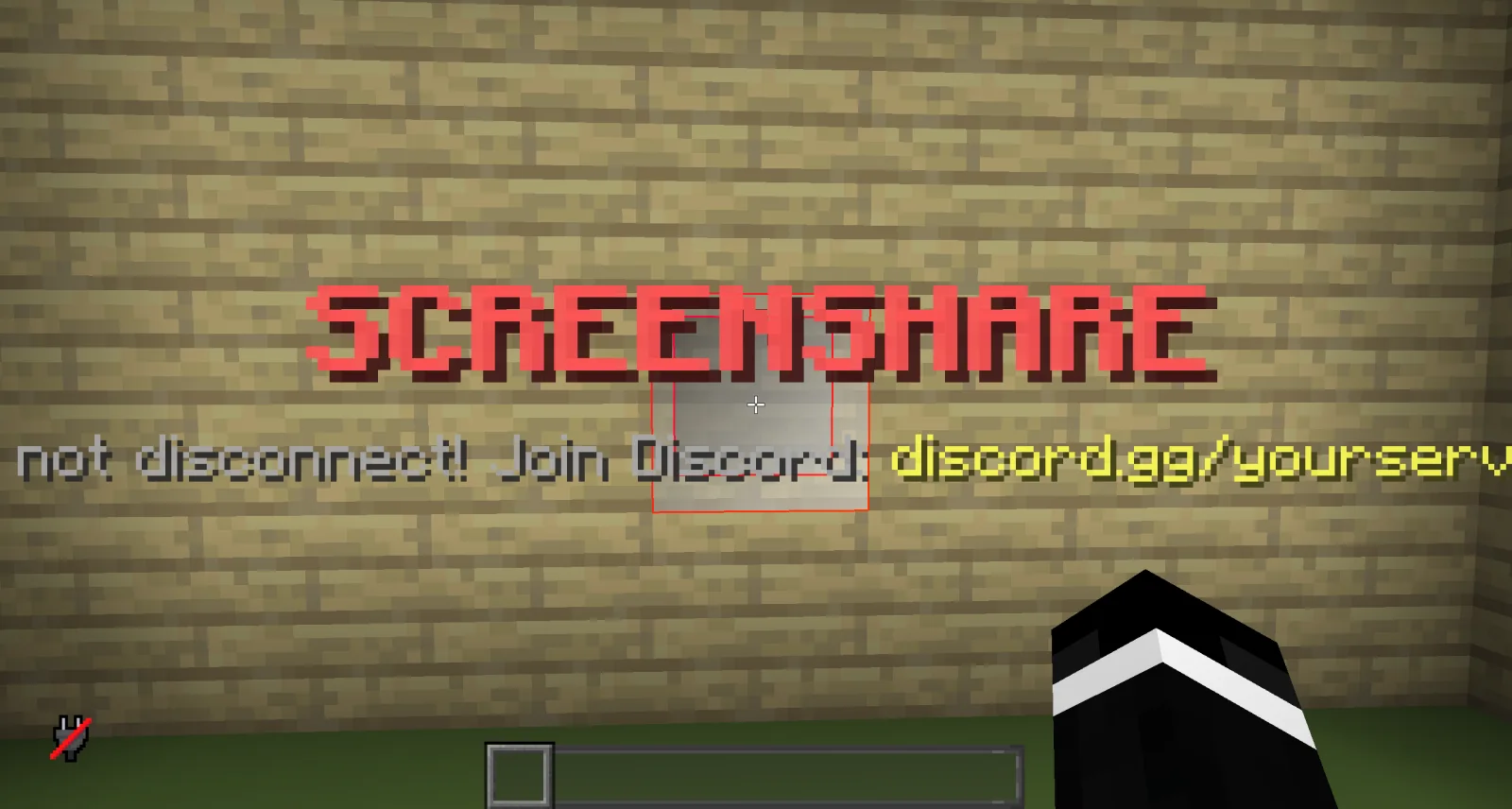
dinmaurice creó DINScreenshare (plugin) para servidores Paper / Spigot. DINScreenshare is a lightweight Minecraft moderation plugin that allows staff to easily manage player screenshares with configurable locations, command…
Es compatible con Minecraft 1.21 – 26.x. Se ha descargado 3 veces en Modrinth. Eso lo sitúa en el puesto 402 de los 443 plugins de administración y permisos de esta lista. La última actualización salió el 05/11/2026.
La más reciente es 1.0.0, publicada el 05/11/2026. Está hecha para Minecraft 1.21 – 26.3. Funciona en Bukkit, Folia, Paper, Purpur y Spigot. La descarga ocupa 15 KB.
| Versión | Publicado | Minecraft | Tipo |
|---|---|---|---|
1.0.0 | 05/11/2026 | 1.21 – 26.3 | Estable |
Los comandos que aparecen en la página de DINScreenshare en Modrinth:
/ss/unssDINScreenshare is a lightweight and reliable Minecraft screenshare plugin designed to help server staff perform controlled player inspections.
With DINScreenshare, staff members can easily teleport players into a dedicated screenshare area, prevent them from escaping or using commands, and safely release them once the inspection is finished.
Starts a screenshare with the specified player and teleports them to the configured Screenshare Location.
While being screenshared, the player is restricted from using commands or leaving the screenshare area to prevent them from escaping the inspection.
Sets the Screenshare Location at the staff member's current position.
This is the location where players will be teleported when a screenshare is started using /ss .
Sets the Screenshare Spawn Location at the staff member's current position.
When a player is released using /unss , they will be teleported to this location.
Ends the active screenshare for the specified player and teleports them to the configured Screenshare Spawn Location.
Reloads the DINScreenshare configuration without requiring a server restart.
DINScreenshare provides a simple and effective way for Minecraft server staff to manage player screenshares while keeping the entire process controlled and secure.
Escrita por dinmaurice. Léela con imágenes en Modrinth.
Asegúrate de que tu servidor use Paper y Spigot en Minecraft 1.21 – 26.x.
Descarga el archivo .jar desde Modrinth y ponlo en la carpeta plugins de tu servidor.
Reinicia el servidor. Evita /reload, muchos plugins no lo llevan bien.
Escribe /plugins en la consola: DINScreenshare debería aparecer en verde. Sus archivos de configuración se crean en la carpeta plugins al primer arranque.
Guía completa: Cómo instalar plugins en un servidor de Minecraft
| Recurso | Descargas | Valoración | Versiones | Última actualización | Precio |
|---|---|---|---|---|---|
| DINScreenshareel que estabas viendo | 3 | – | 1.21 – 26.x | hace 7 días | Gratis |
| ArchiveSpawnArchiveYeez | 9 | – | 1.21 | 7 oct 2026 | Gratis |
 BanItemAndross | 109K | 4.6 | 1.8 – 26.x | 19 jul 2026 | Gratis |
 ServerSuiteNoelX | 108 | – | 1.21 | hace 1 día | Gratis |
Sí. DINScreenshare es compatible con Minecraft 26.x. Todas las versiones compatibles: 26.x, 1.21.
Sí. DINScreenshare se puede descargar gratis desde Modrinth.
DINScreenshare funciona en servidores Paper y Spigot.
Sí. La última actualización salió en el último día.
Los más parecidos son ArchiveSpawn, BanItem y ServerSuite. Comparar todas las alternativas
ArchiveSpawnPlugins · 1.21Lightweight spawn management plugin with full Folia support. Set, manage and teleport players to custom spawn locations with a simple and optimized command…
BanItemPlugins · 1.8 – 26.xLightweight, powerful & configurable per world ban item plugin
ServerSuitePlugins · 1.21An all in one server management plugin that replaces dozens of separate utility, moderation, teleportation, and staff plugins.
 MentionMePlugins · 1.21 – 26.x
A lightweight, configurable mention system for Paper servers with player mentions, group mentions, sounds, actionbars, permissions and HEX support.
 LightVisionPlugins · 1.21 – 26.x
Lightweight night vision plugin. Players toggle it themselves, staff can control, block and automate it.
A modern, lightweight GUI rewards plugin featuring advanced color support (MiniMessage/Hex), dynamic permissions, and flexible command execution.
Inicia sesión para dejar una reseña.