
 ArchiveSpawnPlugins · 1.21
Lightweight spawn management plugin with full Folia support. Set, manage and teleport players to custom spawn locations with a simple and optimized command…
Gratuit9 téléchargements
DINScreenshare is a lightweight Minecraft moderation plugin that allows staff to easily manage player screenshares with configurable locations, command…
Téléchargement direct depuis Modrinth · 2 téléchargements
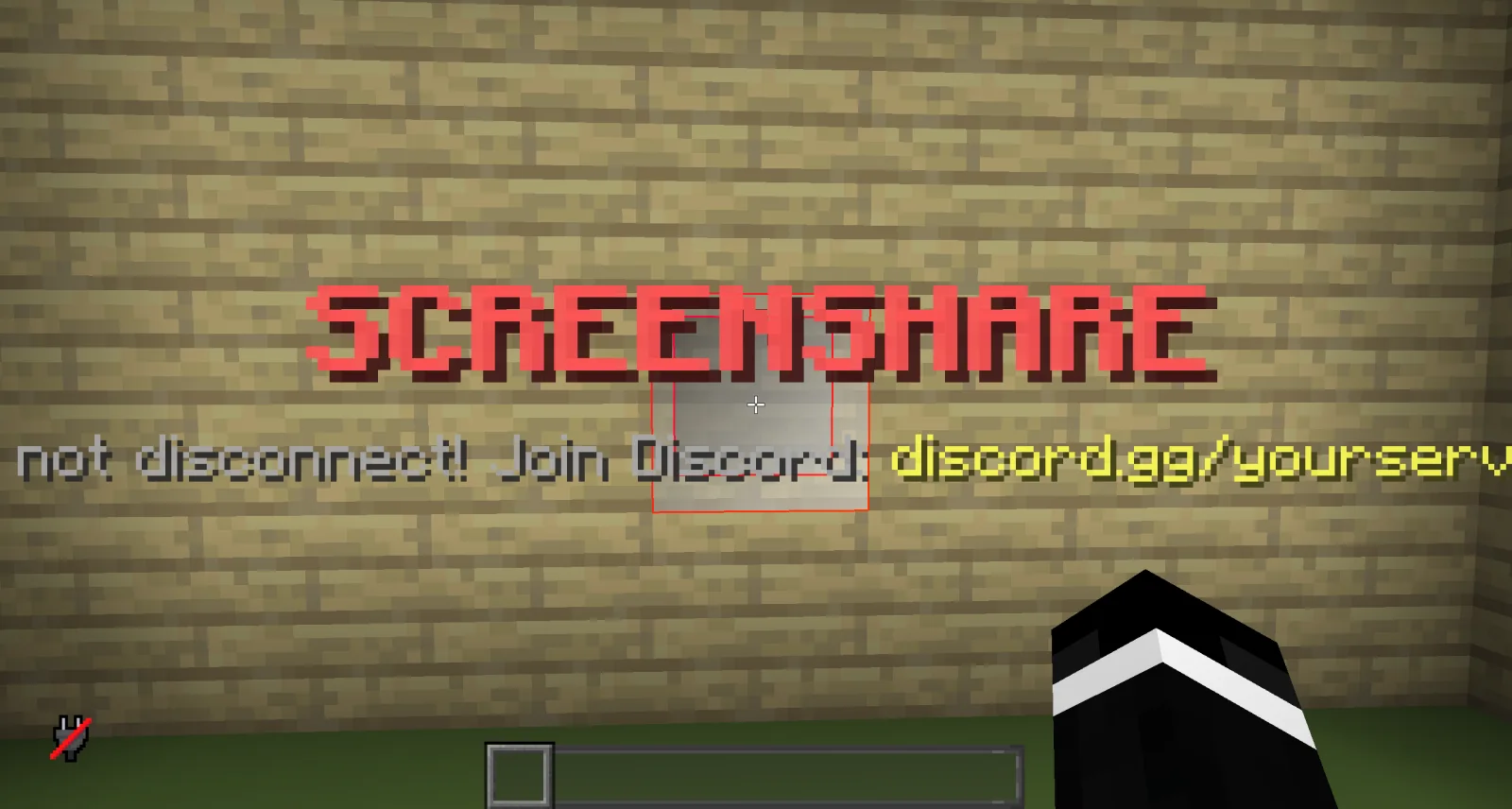
dinmaurice a créé DINScreenshare (plugin) pour les serveurs Paper / Spigot. DINScreenshare is a lightweight Minecraft moderation plugin that allows staff to easily manage player screenshares with configurable locations, command…
Versions prises en charge : Minecraft 1.21 – 26.x. On compte 2 téléchargements sur Modrinth. Il arrive ainsi en position n° 414 sur les 443 plugins d'administration et de permissions listés ici. La dernière mise à jour date du 05/11/2026.
La plus récente est 1.0.0, sortie le 05/11/2026. Elle est faite pour Minecraft 1.21 – 26.3. Elle fonctionne sur Bukkit, Folia, Paper, Purpur et Spigot. Le téléchargement fait 15 KB.
| Version | Publié | Minecraft | Type |
|---|---|---|---|
1.0.0 | 05/11/2026 | 1.21 – 26.3 | Stable |
Les commandes citées sur la page Modrinth de DINScreenshare :
/ss/unssDINScreenshare is a lightweight and reliable Minecraft screenshare plugin designed to help server staff perform controlled player inspections.
With DINScreenshare, staff members can easily teleport players into a dedicated screenshare area, prevent them from escaping or using commands, and safely release them once the inspection is finished.
Starts a screenshare with the specified player and teleports them to the configured Screenshare Location.
While being screenshared, the player is restricted from using commands or leaving the screenshare area to prevent them from escaping the inspection.
Sets the Screenshare Location at the staff member's current position.
This is the location where players will be teleported when a screenshare is started using /ss .
Sets the Screenshare Spawn Location at the staff member's current position.
When a player is released using /unss , they will be teleported to this location.
Ends the active screenshare for the specified player and teleports them to the configured Screenshare Spawn Location.
Reloads the DINScreenshare configuration without requiring a server restart.
DINScreenshare provides a simple and effective way for Minecraft server staff to manage player screenshares while keeping the entire process controlled and secure.
Écrite par dinmaurice. À lire avec les images sur Modrinth.
Vérifie que ton serveur tourne sous Paper et Spigot en Minecraft 1.21 – 26.x.
Télécharge le fichier .jar depuis Modrinth et place-le dans le dossier plugins de ton serveur.
Redémarre le serveur. Évite /reload, beaucoup de plugins le supportent mal.
Tape /plugins dans la console : DINScreenshare doit apparaître en vert. Ses fichiers de config sont créés dans le dossier plugins au premier démarrage.
Guide complet: Comment installer des plugins sur un serveur Minecraft
| Ressource | Téléchargements | Note | Versions | Mise à jour | Prix |
|---|---|---|---|---|---|
| DINScreensharecelle que tu regardais | 2 | – | 1.21 – 26.x | il y a 7 jours | Gratuit |
| ArchiveSpawnArchiveYeez | 9 | – | 1.21 | 7 oct. 2026 | Gratuit |
 BanItemAndross | 109K | 4.6 | 1.8 – 26.x | 19 juil. 2026 | Gratuit |
 ServerSuiteNoelX | 108 | – | 1.21 | il y a 1 jour | Gratuit |
Oui. DINScreenshare prend en charge Minecraft 26.x. Toutes les versions prises en charge : 26.x, 1.21.
Oui. DINScreenshare se télécharge gratuitement sur Modrinth.
DINScreenshare fonctionne sur les serveurs Paper et Spigot.
Oui. La dernière mise à jour date des dernières 24 heures.
Les plus proches sont ArchiveSpawn, BanItem et ServerSuite. Comparer toutes les alternatives
ArchiveSpawnPlugins · 1.21Lightweight spawn management plugin with full Folia support. Set, manage and teleport players to custom spawn locations with a simple and optimized command…
BanItemPlugins · 1.8 – 26.xLightweight, powerful & configurable per world ban item plugin
ServerSuitePlugins · 1.21An all in one server management plugin that replaces dozens of separate utility, moderation, teleportation, and staff plugins.
 MentionMePlugins · 1.21 – 26.x
A lightweight, configurable mention system for Paper servers with player mentions, group mentions, sounds, actionbars, permissions and HEX support.
 LightVisionPlugins · 1.21 – 26.x
Lightweight night vision plugin. Players toggle it themselves, staff can control, block and automate it.
A modern, lightweight GUI rewards plugin featuring advanced color support (MiniMessage/Hex), dynamic permissions, and flexible command execution.
Connecte-toi pour laisser un avis.