
 Carbon ChatPlugins · 1.19 – 26.x
Carbon is a modern chat plugin built on channels, with just about every single setting and format configurable.
Gratis34,106 descargas

MineBridge connects Minecraft and Discord with seamless two-way chat, configurable channels, bot filtering, and safe message handling for your community.
Descarga directa desde Modrinth · 5 descargas
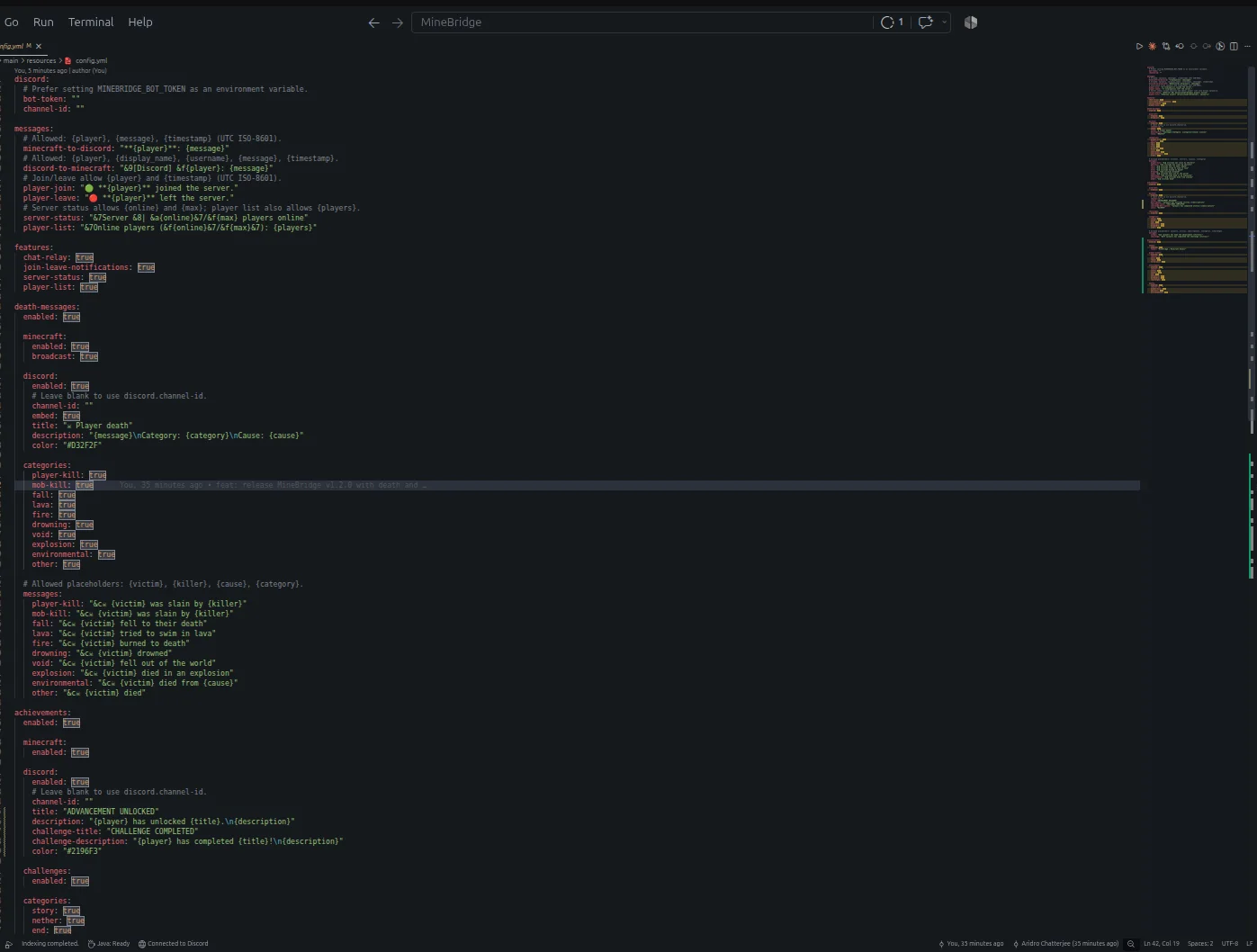
aridrochatterjee creó MineBridge (plugin) para servidores Paper / Spigot. MineBridge connects Minecraft and Discord with seamless two-way chat, configurable channels, bot filtering, and safe message handling for your community.
Es compatible con Minecraft 1.20 – 26.x. Se ha descargado 5 veces en Modrinth. Eso lo sitúa en el puesto 153 de los 195 plugins de chat de voz y sociales de esta lista. La última actualización salió el 10/11/2026.
MineBridge ha publicado 3 versiones en Modrinth desde el 29/10/2026. 3 salieron en el último año. La más reciente es 1.2.0, publicada el 10/11/2026. Está hecha para Minecraft 1.20 – 26.3. Funciona en Bukkit, Paper y Spigot. La descarga ocupa 18.3 MB.
| Versión | Publicado | Minecraft | Tipo |
|---|---|---|---|
1.2.0 | 10/11/2026 | 1.20 – 26.3 | Estable |
1.0.1 | 02/11/2026 | 1.20 – 26.3 | Estable |
1.0.0 | 29/10/2026 | 1.20 – 26.2 | Beta |
Los comandos que aparecen en la página de MineBridge en Modrinth:
/minebridgeConnect your Minecraft server with Discord. Bridge conversations, share gameplay events, and keep your community connected.
MineBridge is a Minecraft × Discord integration plugin designed to connect your in-game community with your Discord server through real-time communication and automated event notifications.
For better token security, configure the MINEBRIDGE_BOT_TOKEN environment variable. Never share your Discord bot token publicly.
MineBridge provides administrative status and configuration reload commands.
Administrative access uses the minebridge.admin permission, which defaults to server operators.
Refer to the project README for detailed command usage and configuration instructions.
MineBridge includes message sanitization, Discord mention suppression, and secure environment-based token configuration.
Automated dependency vulnerability scanning has not yet completed. No clean vulnerability-audit result is claimed.
Current version: 1.2.x
Release highlights:
Source Code: github.com/aridrochatterjee/Minebridge
Escrita por aridrochatterjee. Léela con imágenes en Modrinth.
Asegúrate de que tu servidor use Paper y Spigot en Minecraft 1.20 – 26.x.
Descarga el archivo .jar desde Modrinth y ponlo en la carpeta plugins de tu servidor.
Reinicia el servidor. Evita /reload, muchos plugins no lo llevan bien.
Escribe /plugins en la consola: MineBridge debería aparecer en verde. Sus archivos de configuración se crean en la carpeta plugins al primer arranque.
Guía completa: Cómo instalar plugins en un servidor de Minecraft
| Recurso | Descargas | Versiones | Última actualización | Precio |
|---|---|---|---|---|
| MineBridgeel que estabas viendo | 5 | 1.20 – 26.x | hace 4 días | Gratis |
| Carbon ChatDraycia | 34K | 1.19 – 26.x | 18 sept 2026 | Gratis |
 Discord IntegrationErdbeerbaerLP | 286K | 1.12 – 26.x | 13 sept 2026 | Gratis |
 ChatNextZeroMrs | 142 | 1.20 – 1.21 | hace 29 días | Gratis |
Sí. MineBridge es compatible con Minecraft 26.x. Todas las versiones compatibles: 26.x, 1.21, 1.20.
Sí. MineBridge se puede descargar gratis desde Modrinth.
MineBridge funciona en servidores Paper y Spigot.
Sí. La última actualización salió en el último día.
Los más parecidos son Carbon Chat, Discord Integration y ChatNext. Comparar todas las alternativas
Carbon ChatPlugins · 1.19 – 26.xCarbon is a modern chat plugin built on channels, with just about every single setting and format configurable.
Discord IntegrationPlugins · 1.12 – 26.xThis mod links your server chat with a channel on your discord server
ChatNextPlugins · 1.20 – 1.21The next generation of Minecraft chat management. Multilingual, private, and highly customizable. Build the chat your community deserves with ChatNext.
 AuraChatPlugins · 1.21
Customize your server’s chat with rank prefixes, private messaging, and configurable formatting. Includes anti-spam protection and moderation tools, with…
 GhostTextHoverPlugins · 1.19 – 26.x
EN: A simple plugin that adds info when you hover over a chat message along with message formatting PL: Prosty plugin dodający informacje po najechaniu na…
 EssentialsX ChatPlugins · 1.8 – 26.x
The chat formatting module for EssentialsX. (requires main module)
Inicia sesión para dejar una reseña.