
 Carbon ChatEklentiler · 1.19 – 26.x
Carbon is a modern chat plugin built on channels, with just about every single setting and format configurable.
Ücretsiz34,106 indirme

MineBridge connects Minecraft and Discord with seamless two-way chat, configurable channels, bot filtering, and safe message handling for your community.
Modrinth üzerinden doğrudan indirme · 5 indirme
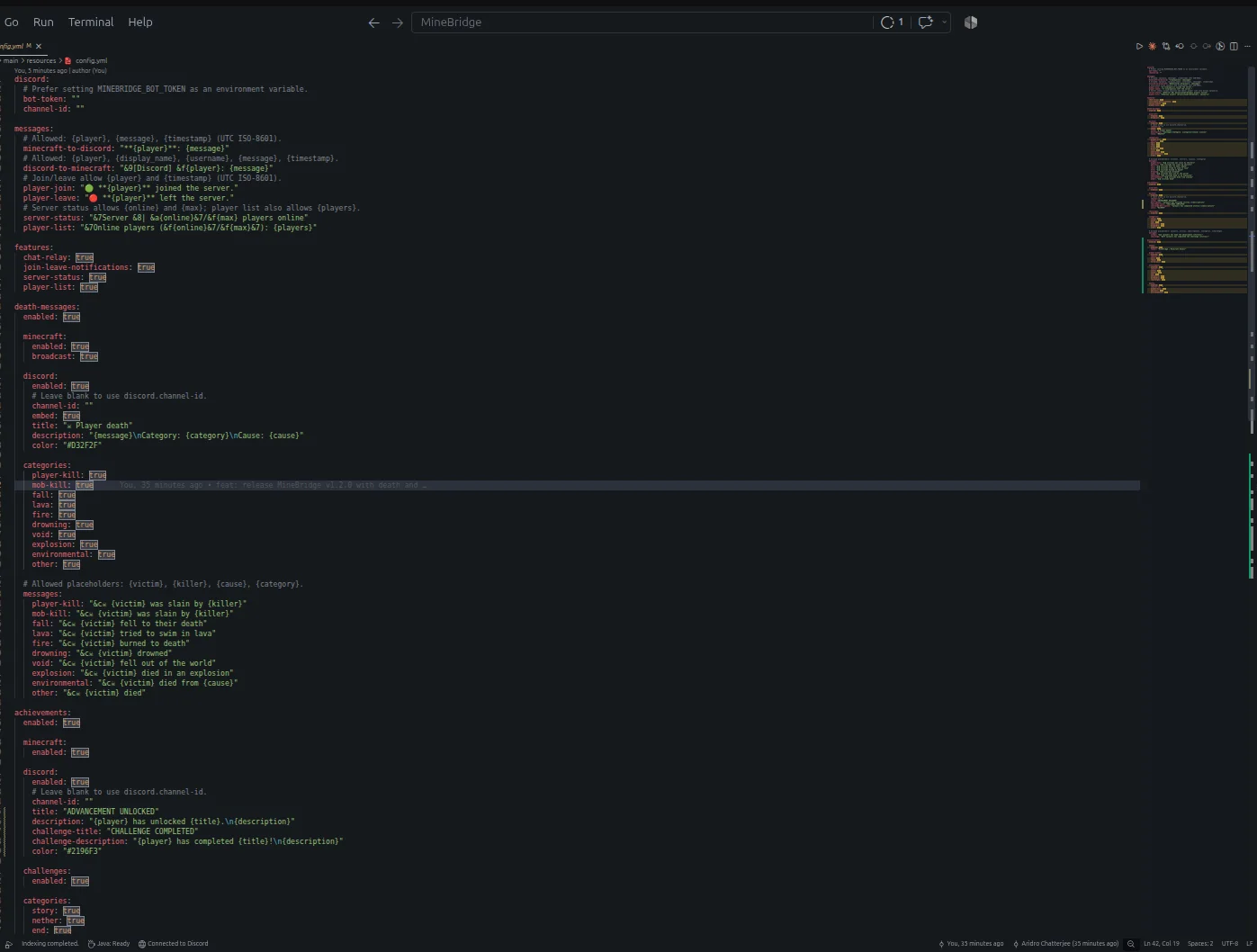
MineBridge, aridrochatterjee tarafından Paper / Spigot sunucuları için yapılmış bir eklenti. MineBridge connects Minecraft and Discord with seamless two-way chat, configurable channels, bot filtering, and safe message handling for your community.
Desteklediği sürümler: Minecraft 1.20 – 26.x. Modrinth üzerinde 5 kez indirildi. Böylece burada listelenen sesli sohbet ve sosyal eklentiler (195 adet) arasında 153. sırada yer alıyor. Son güncelleme 10.11.2026 tarihinde çıktı.
MineBridge, 29.10.2026 tarihinden beri Modrinth üzerinde 3 sürüm yayınladı. Bunların 3 tanesi son bir yılda çıktı. En yenisi 10.11.2026 tarihinde çıkan 1.2.0. Minecraft 1.20 – 26.3 için yapıldı. Bukkit, Paper ve Spigot üzerinde çalışır. İndirme boyutu 18.3 MB.
| Sürüm | Yayın tarihi | Minecraft | Tür |
|---|---|---|---|
1.2.0 | 10.11.2026 | 1.20 – 26.3 | Kararlı |
1.0.1 | 02.11.2026 | 1.20 – 26.3 | Kararlı |
1.0.0 | 29.10.2026 | 1.20 – 26.2 | Beta |
MineBridge için Modrinth sayfasında geçen komutlar:
/minebridgeConnect your Minecraft server with Discord. Bridge conversations, share gameplay events, and keep your community connected.
MineBridge is a Minecraft × Discord integration plugin designed to connect your in-game community with your Discord server through real-time communication and automated event notifications.
For better token security, configure the MINEBRIDGE_BOT_TOKEN environment variable. Never share your Discord bot token publicly.
MineBridge provides administrative status and configuration reload commands.
Administrative access uses the minebridge.admin permission, which defaults to server operators.
Refer to the project README for detailed command usage and configuration instructions.
MineBridge includes message sanitization, Discord mention suppression, and secure environment-based token configuration.
Automated dependency vulnerability scanning has not yet completed. No clean vulnerability-audit result is claimed.
Current version: 1.2.x
Release highlights:
Source Code: github.com/aridrochatterjee/Minebridge
Yazan: aridrochatterjee. Resimli halini Modrinth sayfasında oku.
Sunucunun Minecraft 1.20 – 26.x üzerinde Paper ve Spigot çalıştırdığından emin ol.
.jar dosyasını Modrinth üzerinden indir ve sunucunun plugins klasörüne koy.
Sunucuyu yeniden başlat. /reload kullanma, birçok eklenti bununla sorun çıkarır.
Konsola /plugins yaz: MineBridge yeşil olarak listelenmeli. Ayar dosyaları ilk açılışta plugins klasöründe oluşturulur.
Detaylı rehber: Minecraft sunucusuna eklenti nasıl kurulur
| Kaynak | İndirmeler | Sürümler | Son güncelleme | Fiyat |
|---|---|---|---|---|
| MineBridgebaktığın | 5 | 1.20 – 26.x | 4 gün önce | Ücretsiz |
| Carbon ChatDraycia | 34K | 1.19 – 26.x | 18 Eyl 2026 | Ücretsiz |
 Discord IntegrationErdbeerbaerLP | 286K | 1.12 – 26.x | 13 Eyl 2026 | Ücretsiz |
 ChatNextZeroMrs | 142 | 1.20 – 1.21 | 29 gün önce | Ücretsiz |
Evet. MineBridge, Minecraft 26.x sürümünü destekliyor. Desteklenen tüm sürümler: 26.x, 1.21, 1.20.
Evet. MineBridge, Modrinth üzerinden ücretsiz indirilebilir.
MineBridge, Paper ve Spigot sunucularında çalışır.
Evet. Son güncelleme son 24 saat içinde çıktı.
En yakın olanlar Carbon Chat, Discord Integration ve ChatNext. Tüm alternatifleri karşılaştır
Carbon ChatEklentiler · 1.19 – 26.xCarbon is a modern chat plugin built on channels, with just about every single setting and format configurable.
Discord IntegrationEklentiler · 1.12 – 26.xThis mod links your server chat with a channel on your discord server
ChatNextEklentiler · 1.20 – 1.21The next generation of Minecraft chat management. Multilingual, private, and highly customizable. Build the chat your community deserves with ChatNext.
 AuraChatEklentiler · 1.21
Customize your server’s chat with rank prefixes, private messaging, and configurable formatting. Includes anti-spam protection and moderation tools, with…
 GhostTextHoverEklentiler · 1.19 – 26.x
EN: A simple plugin that adds info when you hover over a chat message along with message formatting PL: Prosty plugin dodający informacje po najechaniu na…
 EssentialsX ChatEklentiler · 1.8 – 26.x
The chat formatting module for EssentialsX. (requires main module)
Yorum yazmak için giriş yap.