
 Carbon ChatПлагины · 1.19 – 26.x
Carbon is a modern chat plugin built on channels, with just about every single setting and format configurable.
БесплатноЗагрузок: 34,106

MineBridge connects Minecraft and Discord with seamless two-way chat, configurable channels, bot filtering, and safe message handling for your community.
Прямая загрузка с Modrinth · 5 загрузок
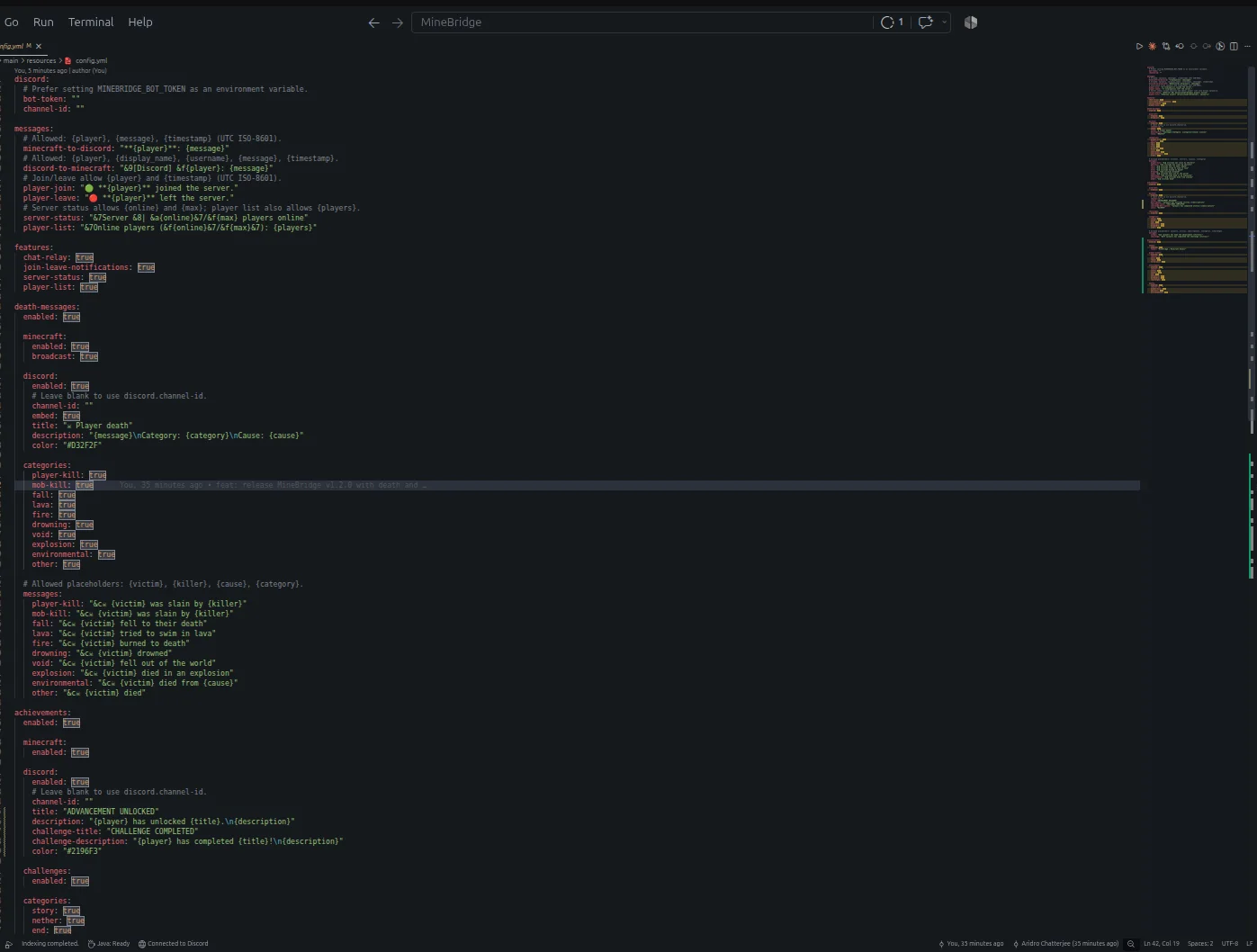
MineBridge — плагин для серверов Paper / Spigot от aridrochatterjee. MineBridge connects Minecraft and Discord with seamless two-way chat, configurable channels, bot filtering, and safe message handling for your community.
Поддерживаемые версии: Minecraft 1.20 – 26.x. Скачиваний на Modrinth: 5. Это место №153 в разделе «плагины голосового чата и общения» (всего в списке: 195). Последнее обновление: 10.11.2026.
С 29.10.2026 у MineBridge вышло 3 версий на Modrinth. 3 из них вышли за последний год. Новейшая — 1.2.0, вышла 10.11.2026. Она сделана для Minecraft 1.20 – 26.3. Работает на Bukkit, Paper и Spigot. Размер файла — 18.3 MB.
| Версия | Выпущен | Minecraft | Тип |
|---|---|---|---|
1.2.0 | 10.11.2026 | 1.20 – 26.3 | Релиз |
1.0.1 | 02.11.2026 | 1.20 – 26.3 | Релиз |
1.0.0 | 29.10.2026 | 1.20 – 26.2 | Бета |
Команды, указанные на странице MineBridge на Modrinth:
/minebridgeConnect your Minecraft server with Discord. Bridge conversations, share gameplay events, and keep your community connected.
MineBridge is a Minecraft × Discord integration plugin designed to connect your in-game community with your Discord server through real-time communication and automated event notifications.
For better token security, configure the MINEBRIDGE_BOT_TOKEN environment variable. Never share your Discord bot token publicly.
MineBridge provides administrative status and configuration reload commands.
Administrative access uses the minebridge.admin permission, which defaults to server operators.
Refer to the project README for detailed command usage and configuration instructions.
MineBridge includes message sanitization, Discord mention suppression, and secure environment-based token configuration.
Automated dependency vulnerability scanning has not yet completed. No clean vulnerability-audit result is claimed.
Current version: 1.2.x
Release highlights:
Source Code: github.com/aridrochatterjee/Minebridge
Автор: aridrochatterjee. С картинками — на Modrinth.
Убедись, что твой сервер работает на Paper и Spigot с Minecraft 1.20 – 26.x.
Скачай .jar-файл с Modrinth и положи его в папку plugins на сервере.
Перезапусти сервер. Не используй /reload, многие плагины плохо это переносят.
Введи /plugins в консоли: MineBridge должен быть зелёным. Файлы настроек создаются в папке plugins при первом запуске.
Подробное руководство: Как установить плагины на сервер Minecraft
| Ресурс | Загрузки | Версии | Обновление | Цена |
|---|---|---|---|---|
| MineBridgeтот, что ты смотрел | 5 | 1.20 – 26.x | 4 дн. назад | Бесплатно |
| Carbon ChatDraycia | 34K | 1.19 – 26.x | 18 сент. 2026 | Бесплатно |
 Discord IntegrationErdbeerbaerLP | 286K | 1.12 – 26.x | 13 сент. 2026 | Бесплатно |
 ChatNextZeroMrs | 142 | 1.20 – 1.21 | 29 дн. назад | Бесплатно |
Да. MineBridge поддерживает Minecraft 26.x. Все поддерживаемые версии: 26.x, 1.21, 1.20.
Да. MineBridge можно бесплатно скачать на Modrinth.
MineBridge работает на серверах Paper и Spigot.
Да. Последнее обновление вышло за последние сутки.
Ближе всего к нему Carbon Chat, Discord Integration и ChatNext. Сравнить все альтернативы
Carbon ChatПлагины · 1.19 – 26.xCarbon is a modern chat plugin built on channels, with just about every single setting and format configurable.
Discord IntegrationПлагины · 1.12 – 26.xThis mod links your server chat with a channel on your discord server
ChatNextПлагины · 1.20 – 1.21The next generation of Minecraft chat management. Multilingual, private, and highly customizable. Build the chat your community deserves with ChatNext.
 AuraChatПлагины · 1.21
Customize your server’s chat with rank prefixes, private messaging, and configurable formatting. Includes anti-spam protection and moderation tools, with…
 GhostTextHoverПлагины · 1.19 – 26.x
EN: A simple plugin that adds info when you hover over a chat message along with message formatting PL: Prosty plugin dodający informacje po najechaniu na…
 EssentialsX ChatПлагины · 1.8 – 26.x
The chat formatting module for EssentialsX. (requires main module)
Войди, чтобы оставить отзыв.