
 Carbon ChatPlugins · 1.19 – 26.x
Carbon is a modern chat plugin built on channels, with just about every single setting and format configurable.
Free34,106 downloads

MineBridge connects Minecraft and Discord with seamless two-way chat, configurable channels, bot filtering, and safe message handling for your community.
Direct download from Modrinth · 5 downloads
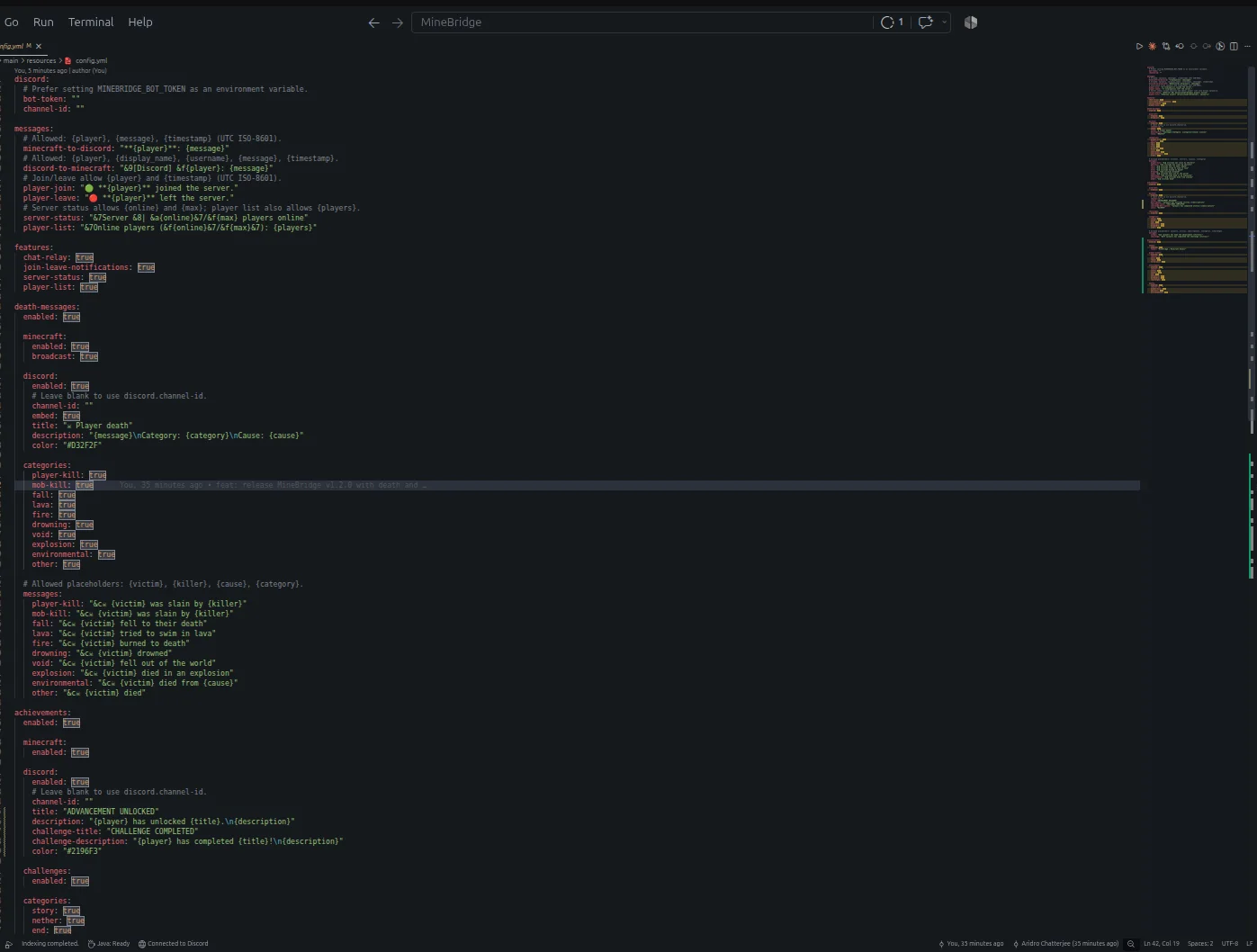
MineBridge is a plugin for Paper / Spigot servers, made by aridrochatterjee. MineBridge connects Minecraft and Discord with seamless two-way chat, configurable channels, bot filtering, and safe message handling for your community.
It supports Minecraft 1.20 – 26.x. It has been downloaded 5 times on Modrinth. That puts it at #153 of the 195 voice chat and social plugins listed here. The last update came out on Nov 10, 2026.
MineBridge has had 3 releases on Modrinth since Oct 29, 2026. 3 of them came out in the past year. The newest is 1.2.0, released on Nov 10, 2026. It is made for Minecraft 1.20 – 26.3. It runs on Bukkit, Paper and Spigot. The download is 18.3 MB.
| Version | Released | Minecraft | Type |
|---|---|---|---|
1.2.0 | Nov 10, 2026 | 1.20 – 26.3 | Release |
1.0.1 | Nov 2, 2026 | 1.20 – 26.3 | Release |
1.0.0 | Oct 29, 2026 | 1.20 – 26.2 | Beta |
The commands named on the Modrinth page of MineBridge:
/minebridgeConnect your Minecraft server with Discord. Bridge conversations, share gameplay events, and keep your community connected.
MineBridge is a Minecraft × Discord integration plugin designed to connect your in-game community with your Discord server through real-time communication and automated event notifications.
For better token security, configure the MINEBRIDGE_BOT_TOKEN environment variable. Never share your Discord bot token publicly.
MineBridge provides administrative status and configuration reload commands.
Administrative access uses the minebridge.admin permission, which defaults to server operators.
Refer to the project README for detailed command usage and configuration instructions.
MineBridge includes message sanitization, Discord mention suppression, and secure environment-based token configuration.
Automated dependency vulnerability scanning has not yet completed. No clean vulnerability-audit result is claimed.
Current version: 1.2.x
Release highlights:
Source Code: github.com/aridrochatterjee/Minebridge
Written by aridrochatterjee. Read it with pictures on Modrinth.
Make sure your server runs Paper and Spigot on Minecraft 1.20 – 26.x.
Download the .jar file from Modrinth and put it in the plugins folder of your server.
Restart the server. Avoid /reload, many plugins do not handle it well.
Type /plugins in the console: MineBridge should be listed in green. Its config files are created in the plugins folder on the first start.
Full guide: How to install plugins on a Minecraft server
| Resource | Downloads | Versions | Last update | Price |
|---|---|---|---|---|
| MineBridgethe one you looked at | 5 | 1.20 – 26.x | 4 days ago | Free |
| Carbon ChatDraycia | 34K | 1.19 – 26.x | Sep 18, 2026 | Free |
 Discord IntegrationErdbeerbaerLP | 286K | 1.12 – 26.x | Sep 13, 2026 | Free |
 ChatNextZeroMrs | 142 | 1.20 – 1.21 | 29 days ago | Free |
Yes. MineBridge supports Minecraft 26.x. All supported versions: 26.x, 1.21, 1.20.
Yes. MineBridge is free to download from Modrinth.
MineBridge runs on Paper and Spigot servers.
Yes. The last update came out in the past day.
The closest ones are Carbon Chat, Discord Integration and ChatNext. Compare all alternatives
Carbon ChatPlugins · 1.19 – 26.xCarbon is a modern chat plugin built on channels, with just about every single setting and format configurable.
Discord IntegrationPlugins · 1.12 – 26.xThis mod links your server chat with a channel on your discord server
ChatNextPlugins · 1.20 – 1.21The next generation of Minecraft chat management. Multilingual, private, and highly customizable. Build the chat your community deserves with ChatNext.
 AuraChatPlugins · 1.21
Customize your server’s chat with rank prefixes, private messaging, and configurable formatting. Includes anti-spam protection and moderation tools, with…
 GhostTextHoverPlugins · 1.19 – 26.x
EN: A simple plugin that adds info when you hover over a chat message along with message formatting PL: Prosty plugin dodający informacje po najechaniu na…
 EssentialsX ChatPlugins · 1.8 – 26.x
The chat formatting module for EssentialsX. (requires main module)
Log in to leave a review.