
 VHS OverlayShaders · 1.21
VHS Effects shader with Overlay (Classic REC, date and time)
Gratuit33,184 téléchargements
Add a VHS TV Effects Shader and MORE
Téléchargement direct depuis Modrinth · 188,582 téléchargements
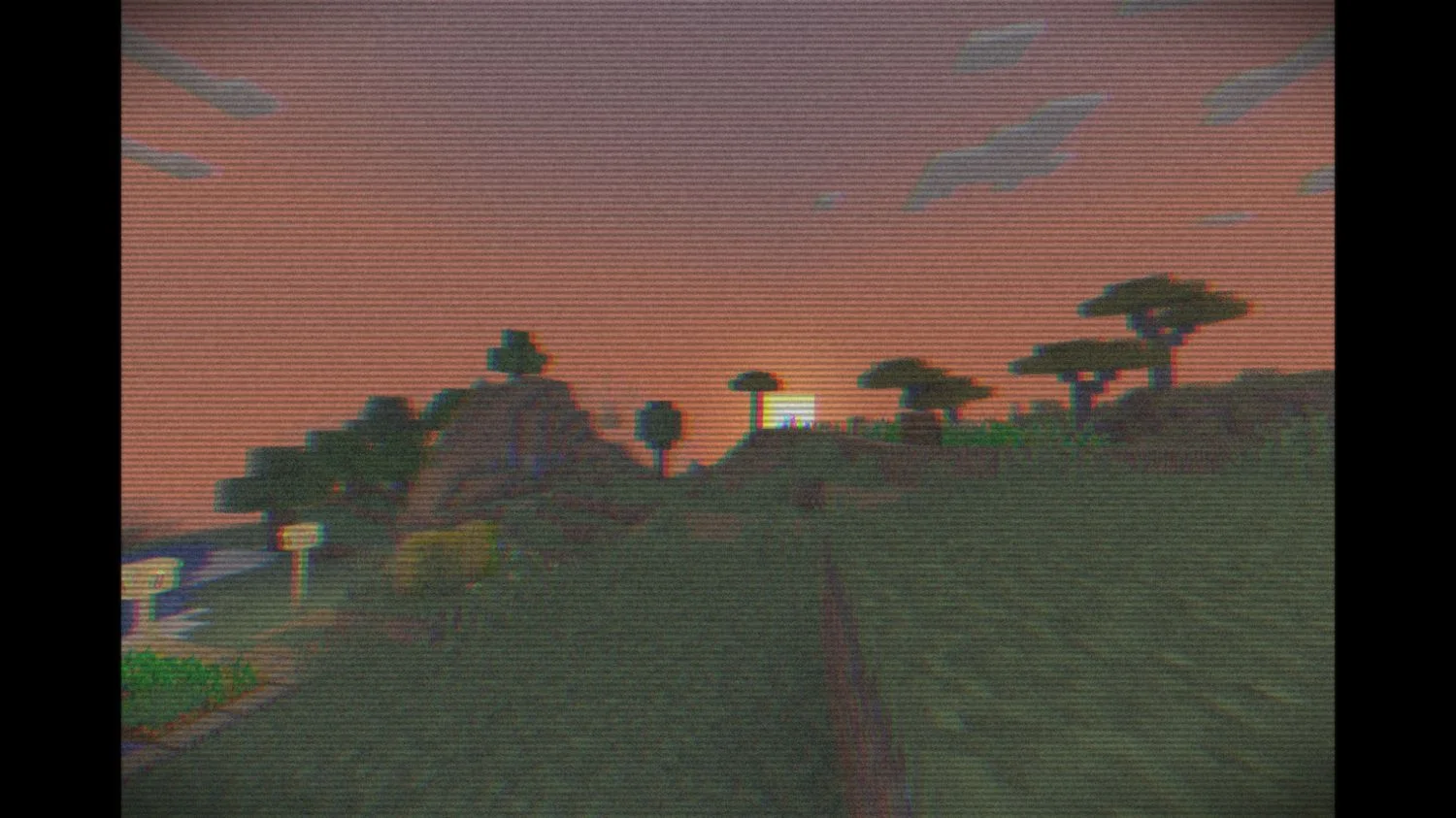
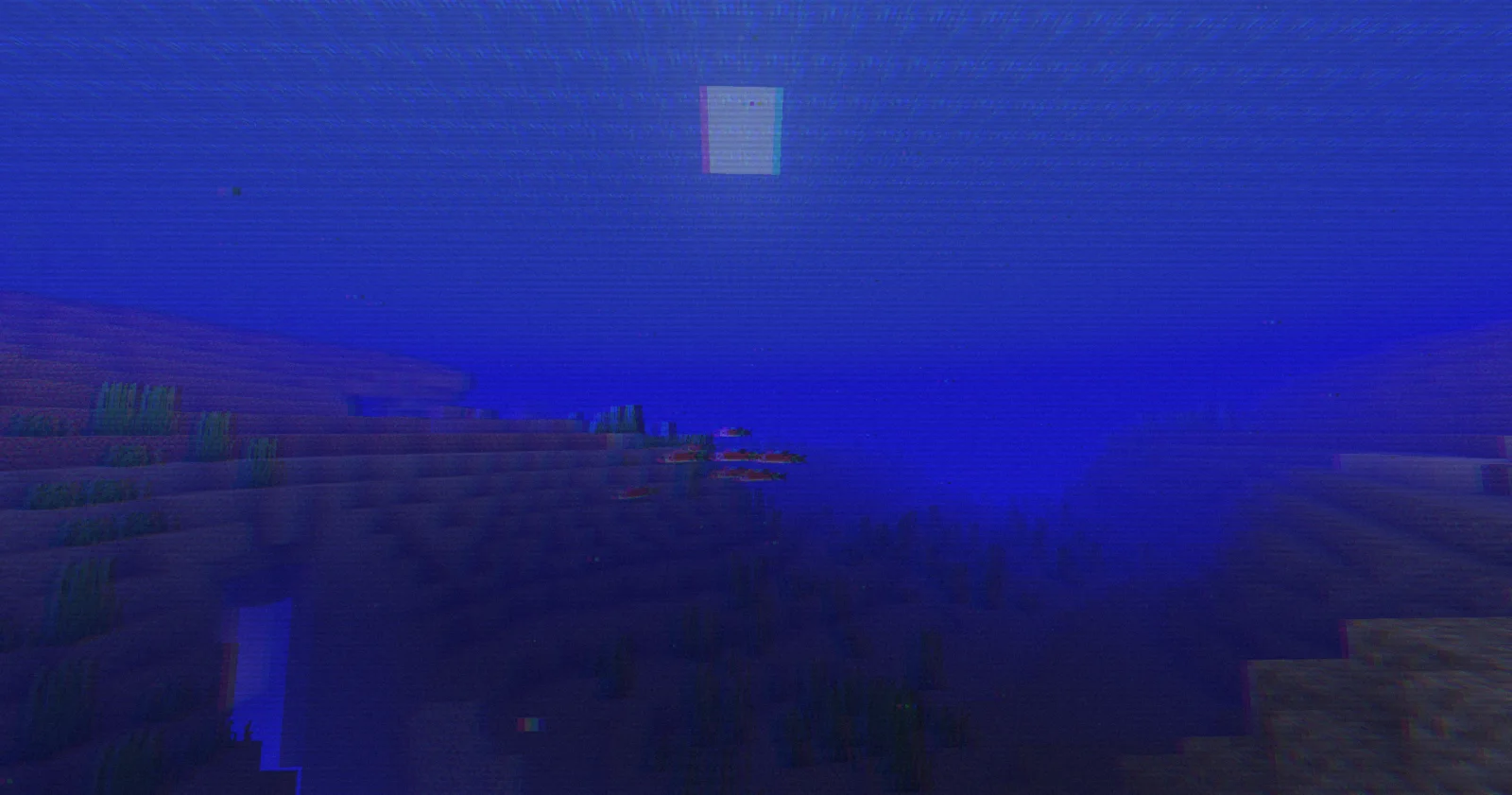
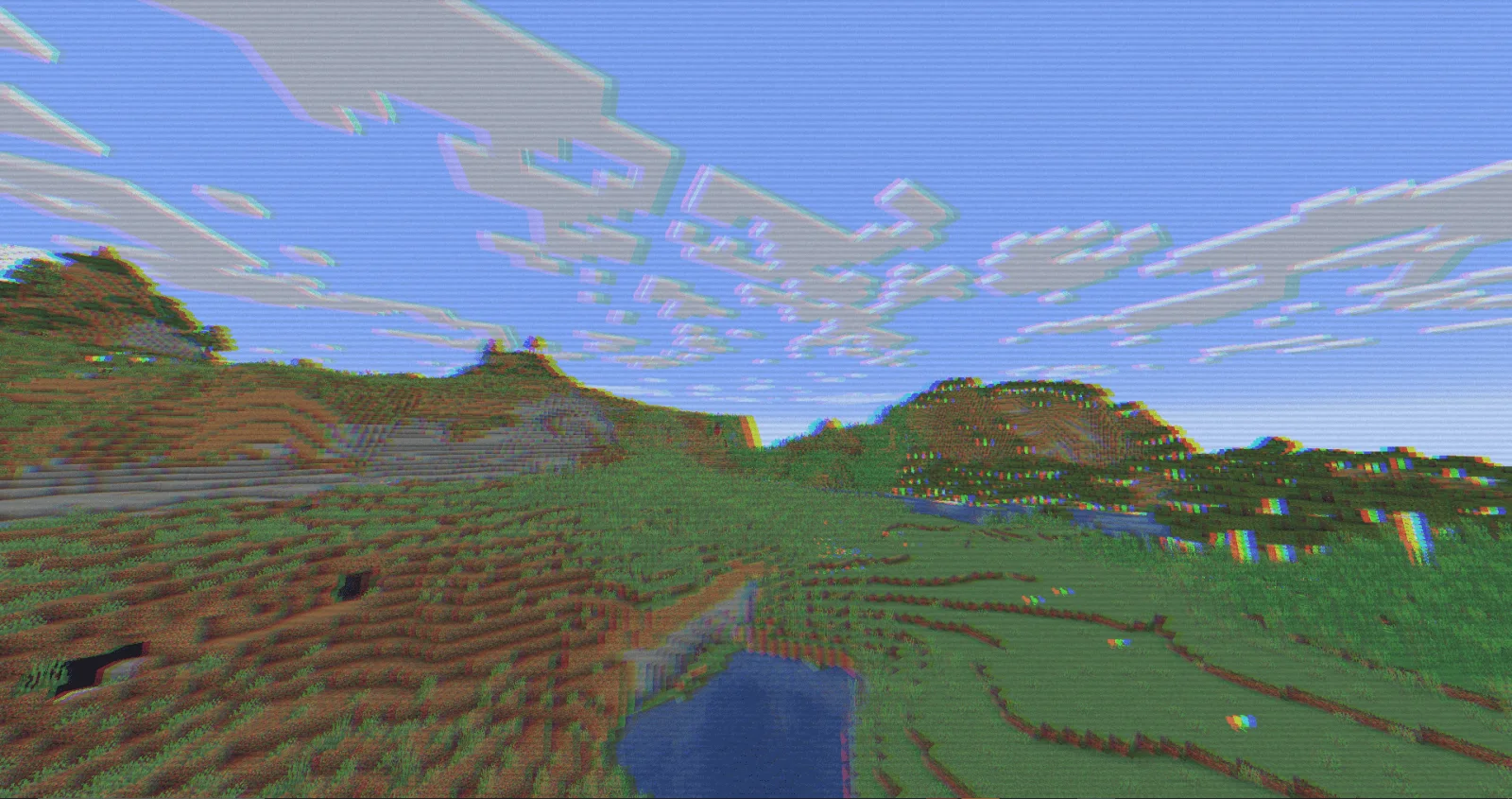
RetroVision (pack de shaders) est une création de marctgamer. Add a VHS TV Effects Shader and MORE.
Versions prises en charge : Minecraft 1.8 – 1.21. On compte 188,582 téléchargements sur Modrinth. La dernière mise à jour date du 26/12/2025.
RetroVision a publié 12 versions sur Modrinth depuis le 05/07/2024. 2 sont sorties au cours de l'année passée. La plus récente est 1.80.1, sortie le 26/12/2025. Elle est faite pour Minecraft 1.10 – 1.20.3. Elle fonctionne sur Iris et Optifine. Le téléchargement fait 253 KB.
| Version | Publié | Minecraft | Type |
|---|---|---|---|
1.80.1 | 26/12/2025 | 1.10 – 1.20.3 | Stable |
1.80 | 20/12/2025 | 1.10 – 1.20.3 | Stable |
1.70 | 01/11/2024 | 1.20.4 – 1.21.3 | Stable |
1.65 | 28/09/2024 | 1.12 – 1.21.1 | Stable |
1.60 | 22/09/2024 | 1.12.1 – 1.21.1 | Stable |
The RetroVision Shader is a unique Minecraft shader that transforms the game's visuals into a retro-inspired, VHS-like aesthetic. It applies a variety of visual effects to create a Dreamcore aesthetic while maintaining the core Minecraft experience. This shader evokes a sense of nostalgia, allowing players to relive the charm of classic gaming while exploring the blocky landscapes of Minecraft.
You Can…
You Cannot…
If you want to contact
Contact to: marctgamer@gmail.com
Explore the world of Minecraft through a nostalgic lens with RetroVision, where every pixel tells a story of creativity and memory. Dive into a unique gaming experience that combines the familiar with the fantastical, and transform your Minecraft adventures today!
Écrite par marctgamer. À lire avec les images sur Modrinth.
Installe Iris (avec Sodium) ou OptiFine pour ta version de Minecraft : les shaders ont besoin de l'un des deux.
Télécharge le fichier .zip depuis Modrinth. Ne le décompresse pas.
Dans Minecraft, ouvre Options, puis Paramètres vidéo, puis Shaders, et clique sur Ouvrir le dossier des shaders.
Dépose le fichier .zip dans ce dossier, choisis RetroVision dans la liste et clique sur Terminé.
Les shaders sollicitent beaucoup la carte graphique. Si le jeu ralentit, choisis un profil plus bas dans leurs réglages.
| Ressource | Téléchargements | Versions | Mise à jour | Prix |
|---|---|---|---|---|
| RetroVisioncelle que tu regardais | 189K | 1.8 – 1.21 | 26 déc. 2025 | Gratuit |
| VHS Overlaylidlevolkan | 33K | 1.21 | 3 sept. 2025 | Gratuit |
 Found VHS Tapeskyreyreyes | 7,110 | 1.16 – 1.21 | 13 août 2026 | Gratuit |
 Voyager shader 2.06ix7even | 766K | 1.16 – 1.21 | 23 mai 2024 | Gratuit |
Pas encore. La version la plus récente prise en charge est Minecraft 1.21.
Oui. RetroVision se télécharge gratuitement sur Modrinth.
Oui. La dernière mise à jour date des dernières 24 heures.
Les plus proches sont VHS Overlay, Found VHS Tapes et Voyager shader 2.0. Comparer toutes les alternatives
VHS OverlayShaders · 1.21VHS Effects shader with Overlay (Classic REC, date and time)
Found VHS TapesShaders · 1.16 – 1.21Found VHS Tapes is a liminal horror Minecraft shader featuring 11 atmospheric profiles and customizable VHS/CRT effects, fog, lighting, color grading, camera…
Voyager shader 2.0Shaders · 1.16 – 1.21A shader that add realism for Minecraft with a good look
 CTR VCRShaders · 1.12 – 26.x
Retro stylized shader that brings artifacts from CRT and VCR / VHS
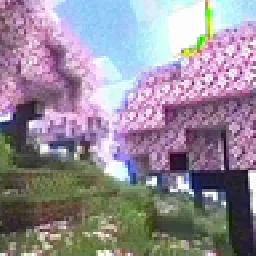 MC VHSShaders · 1.19 – 1.21
A relatively simple shader for minecraft, made to emulate the look of old VHS recordings.
 ReverieShaders · 1.20 – 26.x
Shader with a foggy and warm look. It leverages new features added by Iris for effects previously impossible to achieve.
Connecte-toi pour laisser un avis.