
 VHS OverlayShaders · 1.21
VHS Effects shader with Overlay (Classic REC, date and time)
Grátis33,224 downloads
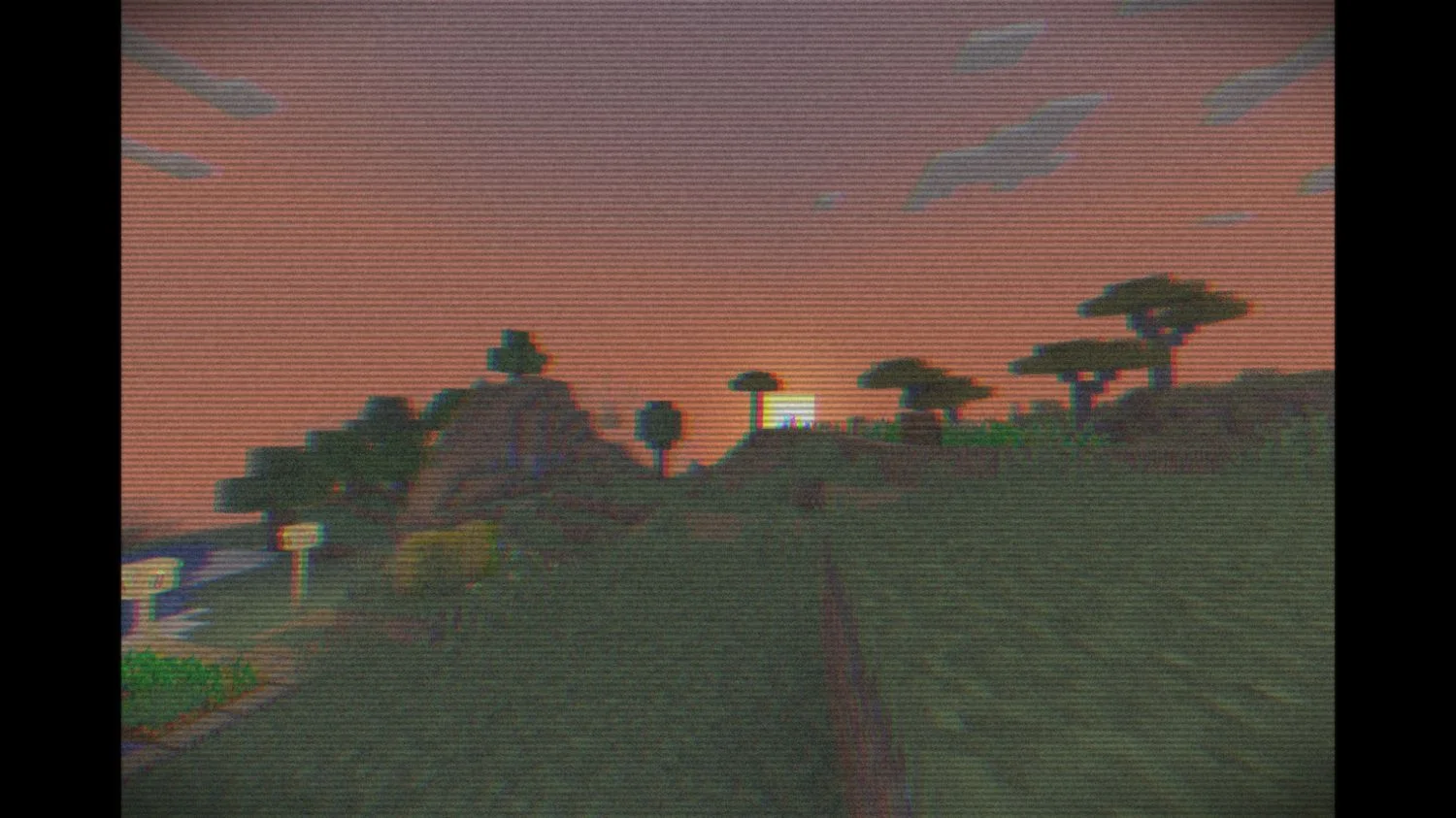
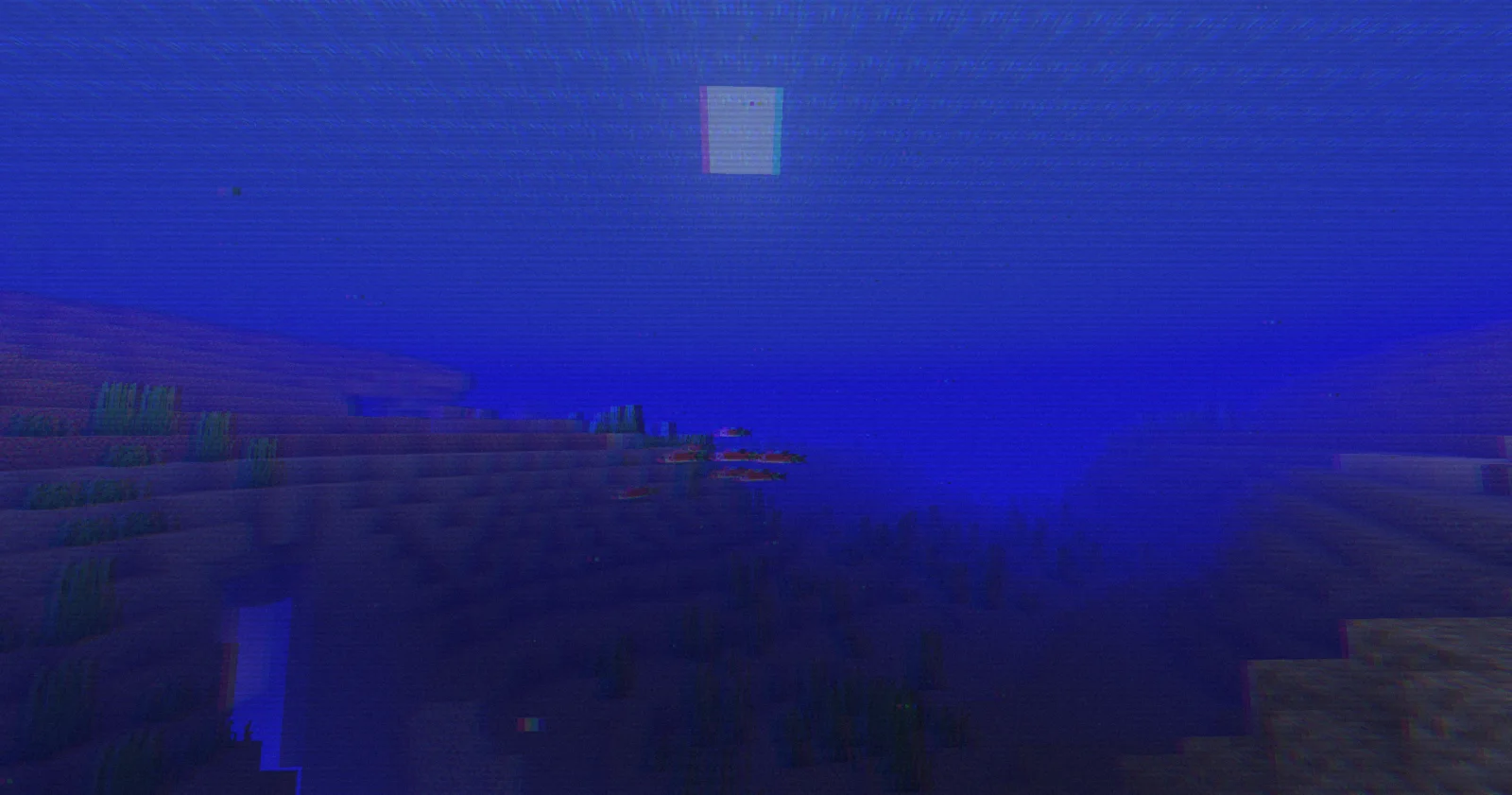
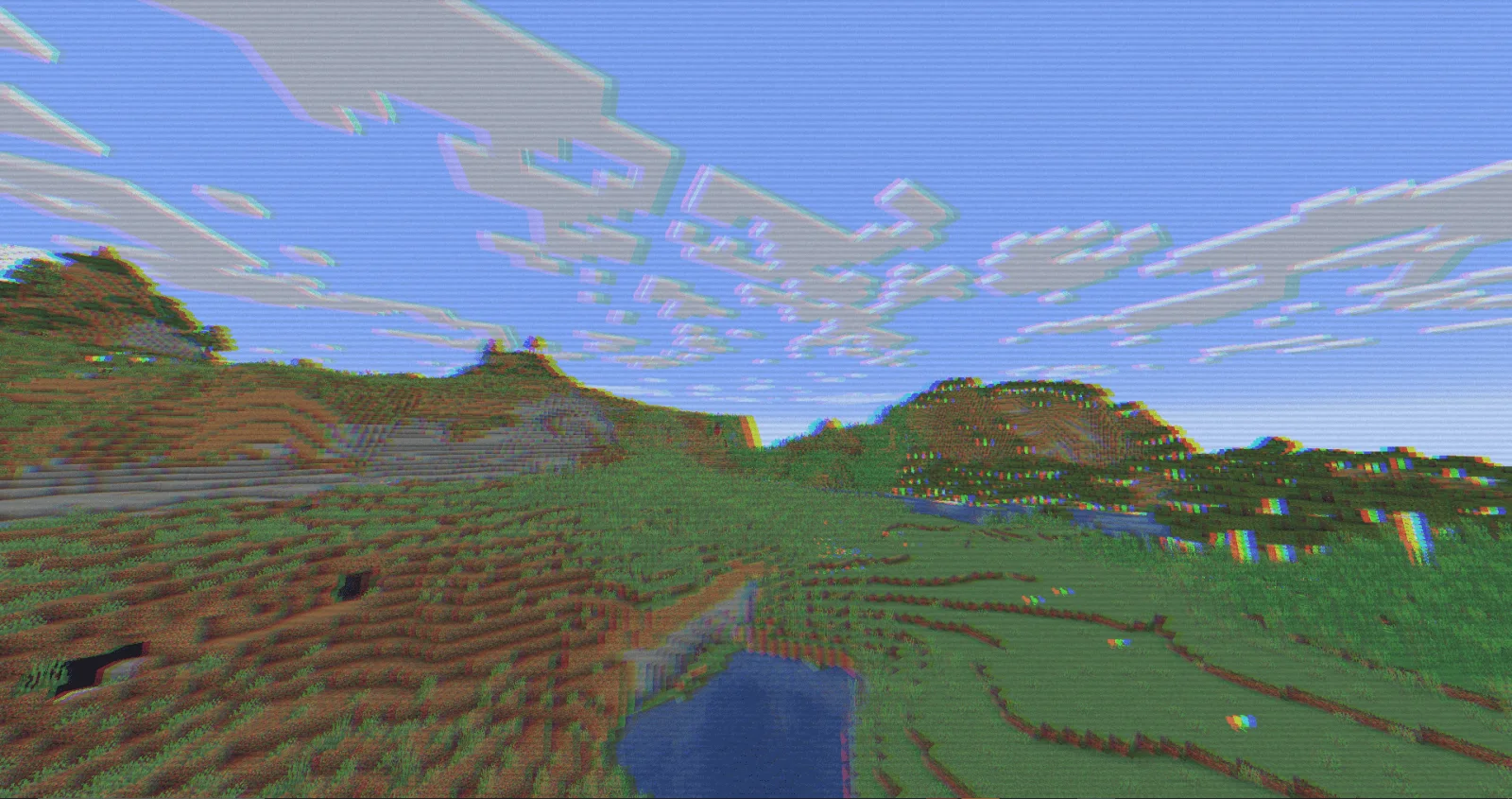
RetroVision (pacote de shaders) é obra de marctgamer. Add a VHS TV Effects Shader and MORE.
É compatível com o Minecraft 1.8 – 1.21. Tem 188,756 downloads em Modrinth. A última atualização saiu em 26/12/2025.
RetroVision teve 12 versões no Modrinth desde 05/07/2024. 2 saíram no último ano. A mais recente é 1.80.1, lançada em 26/12/2025. Ela é feita para o Minecraft 1.10 – 1.20.3. Ela roda em Iris e Optifine. O download tem 253 KB.
| Versão | Lançado | Minecraft | Tipo |
|---|---|---|---|
1.80.1 | 26/12/2025 | 1.10 – 1.20.3 | Estável |
1.80 | 20/12/2025 | 1.10 – 1.20.3 | Estável |
1.70 | 01/11/2024 | 1.20.4 – 1.21.3 | Estável |
1.65 | 28/09/2024 | 1.12 – 1.21.1 | Estável |
1.60 | 22/09/2024 | 1.12.1 – 1.21.1 | Estável |
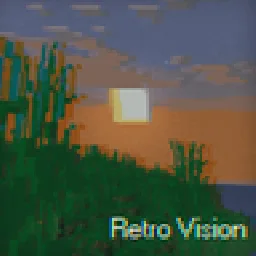
The RetroVision Shader is a unique Minecraft shader that transforms the game's visuals into a retro-inspired, VHS-like aesthetic. It applies a variety of visual effects to create a Dreamcore aesthetic while maintaining the core Minecraft experience. This shader evokes a sense of nostalgia, allowing players to relive the charm of classic gaming while exploring the blocky landscapes of Minecraft.
You Can…
You Cannot…
If you want to contact
Contact to: marctgamer@gmail.com
Explore the world of Minecraft through a nostalgic lens with RetroVision, where every pixel tells a story of creativity and memory. Dive into a unique gaming experience that combines the familiar with the fantastical, and transform your Minecraft adventures today!
Escrita por marctgamer. Leia com imagens no Modrinth.
Instale o Iris (com Sodium) ou o OptiFine para sua versão do Minecraft: shaders precisam de um deles.
Baixe o arquivo .zip pelo Modrinth. Não descompacte.
No Minecraft, abra Opções, depois Gráficos, depois Shader Packs e clique em Abrir pasta de shaders.
Coloque o arquivo .zip nessa pasta, escolha RetroVision na lista e clique em Concluído.
Shaders pesam na placa de vídeo. Se o jogo ficar lento, escolha um perfil mais baixo nas configurações.
| Recurso | Downloads | Versões | Última atualização | Preço |
|---|---|---|---|---|
 RetroVisiono que você estava vendo | 189K | 1.8 – 1.21 | 26 dez 2025 | Grátis |
| VHS Overlaylidlevolkan | 33K | 1.21 | 3 set 2025 | Grátis |
 Found VHS Tapeskyreyreyes | 7,178 | 1.16 – 1.21 | 13 ago 2026 | Grátis |
 Voyager shader 2.06ix7even | 766K | 1.16 – 1.21 | 23 mai 2024 | Grátis |
Ainda não. A versão mais recente compatível é o Minecraft 1.21.
Sim. Você pode baixar RetroVision de graça em Modrinth.
Sim. A última atualização saiu no último dia.
Os mais parecidos são VHS Overlay, Found VHS Tapes e Voyager shader 2.0. Comparar todas as alternativas
VHS OverlayShaders · 1.21VHS Effects shader with Overlay (Classic REC, date and time)
Found VHS TapesShaders · 1.16 – 1.21Found VHS Tapes is a liminal horror Minecraft shader featuring 11 atmospheric profiles and customizable VHS/CRT effects, fog, lighting, color grading, camera…
Voyager shader 2.0Shaders · 1.16 – 1.21A shader that add realism for Minecraft with a good look
 CTR VCRShaders · 1.12 – 26.x
Retro stylized shader that brings artifacts from CRT and VCR / VHS
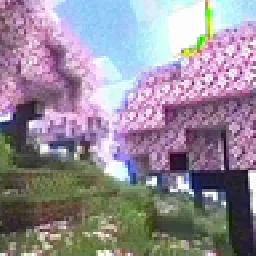 MC VHSShaders · 1.19 – 1.21
A relatively simple shader for minecraft, made to emulate the look of old VHS recordings.
 ReverieShaders · 1.20 – 26.x
Shader with a foggy and warm look. It leverages new features added by Iris for effects previously impossible to achieve.
Entre para deixar uma avaliação.