
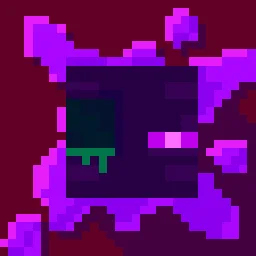
 Torturable HealthbarsPaczki tekstur · 1.18 – 26.x
Instead of a health bar above the entity, health is shown as visual injuries on the mob
Za darmoPobrania: 263,567
Shows hearts/health above player heads as healthbars
Bezpośrednie pobieranie z Modrinth · 510,485 pobrań
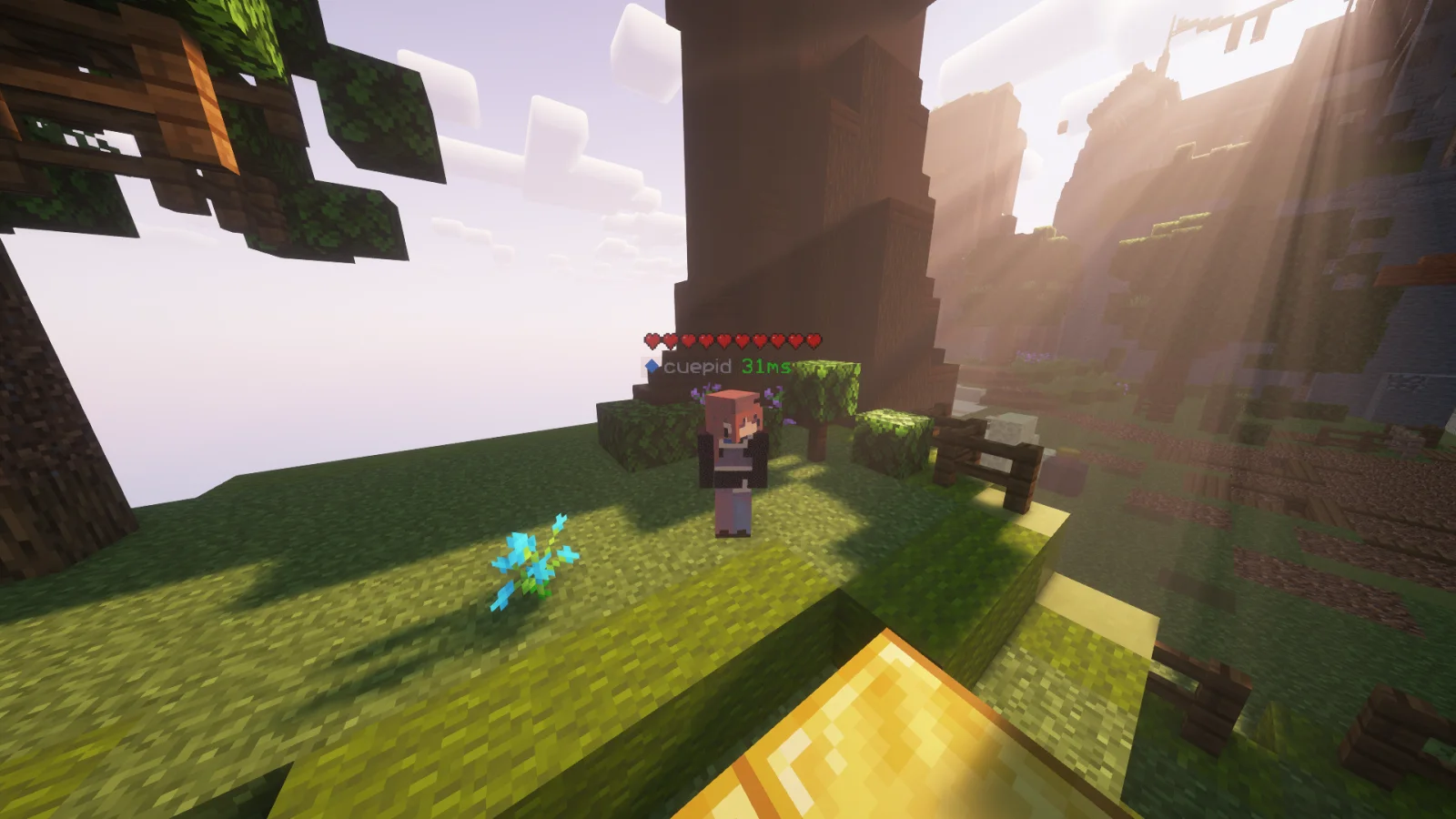
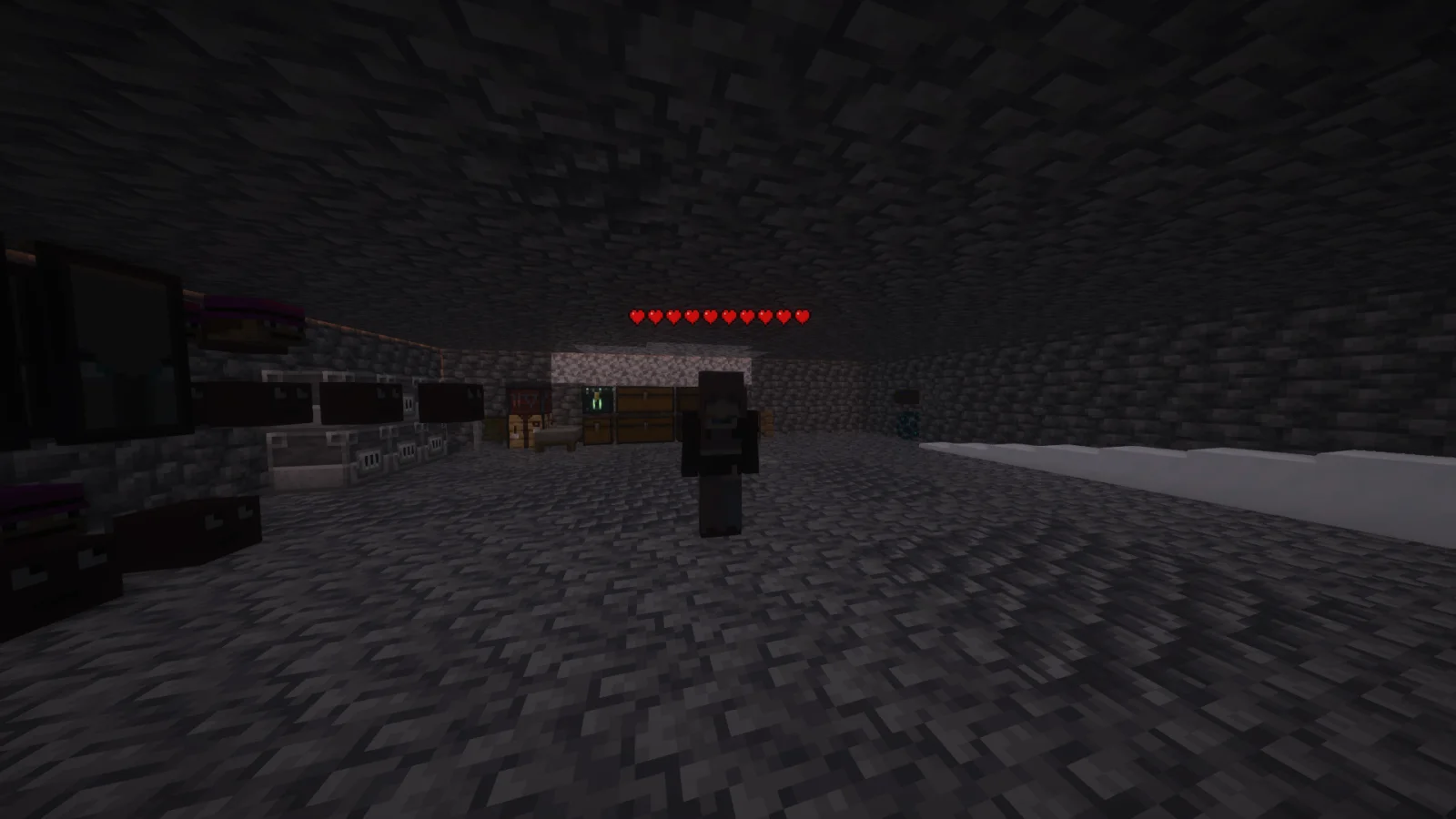
Player Health Indicators to paczka tekstur, autor: AlphaLeoli. Shows hearts/health above player heads as healthbars.
Obsługiwane wersje: Minecraft 1.18 – 26.x. Liczba pobrań w serwisie Modrinth: 510,485. Ostatnia aktualizacja: 10.10.2025.
Player Health Indicators ma 5 wydań na Modrinth od 10.08.2024. Żadna nie wyszła w ostatnim roku. Najnowsza to 2.0.0, wydana 10.10.2025. Jest zrobiona dla Minecraft 1.18.2 – 26.2. Działa na Minecraft. Plik ma 21 KB.
| Wersja | Wydano | Minecraft | Typ |
|---|---|---|---|
2.0.0 | 10.10.2025 | 1.18.2 – 26.2 | Wydanie |
1.3 | 09.08.2025 | 1.21.4 – 1.21.8 | Beta |
1.2 | 03.11.2024 | 1.21 – 1.21.3 | Beta |
1.1 | 25.08.2024 | 1.21, 1.21.1 | Wydanie |
1.0 | 10.08.2024 | 1.18.2 – 1.21.1 | Alfa |
This is how the health indicators look, but you can visit the gallery to see some more cool features
This texture pack shows the health of any player, but it uses health percentage rather than the actual health. This means that if someone has a base health of 200 hearts and only has 100 hearts remaining, it will show as 5 hearts. Usually while playing the base game then this will most likely always show the actual amount of health.
Join My Discord
Check out The Repository
Autor: AlphaLeoli. Z obrazkami na Modrinth.
Pobierz plik .zip z Modrinth. Nie rozpakowuj go.
W Minecraft otwórz Opcje, potem Paczki zasobów, a potem Otwórz folder paczek.
Wrzuć plik .zip do tego folderu i wróć do gry.
Przenieś Player Health Indicators na listę po prawej i kliknij Gotowe.
Jest zrobiona pod Minecraft 1.18 – 26.x. Na innych wersjach Minecraft oznacza ją jako niezgodną, ale często i tak działa.
| Zasób | Pobrania | Wersje | Aktualizacja | Cena |
|---|---|---|---|---|
| Player Health Indicatorsten, który oglądałeś | 510K | 1.18 – 26.x | 10 paź 2025 | Za darmo |
| Torturable HealthbarsEnderBC | 264K | 1.18 – 26.x | 25 cze 2026 | Za darmo |
 Visible Shield CooldownBluebird | 268K | 1.21 – 26.x | 13 wrz 2026 | Za darmo |
 FerreMcDurabilityOverlayArshuPac | 277K | 1.16 – 1.21 | 14 lip 2026 | Za darmo |
Tak. Player Health Indicators działa w wersji Minecrafta 26.x. Wszystkie obsługiwane wersje: 26.x, 1.21, 1.20, 1.19, 1.18.
Tak. Player Health Indicators można pobrać za darmo z serwisu Modrinth.
Tak: [EMF] Entity Model Features. Zainstaluj to przed Player Health Indicators.
Tak. Ostatnia aktualizacja wyszła w ciągu ostatniej doby.
Najbliższe to Torturable Healthbars, Visible Shield Cooldown i FerreMcDurabilityOverlay. Porównaj wszystkie alternatywy
Torturable HealthbarsPaczki tekstur · 1.18 – 26.xInstead of a health bar above the entity, health is shown as visual injuries on the mob
Visible Shield CooldownPaczki tekstur · 1.21 – 26.xShows you the status of your shield on cooldown (when it is disabled). Like the shield status mod but a resourcepack
FerreMcDurabilityOverlayPaczki tekstur · 1.16 – 1.21This Pack shows the durability of armour.
 Low On FirePaczki tekstur · 1.8 – 26.x
Low fire on your screen! Vanilla Friendly
 Low FirePaczki tekstur · 1.20 – 26.x
Lower your first-person fire to enhance visibility!
 Drodi's Illagers x Fresh AnimationPaczki tekstur · 1.16 – 1.21
Makes Drodi's Illagers compatible with Fresh Animations!
Zaloguj się, aby wystawić opinię.