
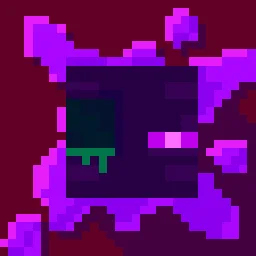
 Torturable HealthbarsTexture packs · 1.18 – 26.x
Instead of a health bar above the entity, health is shown as visual injuries on the mob
Free263,404 downloads
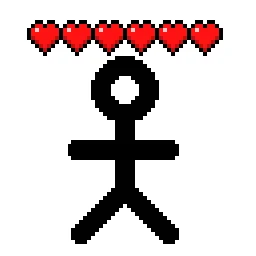
Shows hearts/health above player heads as healthbars
Direct download from Modrinth · 509,995 downloads
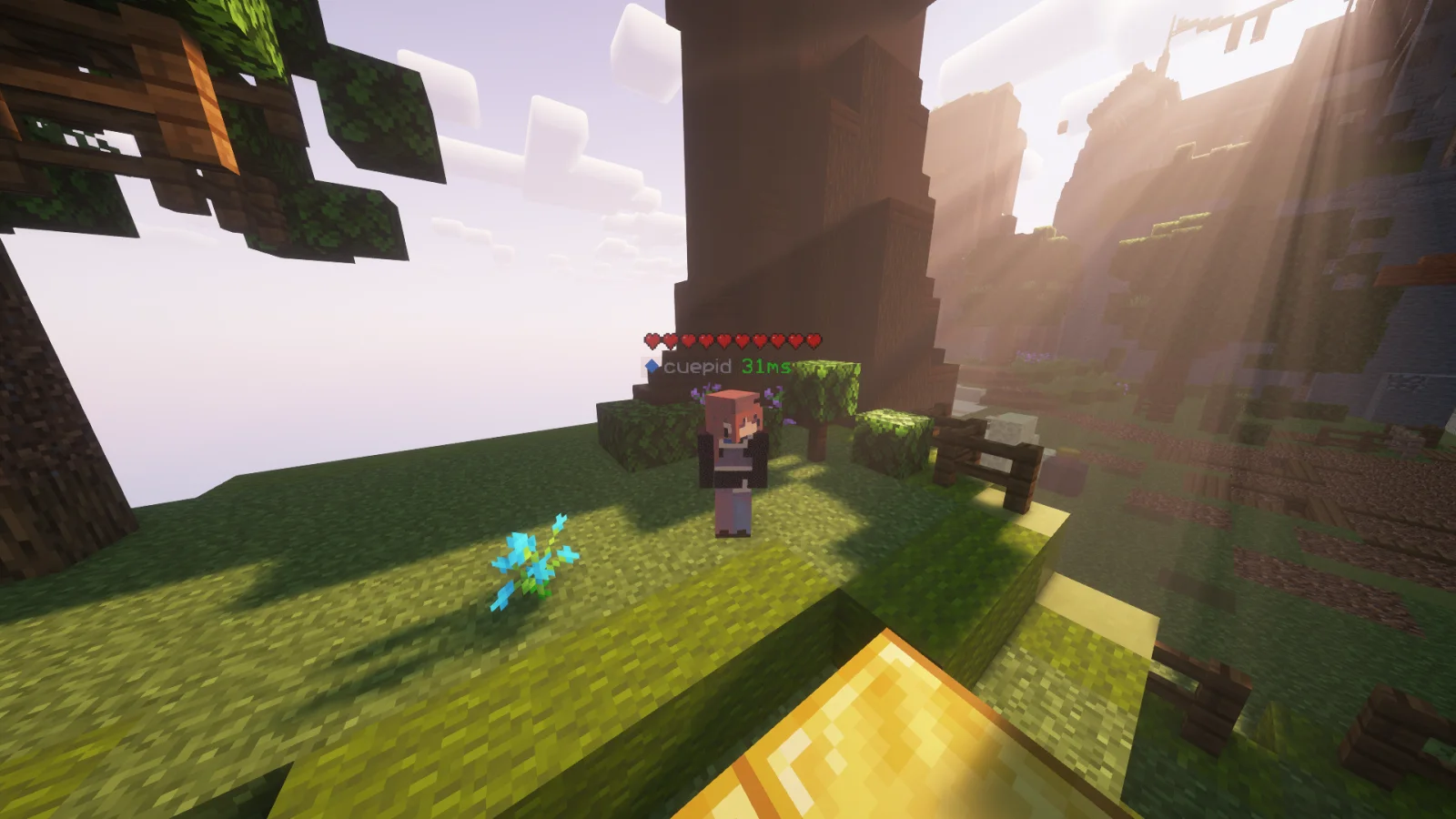
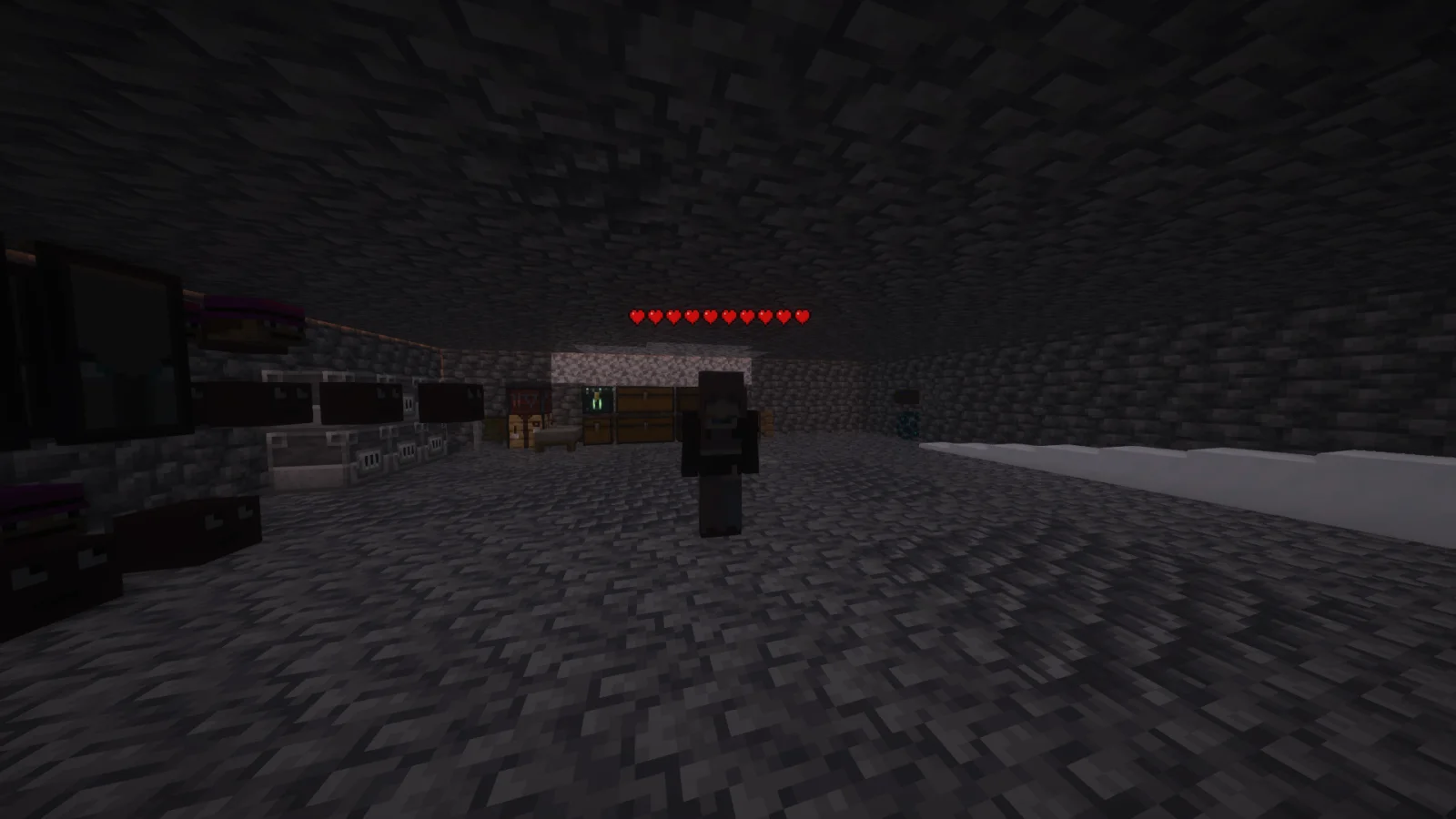
Player Health Indicators is a texture pack made by AlphaLeoli. Shows hearts/health above player heads as healthbars.
It supports Minecraft 1.18 – 26.x. It has been downloaded 509,995 times on Modrinth. The last update came out on Oct 10, 2025.
Player Health Indicators has had 5 releases on Modrinth since Aug 10, 2024. None of them came out in the past year. The newest is 2.0.0, released on Oct 10, 2025. It is made for Minecraft 1.18.2 – 26.2. It runs on Minecraft. The download is 21 KB.
| Version | Released | Minecraft | Type |
|---|---|---|---|
2.0.0 | Oct 10, 2025 | 1.18.2 – 26.2 | Release |
1.3 | Aug 9, 2025 | 1.21.4 – 1.21.8 | Beta |
1.2 | Nov 3, 2024 | 1.21 – 1.21.3 | Beta |
1.1 | Aug 25, 2024 | 1.21, 1.21.1 | Release |
1.0 | Aug 10, 2024 | 1.18.2 – 1.21.1 | Alpha |
This is how the health indicators look, but you can visit the gallery to see some more cool features
This texture pack shows the health of any player, but it uses health percentage rather than the actual health. This means that if someone has a base health of 200 hearts and only has 100 hearts remaining, it will show as 5 hearts. Usually while playing the base game then this will most likely always show the actual amount of health.
Join My Discord
Check out The Repository
Written by AlphaLeoli. Read it with pictures on Modrinth.
Download the .zip file from Modrinth. Do not unzip it.
In Minecraft, open Options, then Resource Packs, then Open Pack Folder.
Drop the .zip file into that folder and go back to the game.
Move Player Health Indicators to the right-hand list and click Done.
It is made for Minecraft 1.18 – 26.x. On other versions Minecraft marks it as incompatible, but it often still works.
Full guide: How to install Minecraft resource packs
| Resource | Downloads | Versions | Last update | Price |
|---|---|---|---|---|
| Player Health Indicatorsthe one you looked at | 510K | 1.18 – 26.x | Oct 10, 2025 | Free |
| Torturable HealthbarsEnderBC | 263K | 1.18 – 26.x | Jun 25, 2026 | Free |
 Visible Shield CooldownBluebird | 267K | 1.21 – 26.x | Sep 13, 2026 | Free |
 FerreMcDurabilityOverlayArshuPac | 277K | 1.16 – 1.21 | Jul 14, 2026 | Free |
Yes. Player Health Indicators supports Minecraft 26.x. All supported versions: 26.x, 1.21, 1.20, 1.19, 1.18.
Yes. Player Health Indicators is free to download from Modrinth.
Yes: [EMF] Entity Model Features. Install it before Player Health Indicators.
Yes. The last update came out in the past day.
The closest ones are Torturable Healthbars, Visible Shield Cooldown and FerreMcDurabilityOverlay. Compare all alternatives
Torturable HealthbarsTexture packs · 1.18 – 26.xInstead of a health bar above the entity, health is shown as visual injuries on the mob
Visible Shield CooldownTexture packs · 1.21 – 26.xShows you the status of your shield on cooldown (when it is disabled). Like the shield status mod but a resourcepack
FerreMcDurabilityOverlayTexture packs · 1.16 – 1.21This Pack shows the durability of armour.
 Low On FireTexture packs · 1.8 – 26.x
Low fire on your screen! Vanilla Friendly
 Low FireTexture packs · 1.20 – 26.x
Lower your first-person fire to enhance visibility!
 Drodi's Illagers x Fresh AnimationTexture packs · 1.16 – 1.21
Makes Drodi's Illagers compatible with Fresh Animations!
Log in to leave a review.