
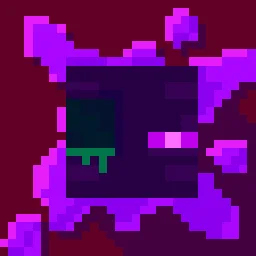
 Torturable HealthbarsTexturenpakete · 1.18 – 26.x
Instead of a health bar above the entity, health is shown as visual injuries on the mob
Kostenlos263,567 Downloads
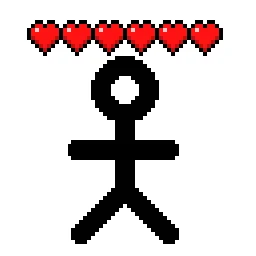
Shows hearts/health above player heads as healthbars
Direkter Download von Modrinth · 510,485 Downloads
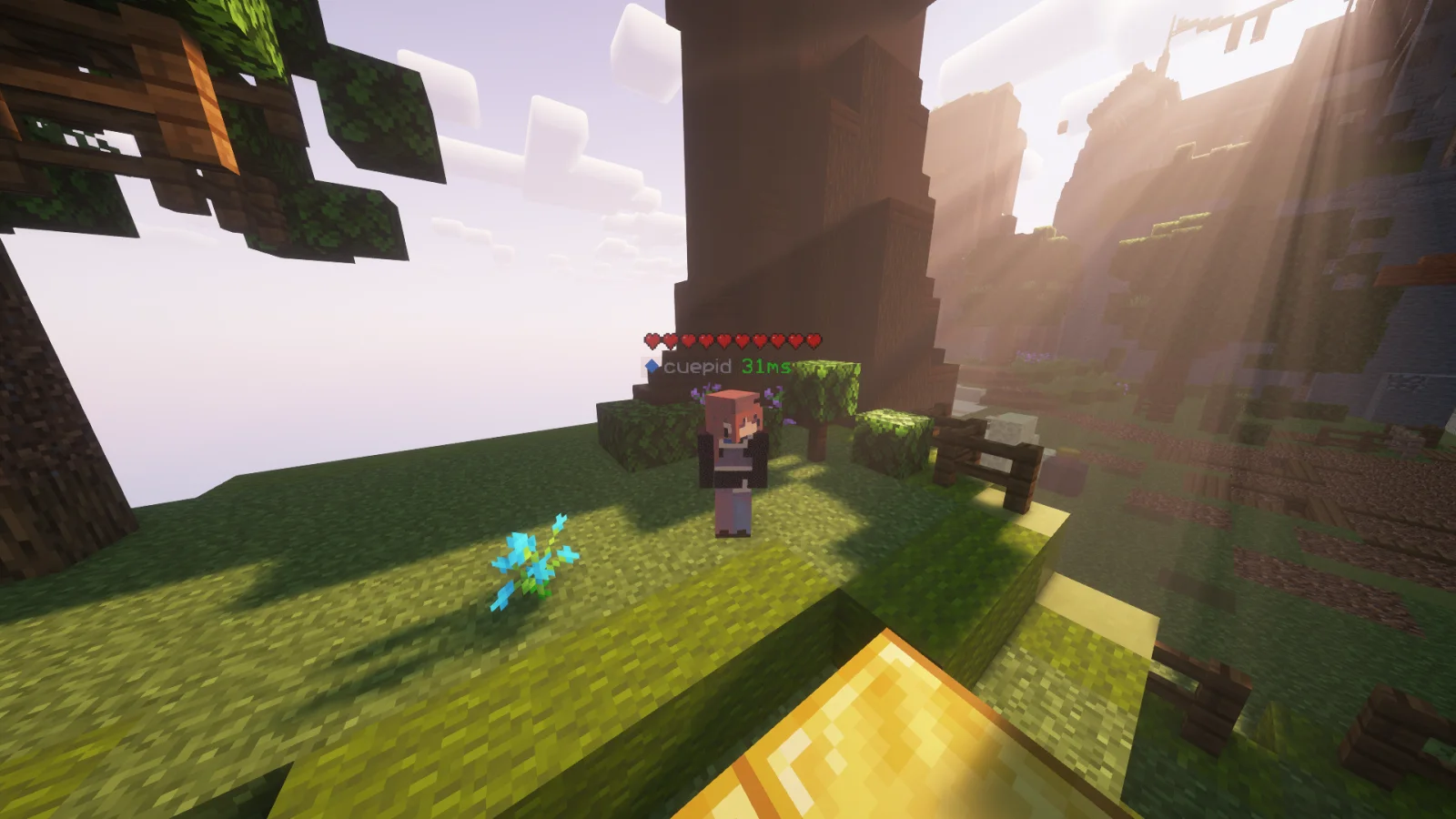
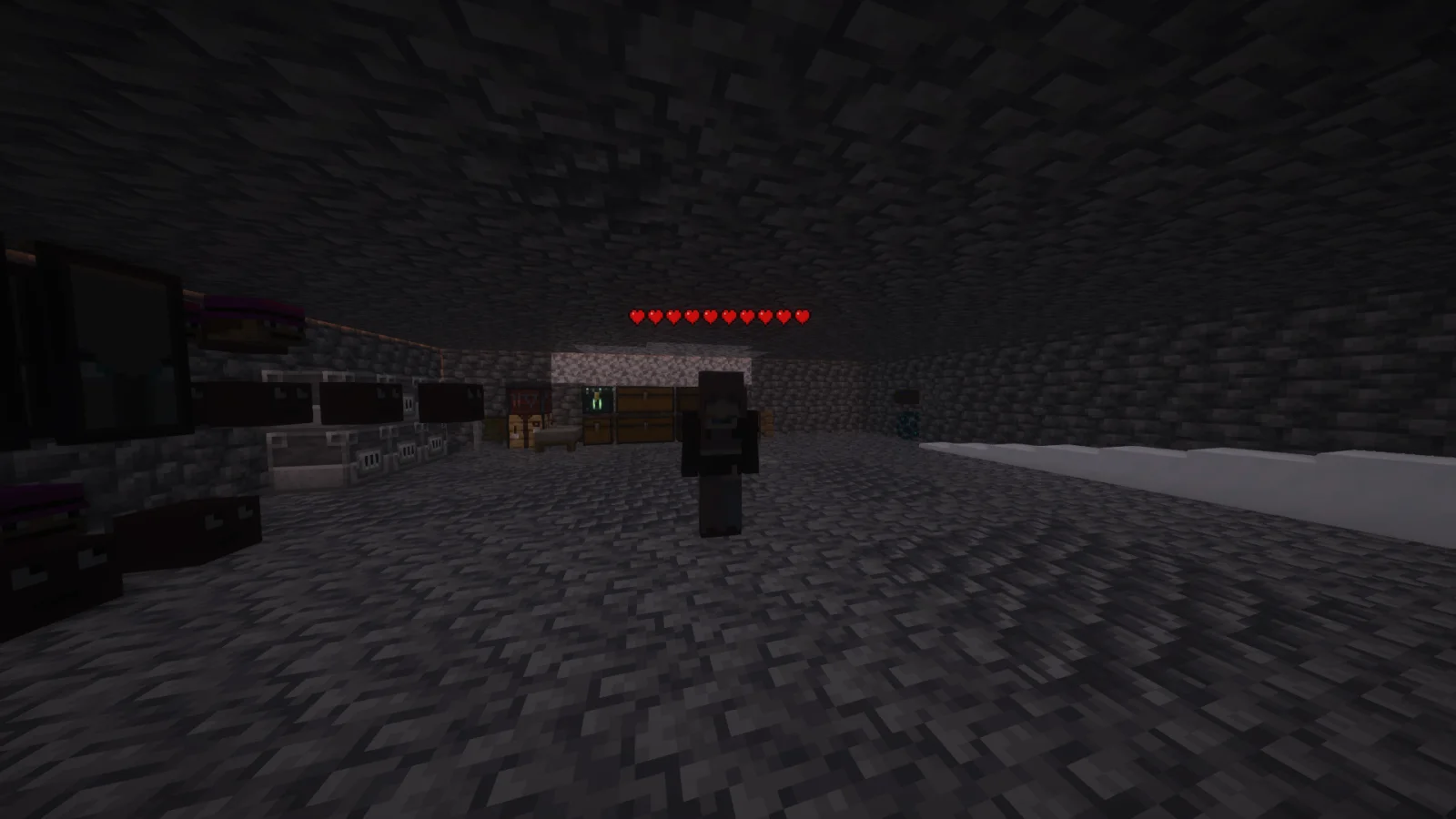
Player Health Indicators (Texturenpaket) stammt von AlphaLeoli. Shows hearts/health above player heads as healthbars.
Unterstützt wird Minecraft 1.18 – 26.x. Auf Modrinth gibt es 510,485 Downloads. Das letzte Update erschien am 10.10.2025.
Player Health Indicators hat seit 10.08.2024 5 Versionen auf Modrinth veröffentlicht. Keine davon erschien im letzten Jahr. Die neueste ist 2.0.0, erschienen am 10.10.2025. Sie ist für Minecraft 1.18.2 – 26.2 gemacht. Sie läuft auf Minecraft. Der Download ist 21 KB groß.
| Version | Veröffentlicht | Minecraft | Typ |
|---|---|---|---|
2.0.0 | 10.10.2025 | 1.18.2 – 26.2 | Release |
1.3 | 09.08.2025 | 1.21.4 – 1.21.8 | Beta |
1.2 | 03.11.2024 | 1.21 – 1.21.3 | Beta |
1.1 | 25.08.2024 | 1.21, 1.21.1 | Release |
1.0 | 10.08.2024 | 1.18.2 – 1.21.1 | Alpha |
This is how the health indicators look, but you can visit the gallery to see some more cool features
This texture pack shows the health of any player, but it uses health percentage rather than the actual health. This means that if someone has a base health of 200 hearts and only has 100 hearts remaining, it will show as 5 hearts. Usually while playing the base game then this will most likely always show the actual amount of health.
Join My Discord
Check out The Repository
Geschrieben von AlphaLeoli. Mit Bildern auf Modrinth lesen.
Lade die .zip-Datei von Modrinth herunter. Entpacke sie nicht.
Öffne in Minecraft Optionen, dann Ressourcenpakete, dann Paketordner öffnen.
Lege die .zip-Datei in diesen Ordner und gehe zurück ins Spiel.
Schiebe Player Health Indicators in die rechte Liste und klicke auf Fertig.
Es ist für Minecraft 1.18 – 26.x gemacht. Auf anderen Versionen markiert Minecraft es als inkompatibel, oft funktioniert es aber trotzdem.
| Ressource | Downloads | Versionen | Letztes Update | Preis |
|---|---|---|---|---|
| Player Health Indicatorsdie du angesehen hast | 510K | 1.18 – 26.x | 10. Okt. 2025 | Kostenlos |
| Torturable HealthbarsEnderBC | 264K | 1.18 – 26.x | 25. Juni 2026 | Kostenlos |
 Visible Shield CooldownBluebird | 268K | 1.21 – 26.x | 13. Sept. 2026 | Kostenlos |
 FerreMcDurabilityOverlayArshuPac | 277K | 1.16 – 1.21 | 14. Juli 2026 | Kostenlos |
Ja. Player Health Indicators unterstützt Minecraft 26.x. Alle unterstützten Versionen: 26.x, 1.21, 1.20, 1.19, 1.18.
Ja. Player Health Indicators kannst du kostenlos bei Modrinth herunterladen.
Ja: [EMF] Entity Model Features. Installiere es vor Player Health Indicators.
Ja. Das letzte Update kam innerhalb des letzten Tages.
Am ähnlichsten sind Torturable Healthbars, Visible Shield Cooldown und FerreMcDurabilityOverlay. Alle Alternativen vergleichen
Torturable HealthbarsTexturenpakete · 1.18 – 26.xInstead of a health bar above the entity, health is shown as visual injuries on the mob
Visible Shield CooldownTexturenpakete · 1.21 – 26.xShows you the status of your shield on cooldown (when it is disabled). Like the shield status mod but a resourcepack
FerreMcDurabilityOverlayTexturenpakete · 1.16 – 1.21This Pack shows the durability of armour.
 Low On FireTexturenpakete · 1.8 – 26.x
Low fire on your screen! Vanilla Friendly
 Low FireTexturenpakete · 1.20 – 26.x
Lower your first-person fire to enhance visibility!
 Drodi's Illagers x Fresh AnimationTexturenpakete · 1.16 – 1.21
Makes Drodi's Illagers compatible with Fresh Animations!
Logg dich ein, um eine Bewertung zu schreiben.