
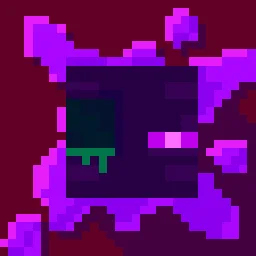
 Torturable HealthbarsPacotes de texturas · 1.18 – 26.x
Instead of a health bar above the entity, health is shown as visual injuries on the mob
Grátis263,809 downloads
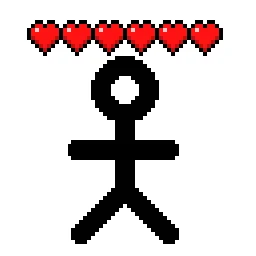
Shows hearts/health above player heads as healthbars
Download direto do Modrinth · 510,485 downloads
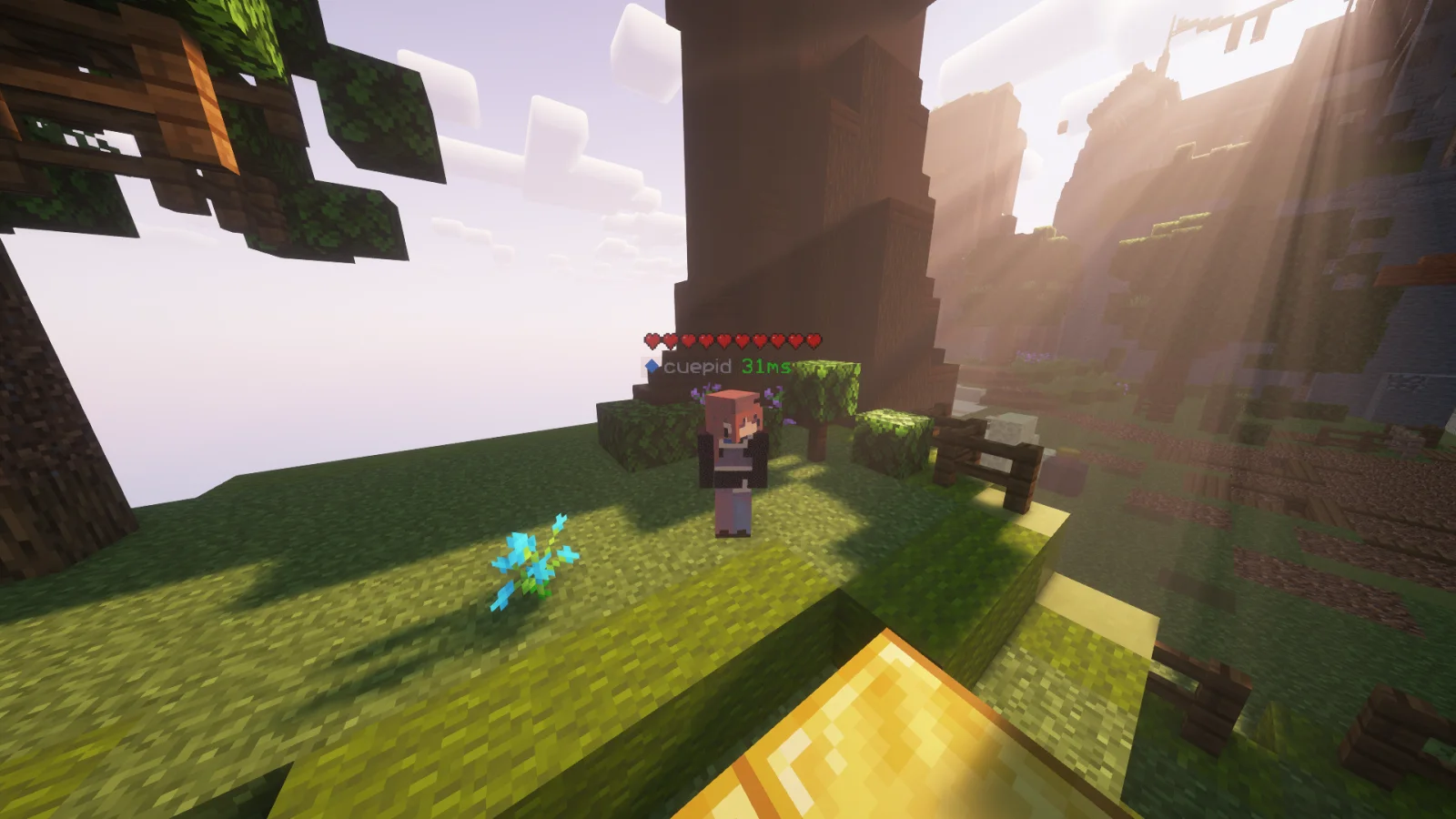
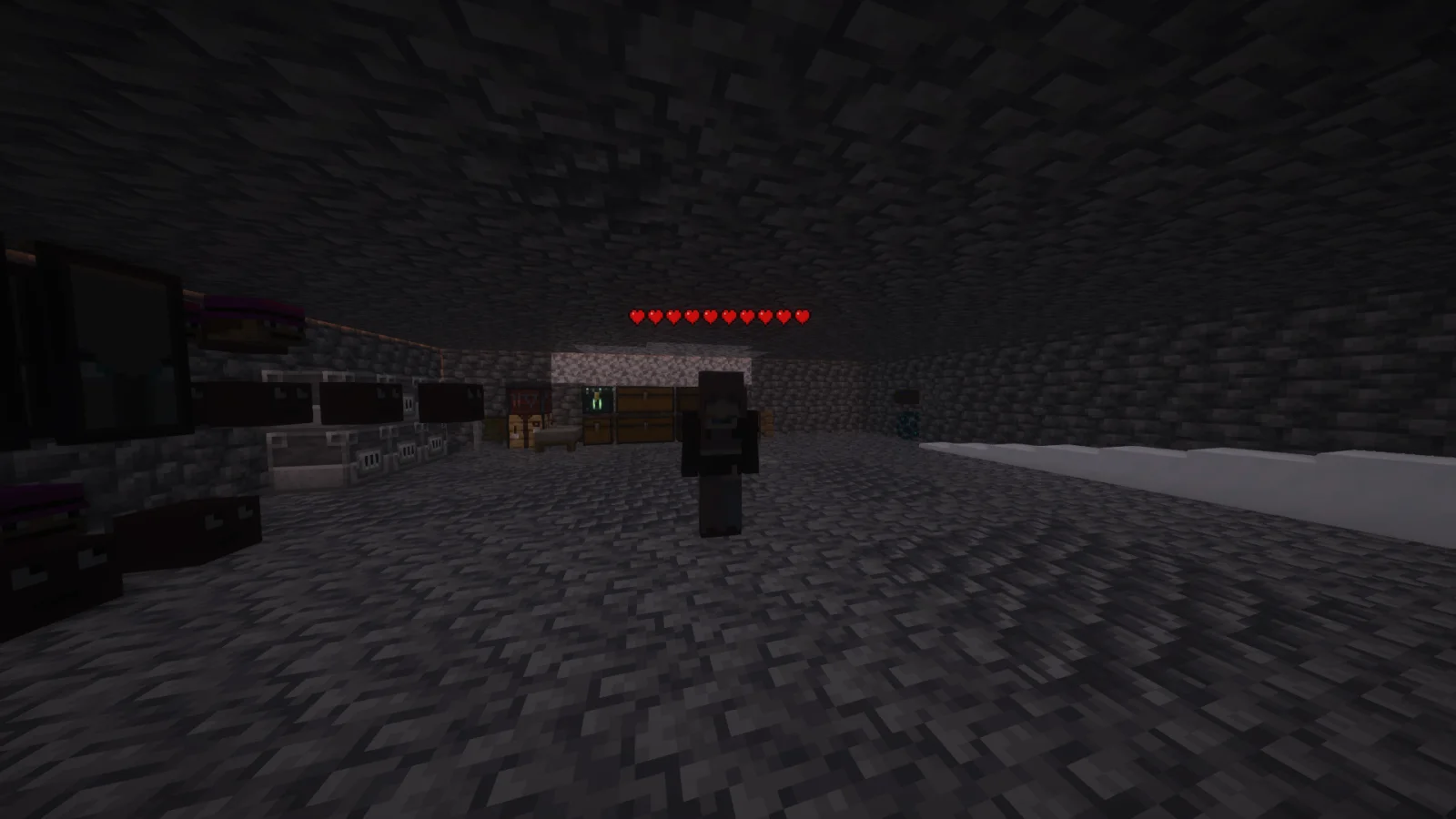
Player Health Indicators (pacote de texturas) é obra de AlphaLeoli. Shows hearts/health above player heads as healthbars.
É compatível com o Minecraft 1.18 – 26.x. Tem 510,485 downloads em Modrinth. A última atualização saiu em 10/10/2025.
Player Health Indicators teve 5 versões no Modrinth desde 10/08/2024. Nenhuma saiu no último ano. A mais recente é 2.0.0, lançada em 10/10/2025. Ela é feita para o Minecraft 1.18.2 – 26.2. Ela roda em Minecraft. O download tem 21 KB.
| Versão | Lançado | Minecraft | Tipo |
|---|---|---|---|
2.0.0 | 10/10/2025 | 1.18.2 – 26.2 | Estável |
1.3 | 09/08/2025 | 1.21.4 – 1.21.8 | Beta |
1.2 | 03/11/2024 | 1.21 – 1.21.3 | Beta |
1.1 | 25/08/2024 | 1.21, 1.21.1 | Estável |
1.0 | 10/08/2024 | 1.18.2 – 1.21.1 | Alfa |
This is how the health indicators look, but you can visit the gallery to see some more cool features
This texture pack shows the health of any player, but it uses health percentage rather than the actual health. This means that if someone has a base health of 200 hearts and only has 100 hearts remaining, it will show as 5 hearts. Usually while playing the base game then this will most likely always show the actual amount of health.
Join My Discord
Check out The Repository
Escrita por AlphaLeoli. Leia com imagens no Modrinth.
Baixe o arquivo .zip pelo Modrinth. Não descompacte.
No Minecraft, abra Opções, depois Pacotes de recursos, depois Abrir pasta de pacotes.
Coloque o arquivo .zip nessa pasta e volte ao jogo.
Mova Player Health Indicators para a lista da direita e clique em Concluído.
Foi feito para o Minecraft 1.18 – 26.x. Em outras versões o Minecraft marca como incompatível, mas muitas vezes funciona mesmo assim.
| Recurso | Downloads | Versões | Última atualização | Preço |
|---|---|---|---|---|
| Player Health Indicatorso que você estava vendo | 510K | 1.18 – 26.x | 10 out 2025 | Grátis |
| Torturable HealthbarsEnderBC | 264K | 1.18 – 26.x | 25 jun 2026 | Grátis |
 Visible Shield CooldownBluebird | 269K | 1.21 – 26.x | 13 set 2026 | Grátis |
 FerreMcDurabilityOverlayArshuPac | 277K | 1.16 – 1.21 | 14 jul 2026 | Grátis |
Sim. Player Health Indicators é compatível com o Minecraft 26.x. Todas as versões compatíveis: 26.x, 1.21, 1.20, 1.19, 1.18.
Sim. Você pode baixar Player Health Indicators de graça em Modrinth.
Sim: [EMF] Entity Model Features. Instale antes de Player Health Indicators.
Sim. A última atualização saiu no último dia.
Os mais parecidos são Torturable Healthbars, Visible Shield Cooldown e FerreMcDurabilityOverlay. Comparar todas as alternativas
Torturable HealthbarsPacotes de texturas · 1.18 – 26.xInstead of a health bar above the entity, health is shown as visual injuries on the mob
Visible Shield CooldownPacotes de texturas · 1.21 – 26.xShows you the status of your shield on cooldown (when it is disabled). Like the shield status mod but a resourcepack
FerreMcDurabilityOverlayPacotes de texturas · 1.16 – 1.21This Pack shows the durability of armour.
 Low On FirePacotes de texturas · 1.8 – 26.x
Low fire on your screen! Vanilla Friendly
 Low FirePacotes de texturas · 1.20 – 26.x
Lower your first-person fire to enhance visibility!
 Drodi's Illagers x Fresh AnimationPacotes de texturas · 1.16 – 1.21
Makes Drodi's Illagers compatible with Fresh Animations!
Entre para deixar uma avaliação.