
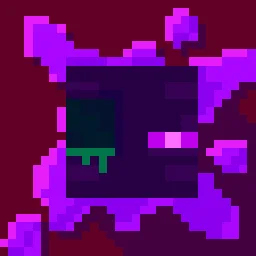
 Torturable HealthbarsPacks de texturas · 1.18 – 26.x
Instead of a health bar above the entity, health is shown as visual injuries on the mob
Gratis263,567 descargas
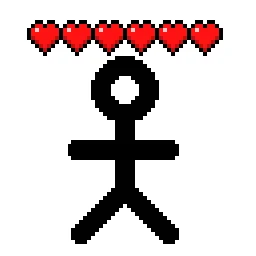
Shows hearts/health above player heads as healthbars
Descarga directa desde Modrinth · 510,485 descargas
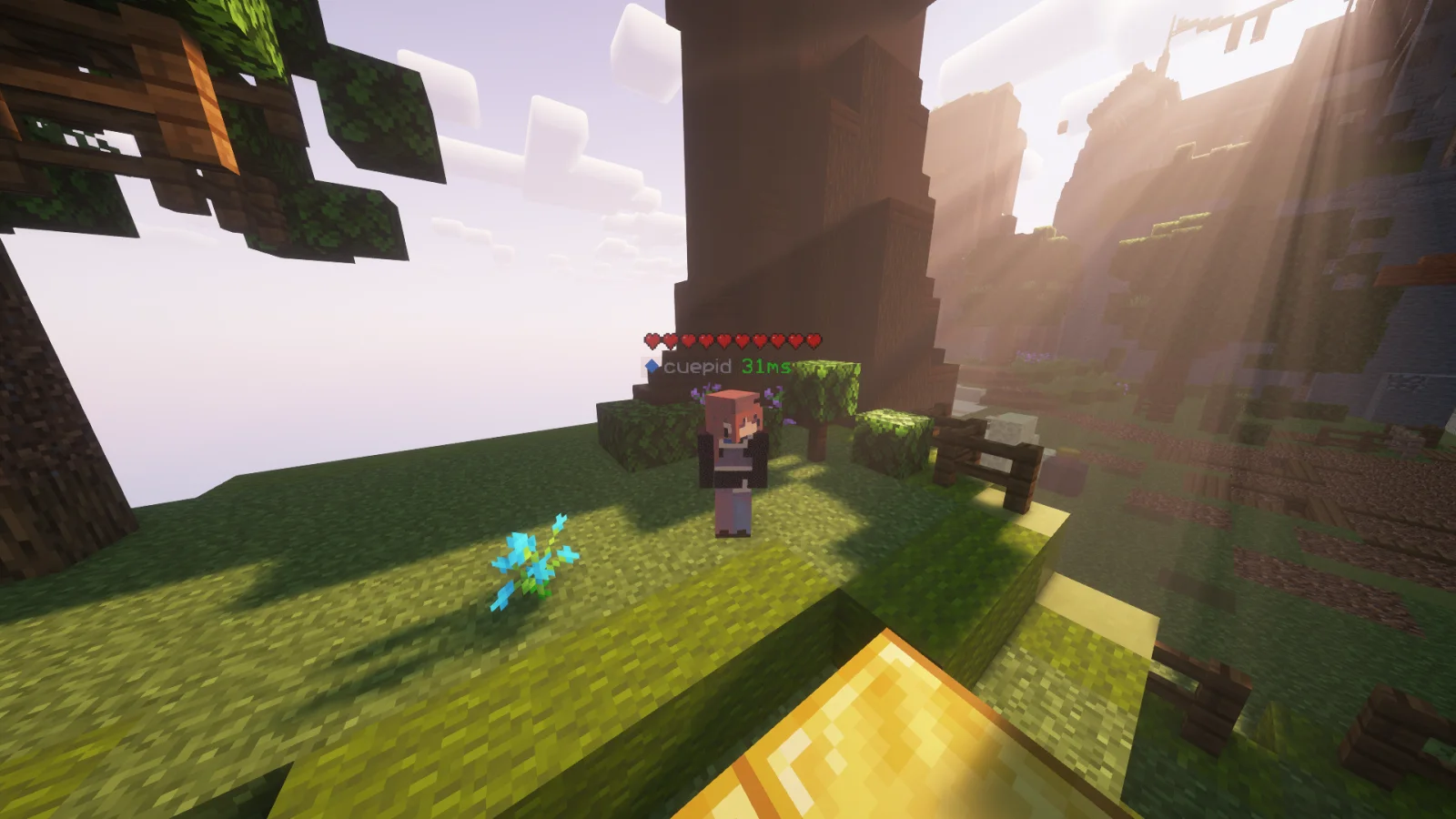
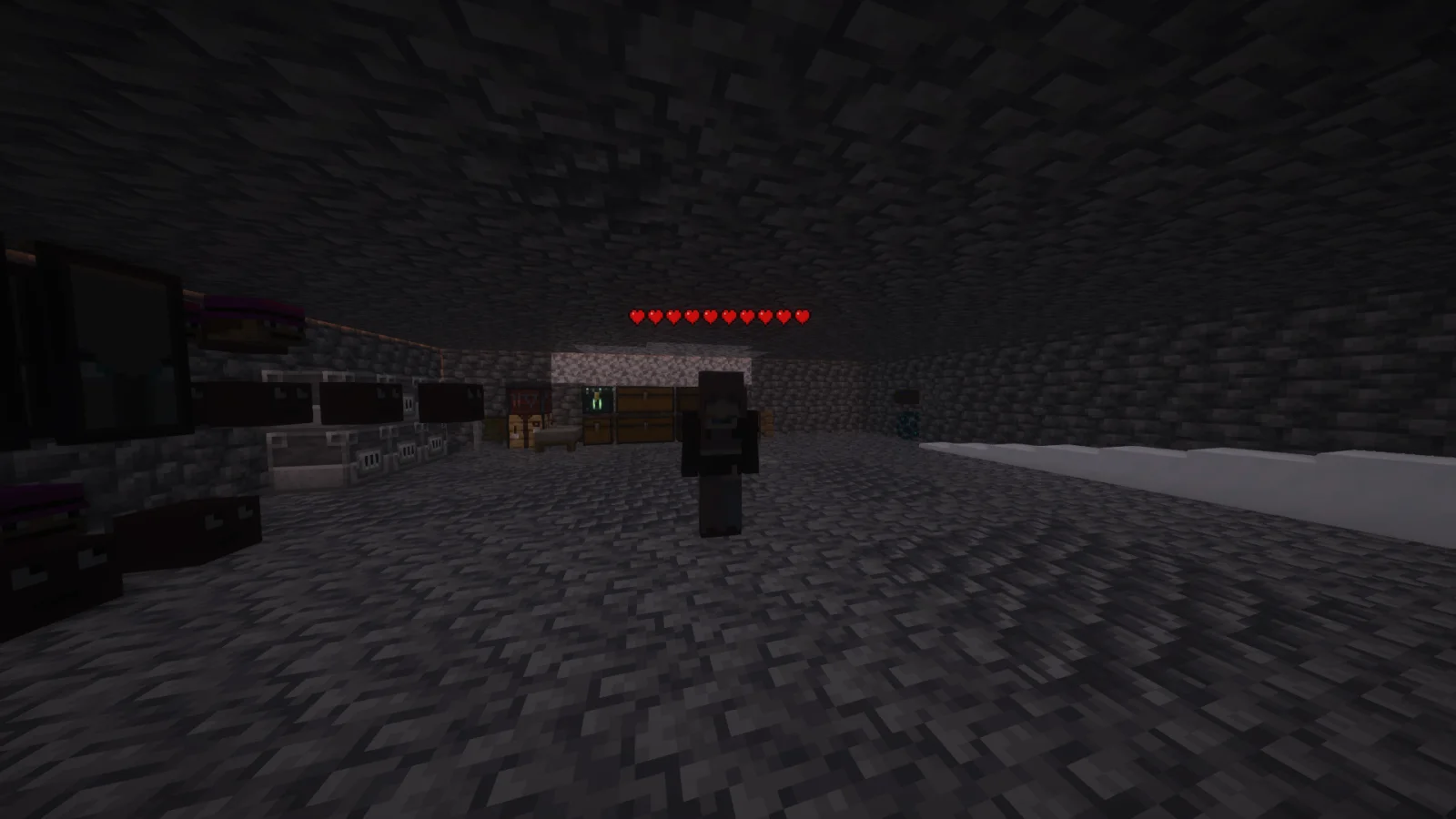
Player Health Indicators (pack de texturas) es obra de AlphaLeoli. Shows hearts/health above player heads as healthbars.
Es compatible con Minecraft 1.18 – 26.x. Se ha descargado 510,485 veces en Modrinth. La última actualización salió el 10/10/2025.
Player Health Indicators ha publicado 5 versiones en Modrinth desde el 10/08/2024. Ninguna salió en el último año. La más reciente es 2.0.0, publicada el 10/10/2025. Está hecha para Minecraft 1.18.2 – 26.2. Funciona en Minecraft. La descarga ocupa 21 KB.
| Versión | Publicado | Minecraft | Tipo |
|---|---|---|---|
2.0.0 | 10/10/2025 | 1.18.2 – 26.2 | Estable |
1.3 | 09/08/2025 | 1.21.4 – 1.21.8 | Beta |
1.2 | 03/11/2024 | 1.21 – 1.21.3 | Beta |
1.1 | 25/08/2024 | 1.21, 1.21.1 | Estable |
1.0 | 10/08/2024 | 1.18.2 – 1.21.1 | Alfa |
This is how the health indicators look, but you can visit the gallery to see some more cool features
This texture pack shows the health of any player, but it uses health percentage rather than the actual health. This means that if someone has a base health of 200 hearts and only has 100 hearts remaining, it will show as 5 hearts. Usually while playing the base game then this will most likely always show the actual amount of health.
Join My Discord
Check out The Repository
Escrita por AlphaLeoli. Léela con imágenes en Modrinth.
Descarga el archivo .zip desde Modrinth. No lo descomprimas.
En Minecraft, abre Opciones, luego Paquetes de recursos y luego Abrir carpeta de paquetes.
Suelta el archivo .zip en esa carpeta y vuelve al juego.
Mueve Player Health Indicators a la lista de la derecha y pulsa Hecho.
Está hecho para Minecraft 1.18 – 26.x. En otras versiones Minecraft lo marca como incompatible, pero a menudo funciona igual.
| Recurso | Descargas | Versiones | Última actualización | Precio |
|---|---|---|---|---|
| Player Health Indicatorsel que estabas viendo | 510K | 1.18 – 26.x | 10 oct 2025 | Gratis |
| Torturable HealthbarsEnderBC | 264K | 1.18 – 26.x | 25 jun 2026 | Gratis |
 Visible Shield CooldownBluebird | 268K | 1.21 – 26.x | 13 sept 2026 | Gratis |
 FerreMcDurabilityOverlayArshuPac | 277K | 1.16 – 1.21 | 14 jul 2026 | Gratis |
Sí. Player Health Indicators es compatible con Minecraft 26.x. Todas las versiones compatibles: 26.x, 1.21, 1.20, 1.19, 1.18.
Sí. Player Health Indicators se puede descargar gratis desde Modrinth.
Sí: [EMF] Entity Model Features. Instálalo antes de Player Health Indicators.
Sí. La última actualización salió en el último día.
Los más parecidos son Torturable Healthbars, Visible Shield Cooldown y FerreMcDurabilityOverlay. Comparar todas las alternativas
Torturable HealthbarsPacks de texturas · 1.18 – 26.xInstead of a health bar above the entity, health is shown as visual injuries on the mob
Visible Shield CooldownPacks de texturas · 1.21 – 26.xShows you the status of your shield on cooldown (when it is disabled). Like the shield status mod but a resourcepack
FerreMcDurabilityOverlayPacks de texturas · 1.16 – 1.21This Pack shows the durability of armour.
 Low On FirePacks de texturas · 1.8 – 26.x
Low fire on your screen! Vanilla Friendly
 Low FirePacks de texturas · 1.20 – 26.x
Lower your first-person fire to enhance visibility!
 Drodi's Illagers x Fresh AnimationPacks de texturas · 1.16 – 1.21
Makes Drodi's Illagers compatible with Fresh Animations!
Inicia sesión para dejar una reseña.