
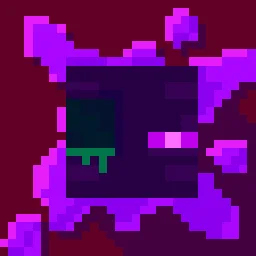
 Torturable HealthbarsPacks de textures · 1.18 – 26.x
Instead of a health bar above the entity, health is shown as visual injuries on the mob
Gratuit263,809 téléchargements
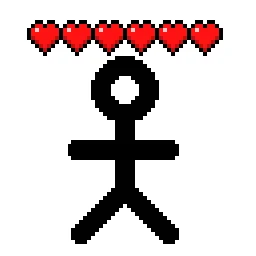
Shows hearts/health above player heads as healthbars
Téléchargement direct depuis Modrinth · 510,485 téléchargements
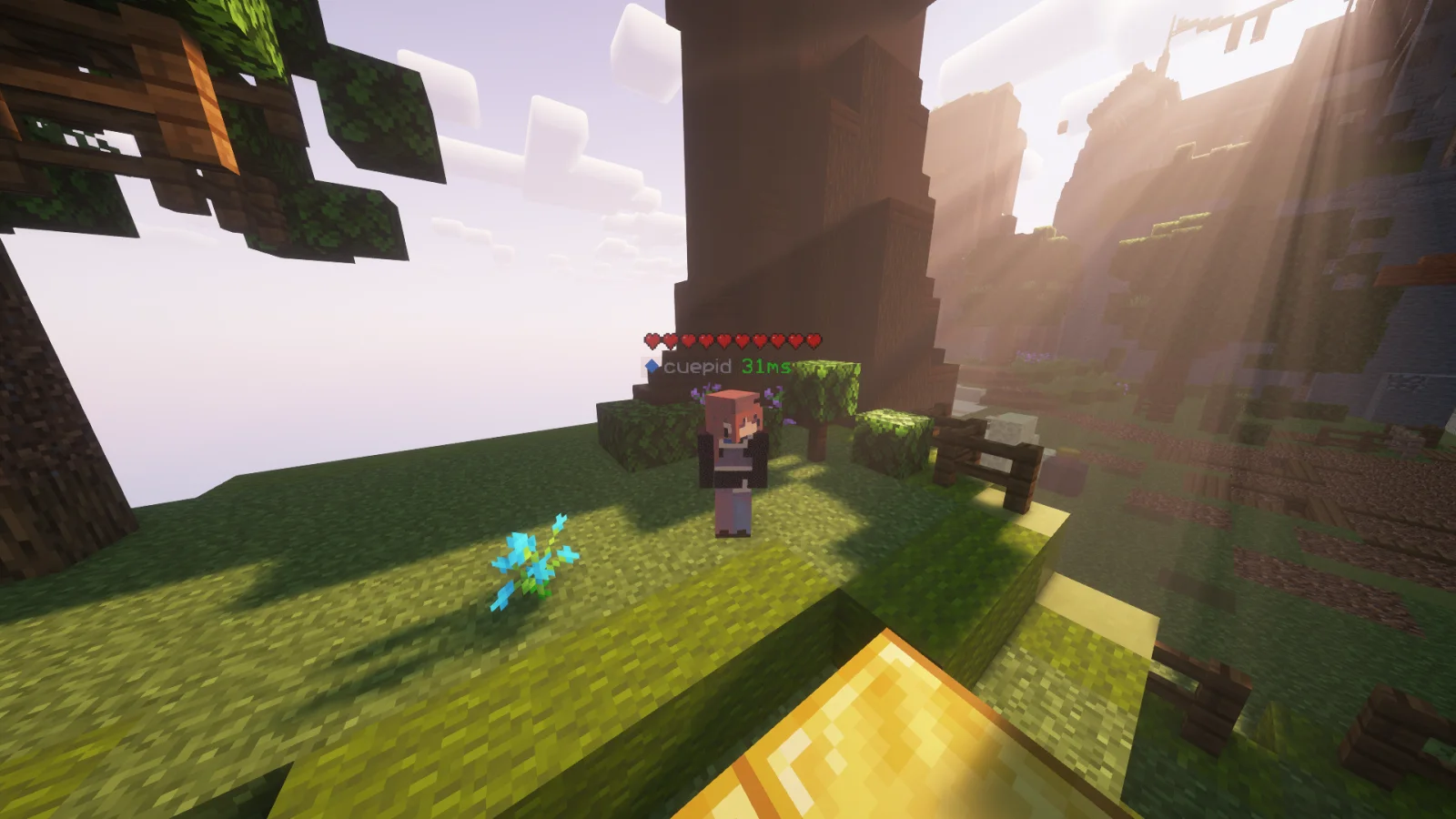
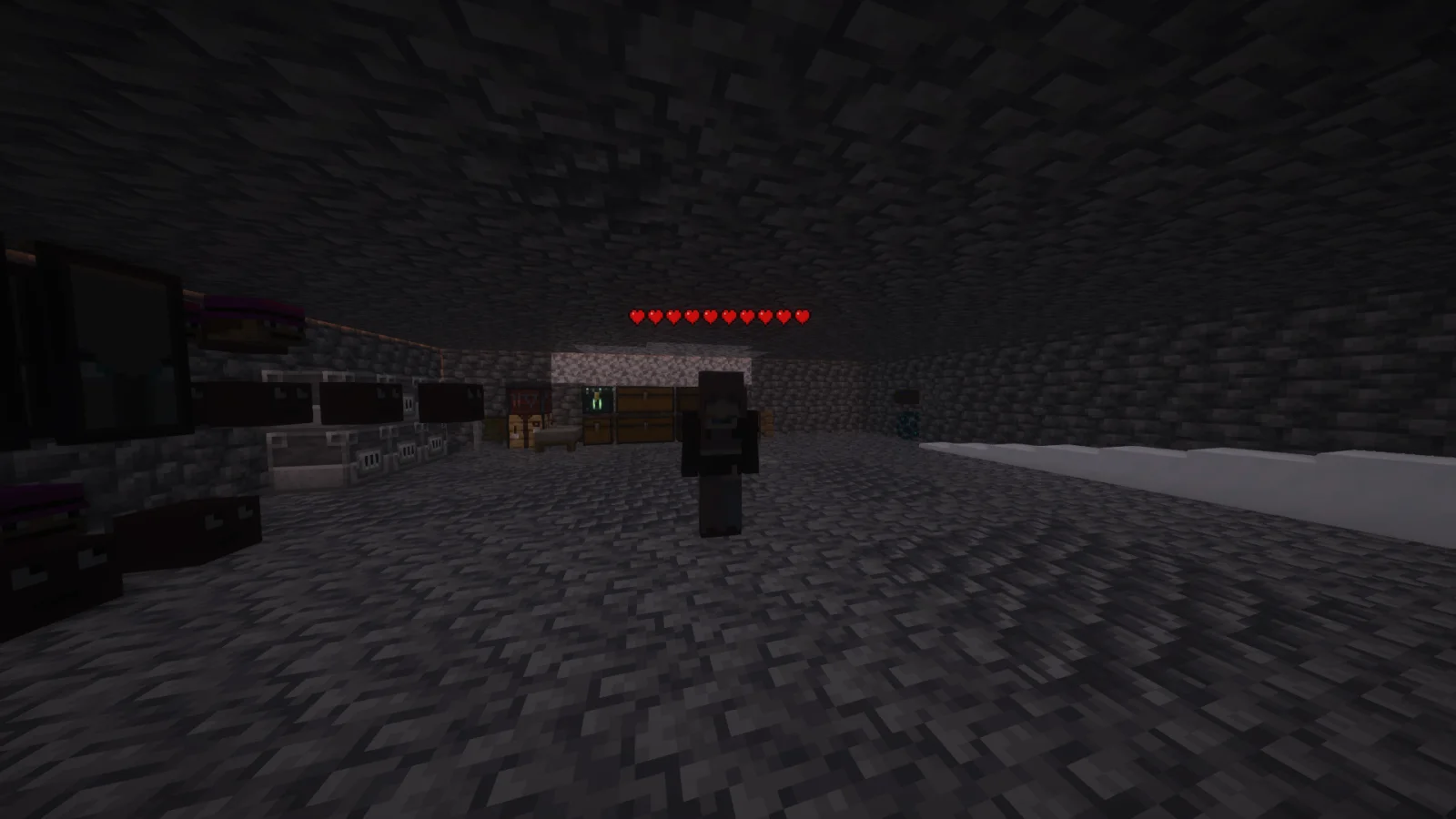
Player Health Indicators (pack de textures) est une création de AlphaLeoli. Shows hearts/health above player heads as healthbars.
Versions prises en charge : Minecraft 1.18 – 26.x. On compte 510,485 téléchargements sur Modrinth. La dernière mise à jour date du 10/10/2025.
Player Health Indicators a publié 5 versions sur Modrinth depuis le 10/08/2024. Aucune n'est sortie au cours de l'année passée. La plus récente est 2.0.0, sortie le 10/10/2025. Elle est faite pour Minecraft 1.18.2 – 26.2. Elle fonctionne sur Minecraft. Le téléchargement fait 21 KB.
| Version | Publié | Minecraft | Type |
|---|---|---|---|
2.0.0 | 10/10/2025 | 1.18.2 – 26.2 | Stable |
1.3 | 09/08/2025 | 1.21.4 – 1.21.8 | Bêta |
1.2 | 03/11/2024 | 1.21 – 1.21.3 | Bêta |
1.1 | 25/08/2024 | 1.21, 1.21.1 | Stable |
1.0 | 10/08/2024 | 1.18.2 – 1.21.1 | Alpha |
This is how the health indicators look, but you can visit the gallery to see some more cool features
This texture pack shows the health of any player, but it uses health percentage rather than the actual health. This means that if someone has a base health of 200 hearts and only has 100 hearts remaining, it will show as 5 hearts. Usually while playing the base game then this will most likely always show the actual amount of health.
Join My Discord
Check out The Repository
Écrite par AlphaLeoli. À lire avec les images sur Modrinth.
Télécharge le fichier .zip depuis Modrinth. Ne le décompresse pas.
Dans Minecraft, ouvre Options, puis Packs de ressources, puis Ouvrir le dossier des packs.
Dépose le fichier .zip dans ce dossier et retourne au jeu.
Déplace Player Health Indicators dans la liste de droite et clique sur Terminé.
Il est fait pour Minecraft 1.18 – 26.x. Sur d'autres versions, Minecraft l'indique comme incompatible, mais il fonctionne souvent quand même.
| Ressource | Téléchargements | Versions | Mise à jour | Prix |
|---|---|---|---|---|
| Player Health Indicatorscelle que tu regardais | 510K | 1.18 – 26.x | 10 oct. 2025 | Gratuit |
| Torturable HealthbarsEnderBC | 264K | 1.18 – 26.x | 25 juin 2026 | Gratuit |
 Visible Shield CooldownBluebird | 269K | 1.21 – 26.x | 13 sept. 2026 | Gratuit |
 FerreMcDurabilityOverlayArshuPac | 277K | 1.16 – 1.21 | 14 juil. 2026 | Gratuit |
Oui. Player Health Indicators prend en charge Minecraft 26.x. Toutes les versions prises en charge : 26.x, 1.21, 1.20, 1.19, 1.18.
Oui. Player Health Indicators se télécharge gratuitement sur Modrinth.
Oui : [EMF] Entity Model Features. Installe-le avant Player Health Indicators.
Oui. La dernière mise à jour date des dernières 24 heures.
Les plus proches sont Torturable Healthbars, Visible Shield Cooldown et FerreMcDurabilityOverlay. Comparer toutes les alternatives
Torturable HealthbarsPacks de textures · 1.18 – 26.xInstead of a health bar above the entity, health is shown as visual injuries on the mob
Visible Shield CooldownPacks de textures · 1.21 – 26.xShows you the status of your shield on cooldown (when it is disabled). Like the shield status mod but a resourcepack
FerreMcDurabilityOverlayPacks de textures · 1.16 – 1.21This Pack shows the durability of armour.
 Low On FirePacks de textures · 1.8 – 26.x
Low fire on your screen! Vanilla Friendly
 Low FirePacks de textures · 1.20 – 26.x
Lower your first-person fire to enhance visibility!
 Drodi's Illagers x Fresh AnimationPacks de textures · 1.16 – 1.21
Makes Drodi's Illagers compatible with Fresh Animations!
Connecte-toi pour laisser un avis.