
 Click MobsPlugins · 1.20 – 26.x
Click to pick up any mob into your inventory and carry them around!
Free281,971 downloads
Pick up, carry, claim, and ride your Happy Ghasts, preserve their harnesses, names, and health, manage ownership, set flying homes, and customize how they…
Direct download from Modrinth · 15 downloads
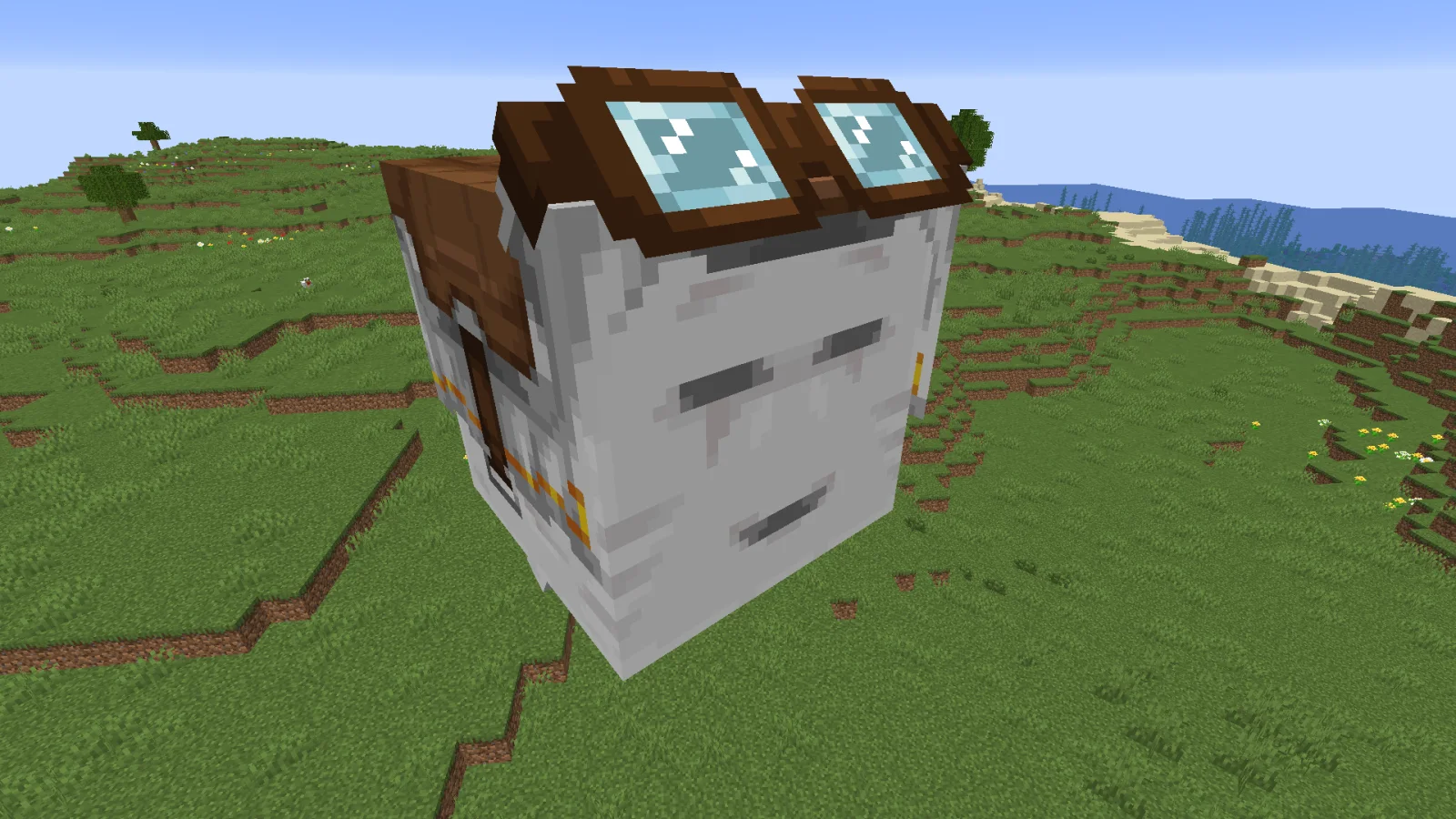
Click Happy Ghasts is a plugin for Paper / Spigot servers, made by trxgxdy. Pick up, carry, claim, and ride your Happy Ghasts, preserve their harnesses, names, and health, manage ownership, set flying homes, and customize how they…
It supports Minecraft 1.21 – 26.x. It has been downloaded 15 times on Modrinth. That puts it at #98 of the 115 mob and adventure plugins listed here. The last update came out on Nov 10, 2026.
The newest is Release, released on Oct 28, 2026. It is made for Minecraft 1.21.6 – 26.3. It runs on Bukkit, Paper and Spigot. The download is 7 KB.
| Version | Released | Minecraft | Type |
|---|---|---|---|
Release | Oct 28, 2026 | 1.21.6 – 26.3 | Release |
Click Happy Ghasts
Pick up your Happy Ghast, carry it around, and place it back down whenever you want. It comes back fully grown, with its harness still on.
How it works:
Pick up: Sneak and right-click a Happy Ghast with an empty hand. It turns into a Dried Ghast item.
Place: Right-click any block surface with the item. The Happy Ghast spawns where you clicked, fully grown and wearing its harness.
Written by trxgxdy. Read it with pictures on Modrinth.
Make sure your server runs Paper and Spigot on Minecraft 1.21 – 26.x.
Download the .jar file from Modrinth and put it in the plugins folder of your server.
Restart the server. Avoid /reload, many plugins do not handle it well.
Type /plugins in the console: Click Happy Ghasts should be listed in green. Its config files are created in the plugins folder on the first start.
Full guide: How to install plugins on a Minecraft server
| Resource | Downloads | Versions | Last update | Price |
|---|---|---|---|---|
| Click Happy Ghaststhe one you looked at | 15 | 1.21 – 26.x | 1 day ago | Free |
| Click MobsClickism | 282K | 1.20 – 26.x | Sep 20, 2026 | Free |
 Click VillagersClickism | 737K | 1.20 – 26.x | 9 days ago | Free |
 ActionHealthzeshan321 | 90 | 1.8 – 26.x | Oct 3, 2026 | Free |
Yes. Click Happy Ghasts supports Minecraft 26.x. All supported versions: 26.x, 1.21.
Yes. Click Happy Ghasts is free to download from Modrinth.
Click Happy Ghasts runs on Paper and Spigot servers.
Yes. The last update came out in the past day.
The closest ones are Click Mobs, Click Villagers and ActionHealth. Compare all alternatives
Click MobsPlugins · 1.20 – 26.xClick to pick up any mob into your inventory and carry them around!
Click VillagersPlugins · 1.20 – 26.xClick to pick up villagers, reset their trades, change their biomes, claim them and much more!
ActionHealthPlugins · 1.8 – 26.xShows the health of the player or mob that you hit or look at, in the action bar. One jar for Spigot, Paper and Folia 1.8 to 26.3.
 VexBotPlugins · 1.21 – 26.x
Super smart Minecraft bots For PvP In any gamemode.
 TreeTimberPlugins · 1.13 – 26.x
Tree faling plugin (treecapitator)
 InstaRestockPlugins · 1.8 – 26.x
Instant Restock or Insta Restock makes villagers infinite restock
Log in to leave a review.