
 Not Enough AnimationsMods · 1.16 – 26.x
Bringing first-person animations to the third-person
Free94,320,173 downloads
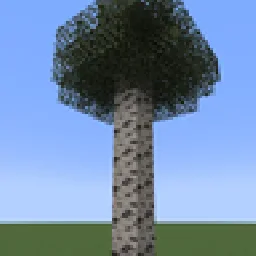
Don't you sometimes feel like you're being watched? Maybe it's not Herobrine. Maybe it's something else… something more natural.
Direct download from Modrinth · 24 downloads
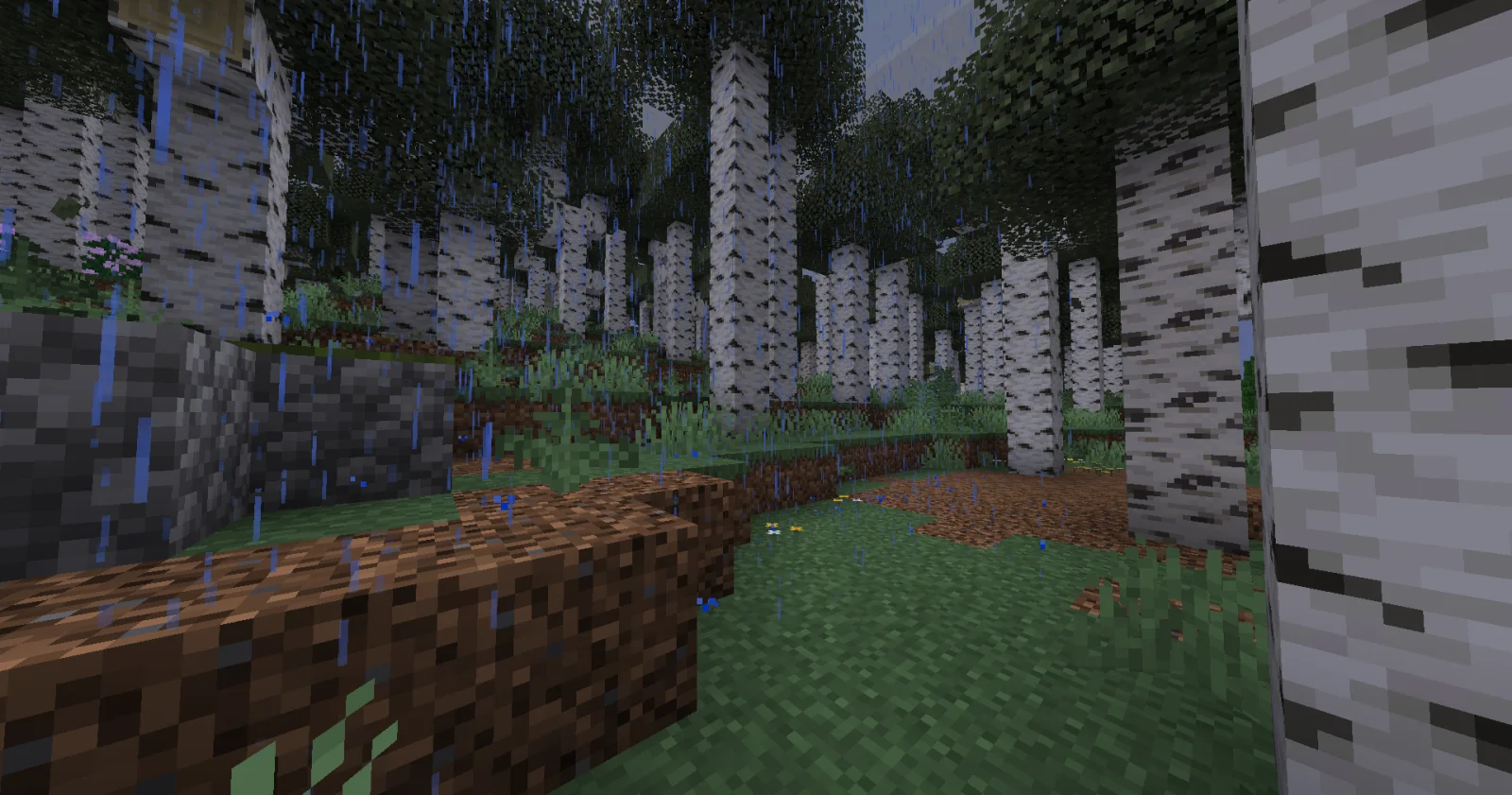
The Spooky Birch is a mod made by Habciak. Don't you sometimes feel like you're being watched? Maybe it's not Herobrine. Maybe it's something else… something more natural.
It supports Minecraft 1.21. It has been downloaded 24 times on Modrinth. The last update came out on Aug 23, 2026.
The newest is 1.0, released on Aug 23, 2026. It is made for Minecraft 1.21.1. It runs on NeoForge. The download is 58 KB.
| Version | Released | Minecraft | Type |
|---|---|---|---|
1.0 | Aug 23, 2026 | 1.21.1 | Release |
This addon adds a new type of tree that resembles a birch. It does not spawn naturally. You can only craft its sapling (recipe in the gallery). The raw log isn't animated, but the wood crafted from it is! Perfect for playing a prank on someone.
Credits:
Habciak (me) – mod concept, crafting recipe, testing
SashaKYotoz – coding, bug fixing
Rappenem – block textures
Link to the textures used - modrinth.com/resourcepack/spooky-birch
Written by Habciak. Read it with pictures on Modrinth.
This mod is needed on both the server and every player who joins.
Install NeoForge for Minecraft 1.21.
Add the mods it needs: SolLib.
Download the .jar file from Modrinth and put it in the mods folder of your .minecraft directory.
Start Minecraft with the NeoForge profile.
Easier: in Prism Launcher or the Modrinth App, search for The Spooky Birch in your instance's mods and click Install. It adds the loader and the mods it needs for you.
Full guide: How to install Minecraft mods
| Resource | Downloads | Versions | Last update | Price |
|---|---|---|---|---|
| The Spooky Birchthe one you looked at | 24 | 1.21 | Aug 23, 2026 | Free |
| Not Enough Animationstr7zw | 94.3M | 1.16 – 26.x | 11 days ago | Free |
 EnhancedVisualscreativemd | 20.2M | 1.18 – 26.x | 20 days ago | Free |
 Traveler's TitlesYUNGNICKYOUNG | 9.5M | 1.19 – 26.x | Jun 24, 2026 | Free |
Not yet. The newest version it supports is Minecraft 1.21.
Yes. The Spooky Birch is free to download from Modrinth.
Both. The server and every player need The Spooky Birch installed.
Yes: SolLib. Install it before The Spooky Birch.
Yes. The last update came out in the past day.
The closest ones are Not Enough Animations, EnhancedVisuals and Traveler's Titles. Compare all alternatives
Not Enough AnimationsMods · 1.16 – 26.xBringing first-person animations to the third-person
EnhancedVisualsMods · 1.18 – 26.xFeel the pain!
Traveler's TitlesMods · 1.19 – 26.xEpic, RPG-like titles when entering biomes & dimensions!
 Immersive WeatheringMods · 1.18 – 1.20
An abundance of new natural systems to make your world feel more alive than ever.
 Items DisplayedMods · 1.20 – 26.x
A mod for builders and adventurers who would like to have their items placed in the world, not lying around in chests!
 From The FogMods · 1.19 – 26.x
Enter a world of fear and mystery with From The Fog, a Minecraft mod that brings the legendary Herobrine to life in a spooky and immersive way true to the…
Log in to leave a review.