
 Remodeled Doors 3DResource packs · 1.19 – 26.x
Makes all the doors and trapdoors have 3D models. Changes the model and the item within the GUI.
Free238,835 downloads
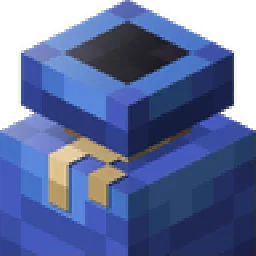
3D Bundle item in hand while keeping the vanilla 2D sprite in the GUI
Direct download from Modrinth · 956,696 downloads
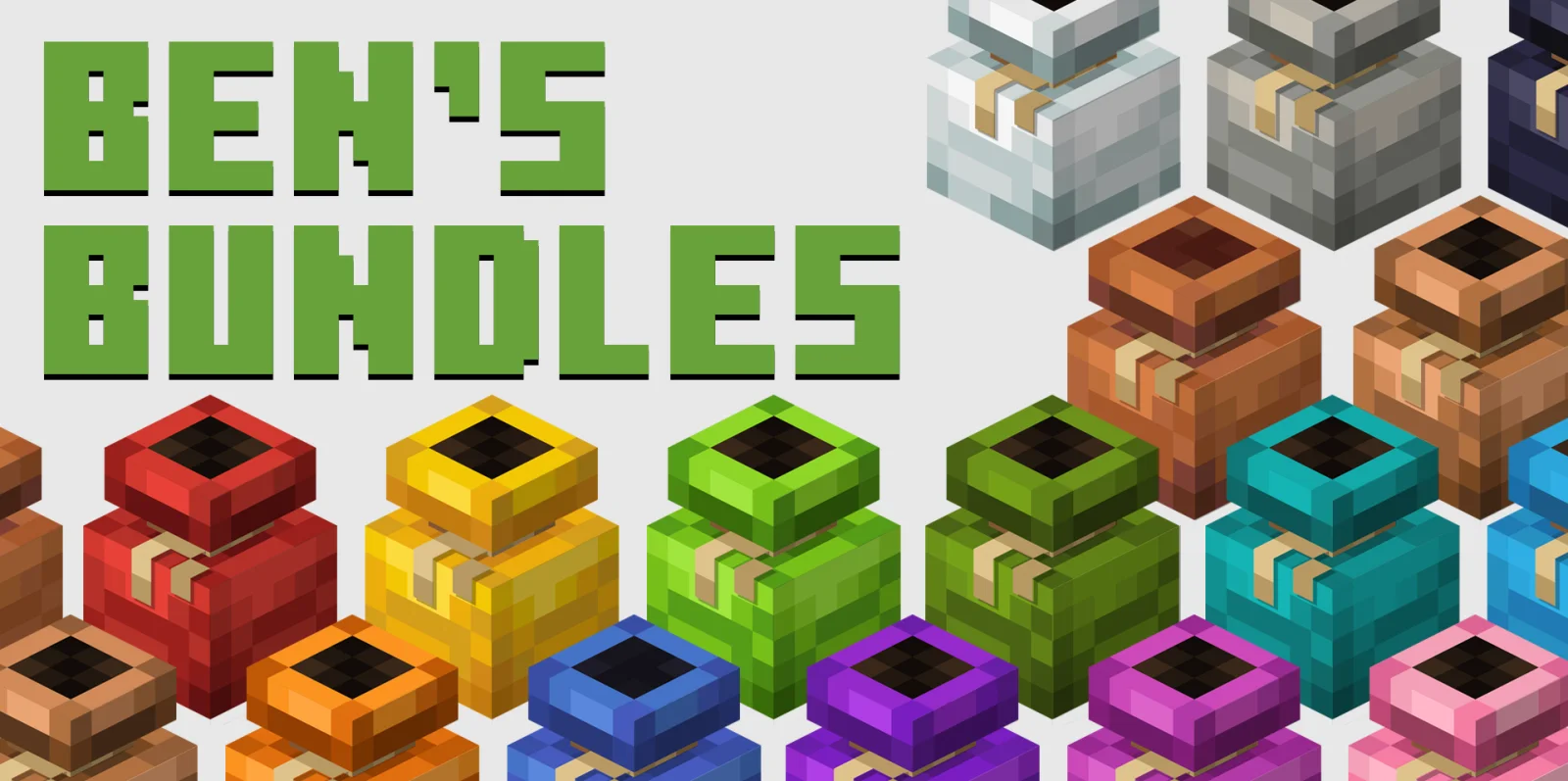
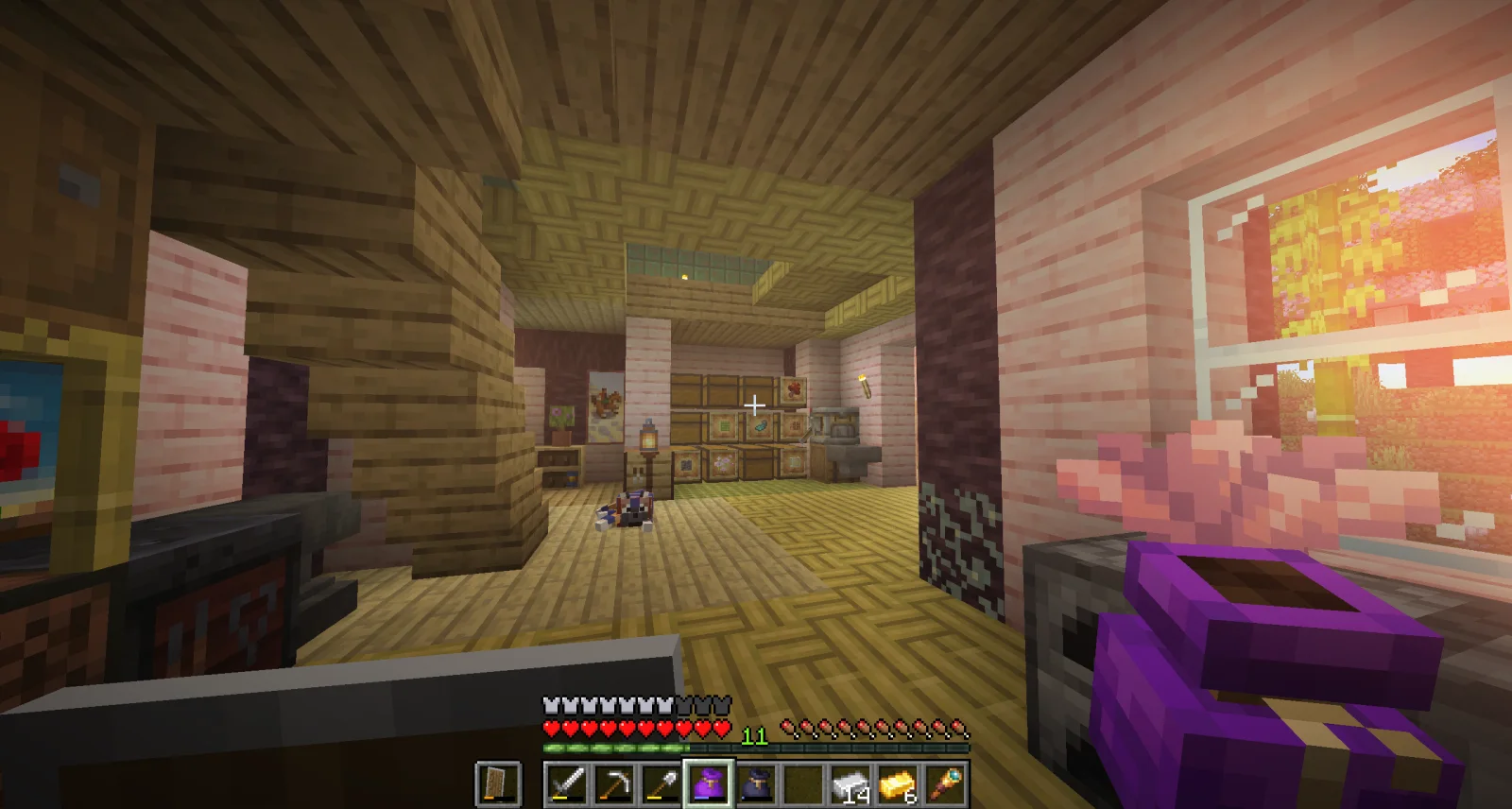
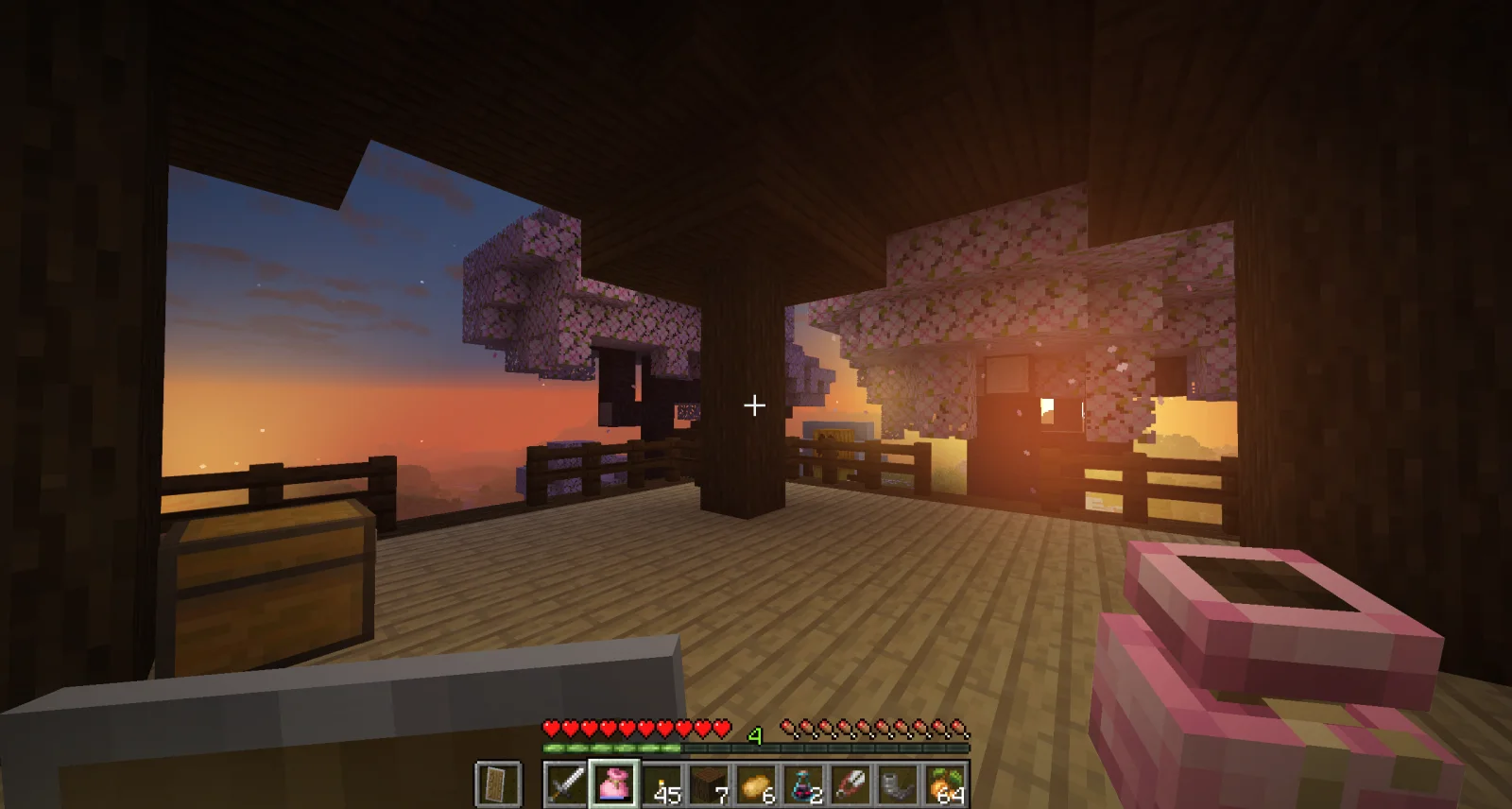
Ben's Bundles is a resource pack made by BennyMcCarthy_. 3D Bundle item in hand while keeping the vanilla 2D sprite in the GUI.
It supports Minecraft 1.20 – 26.x. It has been downloaded 956,696 times on Modrinth. The last update came out on Jan 9, 2026.
Ben's Bundles has had 4 releases on Modrinth since Apr 13, 2025. One of them came out in the past year. The newest is 1.4, released on Jan 9, 2026. It is made for Minecraft 1.20 – 1.21. It runs on Minecraft. The download is 63 KB.
| Version | Released | Minecraft | Type |
|---|---|---|---|
1.4 | Jan 9, 2026 | 1.20 – 1.21 | Release |
1.3 | Jun 14, 2025 | 1.21.5 | Release |
1.2 | Apr 14, 2025 | 1.20.5 – 1.21.5 | Release |
1.0 | Apr 13, 2025 | – | Beta |
Turn your bnundle 3D in your player's hand, while keeping the 2D sprite in the GUI.
Available for Java 24w11a and upwards, no mods required.
Download the BareBones version here
See what your bundle looks like in 3D!
Credits
Models and textures by BennyMcCarthy
pack inspired by Oreville Studio's Actions & Stuff
Contact: @bennymccarthy on Discord
DO NOT DISTRIBUTE
What mods / shaders are used in the gallery images?
The bloom and fog effects are created in Photoshop over ordinary vanilla screenshots, and is unfortunately not a mod you can download.
Written by BennyMcCarthy_. Read it with pictures on Modrinth.
Download the .zip file from Modrinth. Do not unzip it.
In Minecraft, open Options, then Resource Packs, then Open Pack Folder.
Drop the .zip file into that folder and go back to the game.
Move Ben's Bundles to the right-hand list and click Done.
It is made for Minecraft 1.20 – 26.x. On other versions Minecraft marks it as incompatible, but it often still works.
Full guide: How to install Minecraft resource packs
| Resource | Downloads | Versions | Last update | Price |
|---|---|---|---|---|
| Ben's Bundlesthe one you looked at | 957K | 1.20 – 26.x | Jan 9, 2026 | Free |
| Remodeled Doors 3DEcorn | 239K | 1.19 – 26.x | Oct 9, 2026 | Free |
 Gui's HUD & UI EditionGuiiVicent | 124K | 1.20 – 26.x | 21 days ago | Free |
 Vanilla Experience+Kryqu | 1.7M | 1.18 – 26.x | Sep 21, 2026 | Free |
Yes. Ben's Bundles supports Minecraft 26.x. All supported versions: 26.x, 1.21, 1.20.
Yes. Ben's Bundles is free to download from Modrinth.
Yes. The last update came out in the past day.
The closest ones are Remodeled Doors 3D, Gui's HUD & UI Edition and Vanilla Experience+. Compare all alternatives
Remodeled Doors 3DResource packs · 1.19 – 26.xMakes all the doors and trapdoors have 3D models. Changes the model and the item within the GUI.
Gui's HUD & UI EditionResource packs · 1.20 – 26.xA better view to the GUI inspired on the Vanilla Minecraft!
Vanilla Experience+Resource packs · 1.18 – 26.xIt improves, refines, and fixes various aspects while keeping the Vanilla style.
 Recolourful Containers GUI + HUDResource packs · 1.19 – 26.x
Do you want more immersive, more interesting, more colourful GUIs and HUD? Than this pack is for you!
 Vanilla-PlusResource packs · 1.16 – 26.x
smooth rework of vanilla textures, with focus on tools, “standard survival” items, particles and more
 Animated RGB GUI PackResource packs · 1.19 – 1.21
A GUI pack to make an animated RGB XP bar, hotbar, and Inventory screens! OptiFine or Animatica (Fabric) is required.
Log in to leave a review.