
 Zephyr StarlightShaders · 1.21
Experimental real-time path traced shaderpack for Minecraft
Free19,299 downloads
A minimalistic and performant path-traced shaderpack.
Direct download from Modrinth · 597,656 downloads
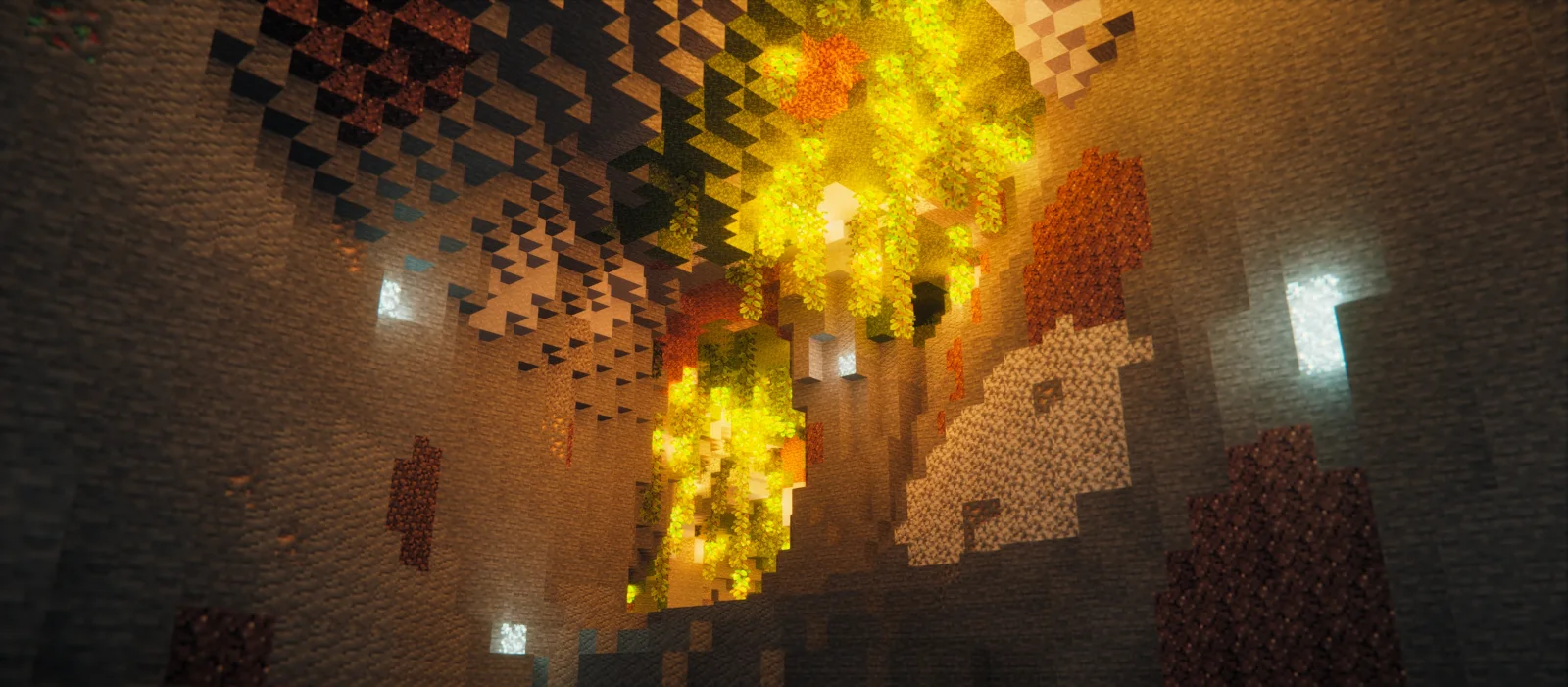
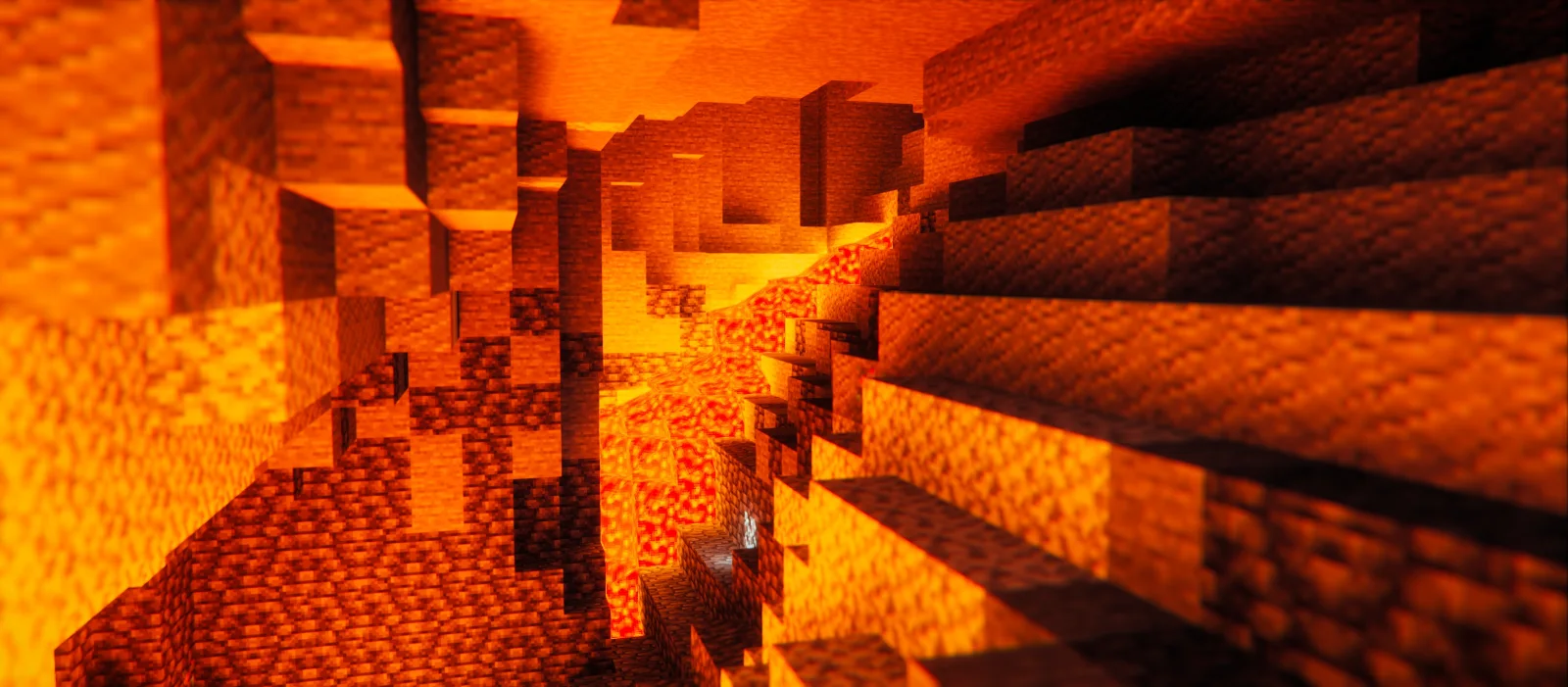
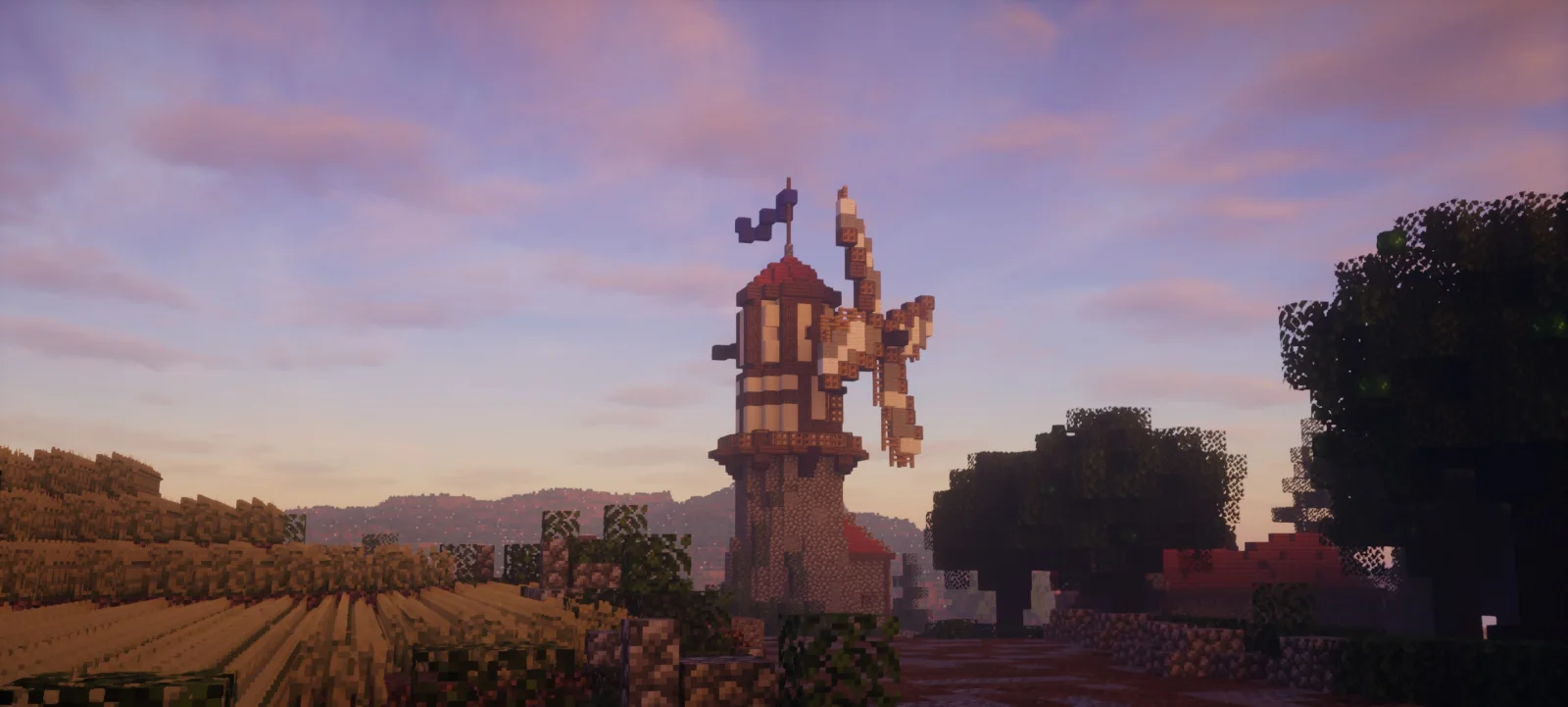
Soft Voxels Lite is a shader pack made by RRe36. A minimalistic and performant path-traced shaderpack.
It supports Minecraft 1.16 – 1.20. It has been downloaded 597,656 times on Modrinth. The last update came out on Jun 12, 2023.
Soft Voxels Lite has had 2 releases on Modrinth since May 11, 2023. None of them came out in the past year. The newest is 2.0, released on Jun 12, 2023. It is made for Minecraft 1.16 – 1.20.1. It runs on Iris and Optifine. The download is 2.0 MB.
| Version | Released | Minecraft | Type |
|---|---|---|---|
2.0 | Jun 12, 2023 | 1.16 – 1.20.1 | Release |
1.0a | May 11, 2023 | 1.16 – 1.19.4 | Release |
This is the free edition of my Soft Voxels Shaderpack, which intends to be a minimalistic and rather performant shaderpack that relies on voxels and path-tracing to give you some fast yet good looking lighting. This obviously also includes proper colored lighting from various emitters. As there is no actual shadowmap the direct light from sun and moon is rather soft, giving the pack its signature overcast outdoor-looks.
Written by RRe36. Read it with pictures on Modrinth.
Install Iris (with Sodium) or OptiFine for your Minecraft version: shaders need one of them.
Download the .zip file from Modrinth. Do not unzip it.
In Minecraft, open Options, then Video Settings, then Shader Packs, and click Open Shader Pack Folder.
Drop the .zip file into that folder, pick Soft Voxels Lite in the list and click Done.
Shaders are heavy on the graphics card. If the game gets slow, pick a lower profile in the shader settings.
Full guide: How to install Minecraft shaders
| Resource | Downloads | Versions | Last update | Price |
|---|---|---|---|---|
| Soft Voxels Litethe one you looked at | 598K | 1.16 – 1.20 | Jun 12, 2023 | Free |
| Zephyr StarlightKirilpro6284 | 19K | 1.21 | Feb 23, 2026 | Free |
 Serieclorece | 4,016 | 1.18 – 26.x | Jun 30, 2026 | Free |
 Rethinking Voxelsgri573 | 13.7M | 1.19 – 1.21 | Jun 20, 2025 | Free |
Not yet. The newest version it supports is Minecraft 1.20.
Yes. Soft Voxels Lite is free to download from Modrinth.
Yes. The last update came out in the past day.
The closest ones are Zephyr Starlight, Serie and Rethinking Voxels. Compare all alternatives
Zephyr StarlightShaders · 1.21Experimental real-time path traced shaderpack for Minecraft
SerieShaders · 1.18 – 26.xSerie is an experimental path-traced shaderpack for Minecraft Java Edition
Rethinking VoxelsShaders · 1.19 – 1.21[WIP] A gameplay shaderpack based on complementary reimagined that has coloured block light with sharp shadows
 Pastel ShadersShaders · 1.8 – 1.21
An aesthetic, performant pastel-colored shaderpack with multiple color presets.
 GlimmerShaders · 1.20 – 1.21
Glimmer is a Minecraft shaderpack designed to be simple and performant whilst maintaining a physically based and natural look.
 Dirt RTShaders · 1.20 – 26.x
A path tracing shaderpack for vulkanite mod, better than demo pack
Log in to leave a review.