
 UShaderShaders · 1.16 – 1.21
This shaderpack is basically just a loose recreation of an old SEUS Mod of mine, but without using any of its code.
Free692,025 downloads
Simple Minecraft shader without any trash in code
Direct download from Modrinth · 98,275 downloads
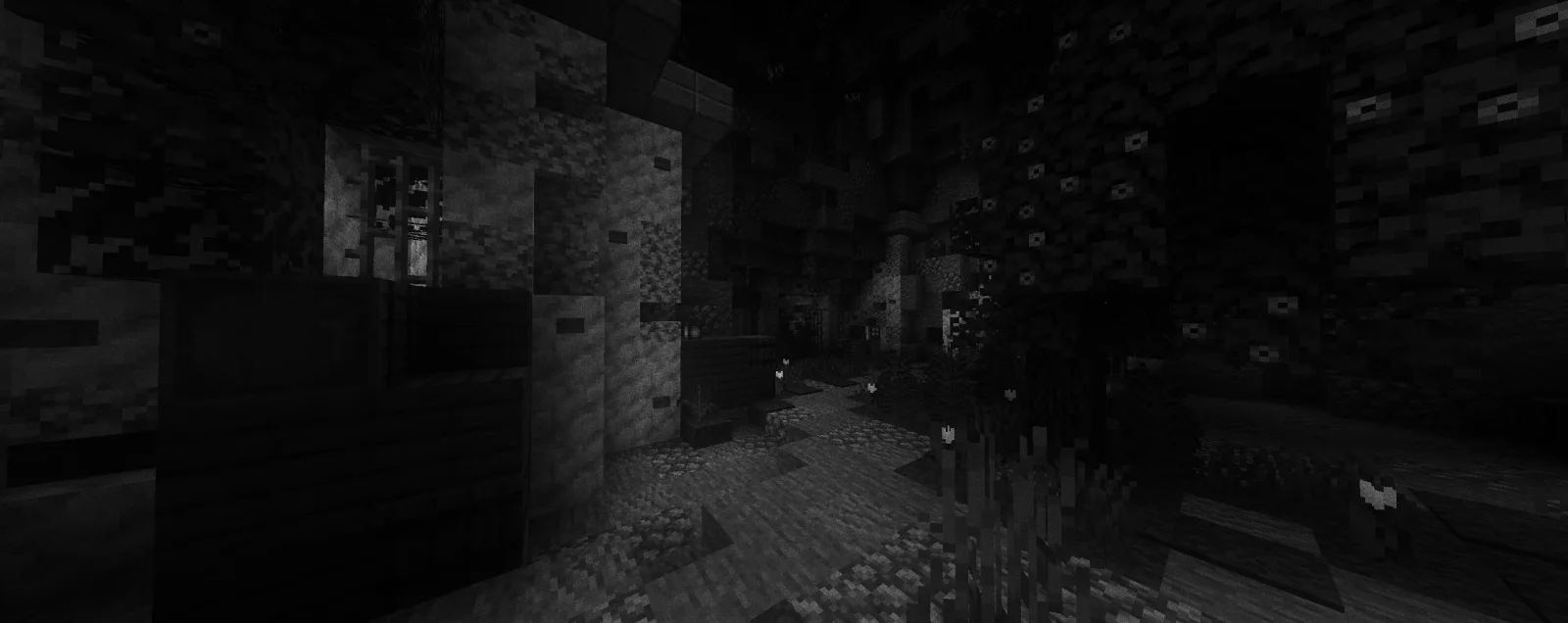
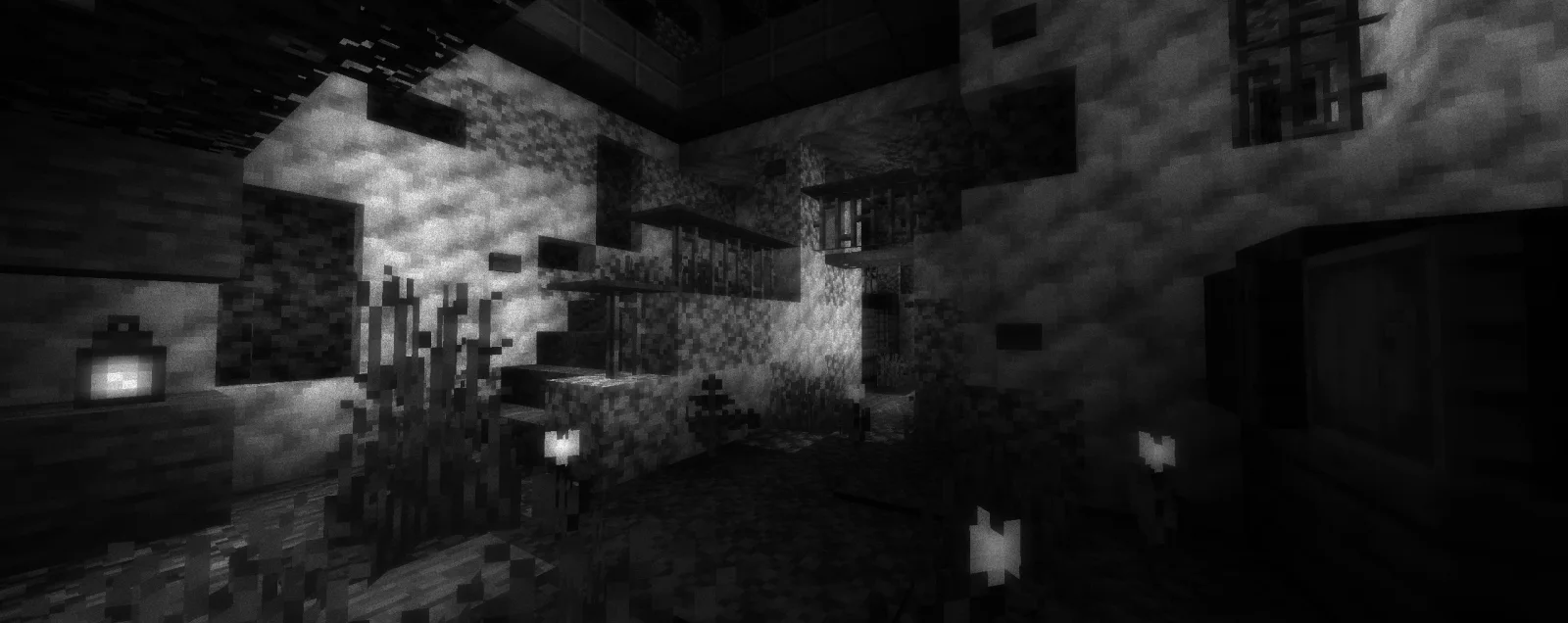
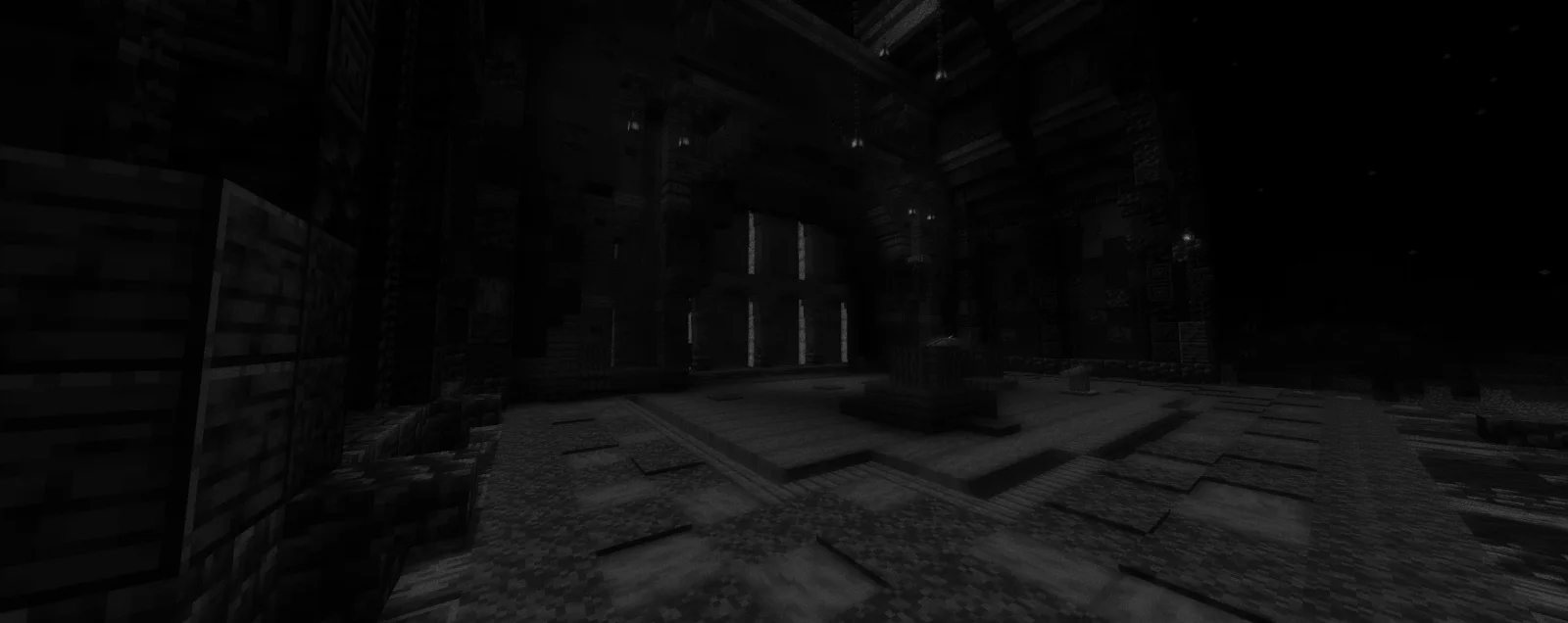
Lymbo Shader is a shader pack made by DorNell8. Simple Minecraft shader without any trash in code.
It supports Minecraft 1.19 – 1.21. It has been downloaded 98,275 times on Modrinth. The last update came out on Sep 15, 2023.
Lymbo Shader has had 3 releases on Modrinth since Aug 23, 2023. None of them came out in the past year. The newest is 1.2, released on Sep 15, 2023. It is made for Minecraft 1.19 – 1.21.1. It runs on Iris and Optifine. The download is 4 KB.
| Version | Released | Minecraft | Type |
|---|---|---|---|
1.2 | Sep 15, 2023 | 1.19 – 1.21.1 | Release |
1.1 | Sep 8, 2023 | 1.19 – 1.21.1 | Beta |
1.0 | Aug 23, 2023 | 1.19 – 1.20.1 | Release |
A simple Minecraft shaderpack that adds grayscale, bloom and noise effects. Explore a Minecraft world transformed by a scary shader of the unnatural. When you go into this gray world, you might feel curious. The landscapes you know from Minecraft look different now, covered in a ghostly covering of shades.
who sitting on V1.0 please update to the new version of the shader, as it does not work with Iris.
thank you for accepting my idea and using it for different scenarios and scenes
Written by DorNell8. Read it with pictures on Modrinth.
Install Iris (with Sodium) or OptiFine for your Minecraft version: shaders need one of them.
Download the .zip file from Modrinth. Do not unzip it.
In Minecraft, open Options, then Video Settings, then Shader Packs, and click Open Shader Pack Folder.
Drop the .zip file into that folder, pick Lymbo Shader in the list and click Done.
Shaders are heavy on the graphics card. If the game gets slow, pick a lower profile in the shader settings.
Full guide: How to install Minecraft shaders
| Resource | Downloads | Versions | Last update | Price |
|---|---|---|---|---|
| Lymbo Shaderthe one you looked at | 98K | 1.19 – 1.21 | Sep 15, 2023 | Free |
| UShaderRRe36 | 692K | 1.16 – 1.21 | Feb 28, 2025 | Free |
 EclipseShaderTaeVersePlayz | 42K | 1.12 – 26.x | Jul 21, 2026 | Free |
 Baked Potato ShadersGenWasTaken | 40K | 1.20 – 26.x | Oct 4, 2026 | Free |
Not yet. The newest version it supports is Minecraft 1.21.
Yes. Lymbo Shader is free to download from Modrinth.
Yes. The last update came out in the past day.
The closest ones are UShader, EclipseShader and Baked Potato Shaders. Compare all alternatives
UShaderShaders · 1.16 – 1.21This shaderpack is basically just a loose recreation of an old SEUS Mod of mine, but without using any of its code.
EclipseShaderShaders · 1.12 – 26.xTransform your Minecraft world with EclipseShader, a next-generation shader designed to deliver stunning visuals without sacrificing smooth gameplay
Baked Potato ShadersShaders · 1.20 – 26.xBaked Potato is a lightweight shader pack designed for players who want better visuals without sacrificing performance.
 Ancient DreamShaders · 1.12 – 1.21
A lightweight horror-themed shader that adds visual effects without compromising gameplay and performance.
 Wispy ShaderShaders · 1.8 – 1.21
One of if not the best peformance shader without compromising on customizability and visuals.
 Spirity Motion BlurShaders · 1.21 – 26.x
Ultra lightweight motion blur shader with zero FPS drop. Smooth visuals without performance loss.
Log in to leave a review.