
 Vanilletix ShadersShaders · 1.13 – 26.x
A shader pack that is created to improve the graphics of your game, leaving it in vanilla style
Free378,635 downloads
Makes Vanilla graphics reflective.
Direct download from Modrinth · 60,574 downloads
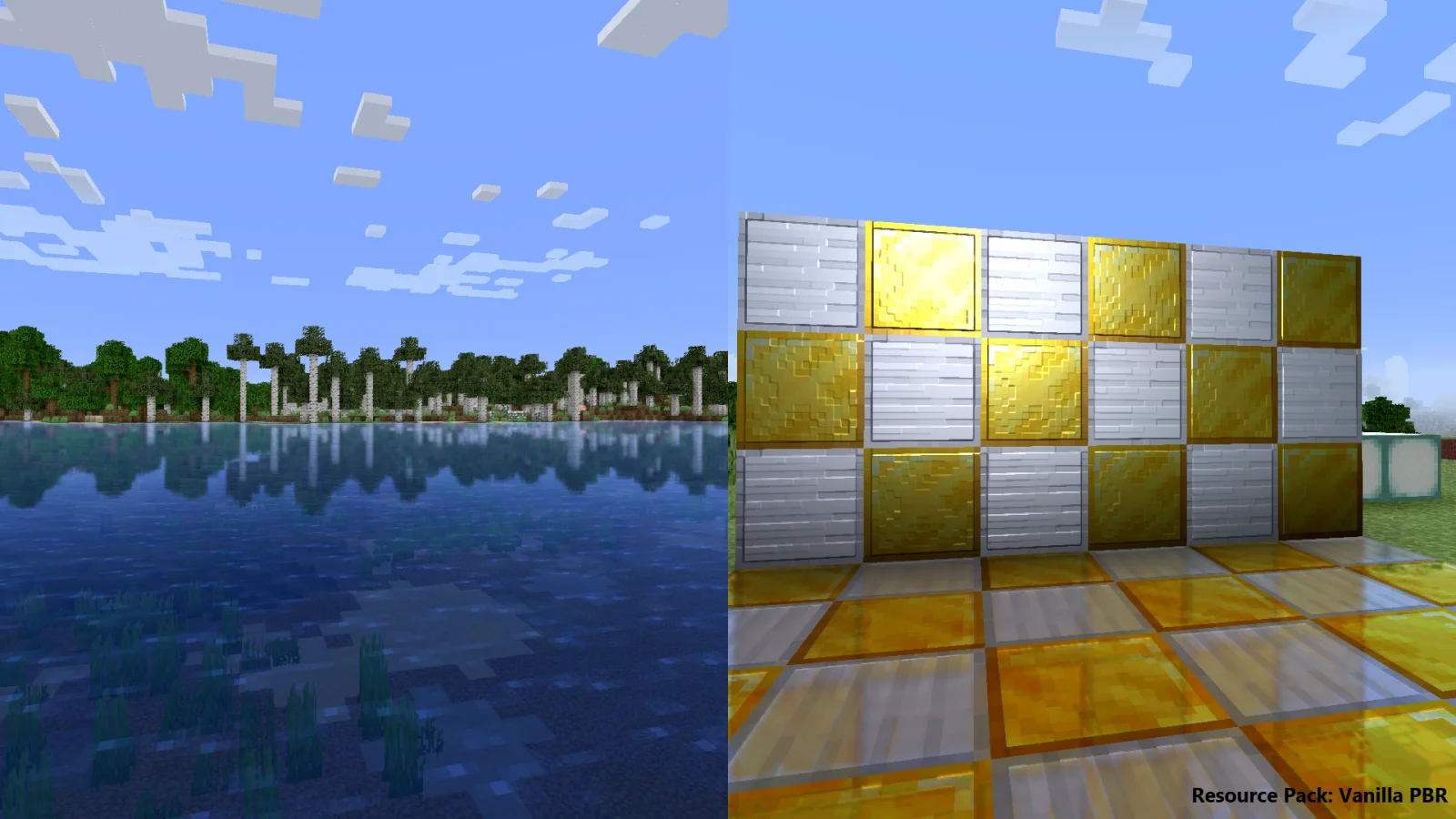
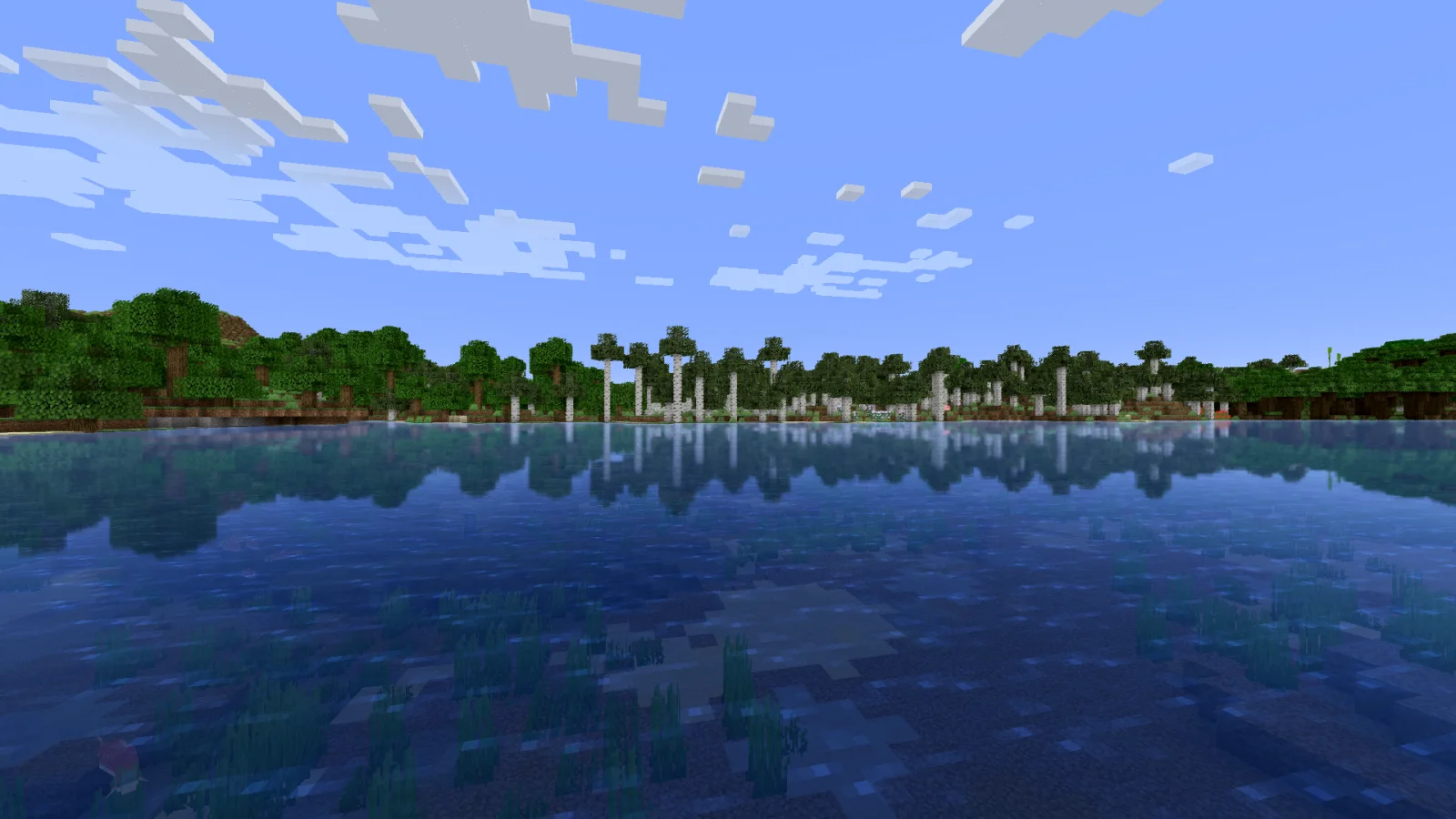
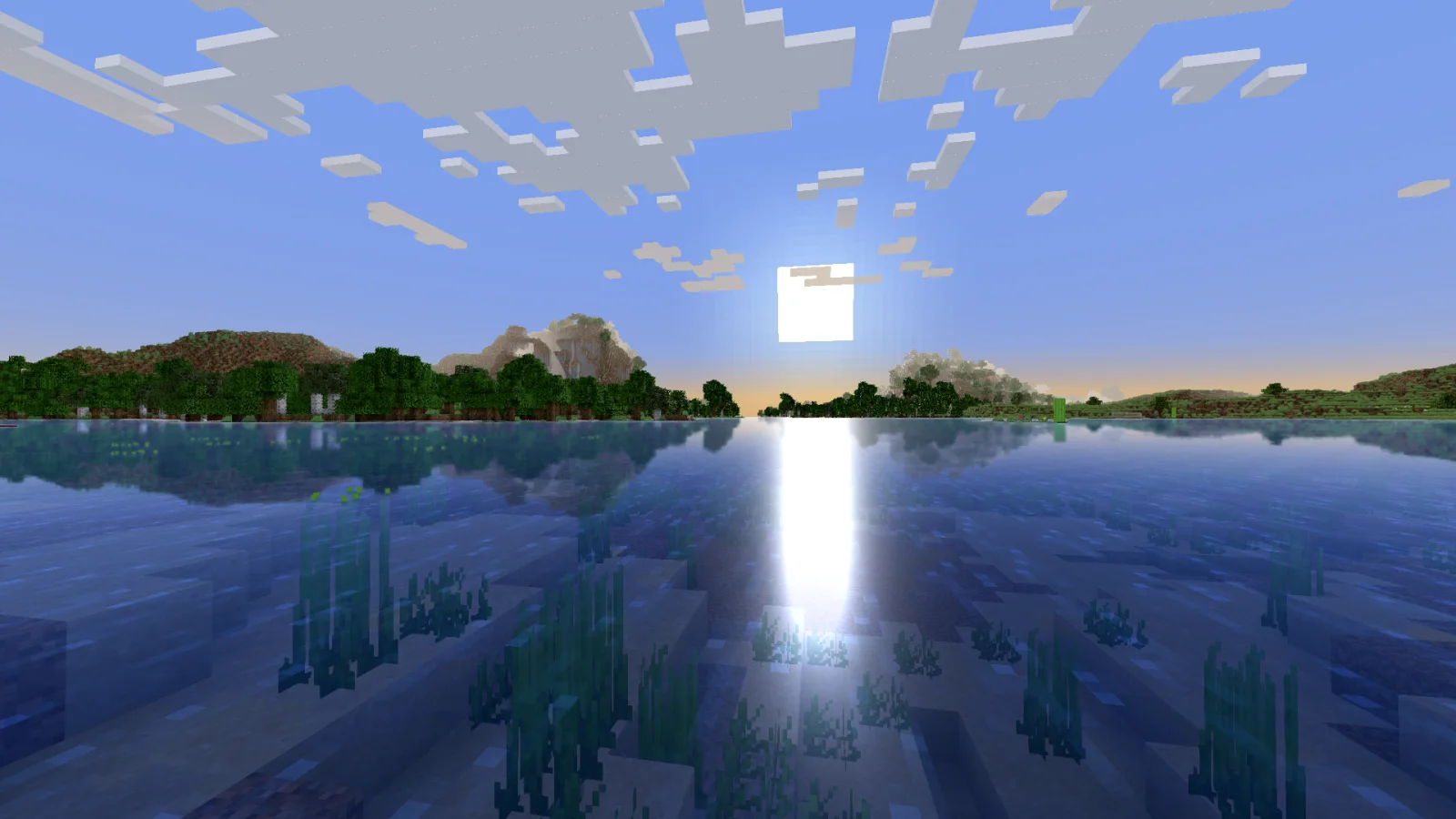
Reflective Vanilla Shaders is a shader pack made by Rin. Makes Vanilla graphics reflective.
It supports Minecraft 1.17 – 1.20. It has been downloaded 60,574 times on Modrinth. The last update came out on Jun 26, 2023.
The newest is 1.0, released on Jun 26, 2023. It is made for Minecraft 1.17 – 1.20. It runs on Iris and Optifine. The download is 25 KB.
| Version | Released | Minecraft | Type |
|---|---|---|---|
1.0 | Jun 26, 2023 | 1.17 – 1.20 | Release |
Reflective Vanilla Shaders is open source. Its newest release on GitHub is v1.0, published on Jun 26, 2023.
Initial Release.
Reflective Vanilla Shaders is a Shader Pack which makes Vanilla graphics reflective. The shader adds reflections, specular highlights, and blurs, with PBR (physically based rendering).
This project is totally free, but if you support me through your donations, I would be very pleased and would like to make them motivation of mine in the future.
Written by Rin. Read it with pictures on Modrinth.
Install Iris (with Sodium) or OptiFine for your Minecraft version: shaders need one of them.
Download the .zip file from Modrinth. Do not unzip it.
In Minecraft, open Options, then Video Settings, then Shader Packs, and click Open Shader Pack Folder.
Drop the .zip file into that folder, pick Reflective Vanilla Shaders in the list and click Done.
Shaders are heavy on the graphics card. If the game gets slow, pick a lower profile in the shader settings.
Full guide: How to install Minecraft shaders
| Resource | Downloads | Versions | Last update | Price |
|---|---|---|---|---|
| Reflective Vanilla Shadersthe one you looked at | 61K | 1.17 – 1.20 | Jun 26, 2023 | Free |
| Vanilletix Shadersara_mat | 379K | 1.13 – 26.x | May 11, 2026 | Free |
 ShaderificDawnKiro | 58K | 1.20 | Jul 21, 2023 | Free |
 Super Duper VanillaEldeston | 8.3M | 1.13 – 1.21 | Jul 8, 2025 | Free |
Not yet. The newest version it supports is Minecraft 1.20.
Yes. Reflective Vanilla Shaders is free to download from Modrinth.
Yes. The last update came out in the past day.
The closest ones are Vanilletix Shaders, Shaderific and Super Duper Vanilla. Compare all alternatives
Vanilletix ShadersShaders · 1.13 – 26.xA shader pack that is created to improve the graphics of your game, leaving it in vanilla style
ShaderificShaders · 1.20Simplistic yet stylish shaders for the vanilla client, enable Fabulous graphics options for the full experience!
Super Duper VanillaShaders · 1.13 – 1.21A shader pack created to convey the style of the cancelled Super Duper Graphics Pack and other popular Minecraft titles.
 Aurora's ShadersShaders · 1.20 – 1.21
Based on Complimentary Unbound, a beautifully colorful Vanilla+ shader meant for making the game look good while maintaining good performance and vanilla feel.
 ReShadedShaders · 1.20 – 26.x
Shaders with no mods or FPS loss. Compatibility with 26.1-1.20.5 Vanilla, Sodium, and other mods!
 Builder's QOL ShadersShaders · 1.12 – 1.20
A lightweight shader pack designed to enhance the vanilla aesthetic.
Log in to leave a review.